The Zoho Meeting Video Quality Crisis
I'm evaluating Zoho One for my business in Switzerland, and I must address a critical concern that threatens our potential adoption of the platform—the persistently poor performance of Zoho Meeting's video conferencing capabilities. In today's digital-first workplace, video conferencing isn't just another feature; it's the cornerstone of modern business communication, as essential as email for connecting with clients, conducting training sessions, and maintaining team cohesion across locations.
While Zoho One offers an impressive suite of integrated business tools, the video quality of Zoho Meeting remains significantly below the standards set by platforms like Zoom and Microsoft Teams. This isn't a new issue—I've discovered that customers have been reporting these same problems for four years without seeing meaningful improvements. The persistence of these issues, despite years of customer feedback, raises serious questions about Zoho's commitment to core business communication tools.
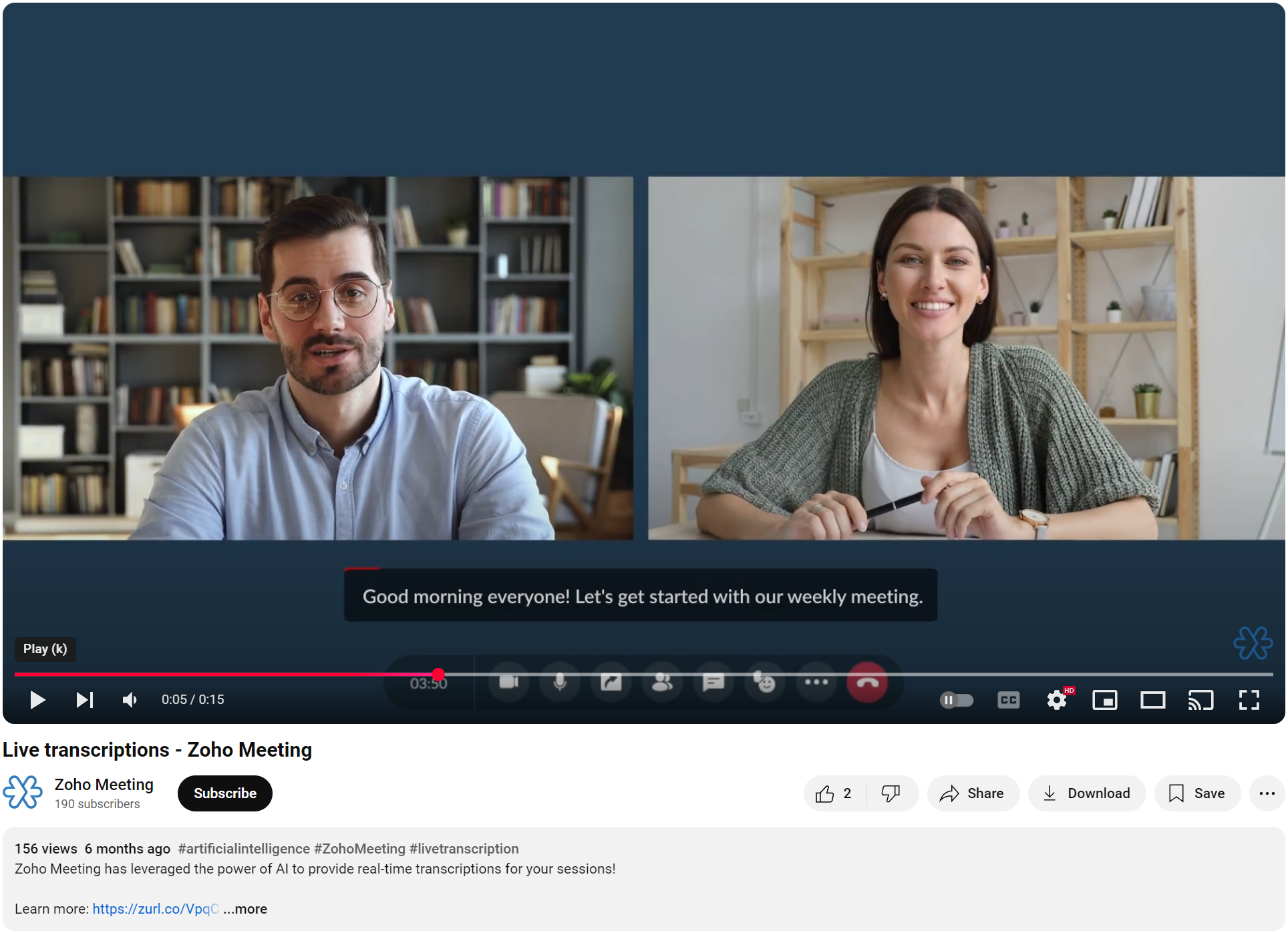
These performance issues go beyond mere inconvenience—they fundamentally undermine our ability to maintain professional communications. In our test calls, we've consistently experienced choppy video, delayed video, bad looking video, that make it impossible to consider Zoho Meeting as our primary video conferencing solution. For a company positioning itself as an enterprise-grade solution provider, the current state of Zoho Meeting is, frankly, damaging to Zoho's reputation and credibility.
Now, one might suggest simply bypassing Zoho Meeting and using alternative solutions. However, the continued presence of such an underperforming core business tool raises broader concerns about Zoho's strategic decision-making and quality standards. When a company maintains a subpar product in such a critical category, it inevitably casts shadows on the perception of their overall professional standards and technology capabilities.
This leads to a critical strategic question: Wouldn't it be more beneficial for Zoho to either forge strategic partnerships with leading video conferencing providers or redirect their resources toward building more robust integrations with platforms like Zoom and Microsoft Teams? This approach would demonstrate both business acumen and a clear understanding of enterprise needs, rather than continuing to offer a solution that falls so far short of market standards. Sometimes, acknowledging that a competitor has built a superior solution and focusing on seamless integration is a stronger strategy than maintaining a weak offering that damages your brand.
This situation requires immediate attention from Zoho's senior leadership team. The trust of your customer base, built through your other excellent products, is being eroded by what appears to be a lack of prioritization of this critical business tool. While your development team has undoubtedly worked hard, the lack of progress suggests this needs escalation to the highest levels of decision-making within Zoho.
I strongly urge Zoho's senior leadership to make this a top priority—whether that means committing the resources needed to bring Zoho Meeting up to competitive standards or pivoting to a partnership strategy that better serves your customers. The potential of Zoho One as a comprehensive business solution is remarkable, but in 2024, reliable video conferencing isn't optional—it's a make-or-break feature that influences the entire platform's viability for modern organizations.
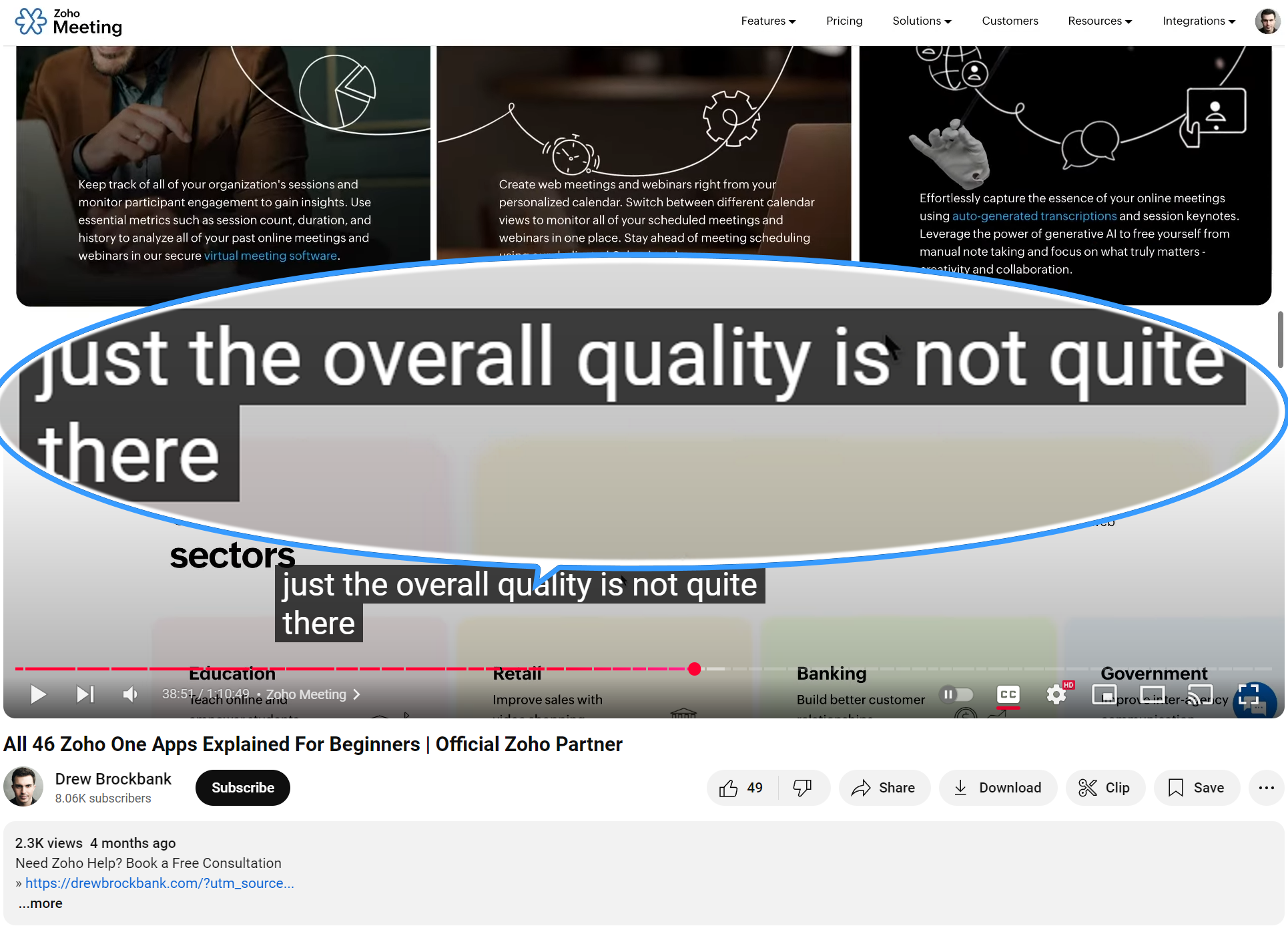
(link to the relevant part below):
Topic Participants
Remo Glanzmann
Balaji N
John
Peter123
gwigington
Sticky Posts
Zoho Meeting is included in Zoho One now!
Hello Everyone, For those who waited for the integration of Zoho Meeting with Zoho One, here is the good news. The integration has been completed and you can now add the Zoho Meeting application in your Zoho One portal. Edition included in Zoho One License You will get Enterprise plan of Zoho Meeting, using which you can host online meetings with up to 100 participants and webinars with up to 100 attendees. You will also get the cloud storage for 25 session recordings/user. Adding Zoho Meeting applicationZoho Meeting Updates: Bug Fixes in Meetings and Webinars, and Desktop App Enhancements
Hi there, We hope you are all safe and well. Following our previous feature release, we have added some enhancements and bug fixes for the improved functioning of Zoho Meeting. Let's take a look at last month's updates: Online meeting updates The microphone button remained active even when a user switched to phone audio. This issue has been fixed. An error caused the microphone status of participants to be wrongly displayed in the meeting toolbar and the attendees list.This issue has been fixed.V2.7: Introducing webinar co-organizers, enhanced screen sharing quality, choosing external webcam, region based dial-in number display and more.
Dear All, Here comes the new updates from Zoho Meeting that are recently rolled out! We 're introducing co-organizers in the webinar, done major improvements in screen sharing quality and more. Introducing co-organizers in the webinar You can now invite co-organizers to help you manage your webinar. Co-organizer can launch polls, answer questions, change presenters during the webinar, record webinar, view all attendees/staff and more. Learn more. Webinar CoOrganizers Enhanced screen sharing qualityLive webinar: A complete overview of Zoho Meeting
Are you looking for ways to engage and communicate with large audiences? Learn how Zoho Meeting can empower you from conducting online meetings with your team to hosting webinars for your sales leads. Join us for a live webinar this Thursday at 8:30 to 9:00 AM PDT. In this webinar, you will learn how to: Organize and host webinars Engage your audience with polls and Q&A Generate analytical reports Schedule and attend online meetings Record and share meetings and webinars Co-branding and user managementLive webinar: A complete overview of Zoho Meeting
Are you looking for ways to engage and communicate with large audiences? Learn how Zoho Meeting can empower you from conducting online meetings with your team to hosting webinars for your sales leads. Join us for a live webinar this Thursday. Here's what you can learn: Webinar scheduling and preparation Attendee interaction and engagement In-depth post webinar analytics Scheduling and hosting online meetings Managing your recordings Co-branding and user management Date: Thursday, March 29th, 2018
Recent Topics
What happens to my current site SEO if i opt for zoho creator?
I have an existing website and I need to use Zoho creators for the rapid creation of my webpage creation. Currently, my IT team is creating the web pages, but I am concerned about the SEO of my current website if I shift to zoho will i loose it all?Automatic Portal invite
We have numerous customers we move through a blueprint in deals, when they get to a certain point we need to give them portal access, how can this be done through deluge or a workflow?Preview Emails with Merge Fields before sending
Hello, Are there plans to preview an email with merge fields before sending out? Currently, all you see in the preview are the merge field values, but before I send out the email I want to make sure the merge is working. Also, the saved emails only showUser Filter not selecting All Items
We are encountering 2 issues when using the user filter. When users are trying to search using the filter option, the OK button is grayed out. Users have to unselect or make a change before it filters properly. 2. When filtering and the OK button works,Support Nested JavaScript Variables in PageSense Pop-up Targeting
Hello Zoho PageSense Team, I hope you're doing well. I’d like to request a feature enhancement for the PageSense pop-up targeting functionality. Current Limitation: Currently, PageSense pop-ups can be triggered using simple JavaScript variables. However,Cannot Invert Axis for Rankings
Hi there I want to be able to create a ranking graph in Analytics/BI, with 1 at the top of the Y axis, but I am unable to invert the axis. Super simple example in Excel below. Higher rankings need to be higher up on the graph to give the correct visualHow to copy value from a single line field into a picklist field within a module's subform?
Hello there, I have a single line field in a module's subform. I would like the value in the field to automatically update a picklist field within the same subform (both have items with the same names). Is this possible via function? Unfortunately, workflowsCommitted Stock and To Be Received Stock via API?
Is it possible to retrieve Committed Stock and/or To Be Received Stock for an Item via the API? I want to use this information for calculating the amount of inventory needed to be purchased.Creating Email template that attaches file uploaded in specific field.
If there's a way to do this using Zoho CRM's built-in features, then this has eluded me! I'm looking to create a workflow that automatically sends an email upon execution, and that email includes an attachment uploaded in a specific field. Email templatesMarketer’s Space - Automate a Personalized Holiday Workflow with Zoho Campaigns
Hello marketers, Welcome back to another post in Marketer’s Space! From Thanksgiving through Christmas, you have a flurry of opportunities to connect with your audience. In this post, we’ll see how you can plan an entire month-long automated workflowService Account Admin for API Calls and System Actions
Hello, I would like to request the addition of a Service Account Admin option in Zoho product. This feature would allow API calls and system actions to be performed on behalf of the system, rather than an active user. Current Issue: At present, API callsSorting columns in Zoho Projects
Hi, In project management best practice, sorting columns (ascending, descending) is an important tool. Sorting dates to see the order of tasks starting, sorting on priority or even on planned hours is a must for an efficient project control. Currently,Zoho CRM - Calendar Cards View - Let Users Decide What Is Displayed On Calendar Entries
Imagine planning your week of face-to-face meetings across three counties. You’re trying to group appointments by location to make the best use of your time, but Zoho CRM’s calendar doesn’t show where each meeting is happening. You’re left trying to rememberZoho Inventory - How to pay a supplier up front then receive multiple deliveries
How do we manage situations where we pay a supplier up front, then the receive the products in increments? Example Workflow: Create Purchase Order > Receive Bill for full amount > Receive Items 2 or more deliveries. Currently, once a Bill is created againstHow can I add or change the active customer in Zoho Projects?
I'm trying to change the customer in an active Zoho project. Is it possible to add or change the customer?What happens when someone clicks 'unsubscribe' in a zoho CRM email
Hello, As per, i am going round in circles trying to find an answer to these 2 question. I have an email template that has an unsubscribe link in the footer in zoho CRM. First, what happens when someone clicks it - where does the contact get unsubscribedZoho CRM - Scheduled Reports Which Contain Chart
Hi Zoho CRM Team, I'm requesting that the Report Export and Scheduling feature be enhanced to include a chart, if one has been created on a report. At the moment I have a report which shows Sales This Week by Deal Owner and a pie chart at the top of theCan I add Conditional merge tags on my Templates?
Hi I was wondering if I can use Conditional Mail Merge tags inside my Email templates/Quotes etc within the CRM? In spanish and in our business we use gender and academic degree salutations , ie: Dr., Dra., Sr., Srta., so the beginning of an email / letterCadences
I have just started using Cadences for follow-up up email pipeline. Is it just me or do you find the functionality very basic? For example, it will tell me (if I go looking for it) if someone has replied to a follow-up and been unenrolled; but it won'tCanvas View in Zoho Recruit
Is it possible or would it be possible to have the new 'Canvas View' in Zoho Recruit?Zoho Inventory - Move Orders
Quick question about Move Orders... Why is there no status to say something like "Draft", "In Progress" and "Completed", similar to Transfer Orders? I'm assuming that when something needs to be moved it should be planned in Inventory, executed and thenKaizen #215 - Workflow APIs - Part 3 - Create and Update Workflow Rules
Welcome back to another week of Kaizen! Over the last couple of weeks, we’ve joined Zylker Cloud Services as they review and improve their workflows. In Part 1, we discovered and audited their sprawling workflow landscape. In Part 2, we learned how toDataPrep Bigquery Connection failed
Hello everybody, I want to create a connnection beetwen Bigquery and Dataprep but when I try to connect my project I got this error Loading tables has failed. Table list fetched from the data source expired.Utilisation de Zoho en conformité avec l’article 286 du Code général des impôts (CGI)
Cher(e) client(e), Conformément à l’article 286 du Code général des impôts (CGI) impose aux entreprises assujetties à la TVA d’utiliser des systèmes de caisse ou de gestion commerciale certifiés lorsqu’elles enregistrent des ventes à des particuliers.Issue in Zoho People Regularization – Incorrect Hour Calculation
I have noticed that when applying attendance regularization in Zoho People for previous dates, the total working hours are not calculated correctly. For example, even if the check-in is 10:00 AM and check-out is 6:00 PM, the system shows an incorrectFree Webinar : Unlock AI driven business insights with Zoho Inventory + Zoho Analytics
Are you tired of switching between apps and exporting data to build customized reports? Say hello to smarter & streamlined insights! Join us for this exclusive webinar where we explore the power of the Zoho Inventory–Zoho Analytics integration. LearnAllow Multiple usage units to items while adding them to sales/purchase transactions
The usage unit of items added in zoho books are static right now and can not be changed. But certain items are received or sold in multiple usage units. One example is fabric. It can be bought in Meters, inches, kgs or other units. Another example wouldPO receive quantities
At last, Zoho has finally got around to allowing us to receive a larger qty than recorded in the PO :-) Saves us all from editing the PO's before receiving larger quantities ( usual for us ) ! It's still in "beta" but available upon request, I've testedAnalytics : How to share to an external client ?
We have a use case where a client wants a portal so that several of his users can view dashboards that we have created for them in Zoho Analytics. They are not part of our company or Zoho One account. The clients want the ability to have user specific,Reference Deal Categories in Deluge
Hello, Is there a way to reference Deal Category in deluge functions? So for our Deals, we have several different WON stages in a pipeline. Rather than type each stage into our functions, we'd like to be able to reference the Deal Category. SimilarUsers Name & Email in Reports
Hi, I would like to show the Users Name from their Zoho Acount in All Entries/Reports as well as the current Account Email. Thanks DanEmpowered Custom Views: Cross-Module Criteria Now Supported in Zoho CRM
Hello everyone, We’re excited to introduce cross-module criteria support in custom views! Custom views provide personalized perspectives on your data and that you can save for future use. You can share these views with all users or specific individualsWorkflow Creation with Zia gets stuck
It gets stuck here:Unable to Add Asset to Work Order Due to Different Contact and Company
Hello Zoho Team, I’m facing an issue in our environment related to asset linking in Work Orders. Here’s the situation: When our engineers go for field activities, they initially create the Work Order using the salesperson’s contact details. After completingI NEED MORE CUSTOM FIELDS!!!
Why can I only have 60 custom fields! It's not enough. I want another 100 extra custom fields to do what's necessary for my business! I'm sure I can't be the only one with this problem!!! How hard would it be to fix this? Just fix it for me please atZoho Webinar et Zapier : de la prise de rendez-vous aux relances — une automatisation performante
Organiser un webinaire réussi et gérer efficacement les participants peut être un véritable défi. Avec Zoho Webinar et Zapier, vous pouvez rendre vos processus plus simples. Vous gagnez du temps en automatisant les tâches répétitives. Résultat : une expérienceTicket Stages Report
From data to decisions: A deep dive into ticketing system reports Ticket stages refer to the series of transitions from the moment a support ticket is created until it is closed. It moves through various stages based on the actions taken at each preceding【参加無料】今年最後のZoho ユーザー交流会|東京・大阪・名古屋で開催! 活用事例&ユーザー同士の情報交換
ユーザーの皆さま、こんにちは。コミュニティチームの中野です。 11月に東京、大阪、名古屋の3都市でZoho ユーザー交流会を開催します! 毎回ご好評いただいている本イベントでは、実際の Zohoユーザーによるリアルな活用事例の共有や 参加者同士でノウハウを交換し合うグループワークを予定しています。 「他社の活用を参考にしたい」「Zoho をもっと使いこなしたい」方にぴったりの場です。 初参加の方もぜひお気軽にご参加ください! ーーーーーーーーーーーーーーーーーーーーーーーーーーーーーーーーーーーーーSlow Performance on desk.zoho.com. 11/3/2025
I’m not seeing any active service alerts for desk.zoho.com, but everyone on our account is currently experiencing very slow load times when opening or navigating tickets. We’ve already tried the standard troubleshooting steps — clearing cache and cookies,Create View to See Tickets Closed within the last 3 days
I'm trying to create a view in Zoho Desk that shows me "recently closed ticket," which I will define as tickets closed in the last 3 days. I want this view to update so that whenever I click to view it is recalculates and shows me tickets closed withinNext Page