The Zoho Meeting Video Quality Crisis
I'm evaluating Zoho One for my business in Switzerland, and I must address a critical concern that threatens our potential adoption of the platform—the persistently poor performance of Zoho Meeting's video conferencing capabilities. In today's digital-first workplace, video conferencing isn't just another feature; it's the cornerstone of modern business communication, as essential as email for connecting with clients, conducting training sessions, and maintaining team cohesion across locations.
While Zoho One offers an impressive suite of integrated business tools, the video quality of Zoho Meeting remains significantly below the standards set by platforms like Zoom and Microsoft Teams. This isn't a new issue—I've discovered that customers have been reporting these same problems for four years without seeing meaningful improvements. The persistence of these issues, despite years of customer feedback, raises serious questions about Zoho's commitment to core business communication tools.
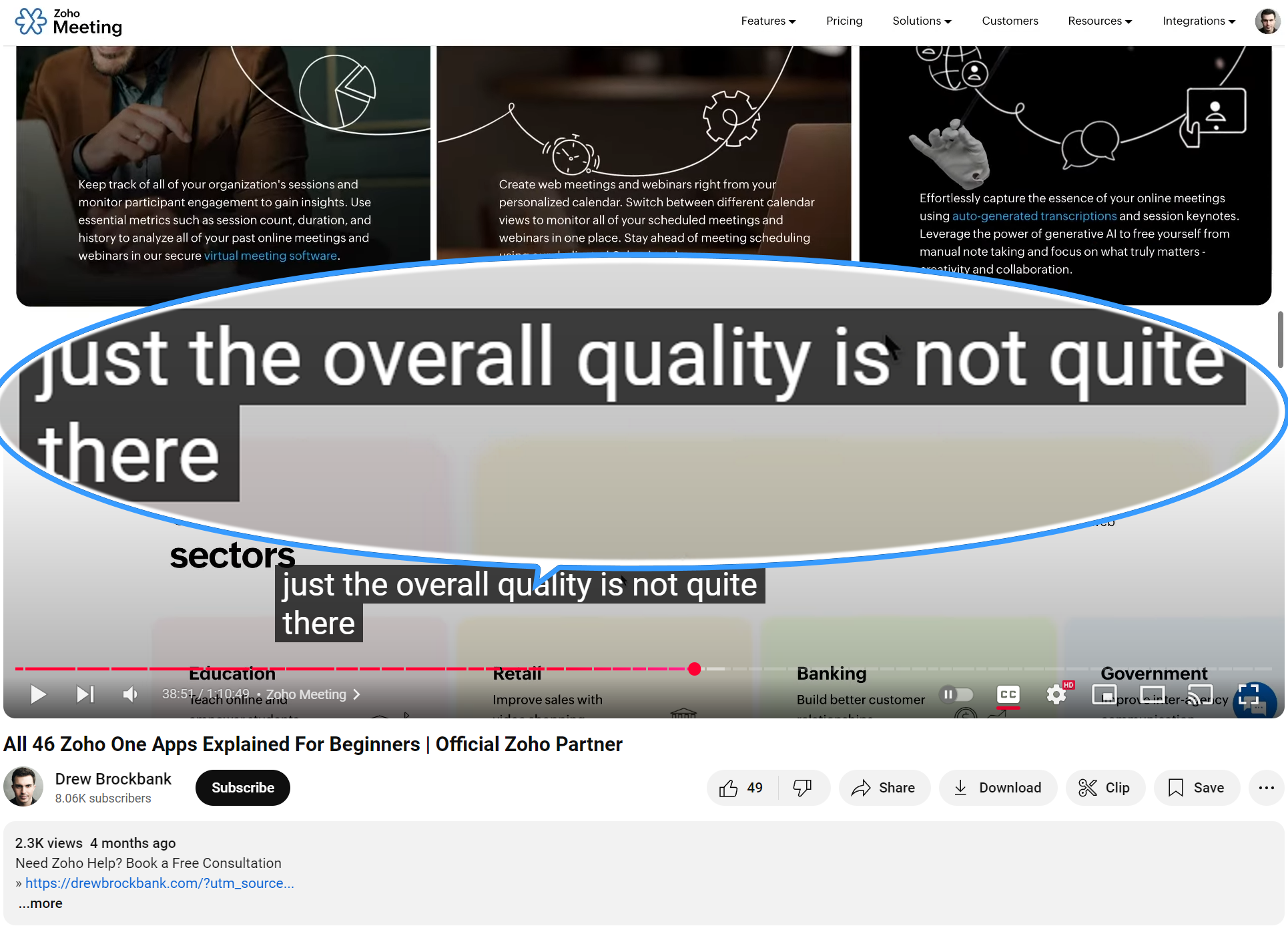
These performance issues go beyond mere inconvenience—they fundamentally undermine our ability to maintain professional communications. In our test calls, we've consistently experienced choppy video, delayed video, bad looking video, that make it impossible to consider Zoho Meeting as our primary video conferencing solution. For a company positioning itself as an enterprise-grade solution provider, the current state of Zoho Meeting is, frankly, damaging to Zoho's reputation and credibility.
Now, one might suggest simply bypassing Zoho Meeting and using alternative solutions. However, the continued presence of such an underperforming core business tool raises broader concerns about Zoho's strategic decision-making and quality standards. When a company maintains a subpar product in such a critical category, it inevitably casts shadows on the perception of their overall professional standards and technology capabilities.
This leads to a critical strategic question: Wouldn't it be more beneficial for Zoho to either forge strategic partnerships with leading video conferencing providers or redirect their resources toward building more robust integrations with platforms like Zoom and Microsoft Teams? This approach would demonstrate both business acumen and a clear understanding of enterprise needs, rather than continuing to offer a solution that falls so far short of market standards. Sometimes, acknowledging that a competitor has built a superior solution and focusing on seamless integration is a stronger strategy than maintaining a weak offering that damages your brand.
This situation requires immediate attention from Zoho's senior leadership team. The trust of your customer base, built through your other excellent products, is being eroded by what appears to be a lack of prioritization of this critical business tool. While your development team has undoubtedly worked hard, the lack of progress suggests this needs escalation to the highest levels of decision-making within Zoho.
I strongly urge Zoho's senior leadership to make this a top priority—whether that means committing the resources needed to bring Zoho Meeting up to competitive standards or pivoting to a partnership strategy that better serves your customers. The potential of Zoho One as a comprehensive business solution is remarkable, but in 2024, reliable video conferencing isn't optional—it's a make-or-break feature that influences the entire platform's viability for modern organizations.
(link to the relevant part below):
Topic Participants
Remo Glanzmann
Balaji N
John
Peter123
gwigington
Sticky Posts
Zoho Meeting is included in Zoho One now!
Hello Everyone, For those who waited for the integration of Zoho Meeting with Zoho One, here is the good news. The integration has been completed and you can now add the Zoho Meeting application in your Zoho One portal. Edition included in Zoho One License You will get Enterprise plan of Zoho Meeting, using which you can host online meetings with up to 100 participants and webinars with up to 100 attendees. You will also get the cloud storage for 25 session recordings/user. Adding Zoho Meeting applicationZoho Meeting Updates: Bug Fixes in Meetings and Webinars, and Desktop App Enhancements
Hi there, We hope you are all safe and well. Following our previous feature release, we have added some enhancements and bug fixes for the improved functioning of Zoho Meeting. Let's take a look at last month's updates: Online meeting updates The microphone button remained active even when a user switched to phone audio. This issue has been fixed. An error caused the microphone status of participants to be wrongly displayed in the meeting toolbar and the attendees list.This issue has been fixed.V2.7: Introducing webinar co-organizers, enhanced screen sharing quality, choosing external webcam, region based dial-in number display and more.
Dear All, Here comes the new updates from Zoho Meeting that are recently rolled out! We 're introducing co-organizers in the webinar, done major improvements in screen sharing quality and more. Introducing co-organizers in the webinar You can now invite co-organizers to help you manage your webinar. Co-organizer can launch polls, answer questions, change presenters during the webinar, record webinar, view all attendees/staff and more. Learn more. Webinar CoOrganizers Enhanced screen sharing qualityLive webinar: A complete overview of Zoho Meeting
Are you looking for ways to engage and communicate with large audiences? Learn how Zoho Meeting can empower you from conducting online meetings with your team to hosting webinars for your sales leads. Join us for a live webinar this Thursday at 8:30 to 9:00 AM PDT. In this webinar, you will learn how to: Organize and host webinars Engage your audience with polls and Q&A Generate analytical reports Schedule and attend online meetings Record and share meetings and webinars Co-branding and user managementLive webinar: A complete overview of Zoho Meeting
Are you looking for ways to engage and communicate with large audiences? Learn how Zoho Meeting can empower you from conducting online meetings with your team to hosting webinars for your sales leads. Join us for a live webinar this Thursday. Here's what you can learn: Webinar scheduling and preparation Attendee interaction and engagement In-depth post webinar analytics Scheduling and hosting online meetings Managing your recordings Co-branding and user management Date: Thursday, March 29th, 2018
Recent Topics
Reference lookup field values in Client script
hello all, I'm using a "ZDK.Apps.CRM.Products.searchByCriteria" function call, which is returning the matching records correctly; however, one of the fields is a lookup field which I need the associated data. I believe there is a way to get this dataIn App Auto Refresh/Update Features
Hi, I am trying to use Zoho Creator for Restaurant management. While using the android apps, I reliased the apps would not auto refresh if there is new entries i.e new kitchen order ticket (KOT) from other users. The apps does received notification but would not auto refresh, users required to refresh the apps manually in order to see the new KOT in the apps. I am wondering why this features is not implemented? Or is this feature being considered to be implemented in the future? With theEvery time an event is updated, all participants receive an update email. How can I deactivate this?
Every time an event is updated in Zoho CRM (e.g. change description, link to Lead) every participant of this meeting gets an update email. Another customer noticed this problem years ago in the Japanese community: https://help.zoho.com/portal/ja/community/topic/any-time-an-event-is-updated-on-zohocrm-calendar-it-sends-multiple-invites-to-the-participants-how-do-i-stop-that-from-happeningHow can I filter a field integration?
Hi, I have a field integration from CRM "Products" in a form, and I have three product Categories in CRM. I only need to see Products of a category. Thanks for you answers.How to implement new online payment gateway?
Hello, Can you tell me how to proceed to implement my local payment gateway? DIBS has an open avaiable API that should be easy to implement into ZOHO BOOKS. http://tech.dibspayment.com/dibs_payment_windowZoho CRM - Portal Users Edit Their Own Account Information
Hi Community, I'm working on a client portal and it seems like the only I can make the Account record editable to the Contact, is if I add another lookup on the Account to the Contact record. Am I missing something as the account already has a list ofConnecting Zoho Mail with Apollo.io
Hi, I am trying to connect my Zoho Mail account with my Apollo.io account to start sending cold email for prospecting purposes. I have activated the IMAP setting but I am still unable to connect to the Apollo account. I am using my email credentials butWhere does this report come from in the Zoho One ecosystems?
Is this directly from MA, Analytics or ??? ???Contact's title in "Contact Role Mapping"
When I'm creating a deal, I'd like to see the contacts title in the listing. Right now, I only see this: How can I get the contact's title in there?Zoho CRM - Client Portal - Hide Notes Related List
Hi Community, I'm building a customer portal and I can't find a way to hide the notes related list. I don't want the client to see the notes I have about them. Is there a way to do this as it is no bin/trash icon when I hover over."Pivot Table" Conditional Formatting
Team, I there a way to use conditional formatting a "Pivot Table" report? Thanks, Arron Blue Pumpkin Hosting | Solutions Made SimpleHow many clients can be added to Zoho Practice?
How many clients can be added to Zoho Practice without having their zoho app?Stage History
when viewing a ticket , and you look at stage history tab (kanban view) and look at the stage duration column in days, it shows the current stage of the ticket as " current stage ". Should it not rather show the amount of days it has been in that currentAutomating Ticket Responses Using Zoho Desk's AI Features
We’re looking to set up an automation within Zoho Desk that can analyze incoming emails or tickets and automatically respond with relevant knowledge base articles based on the content of the request. Could you please guide us on how to configure thisOptimising CRM-Projects workflows to manage requests, using Forms as an intermediary
Is it possible to create a workflow between three apps with traceability between them all? We send information from Zoho CRM Deals over to Zoho Projects for project management and execution. We have used a lookup of sorts to create tasks in the past,Service locations are tied to contacts?
Trying the system out. And what I discovered is that it seems that the whole logic of the app is, I'd say, backwards. There is a Customer - a company. The company has contact persons and service locations can be associated with different contact persons.Enhancements to Zoho Map integration tasks
Hello everyone, We're excited to announce enhancements to the Zoho Map integration tasks in Deluge, which will boost its performance. This post will walk you through the upcoming changes, explain why we're making them, and detail the steps you need toBug in Total Hour Calculation in Regularization for past dates
There is a bug in Zoho People Regularization For example today is the date is 10 if I choose a previous Date like 9 and add the Check in and Check out time The total hours aren't calculated properly, in the example the check in time is 10:40 AM checkNarrative 12: Sandbox - Testing without the risk
Behind the scenes of a successful ticketing system: BTS Series Narrative 12: Sandbox - Testing without the risk What is a sandbox environment? A sandbox environment is a virtual playground that allows you to test freely and experiment with various elementsAnnouncing new features in Trident for Mac (1.27.0)
Hello everyone! Trident for macOS (v1.27.0) is here with new features and enhancements to improve scheduling and managing your calendar events. Let's take a quick look at them. Stay aligned across time zones. Both the scheduled and original time zonesSlow uploads of large files
I'm wanting to use Workdrive for transferring large images and video (we're talking things from 100MB-5GB). I'm running solo on a 500MBit/sec fiber connection. I'm getting upload speeds to Workdrive of no more than about 1-3Mbytes/sec when going throughMigrate Your Notes from OneNote to Zoho Notebook Today
Greetings Notebook Users, We’re excited to introduce a powerful new feature that lets you migrate your notes from Microsoft OneNote to Zoho Notebook—making your transition faster and more seamless than ever. ✨ What’s New One-click migration: Easily importneed to upload from airtable to google drive
I have a zapier zap that automates between airtable and google drive. When a customer uploads a new file into airtable via a client portal interface, zapier uploads that file into a folder linked to that customer's project record. I need to replicateCan't delete functions that are associated with deleted workflow rules
We have a handful of functions that were once associated with a workflow rule, but the rule has been deleted. The function still thinks it is associated so I can't assign it to a new rule. It is starting to get really messy because we have a list of functionsDefault Sorting on Related Lists
Is it possible to set the default sorting options on the related lists. For example on the Contact Details view I have related lists for activities, emails, products cases, notes etc... currently: Activities 'created date' newest first Emails - 'createdCredit Management: #1 Credit You Owe vs Credits Owed to the Business
Think about the last time you ordered food online. You might have paid in advance through your card, but you received a $20 refund because your order got delayed or cancelled. In most apps, refunds don't go into the bank account directly; instead, they'reTip #46- Turn Every Session into an Insight with Zoho Assist survey report- 'Insider Insights'
Delivering exceptional remote support isn’t just about resolving issues, it’s about understanding how both customers and technicians experience each session. That’s where Survey Report in Zoho Assist come in. You can configure and customize survey questionsCRM/Bookings integration edits Contact names
Hi there, I've installed the extension that connects Zoho CRM and Zoho Bookings. When we get a new appointment from Bookings from an existing Contact, that Contact's record shows this: First Name was updated from asd to blank value Last Name was updatedDomain Change
“Please update my Email-in domain from @biginmail.biginmail.in to @biginmail.zoho.com. Messages to the .in domain are bouncing.”Webhooks Limit Exceeded
Today, I received an error message saying, 'Total number of Webhook call exceeded', but when I look at Manage > Billing, it doesn't look like any of my invokeURL calls are being logged. Following the advice from this thread: https://help.zoho.com/portal/en/community/topic/webhooks-daily-limits-in-zoho-creatorAuto select option in CRM after Zoho Form merge
Hi, I have a dropdown field in Zoho CRM that is filled with a Zoho Form. The data is filled but not automatically shown. After selecting the right value in the dropdown the information a second field is shown. So the question is; how can I make the dropdownBring your CRM data straight into your presentations in Zoho Show
Let's say you are working on a presentation about your team's sales pipeline for an upcoming strategy meeting. All the information you need about clients and leads is in Zoho CRM, but you end up copying details from the CRM into your slides, adjustingZoho People 2.0 Help Manual
Hello All, Zoho People Help Documentation is now available at this link. Please go through and get in touch with us at support@zohopeople.com in case of any questions. Regards, Hemalatha Chandrasekaran | Zoho PeopleIntroducing New APIs in Zoho Contracts
We are excited to announce the release of new APIs in Zoho Contracts to help you automate and manage every stage of your contract lifecycle more efficiently. Here’s a quick overview of what’s new: 1. Complete Contract Draft You can use this API to completeVimeo
For me Vimeo is the most important video social channel for media and filmmakers. Would others agree and like it added to Zoho Social.Delete a department or category
How do I delete a Department? Also, how do I delete a Category? This is pretty basic stuff here and it's impossible to find.Organization Emails in Email History
How can I make received Org Emails to show up here?How to setup pricing in Zoho
Hi everyone, I am relatively new here and have just moved from my old inventory system to the Zoho one. I am trying to get my head around how it all works. I am mostly setup connected to a shopify store, but I do manual sales also For manual invoicing,Prefilled Date fields auto-changed and then locked when using “Edit as new”
If a document out for signature has date fields (not SignedDate fields) that were pre-filled before sending, and then you use “Edit as new” to create a new version of the same document, the value of those date fields gets automatically changed to todayIs there a way to update all the start and end dates of tasks of a project after a calendar change?
Hi! Here's my situation. I've built a complete project planning. All its tasks have start dates and due dates. After completing the planning, I've realized that the project calendar was not the right one. So I changed the project calendar. I now haveNext Page