Cannot see correct DNS config for mail after moving domain to another provider
I have moved my domain from one provider to another and after that zoho mail stopped working (expected).
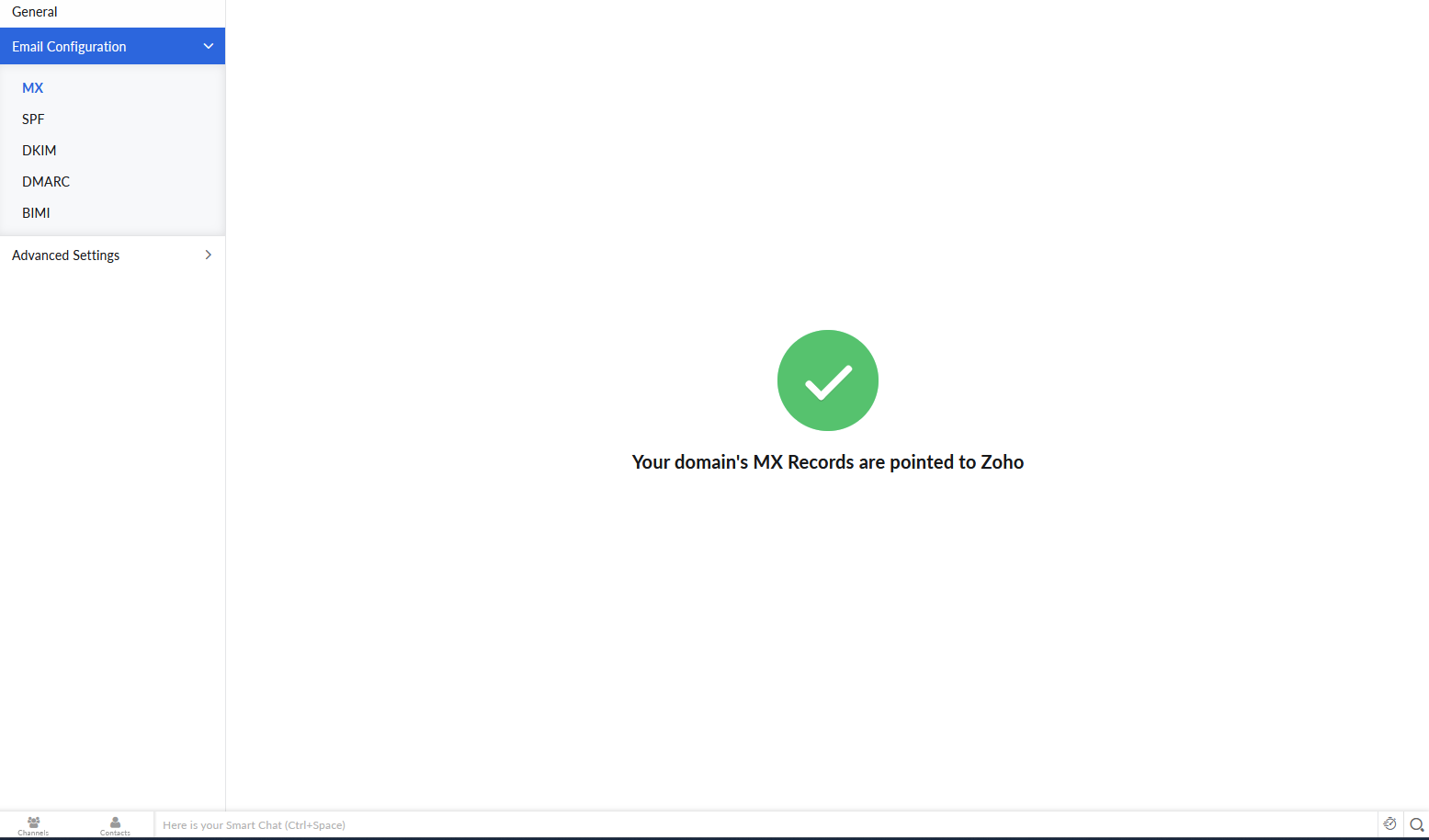
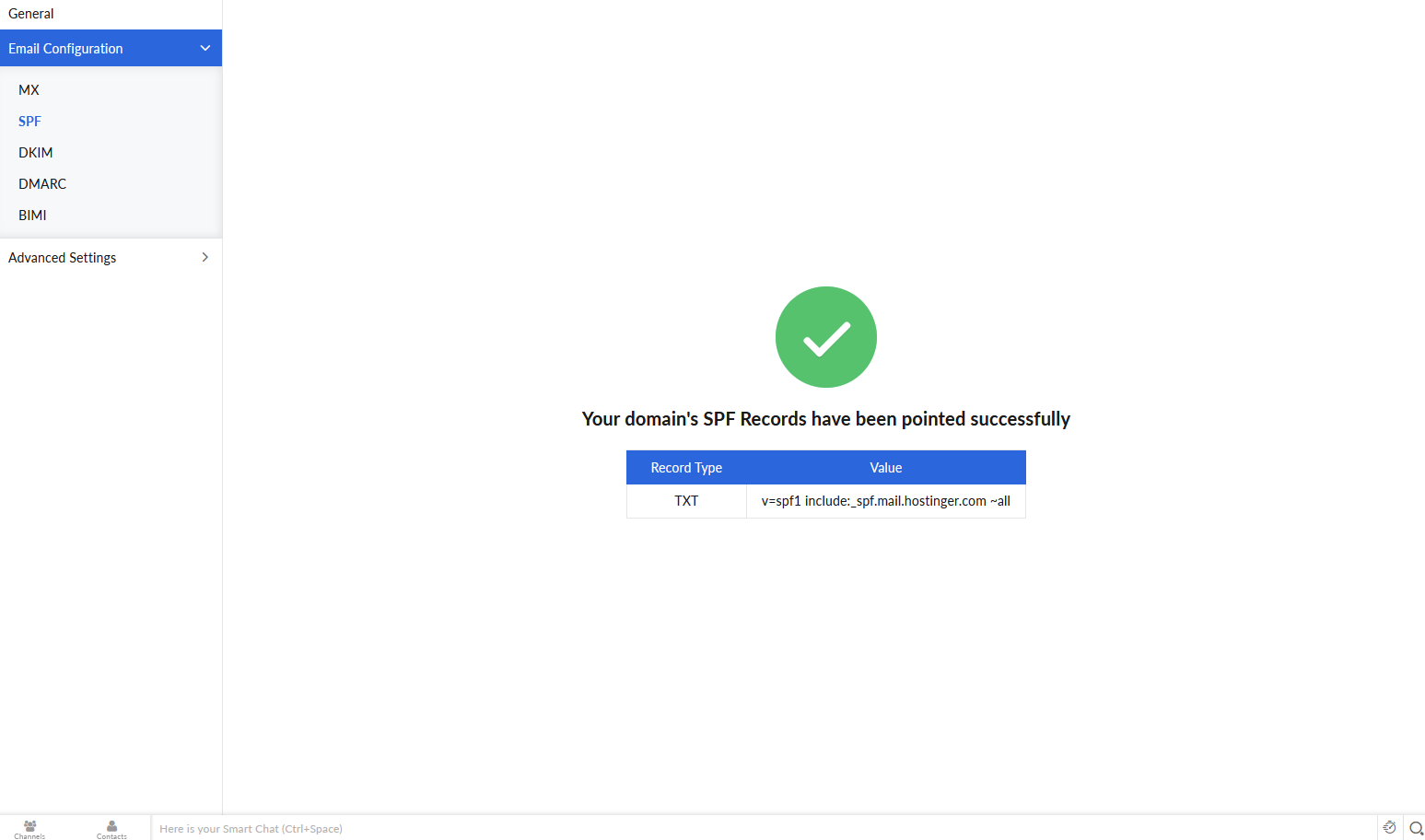
Problem is, zoho mail admin panel still shows (10 hours after move) that all records are correct while I haven't changed anything in my domain DNS records, MX records were pointing to domain provider's servers. I changed MX records to these, see this screenshot:
But that did not help, I don't even remember whether it should be `zoho.com` or `zoho.eu`. Not even talking about `TXT` and `CNAME` DNS config. I would like to have a possibility to at least find required zoho configuration, because now it's not possible (nonsense). My mail is down for more than 13 hours by this time. Help me find correct settings in zoho mail admin console that I should add to my domain's DNS config. Or add `re-verify` button somewhere...