Introducing LiveCast in Zoho Show
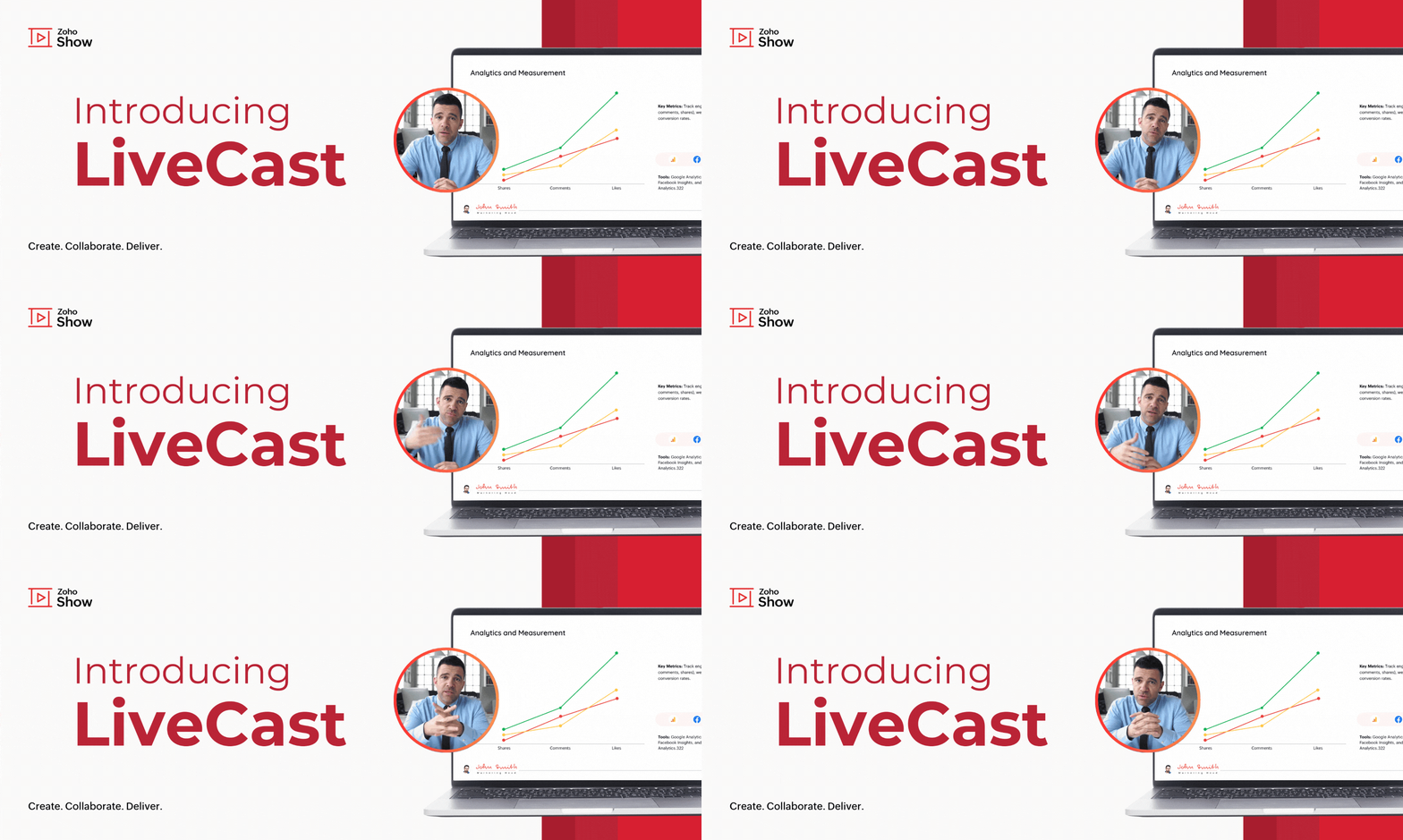
Introducing LiveCast in Zoho Show


As the world goes digital, the human touch in how we do things often fades away. In such a scenario, personal connections can make all the difference—whether you're pitching your next big idea, conducting team training, or delivering a client presentation.

One way to build these connections is by letting your audience see you while you present. To make this possible, we’re excited to introduce LiveCast in Zoho Show!

This feature enables you to display your live video in slides, ensuring your audience will be able to view your presence as well as your content.

To get this done, you first need to insert a camera shape into your slide.

How to insert a camera shape into your slide

Find this option under Media in the Insert pane at the top of your screen.

You'll also be able to customize the shape and background in this window before adding it to your slides. Click Insert to insert the camera shape into your slide.


You can modify these options later by clicking on the camera shape. This will open the Media tab under formatting options by default, where you can change the frame shape and background image.


When you start your slideshow, your video will be automatically displayed to the audience once you present the slide. This will be useful especially during the intro,

Q&A sessions, conclusions, and other slides with complex information.

Transform your presentations into interactive experiences using LiveCast. From now on, your audience won't just be looking at slides—they’ll see you, engage with your message, and connect on a personal level. Try it out and let us know what you think in the comments section below.


Refer to this help article to learn more about this feature.
    • Sticky Posts

    • Introducing Zoho Show extension in Your Chrome Browser

      Hi everyone, Over the years, Chrome's feature-rich support extensions have grown to offer additional ways to easily access your favorite tools from anywhere. Today, Zoho Show is excited to announce our integration with Google Chrome as an extension app to help build and access presentations directly from your browser.   Zoho Show for Google Chrome is a free extension that allows you to dive straight into drafting your presentation material. Simply install the Show extension from the Chrome Web Store
    • Take your presentations anywhere with the Zoho Show app for iOS

      We're excited to announce the launch of the Show app for iOS. Our new presentation app gives you the power to view and present slideshows on your iPhone and iPad devices wherever and whenever you want.   The Show iOS app has a host of features that will make your presentations engaging and dynamic: Access all your presentations with a single tap Sign in to your Zoho Show account to view your slides and deliver presentations on-the-go. The app stores all the presentations you've created in the My
    • Introducing All New Zoho Show - Create and Design Stunning Presentations.

      Hello,   Whether you're a first-time presenter or an expert looking to make a lasting impression, Zoho Show is the tool for you. Whatever your expertise, the All New Zoho Show's contextual user interface lets you create all kinds of slides, from plain text on a simple background to complex presentations with animations, tweets, charts, media files, and lots more.   The UI doesn't leave you to figure everything out yourself, but presents something you can easily use. It's clear, obvious, and intuitive.
    • Three smart ways to share your presentation with Zoho Show.

      "What is the best way to share a presentation?", a lingering question that is asked after every live session or a meeting. Sharing presentations can be time consuming. It can be done, either by attaching the file to an email or by saving it in a pen drive. But what happens when your file size is large or your team is spread across the globe? Zoho Show lets you share your presentations both internally and externally without worrying about the file size. You can share your slides as a link and decide
    • Convey Your Ideas and Convince Your Audience with Zoho Show

      Visual presentations are highly impactful and it is a no-brainer that your audience gets attracted to them. The use of images and videos help you reach your objectives by emphasizing your ideas more effectively.  According to the psychologist Jerome Bruner of New York University, "people only remember 10% of what they hear and 20% of what they read, but about 80% of what they see and do." For example, if the above data on its own, was presented visually, there is an 80% chance that the information
    • Recent Topics

    • Cloning Item With Images Or The Option With Images

      Hello, when I clone an item, I expect the images to carry over to the cloned item, however this is not the case in Inventory. Please make it possible for the images to get cloned or at least can we get a pop up asking if we want to clone the images as
    • Cliq iOS can't see shared screen

      Hello, I had this morning a video call with a colleague. She is using Cliq Desktop MacOS and wanted to share her screen with me. I'm on iPad. I noticed, while she shared her screen, I could only see her video, but not the shared screen... Does Cliq iOS is able to display shared screen, or is it somewhere else to be found ? Regards
    • Zoho Books | Product updates | May 2026

      Hello users, We're back with the latest updates and enhancements we've rolled out in Zoho Books. From sales tax automation to scanning receipts for free, explore the updates designed to upgrade your bookkeeping experience. Sales Tax Automation [US & Canada
    • Blueprint Not Triggering When Lead Status Is Updated by Workflow (IndiaMART Integration)

      I have set up a blueprint that triggers when a lead’s status is “New Lead.” Our CRM is integrated with IndiaMART, and when leads are created from IndiaMART, their Lead Status is initially set to None. To handle this, I created a workflow that automatically
    • Zoho Books | Product updates | June 2026

      Hello users, Welcome to this month's roundup of what's new in Zoho Books! We have an exciting line-up this time. The highlight is the launch of the all-new France Edition with full ISCA compliance. We're also introducing features such as Layout Rules
    • Cloning a View

      When I clone a View, it doesn't make a copy; it only creates a new copy with the same default fields as if I were creating a new view. What is the purpose of cloning if it doesn't bring in the same fields? Thanks Rudy
    • Does Zoho Learn integrate with Zoho Connect,People,Workdrive,Project,Desk?

      Can we propose Zoho LEarn as a centralised Knowledge Portal tool that can get synched with the other Zoho products and serve as a central Knowledge repository?
    • Request to Update Billing Information and Payment Method

      Hello, I’m using Zoho and I would like to update the billing information and change the payment card to our company card. Could you please let me know how I can do this? Thank you in advance for your help.
    • Zoho Analytics "Esc" key problem

      I frequently use the Escape (Esc) key while building dashboards, reports, and writing SQL queries. Since the recent updates to Zoho Analytics, the Esc key no longer behaves as expected. When writing SQL queries, pressing Esc to dismiss a suggestion now
    • Zoho Analytics Filter Bug

      I encountered a bug where typing the letter "A" in the drop-down filter of a table or query table causes the drop-down to close unexpectedly. For example, when typing "Today", the drop-down list closes as soon as "a" is entered. I tested this on another
    • Zoho CRM Kiosk question – Passing Screen Fields to a Function

      I am building a Kiosk in Zoho CRM to create new Supplier (Vendors) records. Current setup: Screen 1 contains user input fields: Supplier Name (Vendor_Name) First Name (First_Name) I created a Deluge function: createSupplier(vendor_name, first_name) The
    • Using Email Triggers on Zoho Flow

      Hello, I'm sending the email to create the variables as this article says: https://help.zoho.com/portal/en/kb/flow/user-guide/create-a-flow/articles/email-trigger#How_email_trigger_works But the collection of the variables only seems to work when the
    • Number of Reopn

      Hi Zoho, Is there any appropriate API call for This URL "http://support.zoho.com/api/v1/dashboards/reopenedTickets?...." what I thought is the resulting output of this call has data for number of reopen... "https://desk.zoho.com/api/v1/tickets/" + Ticket_ID
    • How to customize the "Placeholder Text" separately from the "Field Label" on the Booking Form?

      Hi, I am currently customizing the Booking Form for one of my Workspaces in Zoho Bookings, and I need some help adjusting a custom text field. Right now, when I create a custom text field, the gray "placeholder text" inside the text box automatically
    • What's New in Zoho Inventory | April & May 2026

      Hello users, We're excited to roll out the latest Zoho Inventory updates for April and May 2026. These enhancements are designed to make your daily operations smoother and more efficient, from advanced inventory management and flexible pricing to automated
    • Introducing Spotlight Forms

      Hey form builders! If someone opens your form, sees the wall of fields ahead, and quietly closes the tab. It may not be because the questions were hard. It could be because the experience felt like too much. Which is why we have now introduced a new form
    • Workflow Assistance in Zoho CRM

      Our client's sales team visits customers on-site and currently fills a physical paper form to capture customer details, and then separately re-enters the same data into Zoho CRM via the mobile app — resulting in double data entry. We want the salesperson
    • Related products & AI product recommendations through commerce API.

      Hello Zoho team I’m looking to add related products and AI product recommendations to my Zoho Commerce webshop with custom storefront. Is this supported through the API? And if not, is this on your roadmap? Thanks in advance David
    • Why don't Zia agents support file uploads?

      I am trying to build a Zia Agent that allows uploading of a PDF file and uses the GLM5 model to process it and extract information. But agents.zoho.com has no way to enable file uploads on the agent. Additionally, GLM5 based agents keep outputting their
    • Pasting Images in Zoho Desk ignores cursor location

      My team has reported an issue which started recently where when we paste an image into a new or existing reply or comment, the pasted image seems to ignore the current cursor location instead paste itself at the last character present in the reply/comment,
    • 'Pinned' notes feature of a pipeline record

      Hi team, Could you please implement a feature which will allow users to pin different notes so that they will appear at the very top of the notes tab in a pipeline record. Sometimes we have a wide range of notes on a record which means more important
    • Canvas Detail View Related List Sorting

      Hello, I am having an issue finding a way to sort a related list within a canvas detail view. I have sorted the related list on the page layout associated with the canvas view, but that does not transfer to the canvas view. What am I missing?
    • Announcing new features in Trident for Mac (1.37.0)

      Hello everyone! We’re excited to introduce the latest updates to Trident, which are designed to take workplace communication to the next level. Let’s dive into the details. Import EML archives directly into Trident. You can now import EML archives into
    • Zia Agent activation in Zoho Desk forces new Organization creation instead of deploying to existing one

      While attempting to complete the deployment and activation sequence of a new Zia Agent within our existing Zoho Desk environment, the activation process failed on the user interface, throwing a generic error (see print). However, despite the activation
    • #10 Bill While You Sleep

      A consultant is reviewing last month's work. Client meetings? Done. Deliverables? Sent. Support requests? Resolved. Then they realize something. "I have completed the work... but I haven't billed the client yet." The work was completed. The client was
    • Team Module Issues?

      We are testing Team Licenses for use by our Customer Service staff. I created a Teamspace called CSR and only assigned two users to this space: Administrator (me) and “Team License Test.” Team License Test is assigned to the Team User profile, with a
    • Access images from form submission in power automate

      Images from form submission show up as links in power automate. How do I access the image data?
    • Forms cannot be accessed.

      https://forms.zoho.com/ is not available, please help to fix
    • Associate records via the Multi-select lookup RELATED LIST via API

      In the REST API, is there a way to associate records for a multi-select lookup related list other than via the linking module? There are two methods for the lookup: 1. via insert records API 2. via the linking module ...as described in https://help.zoho.com/portal/en/community/topic/kaizen-125-manipulating-multi-select-lookup-fields-mxn-using-zoho-crm-apis
    • Problem with CRM Connection not Refreshing Token

      I've setup a connection with Zoom in the CRM. I'm using this connection to automate some registrations, so my team doesn't have to manually create them in both the CRM and Zoom. Connection works great in my function until the token expires. It does not refresh and I have to manually revoke the connection and connect it again. I've chatted with Zoho about this and after emailing me that it couldn't be done I asked for specifics on why and they responded. "The connection is CRM is not a feature to
    • How do I post a new question in Zoho Community forums?

      Hi everyone, I’m new to the Zoho Community and I’m trying to figure out how to properly create and publish a new topic in the forum. When I visit the community page, I can’t clearly find the option like “Add Topic” or “Post Question.” Could someone guide
    • Kaizen #245 - Real Time Signal Alerts for High-Value Abandoned Checkouts

      Howdy, Tech Wizards! Welcome back to another week of Kaizen. In this post, we will build a real-time abandoned checkout notification system using Stripe, Zoho CRM Functions, Sales Signals, and Widgets. When a customer abandons a high-value purchase, Zoho
    • Unable to attach Fillable File Upload field to Merge Template ever since UI update

      Ever since the new UI update, the field for Attachments for sending document for Signing in Writer has had an issue where trying to add a Fillable item in the Attachment field ends up always becoming a "Choose a File From Drive" option instead. No matter
    • Latest updates in Zoho Meeting | An improved Analytics tab and user interface, an invite pop-up revamp, an enhanced Zoho Meeting iOS app, a recording feature in the Android app, and more

      Hello everyone, We’re excited to share a few updates and enhancements in Zoho Meeting. Here's what we've been working on lately: Improved analytics for meetings, an invite pop-up revamp, a multi-video feed interface in the iOS app, a recording feature
    • Inquiry Regarding Automated Assignment of Zoho TeamInbox Messages using Zoho Flow and Deluge

      Hello, Our company is currently using Zoho TeamInbox, and we are interested in automating the assignment of responsible parties using tools such as ZOHO Flow and Deluge. Is it possible to achieve this? Allow me to provide more details. Currently, when
    • Kaizen #125 Manipulating Multi-Select Lookup fields (MxN) using Zoho CRM APIs

      Hello everyone! Welcome back to another week of Kaizen. In last week's post in the Kaizen series, we discussed how subforms work in Zoho CRM and how to manipulate subform data using Zoho CRM APIs. In this post, we will discuss how to manipulate a multi-select
    • [Bug] WebAuthn passkey registration blocked on rpIds with TLDs longer than 6 characters (.accountant, .technology, etc.) — isValidDomain regex too strict

      Hi, Filing on behalf of an enterprise customer where Zoho Vault is deployed across the company. The Chrome extension blocks WebAuthn passkey registration on legitimate sites whose Relying Party ID (rpId) has a TLD longer than 6 letters. This affects every
    • Celebrating the businesses behind Bigin: Customer Awards 2026

      Hello Biginners, We're excited to announce the very first Bigin Customer Awards! If Bigin has played a role in your organization's journey, we'd love to hear about it. Share your story for a chance to be recognized among the best Bigin users across industries.
    • Client Script Button in Related List become invalid

      Hi, I am the admin of our organization. And I setup a client script button in related list to raise payment refund request While this button become non selectable recently. I believe there is something wrong from zoho as this button had run for a year.
    • Send Email Directly to Channel

      Hi, We are coming from Slack. In Slack each channel has a unique Email address that you can send emails too. I currently forward a specific type of email from my Gmail InBox directly do this channel for Verification Codes so my team doesn't have to ask
    • Next Page