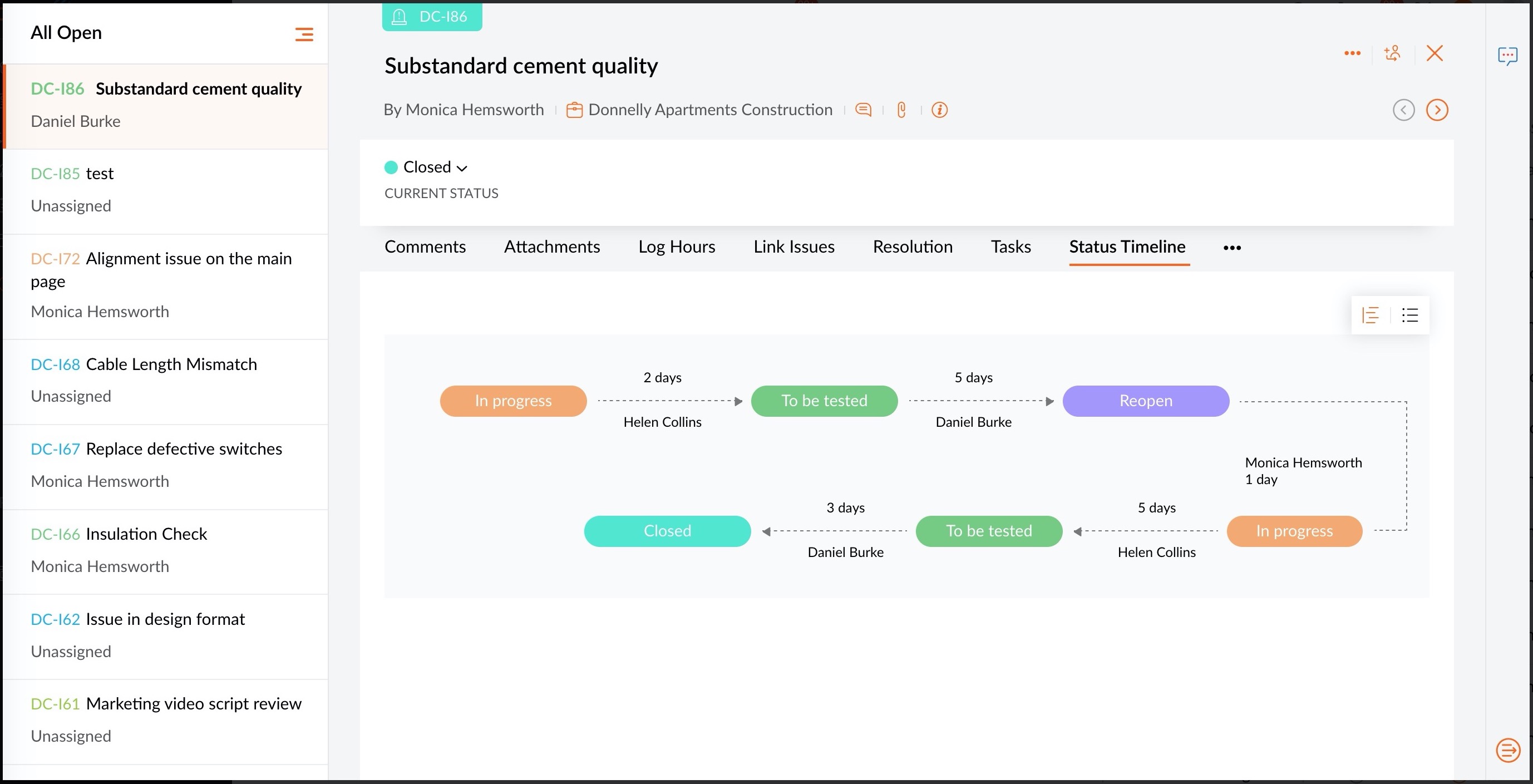
Issue Status Timeline in Zoho Projects
Issue Status Timeline is a visual display of your issue's status updates. You can track the status of your issue by knowing when and who made the updates. Depending on your preference, these updates can be viewed either as a timeline or a list view.
For instance, if you want to know the total time taken for testing a closed issue, you can check the number of days between "To be tested" and "Closed" status updates. Using the status timeline, you can also view the user who updated the status. The timeline can be exported from the issue details page.