Prepopulating Fields
Hello,
I have a form (Assets) with 2
lookup fields:
- Client (from Clients)
- Site (from Client Sites)
I modified the code (highlighted in red below), so the Site
dropdown shows the list of sites related to the Client.
- must have Client_Site(type = picklistdisplayname = "Client Site"values = sites[Customer_Name == input.Customer].IDbidirectional = Site_Assetsdisplayformat = [Site_Name]sortorder = ascendingrow = 1column = 1width = medium)
This change works fine when I
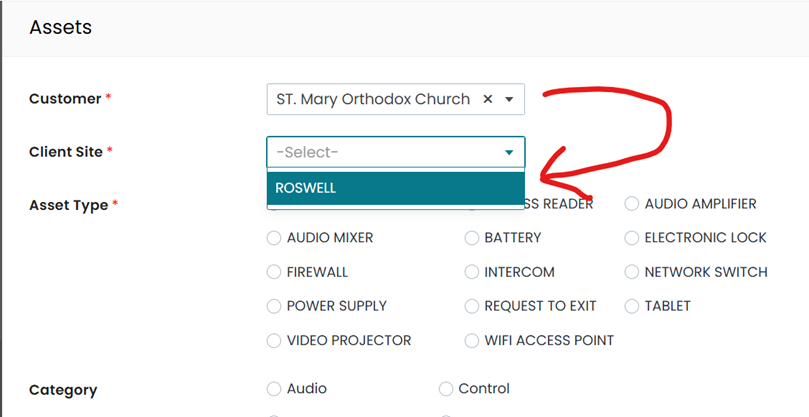
open the ASSET form and select a client from the dropdown list.
The Sites then gets filtered
by the client's ID:
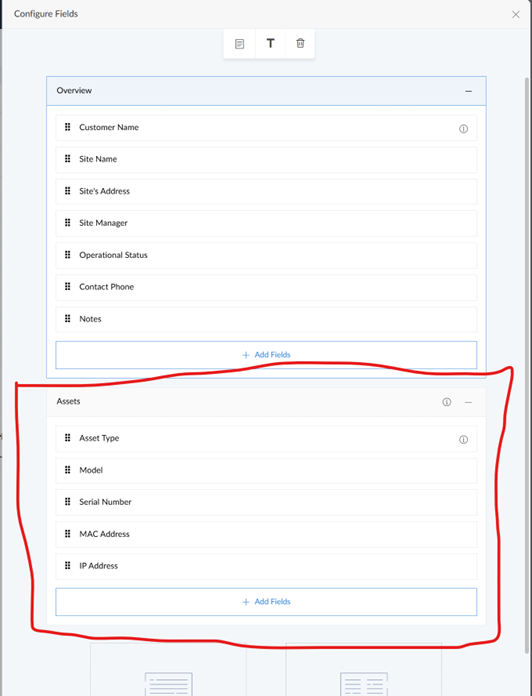
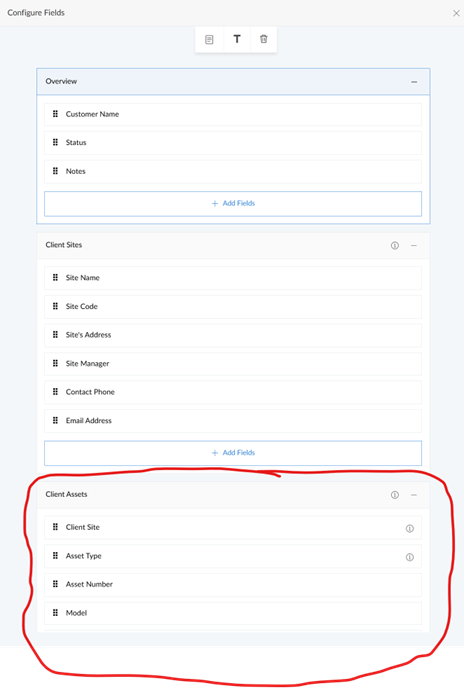
The form was also added to
the Client's detail view and the Site's detail view as related block.
I would like to add the
following functionality when adding a new asset from the client's detail view or the site's detail view:
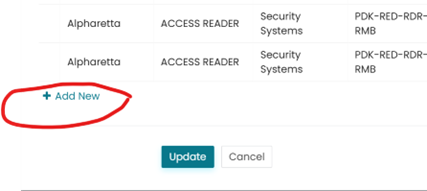
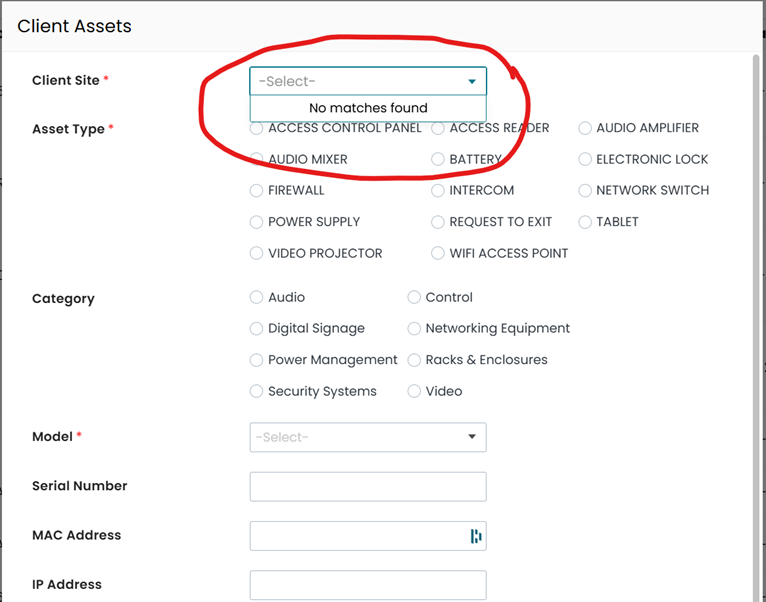
- When opening the Asset form from within a client’s detail view, I would like the sites dropdown to be filtered to show the sites associated with the client (currently it shows no sites because of the code I added in deluge):
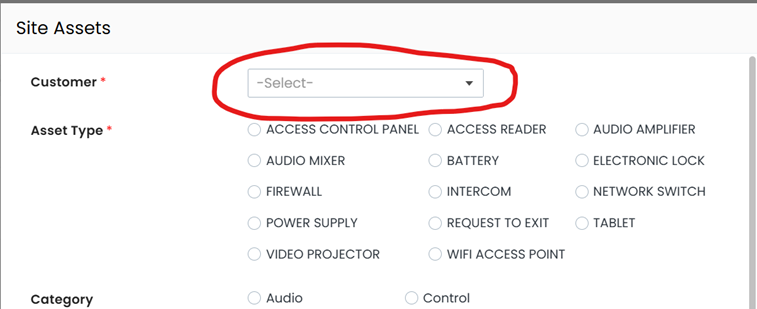
2. When adding an asset from the site's detail view, I would like to prepopulate the client's ID in the asset with the same client ID from the site.It looks like the Asset form, when opened from a detail view (rather than from the menu) is being customized on the fly but I can't seem to find the code. I hope this is not hard-coded functionality in Creator.
Any help would be greatly appreciated
Thanks,
Eyal. K