Secure your external sharing process with OTP Authentication
For any business, it's crucial to share files externally in a way that is both secure and controlled. Let's say you want to share confidential data with your partners and vendors. You must ensure that only your intended recipients can access the shared files. And once the files are shared, you'll want to maintain some control over what happens to them. Otherwise, you'll be unable to prevent recipients from sharing the files further, which could result in unauthorized access or information breaches.
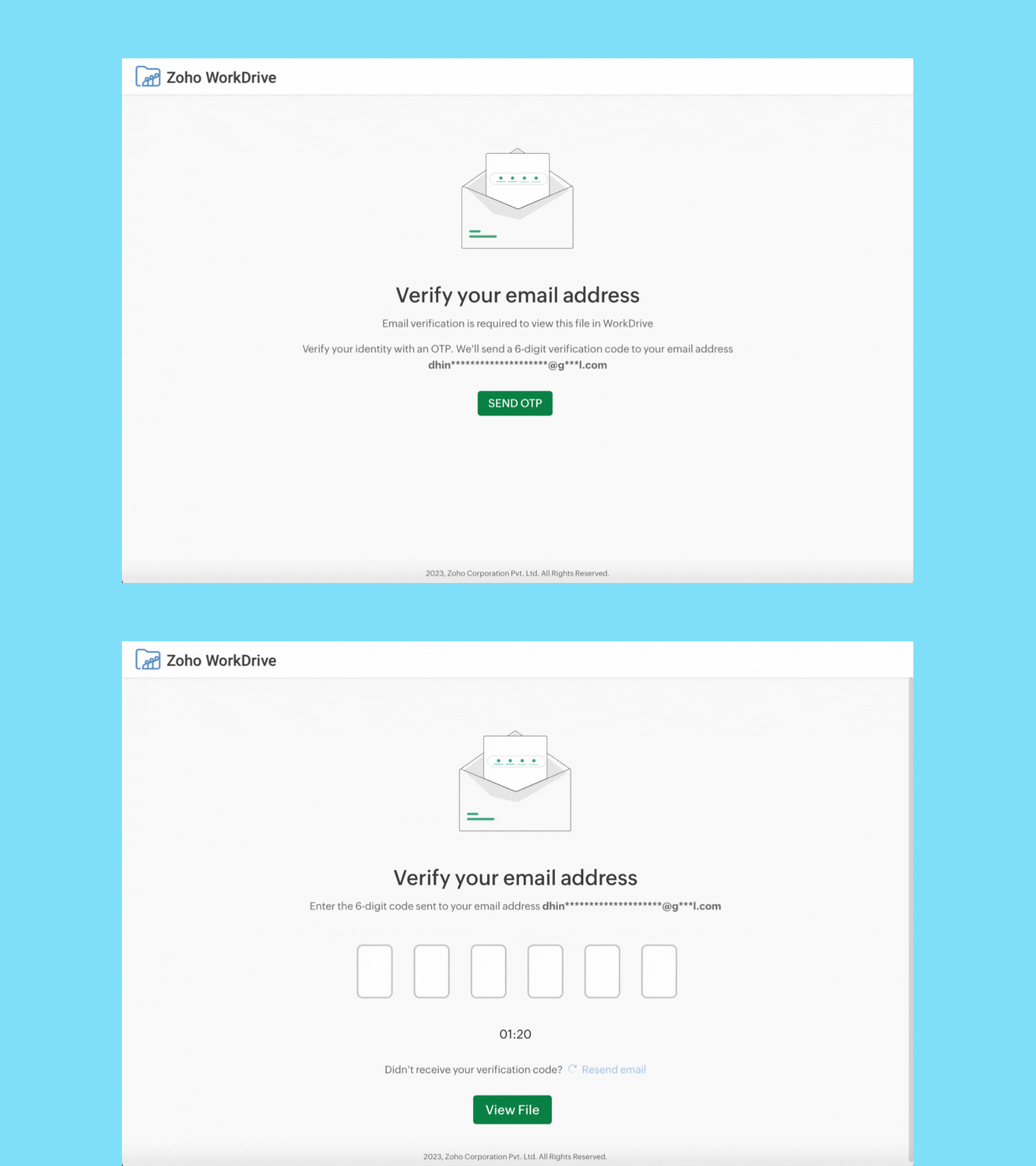
To better protect your shared data, WorkDrive has added an extra layer of security for externally shared files (files shared with users who don't have a Zoho account) by requiring email address verification. Now, external users must verify their email addresses with One-time Password (OTP) authentication to access shared files and folders.
Notes:
- External users will only be notified via email when a document has been shared. After verifying their email address via OTP, a user can access shared files and folders.
- External users who have a Zoho account, but don't have a WorkDrive account, must sign into their Zoho account to access shared files and folders.
- External users with a WorkDrive account can directly sign into their account and access shared files and folders in the Shared with Me section.
We hope you find this new feature helpful! Let us know if you have any questions or feedback in the comment section below.
Build a secure space for external collaboration with Zoho WorkDrive!