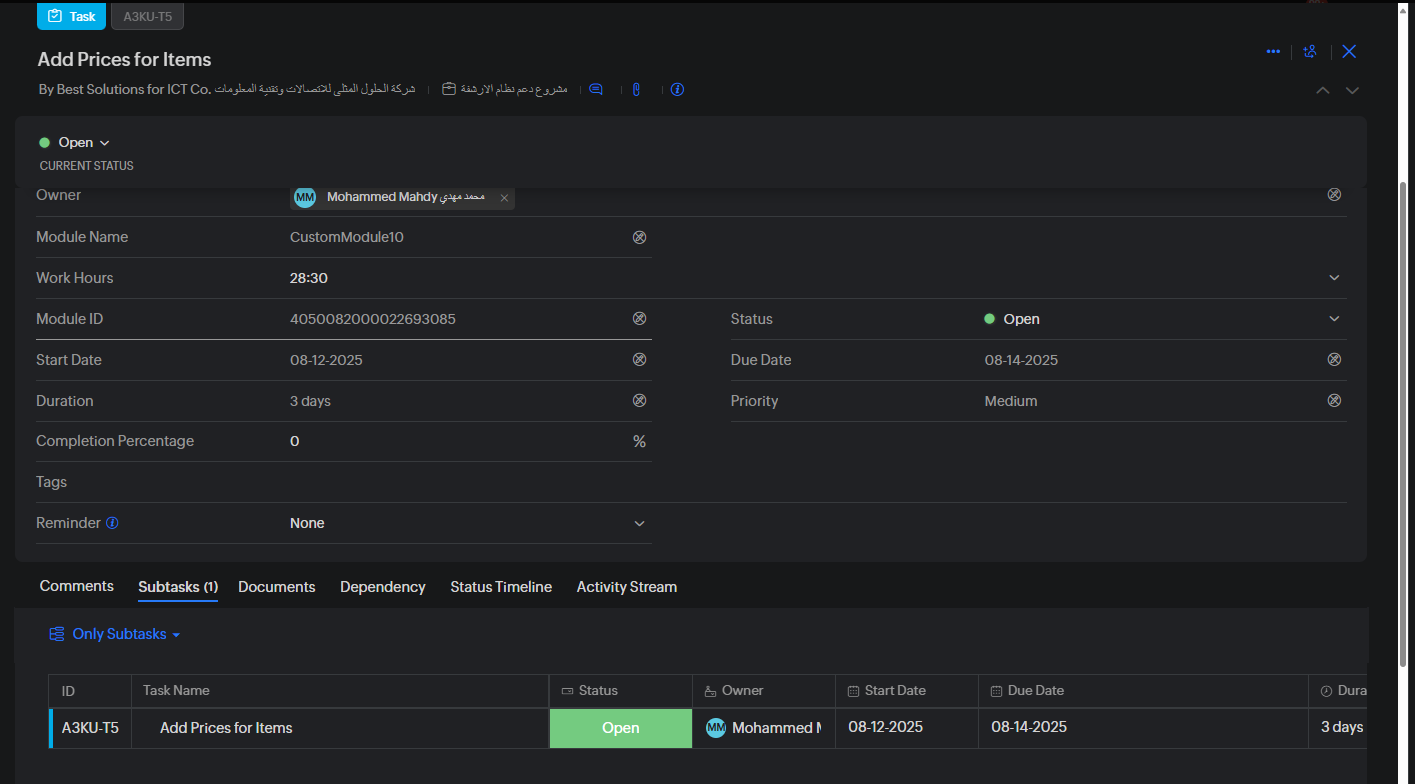
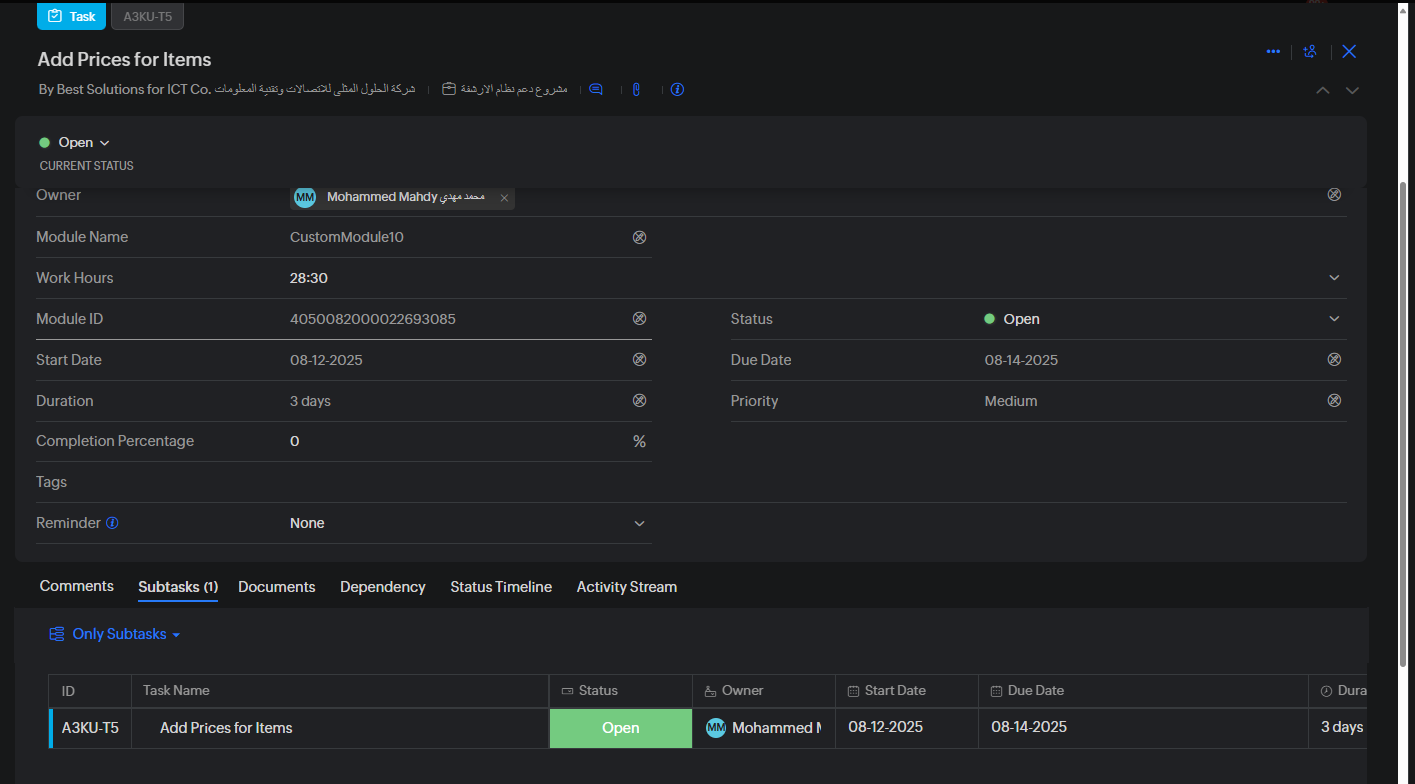
Followed Subtasks doesn't show up in the Subtasks Section

Followed Subtasks doesn't show up in the Subtasks Section

I have a task assigned to me 

now in the same task, there's a subtask and I am added as the follower on that task 

Even though I am a follower I still don't see that in the subtasks section 

The view permission for the profile is Related 
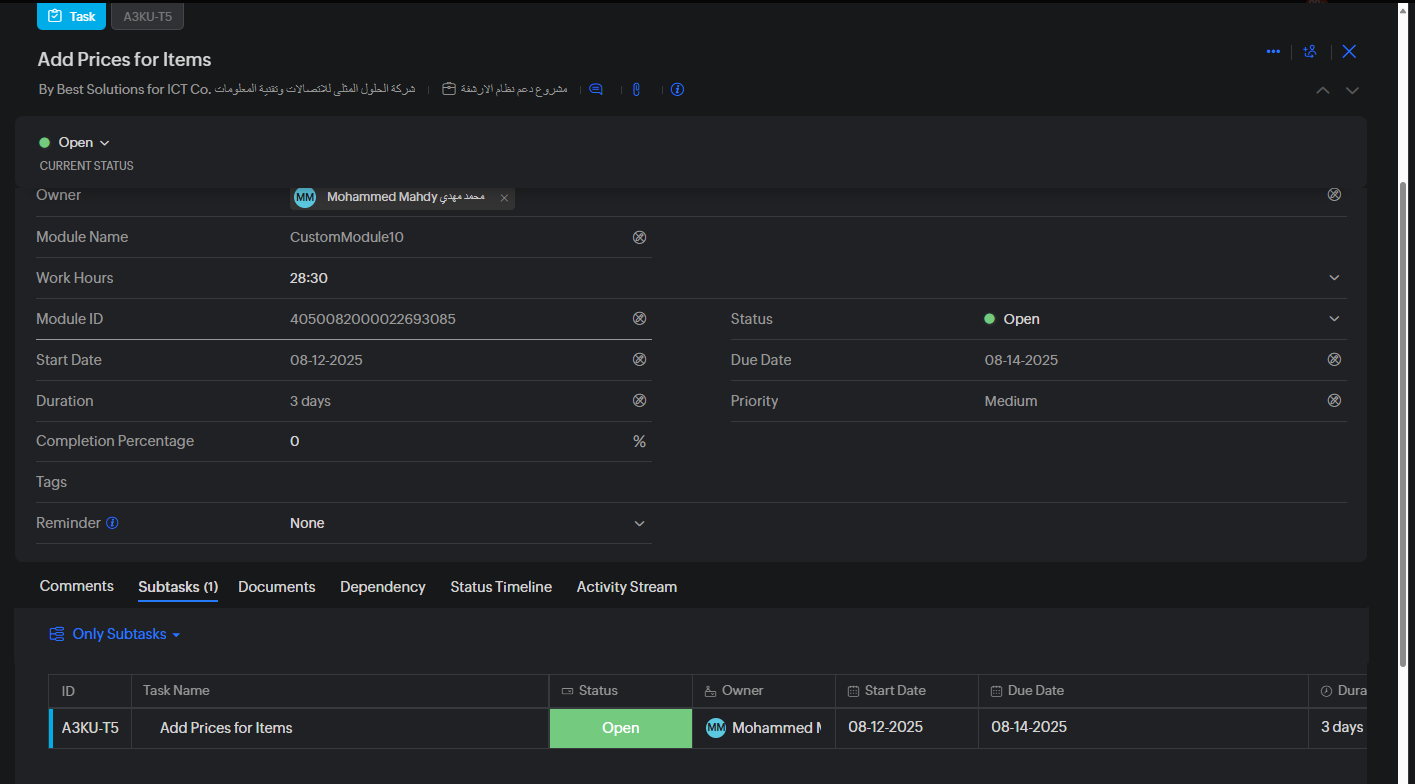


It's supposed to be like this 



Since I am a follower of the Task I should be able to see it as a Subtask in the Subtasks section 

BUT I can only see it if I choose Task I follow view

I think this is a very big under sight from the Zoho Projects Team, and it makes things very confusing 


    • Sticky Posts

    • Update on V2 API End-of-Life Timeline

      Dear Users, Earlier this year, we shared the launch of the V3 APIs and requested users to migrate from the older V2 APIs by December 2025. We have received valuable feedback from our users and partners regarding their migration timelines. We are happy
    • Automation Series: Auto-assign Task Followers

      As task progresses, several users are required to stay aware of the updates to plan their upcoming work items efficiently. Manually adding users as followers for an active task might create additional overhead. With this automation, followers can be added
    • WhatsApp Business Integration for Zoho Projects

      Delivery channel plays a decisive role in how quickly certain project updates translate into immediate actions. A release is ready to go live. An issue is marked critical. An approval is pending. These moments are less about tracking and more about timely
    • Enhanced Collaboration and Global Web Tabs

      Hello Users, We are rolling out two key enhancements in Zoho Projects that will be part of our November release. Here’s what to expect: 1. Collaboration Section in the Left Navigation Panel What’s new? All communication and interactive tools will be grouped
    • Choosing the Right Automation in Zoho Projects

      In any project, different types of actions are needed at different points. Some projects require control on how tasks move, some require reacting to updates, and some require executing additional actions beyond the task. Automation in Zoho Projects is