Shared values: From classroom lessons to teaching moments in customer service

Shared values: From classroom lessons to teaching moments in customer service

While the world observes Teachers’ Day on October 5, in India, we celebrate a month earlier, on September 5, to mark the birth anniversary of Dr. Sarvepalli Radhakrishnan, a great teacher, renowned scholar, educationist, and advocate for empowerment.
We've all had different kinds of teachers in our school years. Their influence continues to shape us as professionals. Some inspired creativity, others instilled discipline, while many patiently walked us through challenging lessons. If we reflect, each teacher has made an impact on our lives, just as every customer interaction leaves a mark on both sides.

The common ground for teachers and customer service

Patience and endurance

Teaching and customer service require patience. Customers may come to us frustrated or overwhelmed by circumstances. Sometimes, the stress of the moment affects them more than the “issue”. Like teachers guiding students through confusion, customer service professionals' empathy and patience offer clarity and reassurance alongside solutions.

Simple communication

Teachers excel at breaking down complex concepts into simple, digestible lessons. Customer support agents require this skill to help customers find solutions with simple and easy navigation steps. A simplified process helps customers get hooked on our business. 

Empathy and encouragement

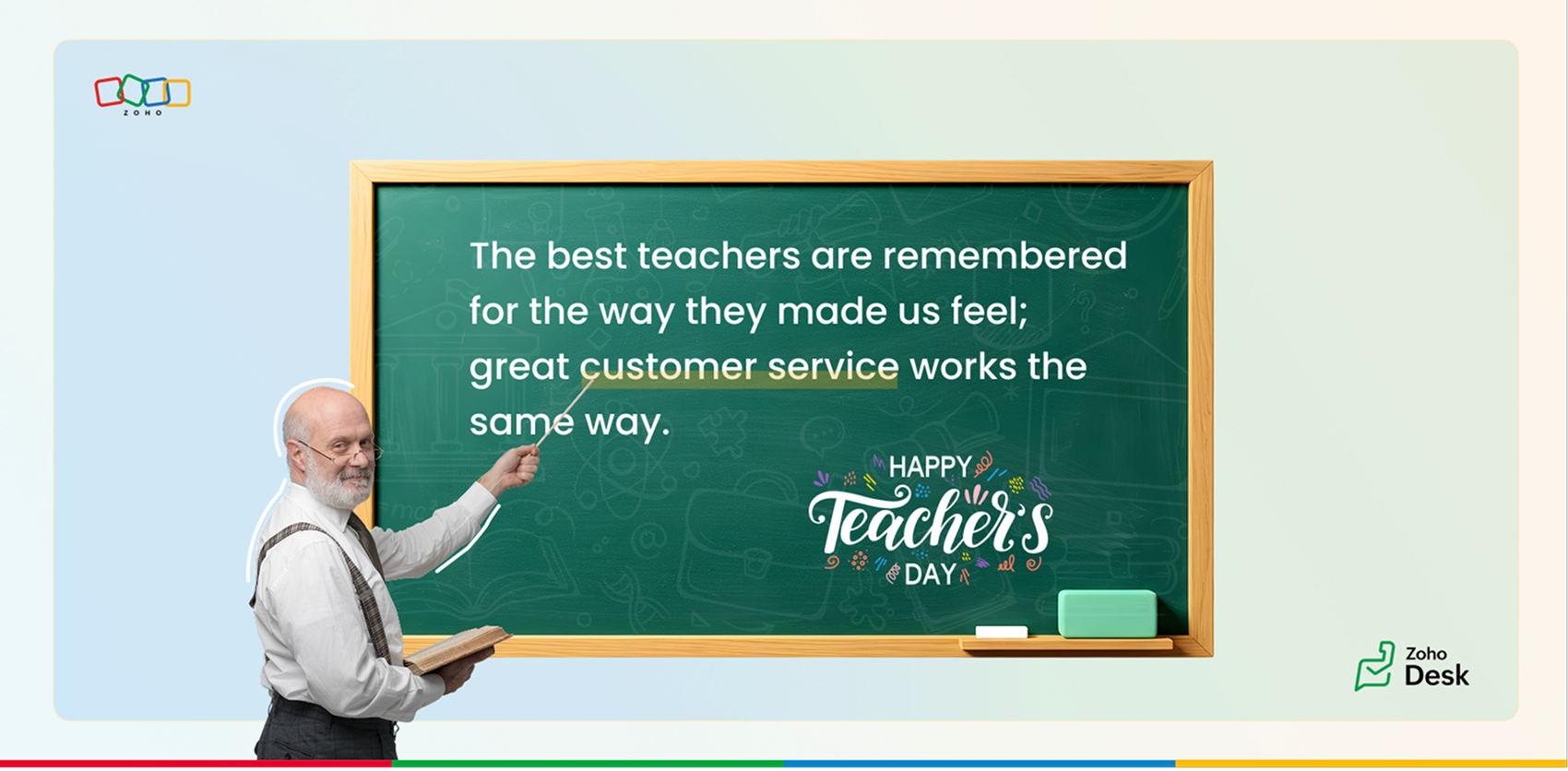
The best teachers are remembered for the way they made us feel: valued, encouraged, and raised our confidence to achieve more. Great customer service works the same way. A thoughtful email, a clear solution, or a proactive follow-up can turn frustration into trust and confidence.

Adaptability and continuous learning

Every student is different, and good teachers adapt their methods accordingly. In customer service, no two tickets nor two customers are alike. Support teams offer guided support through calls, live chats, webinars, and one-on-one sessions that mirror interactive lessons.

Beyond the issue

Teachers don’t just answer questions; they prepare us for future challenges. Likewise, customer service empowers agents to not only solve current tickets but also guide customers through proactive tips, tutorials, and community discussions that help them succeed long-term.

Feedback and growth

Teachers evaluate, correct, and encourage us to grow. Customer service thrives on feedback through CSAT surveys, community discussions, and follow-ups. Each interaction is a chance to improve, both for the organization and the customer relationship.

How does Zoho Desk embody teaching principles?

Knowledge base: Articles, FAQs, and screenshots serve as textbooks for customers.
Help center: A virtual classroom for customers to self-learn, track tickets, and stay informed.
Community: A space for peers and agents to exchange insights, like collaborative learning.
Continuous empowerment: Zoho Desk provides proactive support, product updates, product walkthroughs, and trainings to keep customers engaged and confident.

Time for reflection

Just like how our teachers have left lasting imprints on our lives, the service we provide to customers leaves an impression on them. Each successful issue resolution can help a person grow and thrive at work.

We’d love to hear your experiences:
  1. Which teacher has influenced you the most, and how have their lessons carried over into your professional life?
  2. Share teaching experiences you've had with customers: imparting knowledge, building trust, or guiding them through challenges.
  3. Can you recall a moment where your patience and empathy changed the course of a customer interaction?
At Zoho Desk, we believe in celebrating not just service, but the spirit of teaching that underpins it. Thank you for continuing to share your experiences with us; it helps us connect, learn, and grow together.

Happy Teachers’ Day to all the teachers who shaped us, and to every customer service professional who continues to teach, guide, and empower their customers.

Best wishes, 
Lydia | Zoho Desk

    • Sticky Posts

    • Register for Zoho Desk Beta Community

      With the start of the year, we have decided to take a small step in making the life of our customers a little easier. We now have easy access to all our upcoming features and a faster way to request for beta access. We open betas for some of our features
    • Share your Zoho Desk story with us!

      Tell us how you use Zoho Desk for your business and inspire others with your story. Be it a simple workflow rule that helps you navigate complex processes or a macro that saves your team a lot of time; share it here and help the community learn and grow with shared knowledge. 
    • Tip #1: Learn to pick the right channels

      Mail, live chat, telephony, social media, web forms—there are so many support channels out there. Trying to pick the right channels to offer your customers can get pretty confusing. Emails are most useful when the customer wants to put things on record. However, escalated or complicated issues should not be resolved over email because it's slow and impersonal.  When you need immediate responses, live chat is more suitable. It's also quick and convenient, so it's the go-to channel for small issues. 
    • Welcome to Zoho Desk Community - Say hello here!

      Hello everyone! Though we have been here for a while, it’s time to formally establish the Zoho Desk Community; we’re really happy to have you all here! This can be the place where you take a moment to introduce yourself to the rest of the community. We’d love to hear all about you, what you do, what company or industry you work for, how you use Zoho Desk and anything else that you will like to share! Here’s a little about me. I am Chinmayee. I have been associated with Zoho since 2014. I joined here
    • Webinar 1: Blueprint for Customer Service

      With the launch of a host of new features in Zoho Desk, we thought it’ll be great to have a few webinars to help our customers make the most of them. We’re starting off with our most talked about feature, Blueprint in Zoho Desk. You can register for the Blueprint webinar here: The webinar will be delivered by our in-house product experts. This is a good opportunity to ask questions to our experts and understand how Blueprint can help you automate your service processes. We look forward to seeing
    • Recent Topics

    • Super Admin Logging in as another User

      How can a Super Admin login as another user. For example, I have a sales rep that is having issues with their Accounts and I want to view their Zoho Account with out having to do a GTM and sharing screens. Moderation Update (8th Aug 2025): We are working
    • Blocklist candidates in Zoho Recruit

      We’re introducing Block Candidate, which helps recruiters to permanently restrict a candidate from applying to current/future job openings. Once the candidate is blocked, they will no longer be able to participate in the recruitment process. This will
    • Layout Rules Don't Apply To Blueprints

      Hi Zoho the conditional layout rules for fields and making fields required don't work well with with Blueprints if those same fields are called DURING a Blueprint. Example. I have field A that is used in layout rule. If value of field A is "1" it is supposed to show and make required field B. If the value to field A is "2" it is supposed to show and make required field C. Now I have a Blueprint that says when last stage moves to "Closed," during the transition, the agent must fill out field A. Now
    • From Zoho CRM to Paper : Design & Print Data Directly using Canvas Print View

      Hello Everyone, We are excited to announce a new addition to your Canvas in Zoho CRM - Print View. Canvas print view helps you transform your custom CRM layouts into print-ready documents, so you can bring your digital data to the physical world with
    • Admin asked me for Backend Details when I wanted to verify my ZeptoMail Account

      Please provide the backend details where you will be adding the SMTP/API information of ZeptoMail Who knows what this means?
    • Zoho Desk - Upsert Ticket

      Hi Desk Team, It is common to request more information from end-users. Using forms is a great way to ensure all the required information is collected. It would be great if there were an "upsert" option on the Zoho Form -> Zoho Desk integration which would
    • All new Address Field in Zoho CRM: maintain structured and accurate address inputs

      The address field will be available exclusively for IN DC users. We'll keep you updated on the DC-specific rollout soon. It's currently available for all new sign-ups and for existing Zoho CRM orgs which are in the Professional edition. Latest update
    • Client Side Scripts for Meetings Module

      Will zoho please add client side scripting support to the meetings module? Our workflow requires most meeting details have a specific format to work with other software we have. So we rely on a custom function to auto fill certain things. We currently
    • Introducing Multiple Sandbox Types and Support for Module's Data Population

      Register here for the upcoming Focus Group webinar on Multiple Sandbox | Help documentation to learn more about the new enhancements Hello everyone,  Sandbox in CRM is a testing environment for users to create and test new configurations like workflow
    • Zoho CRM for Everyone's NextGen UI Gets an Upgrade

      Hello Everyone We've made improvements to Zoho CRM for Everyone's Nextgen UI. These changes are the result of valuable feedback from you where we’ve focused on improving usability, providing wider screen space, and making navigation smoother so everything
    • CRM x WorkDrive: File storage for new CRM signups is now powered by WorkDrive

      Availability Editions: All DCs: All Release plan: Released for new signups in all DCs. It will be enabled for existing users in a phased manner in the upcoming months. Help documentation: Documents in Zoho CRM Manage folders in Documents tab Manage files
    • Creator Offline

      We had online access setup and working on our iphones. We have just set it up on an 'Android Tablet' and it is not downloading all the images? We use it to show customers our catalogue. Any ideas. Offline components all setup on both devices
    • Drag 'n' Drop Fields to a Sub-Form and "Move Field To" Option

      Hi, I would like to be able to move fields from the Main Page to a Sub-Form or from a Sub-Form to either the Main Page or another Sub-Form. Today if you change the design you have to delete and recreate every field, not just move them. Would be nice to
    • Enable or disable any Field Rule!

      Hello Zoho Forms Community, We are excited to announce a powerful new enhancement to Field Rules that gives you greater control and flexibility in managing your form logic! Previously, if you wanted to temporarily deactivate a field rule, you had two
    • Marketing Tip #20: Increase traffic with strong meta titles and descriptions

      Meta titles and descriptions are what people see first on search results before they ever click through to your website. If your pages use generic titles or basic descriptions, you miss the chance to stand out, and search engines may not know which page
    • Different form submission results for submitter and internal users

      I'm looking for suggestions on how to show an external submitter a few results while sending internal users all the results from the answers provided by the external user. The final page of our form has a section with detailed results and a section with
    • Kanban view on Zoho CRM mobile app!

      What is Kanban? The name doesn't sound English, right? Yes, Kanban is a Japanese word which means 'Card you can see'. As per the meaning, Kanban in CRM is a type of list view in which the records will be displayed in cards and categorized under the given
    • Not able to delete a QC nor able to revert or create a cycle of manufacturing for QC failed Jobs

      Not able to delete a QC nor able to revert or create a cycle of manufacturing for QC failed Jobs
    • Dheeraj Sudan and Meenu Hinduja-How do I customize Zoho apps to suit my needs?

      Hi Everyone, I'm Meenu Hinduja and my husband Dheeraj Sudan, run a business. I’m looking to tweak a few things to fit my needs, and I’d love to hear what customizations others have done. Any tips or examples would be super helpful! Regards Dheeraj Sudan
    • Zoho Desk blank screen

      opened a ticket from my email, zoho desk comes up blank, nothing loads. our receptionist also gets the same thing under her login on her computer. our sales rep also gets same thing on zoho desk at his home on a different computer. I tried clearing cache/history/cookies,
    • is there any way to change the "chat with us now" to custom message?

      is there any way to change the "chat with us now" to custom message? I want to change this text
    • Deprecation Notice: OpenAI Assistants API will be shut down on August 26, 2026

      I recieved this email from openAI what does it means for us that are using the integration and what should we do? Earlier this year, we shared our plan to deprecate the Assistants API once the Responses API reached feature parity. With the launch of Conversations,
    • Capture Last check-in date & days since

      I have two custom fields on my Account form, these are "Date of Last Check-In" and "Days Since Last Contact" Using a custom function how can I pull the date from the last check-in and display it in the field "Date of Last Check-In"? and then also display the number of days since last check-in in the "Days SInce Last Contact" field? I tried following a couple of examples but got myself into a bit of a muddle!
    • Any recommendations for Australian Telephony Integration providers?

      HI,  I am looking for some advice on phone providers as we are looking to upgrade our phone system, does anybody have experience with any of the Australian providers that integrate with CRM Telephony? So far we are looking at RingCentral and Amazon Connect, and would love to hear feedback on any of the other providers you might have tried.  Thank you
    • Why is the ability Customize Calls module so limited?

      Why can't I add additional sections? why can't I add other field types than the very limited subset that zoho allows? Why can I only add fields to the outbound/inbound call sections and not to the Call Information section?
    • CRM gets location smart with the all new Map View: visualize records, locate records within any radius, and more

      Hello all, We've introduced a new way to work with location data in Zoho CRM: the Map View. Instead of scrolling through endless lists, your records now appear as pins on a map. Built on top of the all-new address field and powered by Mappls (MapMyIndia),
    • Enhance Appointment Buffers in Zoho Bookings

      There was previously a long-standing feature request related to enhancing the way appointment buffers work in Zoho Bookings, but it looks like the original post has been deleted. I am therefore adding a new request that Zoho Bookings adjust how appointment
    • Subscriptions for service call

      So we install products and we want to offer a service contract for the customers yearly service calls to be billed monthly. So ideally at some point we want to email them a quote for their needs. WE will choice it our end based on the equipment. It would
    • Add RTL and Hebrew Support for Candidate Portal (and Other Zoho Recruit Portals)

      Dear Zoho Recruit Team, I hope you're doing well. We would like to request the ability to set the Candidate Portal to be Right-to-Left (RTL) and in Hebrew, similar to the existing functionality for the Career Site. Currently, when we set the Career Site
    • Zoho recruit's blueprint configuration is not functioning as mapped

      Current Status: Zoho Blueprint is not functioning as configured. Issue: We are moving a Candidate status in Zoho Recruit "for active file" but we encountered: "Status cannot be changed for records involved in Blueprint." This happens to various client
    • Delay in rendering Zoho Recruit - Careers in the ZappyWorks

      I click on the Careers link (https://zappyworks.zohorecruit.com/jobs/Careers) on the ZappyWorks website expecting to see the job openings. The site redirects me to Zoho Recruit, but after the redirect, the page just stays blank for several seconds. I'm
    • How to add interviews through API

      I'm trying to add an interview without much luck. The documentation gives examples of adding just about everything except an interview. However, the issue might be the way I'm formatting it, because the documentation is unclear to me. It seems as if the xml should be passed in the url, which seems unusual. I've tried the data as both plain and character escaped, but nothing seems to work, nor do I even get an error response. https://recruit.zoho.com/recruit/private/xml/Interviews/addRecords?authtoken=***&scope=recruitapi&version=2&xmlData=<Interviews> <row
    • Connection to other user

      Zoho Cliq handles sharing of Custom OAuth Connections that require individual user logins.
    • How to invite friends on other social media platforms to one of my group chats in arattai?

      Hello, I have formed chat groups in arattai. I want to invite my friends on other social media platforms like WhatsApp/ FB to one of my groups. Different friends would be invited to different groups. How to share an invite link of one of my groups to
    • Cliq does not sync messages after Sleep on Mac

      I'm using the mac app of Cliq. When I open my mac after it was in sleep mode, Cliq does not sync the messages that I received. I always have to reload using cmd + R, which is not what I want when using a chat application.
    • Optimum CRM setup for new B2B business

      Can some advise the most common way to setup Zoho CRM to handle sales for a B2B company? Specifically in how to handle inbound/outbound emails. I have spent hours researching online and can't seem to find an accepted approach, or even a tutorial. I have
    • Facing Issues with Sites Mobile font sizes

      my page renediaz.com is facing issues mobile view, when i try to lower font sizes in home page, instead of changing the size, it changes the line space
    • Does the Customer “Company Name” field appear anywhere in the Zoho Books UI outside of PDFs?

      Hi everyone, I’m trying to understand how the Company Name field is actually used in Zoho Books. There is a Company Name field on the customer record, but when viewing transactions like a Sales Order in the normal UI (non-PDF view), that field doesn’t
    • Set expiration date on document and send reminder

      We have many company documents( for example business registration), work VISA documents. It will be nice if we can set a expiry date and set reminders ( for example 90 days, 60 days, 30 days etc.,) Does Zoho workdrive provide that option?
    • Analytics : How to share to an external client ?

      We have a use case where a client wants a portal so that several of his users can view dashboards that we have created for them in Zoho Analytics. They are not part of our company or Zoho One account. The clients want the ability to have user specific,
    • Next Page