Sync Tool - Schedule Sync | Admin Guide - Zoho Directory
Schedule sync
Prerequisites
- The Sync Tool must have been installed and run at least once.
- Roles required to perform this action:
- Organization Owner
- Organization Admin
Schedule sync
- Open the Sync Tool.
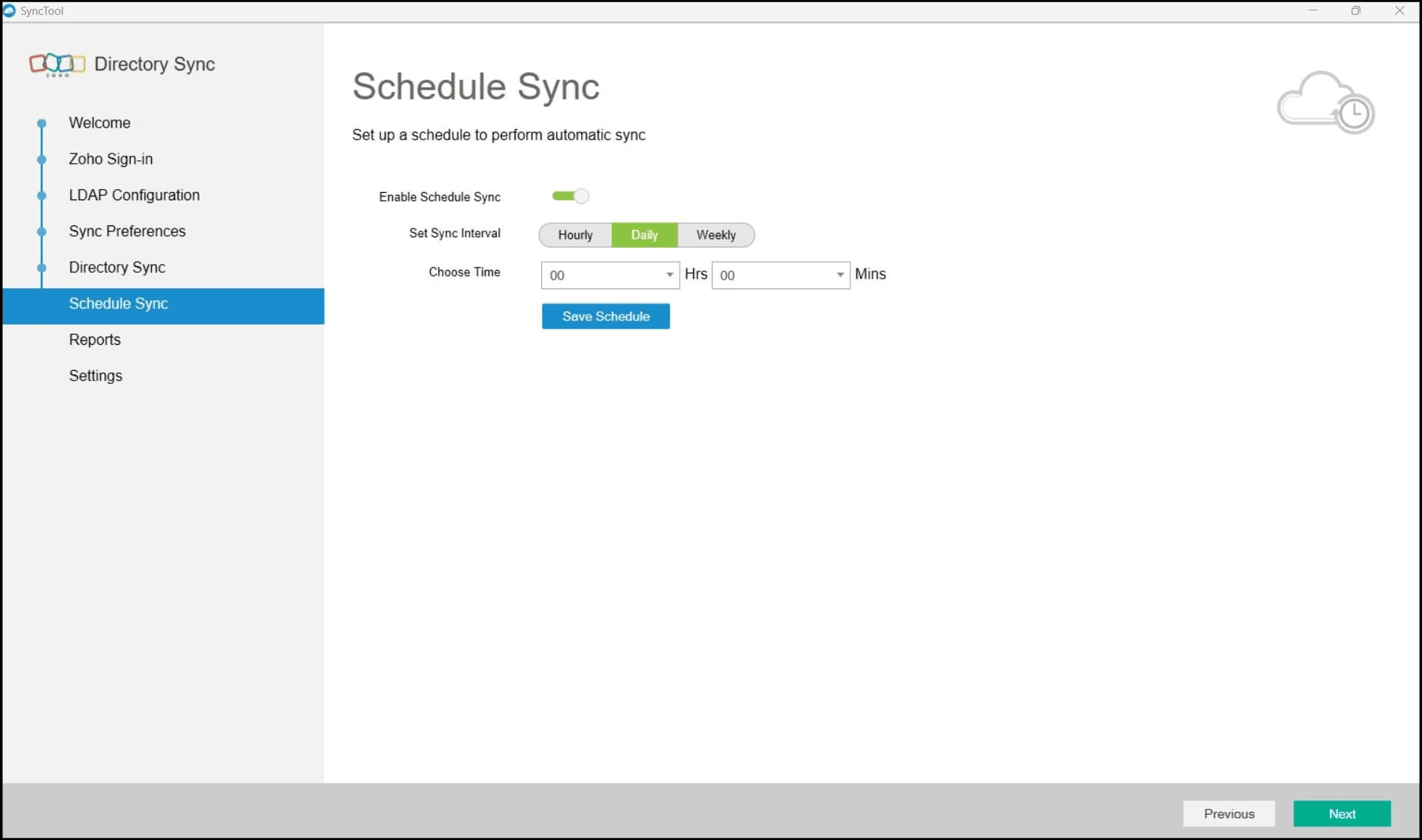
- Go to Schedule Sync, then enable scheduling.
- Set the sync interval and time, then click Save Schedule.
- If you add new OUs or delete exclusion rules after scheduling, you will have to go to
Settings, then click
Force Re-Sync for the changes to take effect.