Marketer's Space: Proven tips to improve open rates – Part III

Marketer's Space: Proven tips to improve open rates – Part III

Hello Marketers!

Welcome back to another post in Marketer's Space!

This is the final post in the "open rate series". In the first and second parts, we discussed topics ranging from sender domains to pre-headers—but we're not done yet. A few more important topics await you in this post. Let's dive right in.

Personalized content

Personalization is important in email marketing—but it doesn't end simply with addressing your contacts by their first names. It's much more than that. You have to tailor your entire campaign—from design to content—in order for it to click with them.

Here's what the path of personalization looks like:

 
  • Request contacts' preferences after they sign up. Zoho Campaigns automatically sends a double opt-in form after contacts sign up (if enabled) in which they can update their preferences and topics.
  • Send campaigns to these contacts, as they're the ones who've shown real interest in what you're offering.
  • Track metrics like opens, product views, and link clicks. Zoho Campaigns' Reports module is your best friend.
  • Segment contacts based on these behaviors and send targeted campaigns to these segments.
  • Further refine your sending practices by creating content variations dynamically, determining the frequency at which they want to receive campaigns, and optimal send times.
 
Dynamic content

Dynamic content is another form of personalization, where the content changes dynamically depending on who opens and views the campaigns.

Let's say an ecommerce brand runs a Diwali sale using an email campaign.

Based on past behavior, electronics shoppers see gadget deals, fashion shoppers see festive wear, and inactive users see a comeback offer—all within the same email. Images, headlines, offers, and CTAs automatically change for each contact.

The marketer sends one campaign, but every recipient sees content tailored to their interests, which make the emails feel personal and relevant.

The Dynamic Content element in Zoho Campaigns' templates does all the heavy lifting for you.


It's effortless to set up; you just need to drag-drop the elment's variant, set the conditions, and see the magic.

Check out our ebook on personalization for more details.

Multi-device and multi-client responsiveness

These days, you may look at your mobile phone more than your laptop or desktop. Accordingly, as a marketer, you should design your campaigns so that they're responsive across multiple device types, like laptops, mobile phones, and tablets. Here are some quick tips for creating responsive campaigns for multiple devices and multiple email clients (like Gmail, Outlook, and Yahoo).

Imagine your contacts open your campaigns but find images loading too slowly, cramped content, unclickable CTAs, or broken layouts when viewing via their phones. They won't open your campaigns again if these issues persist—which leads to poor open rates.

Here are some ways you can design your campaigns to be responsive across different devices and email clients:
  • Make mobile your priority: Use single-column layouts, readable font sizes, and tap-friendly buttons to ensure smooth mobile experiences. Prevent any stray taps from your contacts by leaving sizable space surrounding your buttons.
  • Always preview: Use Zoho Campaigns' built-in desktop and mobile previews to catch layout issues before sending. Click each campaign's magnifier button (in the Content section) to preview for desktop and mobile.
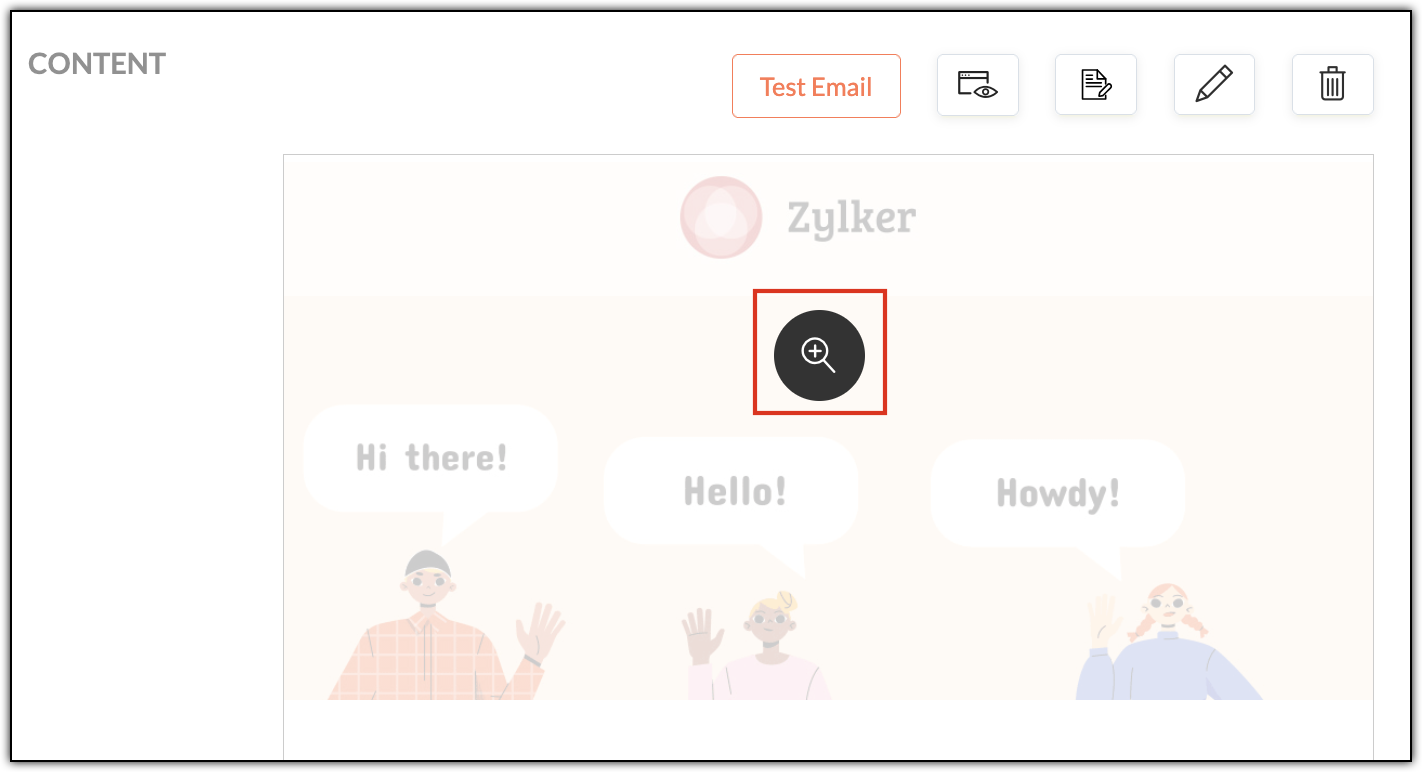


  • Send test emails: Open test emails in real inboxes (Gmail, Outlook, Yahoo) across both laptop and mobile devices. Create test accounts in these email clients and send campaigns to yourself.
  • Pay extra attention to Outlook: Outlook handles HTML differently and often needs special testing.
  • Granular checks: Validate links, images, alt text, and dark mode visibility before hitting send. Don't upload high resolution images, as it'll increase your emails' load times when your contacts first open them.
  • 60:40 ratio: Generally, maintaining a ratio of 60% text and 40% images in your campaigns is recommended. While this ratio doesn't have a direct contribution to open rates, it does improve loading speeds, accessibility, and inbox trust—all of which do contribute directly to open rates.
Multi-device testing makes sure your campaigns works across varying screen sizes, while multi-client testing ensures they render correctly across different email clients. Both are essential, as different email clients interpret HTML differently.

A/B testing

A/B testing helps you make smarter email decisions by letting actual contacts vote without realizing it. Instead of guessing about what works, you can create two versions of the same campaign that differ in one key way (such as their subject line, CTA, or send time) and then send them to different (but equal) portions of your contacts. The version that gets more opens or clicks is the winner—and you can then send it to your remaining contacts.

For example, let's say Patricia from Zylker Fashions is launching a weekend sale. Version A uses the subject line "Weekend sale is live", while Version B says "Your weekend savings start now". She sends both to roughly 10% of her list. After a few hours, Version B gets higher opens, so she automatically sends it to the remaining 80%. Over time, repeating such tests helps her consistently improve engagement and results.

Remember that your target contacts are often based on demographics, geography, and behavior, so test results from one group may not reflect the reactions of another.


Zoho Campaigns has a specific A/B Testing campaign feature you can use when you create email campaigns.

Send-time optimization

Let's say you're based in the US and have customers all over the globe. You want to send a campaign to your UK contacts, but you don't want to send it in the middle of the night; it might put them off. More often than not, these emails will go unopened. Instead you should schedule it to arrive at a specific time—in their specific time zone—when they're most likely to open it.

Zoho Campaigns offers this functionality. After designing your campaign with our template builder, you're ready to send it. You can choose between Send Immediately and Send Later. Upon choosing the latter, you can select either the Recipients' Time Zone and Recipients' Optimal Open Time, among other options.


The recipient's time zones are determined by whatever contact data you have, such as their country. Optimal open times, on the other hand, are based on the recipients' past engagement histories, such as when they usually open emails.

With that, we've come to the end of this three-part series.

Improving open rates is all about being consistent. We covered a wide range of topics, from sender domains and subject lines to pre-headers, personalization, dynamic content, testing, and send-time optimization.

Until next time. Happy marketing!


Kind regards,
Sai Prashanth
User Education
Zoho Campaigns

    • Recent Topics

    • How can I hide "My Requests" and "Marketplace" icon from the side menu

      Hello everybody, We recently started using the new Zoho CRM for Everyone. How can I hide "My Requests" and "Marketplace" from the side menu? We don't use these features at the moment, and I couldn't find a way to disable or remove them. Best regards,
    • Whatsapp Integration on Zoho Campaign

      Team: Can the messages from Zoho Campaign delivered through Whatsapp... now customers no longer are active on email, but the entire campaign module is email based.... when will it be available on whatsapp.... are there any thirdparty providers who can
    • Quotes Approval

      Hey all, Could you please help in the following: When creating quotes, how to configure it in a way, that its approval would work according to the quoted items description, not according to quote information. In my case, the quote should be sent to approval
    • Mandatory Field - but only at conversion

      Hello! We use Zoho CRM and there are times where the "Lead Created Date & Time" field isn't populated into a "Contractor" (Account is the default phrase i believe). Most of my lead tracking is based on reading the Lead Created field above, so it's important
    • Different Task Layouts for Subtasks

      I was wondering how it would be possible for a subtask to have a different task layout to the parent task.
    • Enable Free External Collaboration on Notecards in Zoho Notebook

      Hi Zoho Notebook Team, I would like to suggest a feature enhancement regarding external collaboration in Zoho Notebook. Currently, we can share notes with external users, and they are able to view the content without any issue. However, when these external
    • Using data fields in Zoho Show presentations to extract key numbers from Zia insights based on a report created

      Is it possible to use data fields in Zoho Show presentations along with Zoho Analytics to extract key numbers from Zia insights based on a report created? For example, using this text below: (note that the numbers in bold would be from Zia Insights) Revenue
    • Free webinar: AI-powered agreement management with Zoho Sign

      Hi there! Does preparing an agreement feel like more work than actually signing it? You're definitely not alone. Between drafting the document, managing revisions, securing internal approvals, and rereading clauses to make sure everything still reflects
    • WhatsApp Channels in Zoho Campaigns

      Now that Meta has opened WhatsApp Channels globally, will you add it to Zoho Campaigns? It's another top channel for marketing communications as email and SMS. Thanks.
    • CRM For Everyone - Bring Back Settings Tile View

      I've been using CRM for Everyone since it was in early access and I just can't stand the single list settings menu down the left-hand side. It takes so much longer to find the setting I need. Please give users the option to make the old sytle tile view
    • Lets have Dynamics 365 integration with Zohobooks

      Lets have Dynamics 365 integration with Zohobooks
    • Add notes in spreadsheet view

      It would be great if we could Add/edit notes in the spreadsheet view of contacts/leads. This would enable my sales teams to greatly increase their number of calls. Also viewing the most recent note in the Contact module would also be helpful.
    • Opening balances - Accounts Receivable and Payable

      Our accounting year starts on 1st August 2013 and I have a Trial Balance as at that date, including Accounts Receivableand Accounts Payable balances, broken down by each customer and supplier. Q1 - do I show my opening balance date as 31st July 2013 or
    • Announcing Kiosk 1.1 - Customize screen titles, configure new fields & actions, use values from your Kiosk to update fields, and more.

      Hello all We are back again with more enhancements to Kiosk. So what's new? Enhancements made to the Components Add titles for your Kiosk screens and adjust its width to suit your viewing preferences. Three new fields can be added to your screen: Percentage,
    • Limited System because of Limited Number of Fields for Car Dealership

      Dear Zoho Support, we want to have all the information about a car inside of a car record. We want to have Zoho CRM as our single source of truth for our data, but the limited number of fields are not allowing that. The data consist of: technical data
    • Cancel Subscription

      Hi , Im want to cancel my account but without success please help me to do it
    • Making an email campaign into a Template

      I used a Zoho Campaign Template to create an email. Now I want to use this email and make it a new template, but this seems to be not possible. Am I missing something?
    • Direct Access and Better Search for Zoho Quartz Recordings

      Hi Zoho Team, We would like to request a few enhancements to improve how Zoho Quartz recordings are accessed and managed after being submitted to Zoho Support. Current Limitation: After submitting a Quartz recording, the related Zoho Support ticket displays
    • Multiple Cover Letters

      We are using the staffing firm edition of Recruit and we have noticed that candidates cannot add more than one cover letter. This is a problem as they might be applying for multiple jobs on our career site and when we submit their application to a client,
    • URGENT: Deluge issue with Arabic text Inbox

      Dear Deluge Support, We are facing an issue that started on 12/Feb/2026 with custom functions written using Deluge within Qntrl platform. Currently, custom functions do not accept Arabic content; it is replaced with (???) characters. Scenario 1: If we
    • File Conversion from PDF to JPG/PNG

      Hi, I have a question did  anyone every tried using custom function to convert a PDF file to JPG/PNG format? Any possibility by using the custom function to achieve this within zoho apps.  I do know there are many third parties API provide this with
    • Prevent accidental duplicate entry of Customer Ordersome

      Zoho Support has confirmed that Zoho currently does not have any method (using Deluge, flow or any other method) to alert a user when a sales order has been entered twice using the same customer reference number (i.e. a duplicate). Most ERP platforms
    • Now in Zoho One: Orchestrate customer journeys across apps with Zoho CommandCenter

      Hello Zoho One Community! We’re excited to introduce Zoho CommandCenter as a new capability available in Zoho One. For the whole customer journey As Zoho One customers adopt more apps across sales, marketing, finance, and support, a common challenge emerges:
    • annualy customer report

      we need a report per customer that looks like this invoic number cleaning laundry repair management 01 january xxx euro xx euro xx euro xxx euro 02 february xxx euro xxx euro x euro xxxx euro and so on the years 12 months is that possible to make and
    • Totals for Sales Tax Report

      On the sales tax report, the column totals aren't shown for any column other than Total Tax. I can't think of a good reason that they shouldn't be included for the other columns, as well. It would help me with my returns, for sure. It seems ludicrous
    • Free Webinar: Zoho Sign for Zoho Projects: Automate tasks and approvals with e-signatures

      Hi there! Handling multiple projects at once? Zoho Projects is your solution for automated and streamlined project management, and with the Zoho Sign extension, you can sign, send, and manage digital paperwork directly from your project workspace. Join
    • Exported Report File Name

      Hi, We often export reports for information. It is time consuming to rename all the reports we export on a weekly basis, as when exported their default name is a seemingly random string of numbers. These numbers may be important, I'm not sure, but I am
    • Automatic Refresh on Page?

      Hi everyone, We use a page as a dashboard which shows data for the laboratory and tasks pending etc. Is there a way to set the page to automatically refresh on a X time? Many thanks TOG
    • Full Context of Zoho CRM Records for Zia in Zoho Desk for efficient AI Usage

      Hello everyone, I have a question regarding the use of Zia in Zoho Desk in combination with CRM data. Is it possible to automatically feed the complete context of a CRM record into Zia, so that it can generate automated and highly accurate responses for
    • Hiding Pre-defined Views

      You can enhance Zoho with custom views - but you cannot hide the pre-defined views. Most users focus on 4 or 5 views. Right now for EVERY user EVERY time they want to move to one of their 4 or 5 views - they have to scroll down past a long list of pre-defined views - we don't use ANY of the pre-defined views. Adding the feature to allow a predefined view to be hidden completely or only visible to certain users would be a big improvement in usability for Zoho CRM. This feature is already available
    • [Webinar] Top 10 Most Used Zoho Analytics Features in 2025

      Zoho Analytics has evolved significantly over the past year. Discover the most widely adopted features in Zoho Analytics in 2025, based on real customer usage patterns, best practices, and high-impact use cases. Learn how leading teams are turning data
    • How do I edit the Calendar Invite notifications for Interviews in Recruit?

      I'm setting up the Zoho Recruit Interview Calendar system but there's some notifications I don't have any control over. I've turned off all Workflows and Automations related to the Calendar Scheduling and it seems that it's the notification that is sent
    • Add RTL and Hebrew Support for Candidate Portal (and Other Zoho Recruit Portals)

      Dear Zoho Recruit Team, I hope you're doing well. We would like to request the ability to set the Candidate Portal to be Right-to-Left (RTL) and in Hebrew, similar to the existing functionality for the Career Site. Currently, when we set the Career Site
    • App for Mac OS X please!

      It would be awesome to have a mail app for Mac OS X that included all the cool features such as steams, calendar, tasks, contacts, etc. Most people prefer native apps, rather than running it through a web browser. I know that we can use the IMAP, CalDAV,
    • How to integrate Zoho CRM, Zoho Forms and a WIX Web Site

      Attached video demonstrates how to use Zoho Forms included in Zoho One, to design a Contact Us form to be embedded into a WIX web site and integrated into Zoho CRM.
    • CRM x WorkDrive: File storage for new CRM signups is now powered by WorkDrive

      Availability Editions: All DCs: All Release plan: Released for new signups in all DCs. It will be enabled for existing users in a phased manner in the upcoming months. Help documentation: Documents in Zoho CRM Manage folders in Documents tab Manage files
    • Introducing Workqueue: your all-in-one view to manage daily work

      Hello all, We’re excited to introduce a major productivity boost to your CRM experience: Workqueue, a dynamic, all-in-one workspace that brings every important sales activity, approval, and follow-up right to your fingertips. What is Workqueue? Sales
    • Default Reminder Time in New Tasks or New Event?

      Any way to change this from 1:00am? Thanks, Gary Moderation Update (February 2026): With the Calendar preferences, the default reminder time for Meetings, Appointments and All-Day Meetings can be set. Read more: Calendar preferences in Zoho CRM Regarding
    • Exporting All Custom Functions in ZohoCRM

      Hello, All I've been looking for a way to keep about 30 functions that I have written in Zoho CRM updated in my own repository to use elsewhere in other instances. A github integration would be great, but a way to export all custom functions or any way
    • Dynamic Field Folders in OneDrive

      Hi, With the 2 options today we have either a Dynamic Parent Folder and lots of attachments all in that one folder with only the ability to set the file name (Which is also not incremented so if I upload 5 photos to one field they are all named the same
    • Next Page