Move Timesheet from one Task/Issue to another
Timesheets are used for tracking time logs of tasks, and issues. You can control the number of hours a user can log into timesheets.
In Zoho Projects, you can move these
timesheets
from one task/issue to another.
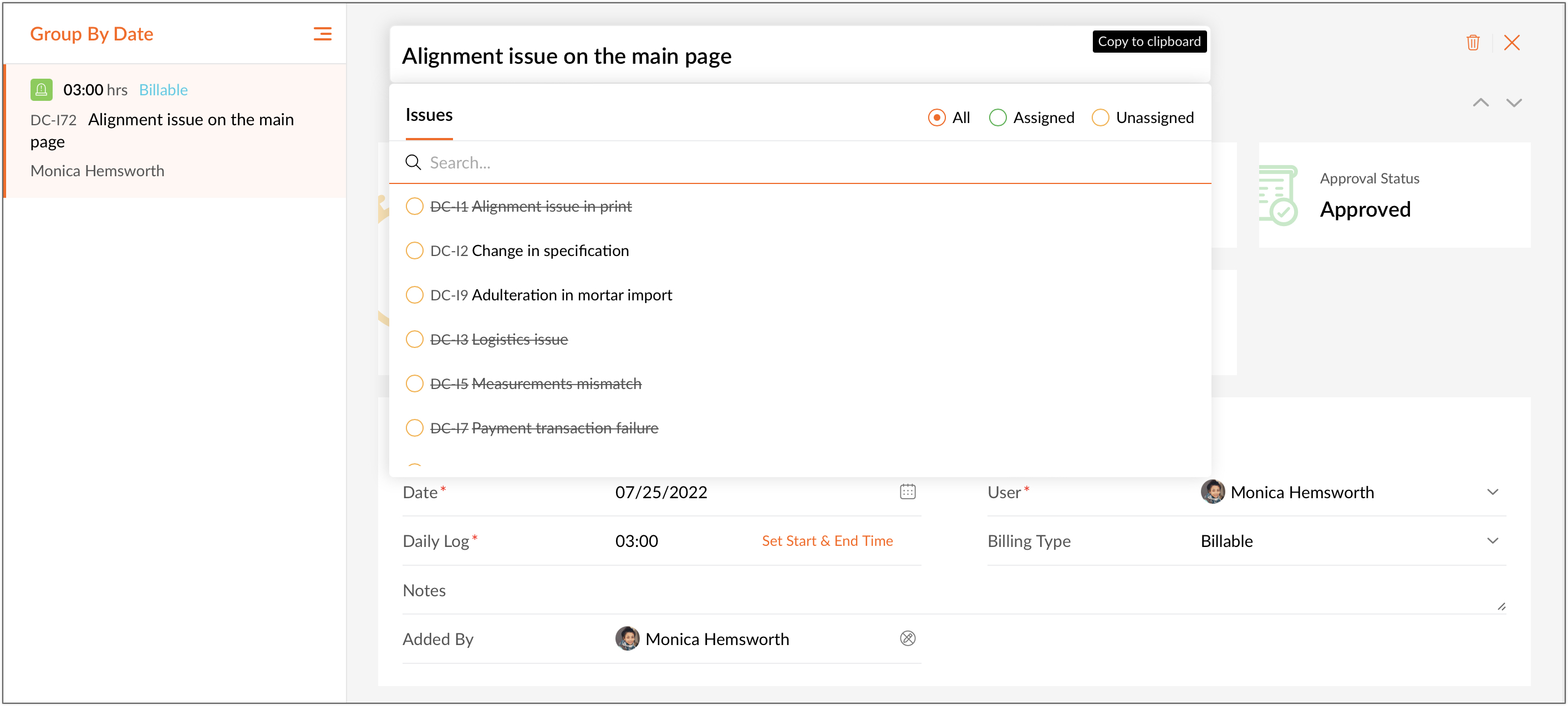
Consider a scenario where John is an employee who forgets to start the timer before starting his task. In Zoho Projects, he can manually add the time log of the particular task or an issue. While updating the timesheet, by mistake, he logs time for an upcoming task instead of the current one. In order to move the timesheet, he can click the task name in the timesheet details page and select the current task to move his timesheet.
Click here
to learn how to
move timesheets from one task/issue to another.
If you have any questions, do leave a comment below or mail to us at:
support@zohoprojects.com
.