Narrative 3 - Comprehending User Management
Behind the scenes of a successful ticketing system - BTS Series
Narrative 3 - Comprehending User Management
Managing Agents
Tasks
- Replying to tickets and tracking them.
- Answering customer calls.
- Offering live chat support or connecting with customers on social media platforms.
- Preparing a knowledge base of troubleshooting solutions for quick reference.
Actions
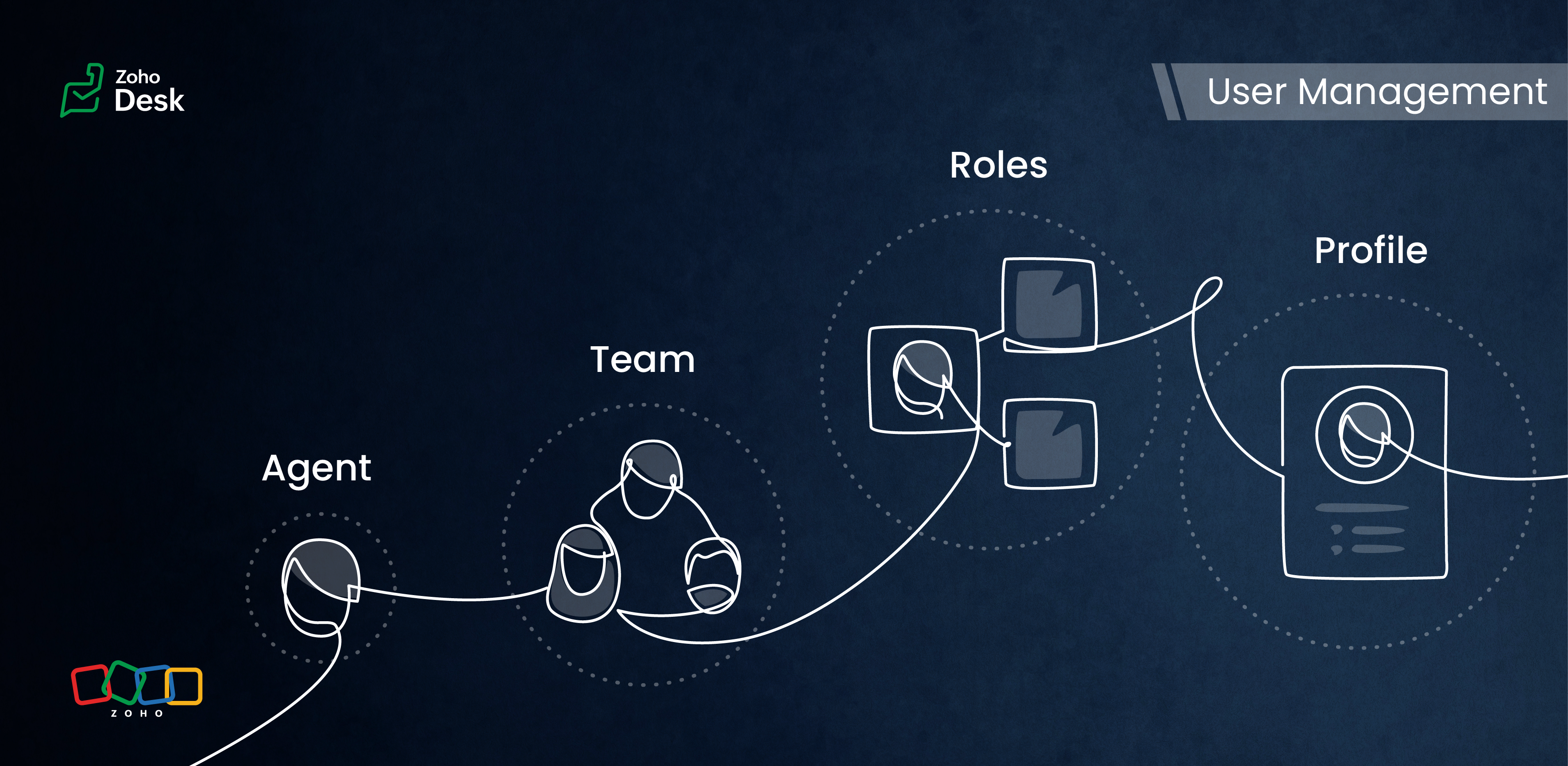
Inviting your team as agents in Zoho Desk with the correct permissions and access roles is the first step to getting them on board with the ticketing system. Each agent is assigned a role and a corresponding profile. The role follows the organisation’s hierarchy and can be set up in the Zoho Desk account. This defines access to the data in Desk. The profile, meanwhile, determines which features can be accessed and what actions a user can take in the Desk account.
Managing Teams
Teams consist of agents who allocate tasks based on traits, such as skills, job roles, locations, interests, and expertise. The makeup of these teams can change depending on business needs and support processes. They often include sub-teams and individual agents with specific roles.
Teams are essential for managing daily operations well. They help handle tickets and divide up tasks, events, and calls by routing them to the proper associates.
For example, a specialized team can include agents with extensive experience in meeting the needs of enterprise-level business customers. This dedicated team can manage all aspects of customer support, from onboarding and implementation to ongoing assistance after implementation. This ensures that inquiries from enterprise customers are addressed with skill and care.
By using team-based support services, organizations can ensure that their customers receive quick and focused responses.They can also provide tailored solutions that meet customers' specific needs and challenges. This approach improves the overall customer experience by promoting quick communication and delivering effective resolutions.

- Teams are designated for specific departments, meaning that only agents affiliated with a given department can join its teams.
- A team may include up to 100 agents and can comprise a maximum of 50 sub-teams or 20 roles.
- Every department is allowed to have up to 60 teams.
- Teams can encompass agents, sub-teams, agents assigned to a particular role, and the associates of those agents.
- It’s not required for every agent to be part of a team, and agents are permitted to belong to multiple teams, whether within the same or across different departments.
Roles & Profiles
Roles refer to the specific functions or responsibilities assigned to users within the system. They determine the level of access and the types of actions an agent can perform.
For example, a support manager needs access to all the tickets that their team agents work on, while support representatives typically only need access to their own tickets and, at times, their peers' tickets.
Profiles group agents with similar access levels and permissions. They define the settings and configurations that apply to each role. For example, a profile for agents might allow them to view all tickets but restrict access to sensitive customer data.
The system predefines the profiles listed, and they cannot be modified directly. However, you can adjust the permissions associated with these profiles to suit your needs better.
- Support Administrator
- Agent
- Light Agent
Conclusion
User management helps organize workflows by clarifying responsibilities and allowing users to concentrate on their tasks. By managing agents and teams and defining roles and profiles, you can make sure that sensitive information is only available to those who need it.
Overall, effectively managing roles and profiles in a ticketing system improves both security and operational efficiency.
Please stay tuned for more Desk behind-the-scenes series.
Regards,
Kavya Rao
The Zoho Desk Team

Also read:
Behind the scenes of a successful ticketing system (BTS Series)
- Narrative 1 - The significance of a business account
- Narrative 2 - Understanding Organizational Departments
The Wheels of Ticketing Series
- Eighth Insight - Oversee module relationships with Lookups
- Seventh Insight - Organize your data using Modules
- Sixth Insight - The Hidden C in Data
- Fifth Insight - Maximize the role of Departments
- Fourth Insight - The power of Multi-Layouts
- Third Insight - The Importance of Data Segregation
- Second Insight - Let's talk Layouts
- First Insight - Find your Fields