Web Tabs in Zoho Projects
Web Tab allows you to access external websites within Zoho Projects. You can associate web tabs to specific Projects by which,
only the users of that particular project will be able to access the web tab
.
Create web tabs by embedding the URL of the external
webpage.
Consider a scenario where you
own a construction company and want to keep track of the goods or materials used in a project.
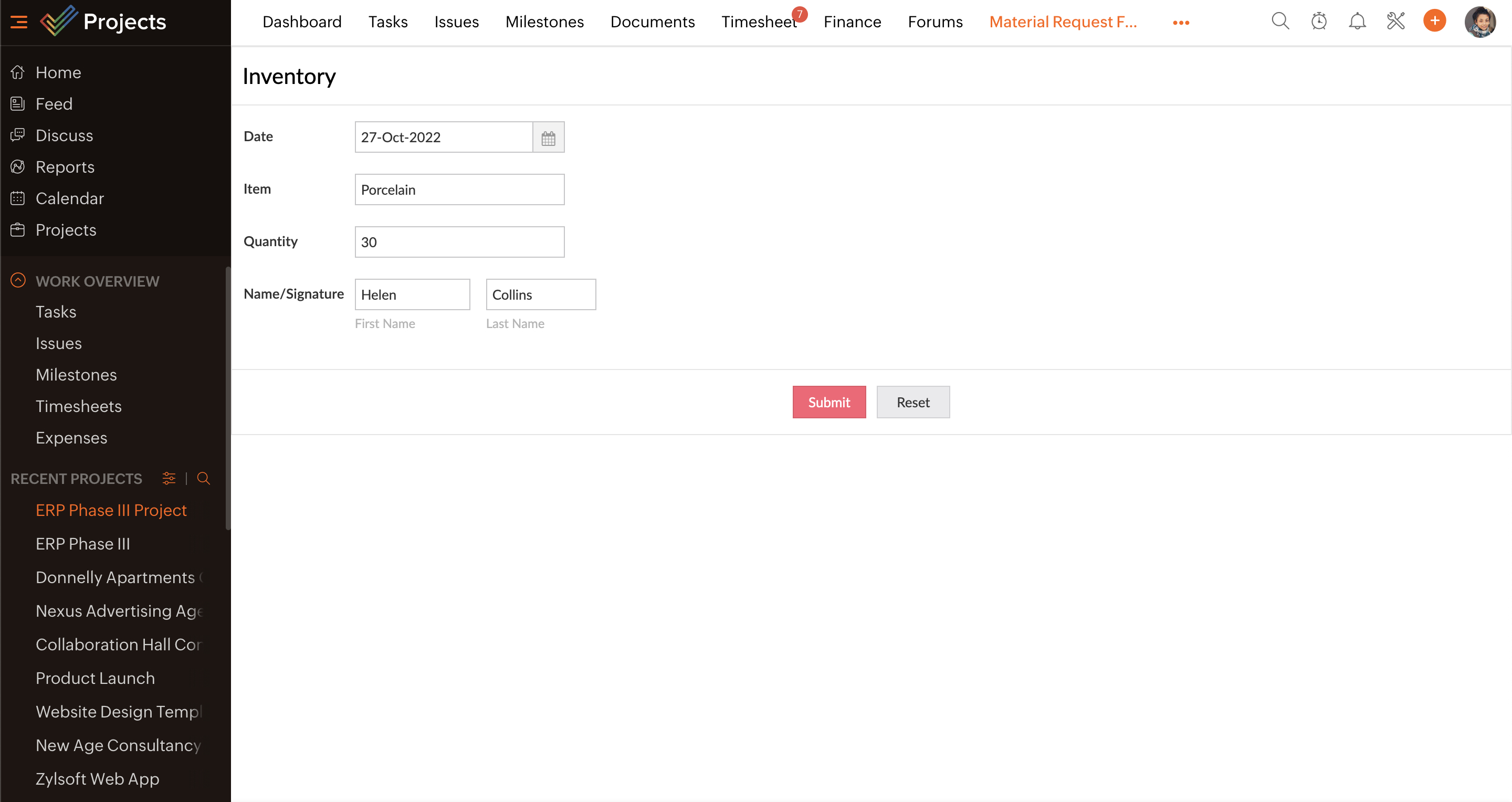
You can create a Zoho Creator form and embed it within Zoho Projects using a web tab. Add fields to your Zoho Creator form to get details about the
supply of materials
.
You can associate the web tab to all or specific projects and users based on your preference. Once the web tab is created, you can access it from the module tab inside the project. Enter the inventory details and click Submit.
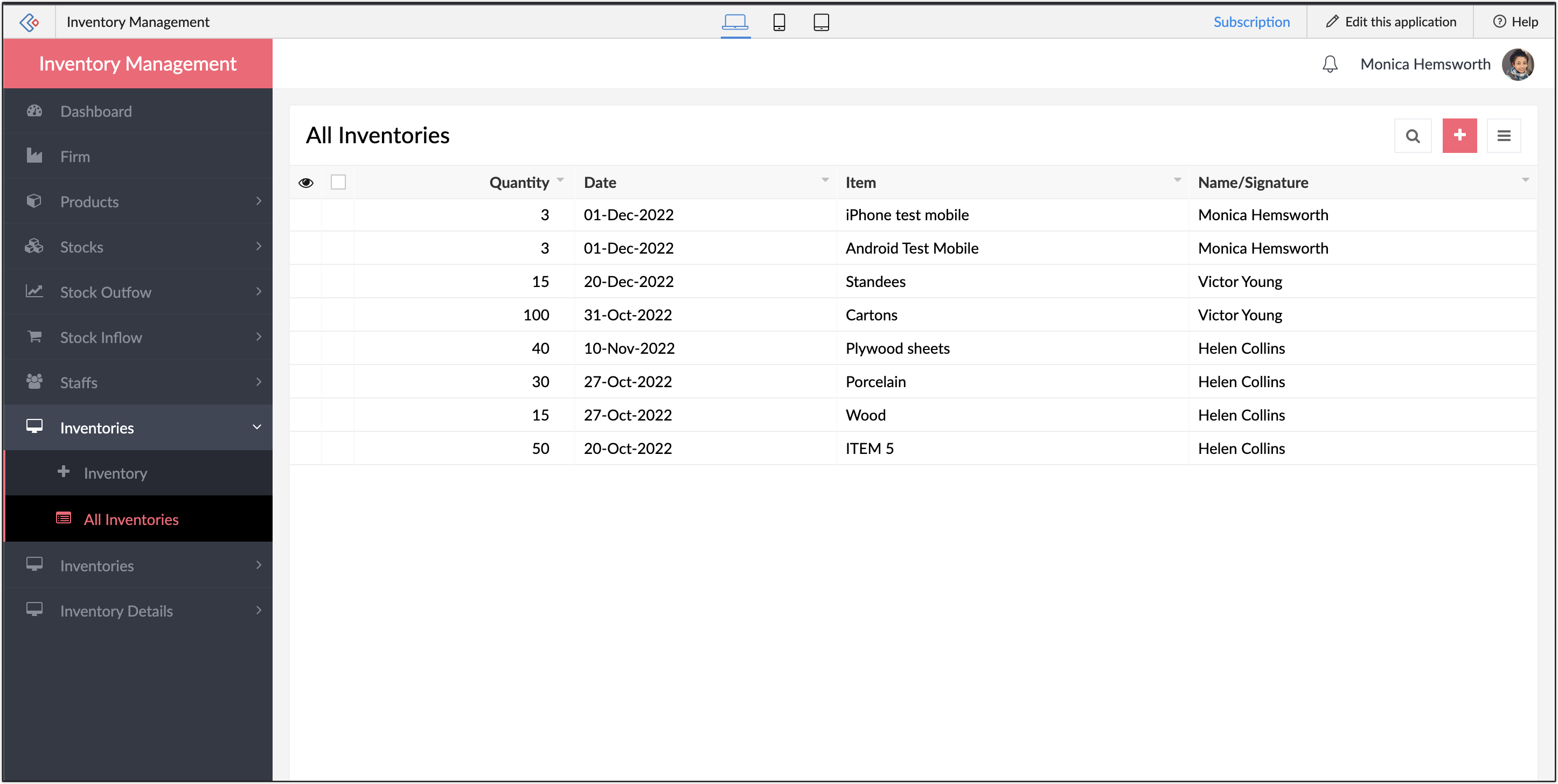
You can view the updated inventory details from your Zoho Creator portal. Click here
to learn more about Web Tabs.
If you have any questions, do leave a comment below or mail to us at: support@eu.zohoprojects.com for EU data center or support@zohoprojects.com for all other data centers.