Product updates: Enhanced Help widget
Hi Bookings community!
We are glad to announce our improved Help widget, which aims to provide a better support experience. This update has been enhanced with the following features:
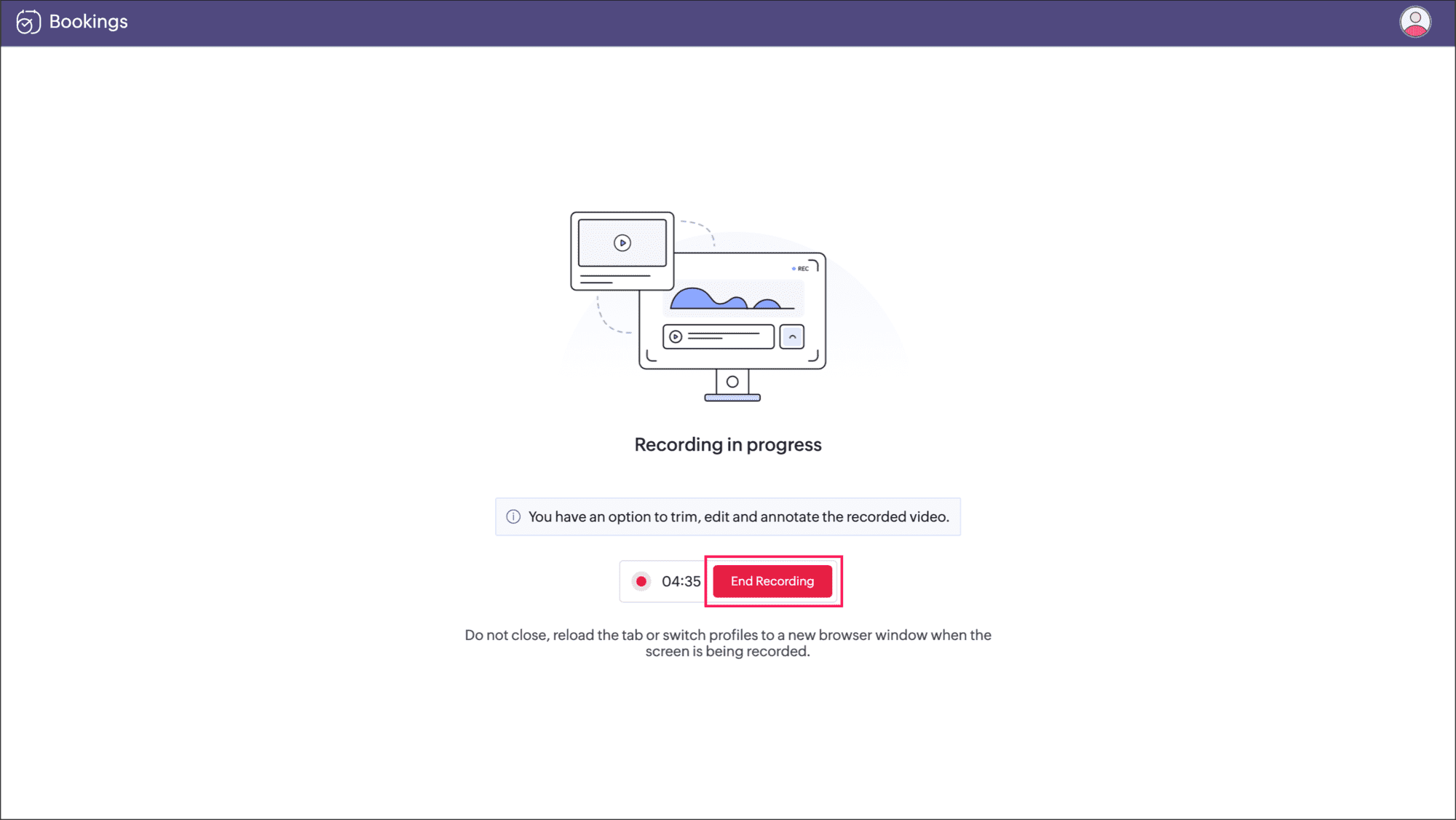
Built-in screen recording
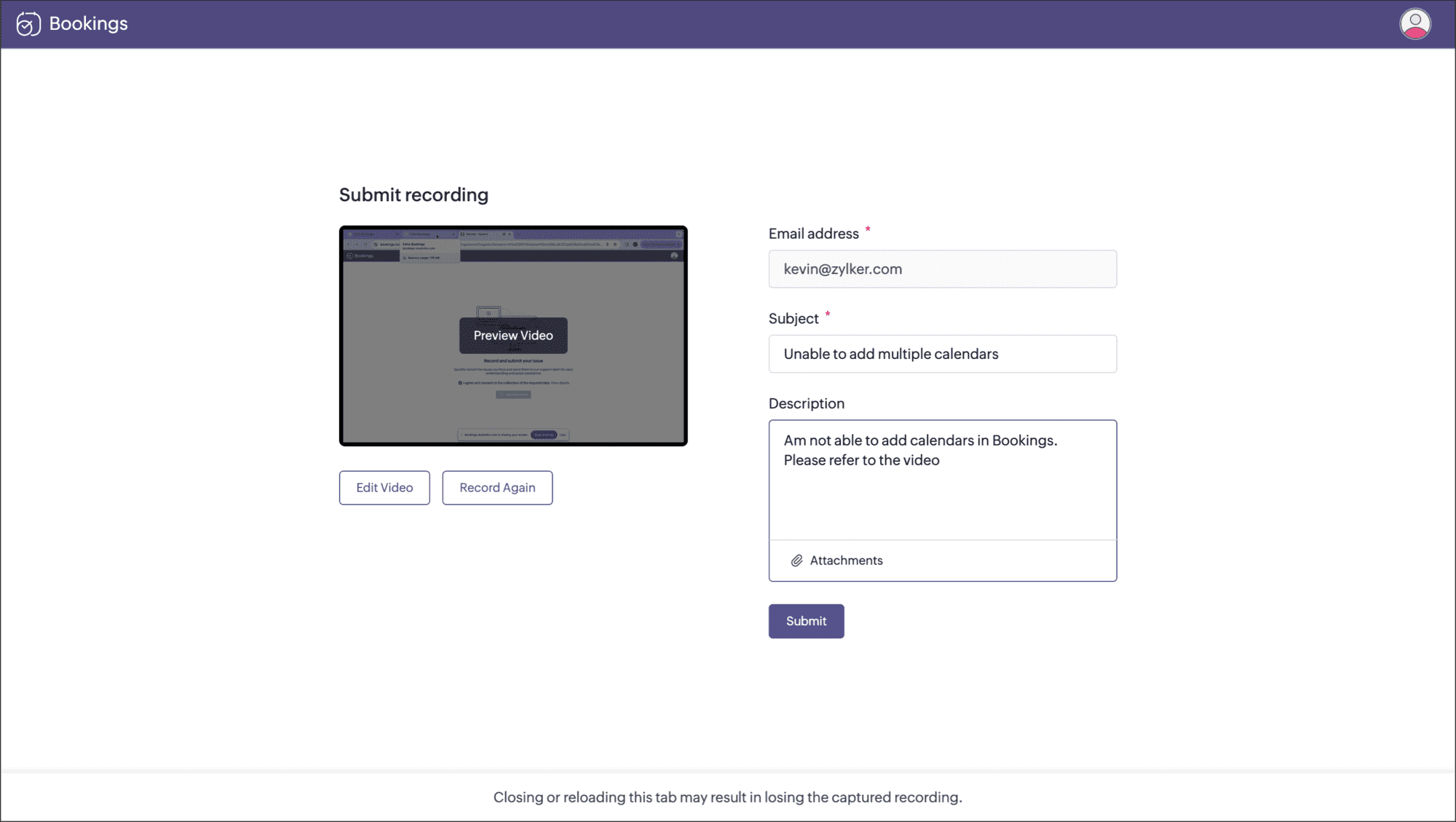
Submit support request
Live chat
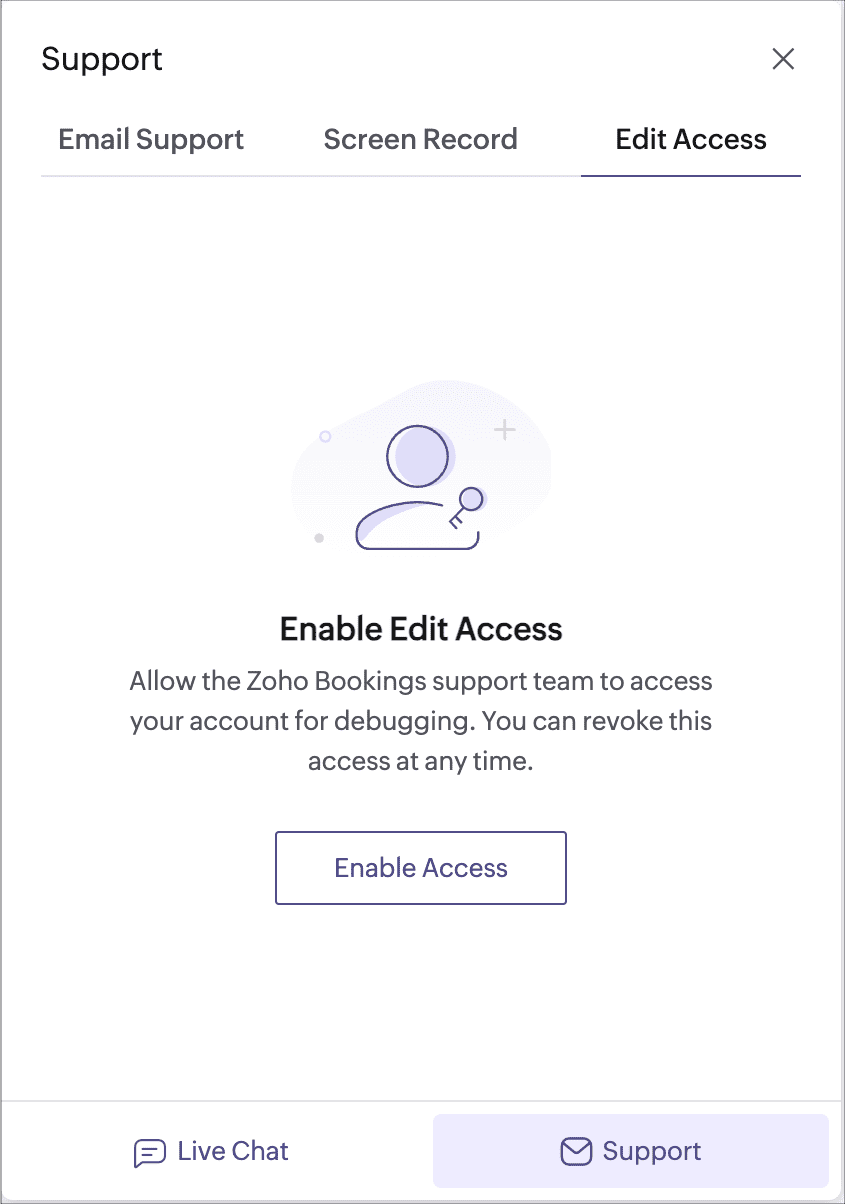
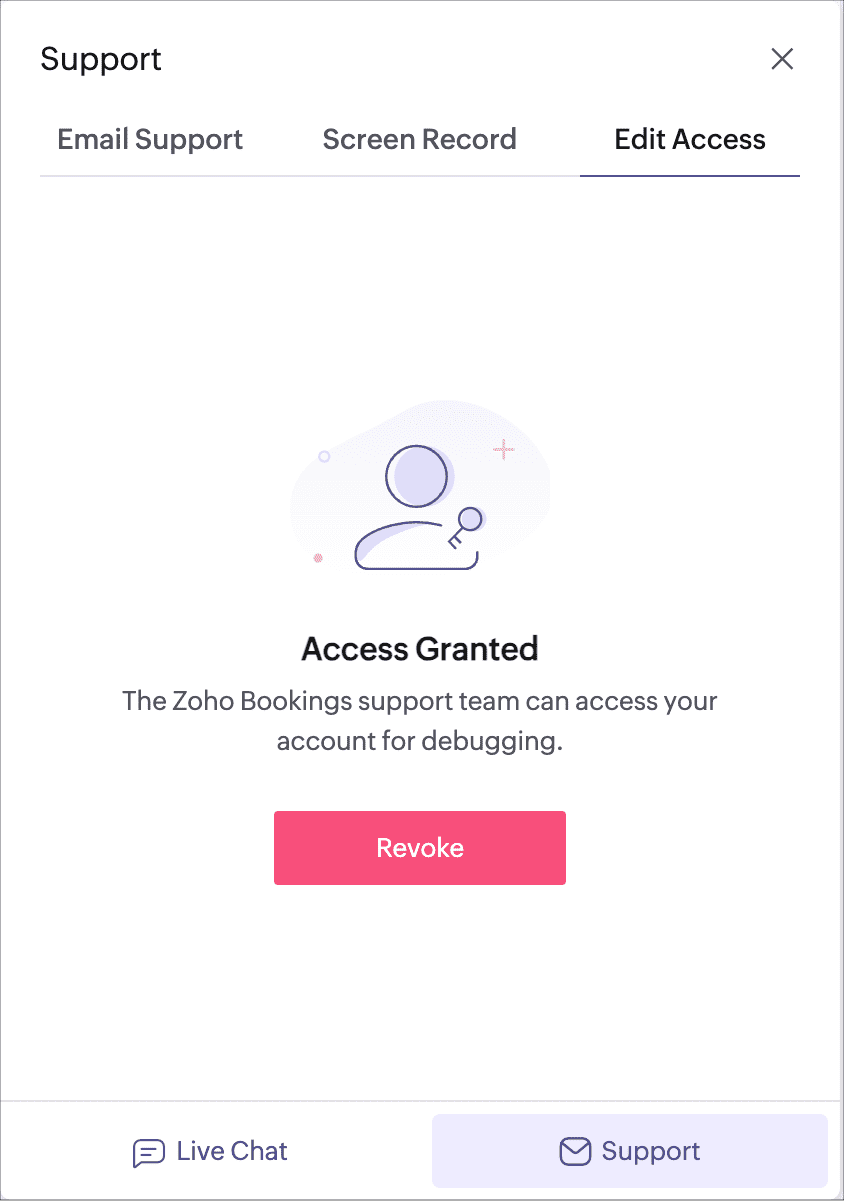
Enable edit access for support team
Built-in screen recording:
Communicate complex issues with ease! Our Help widget now comes equipped with a screen recording feature, allowing you to capture and share your challenges seamlessly.
This tool not only facilitates screen recording but also includes a user-friendly video editor that allows you to incorporate annotations and narrate the issue through voiceover. Notably, for privacy concerns, you can conveniently trim the video or apply the blur function to mask sensitive data in the recorded video.
Submit support request:
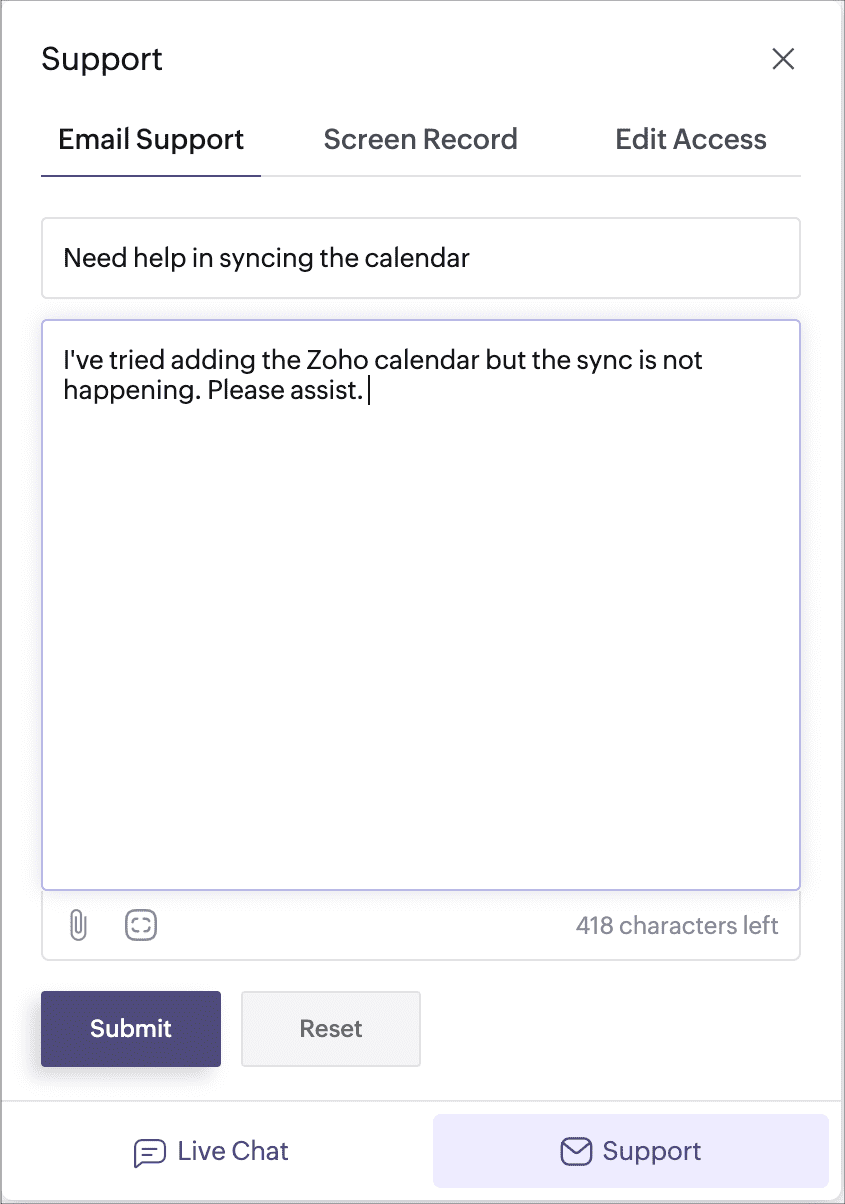
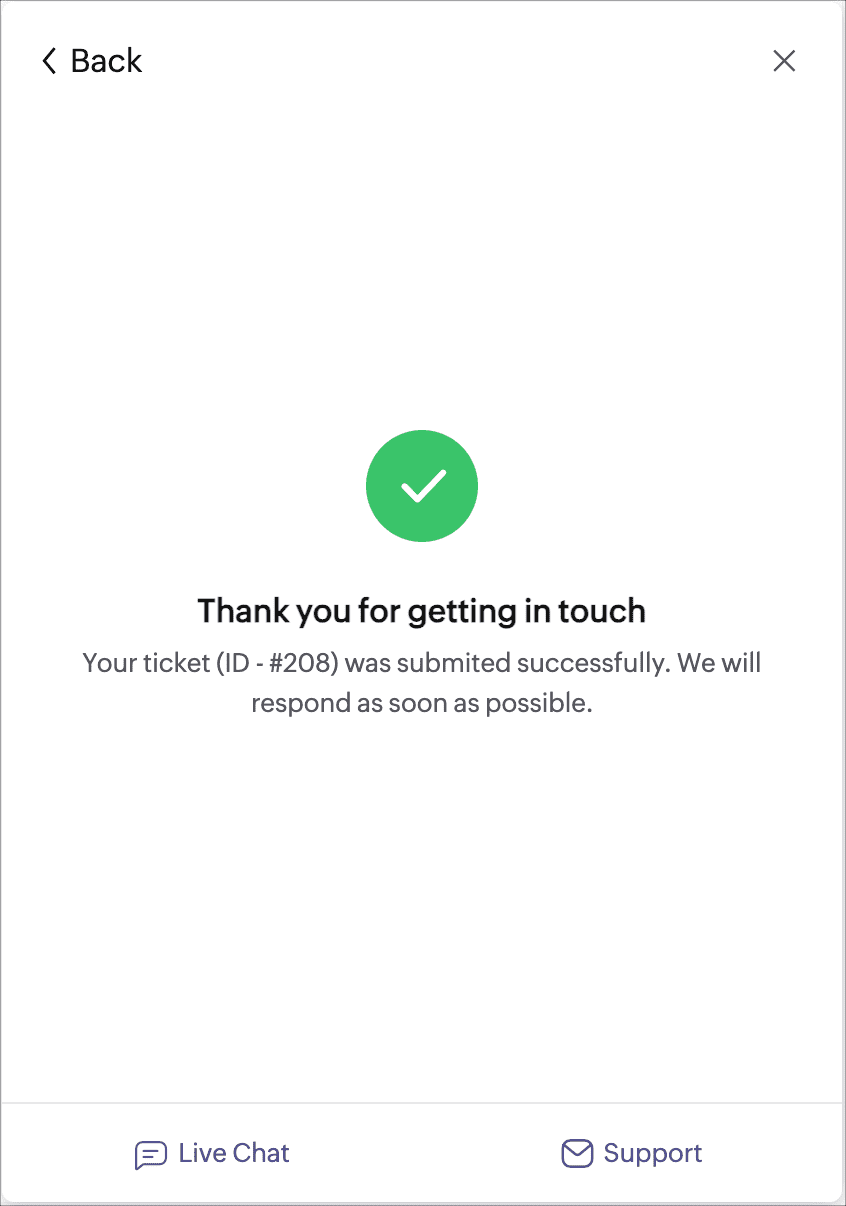
The Help widget also has existing live chat and edit access options.
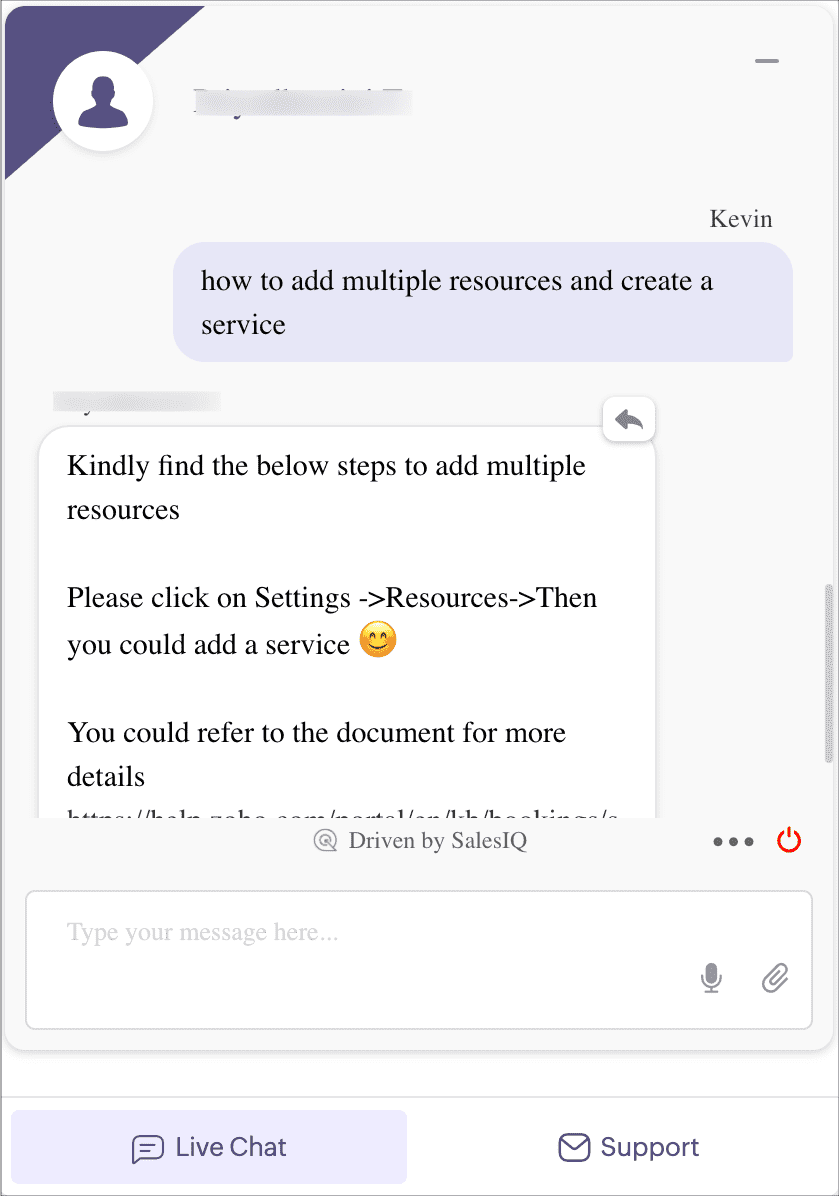
Live chat: Real-time assistance at your fingertips! Connect with our knowledgeable support team, ask questions, and receive solutions instantly. 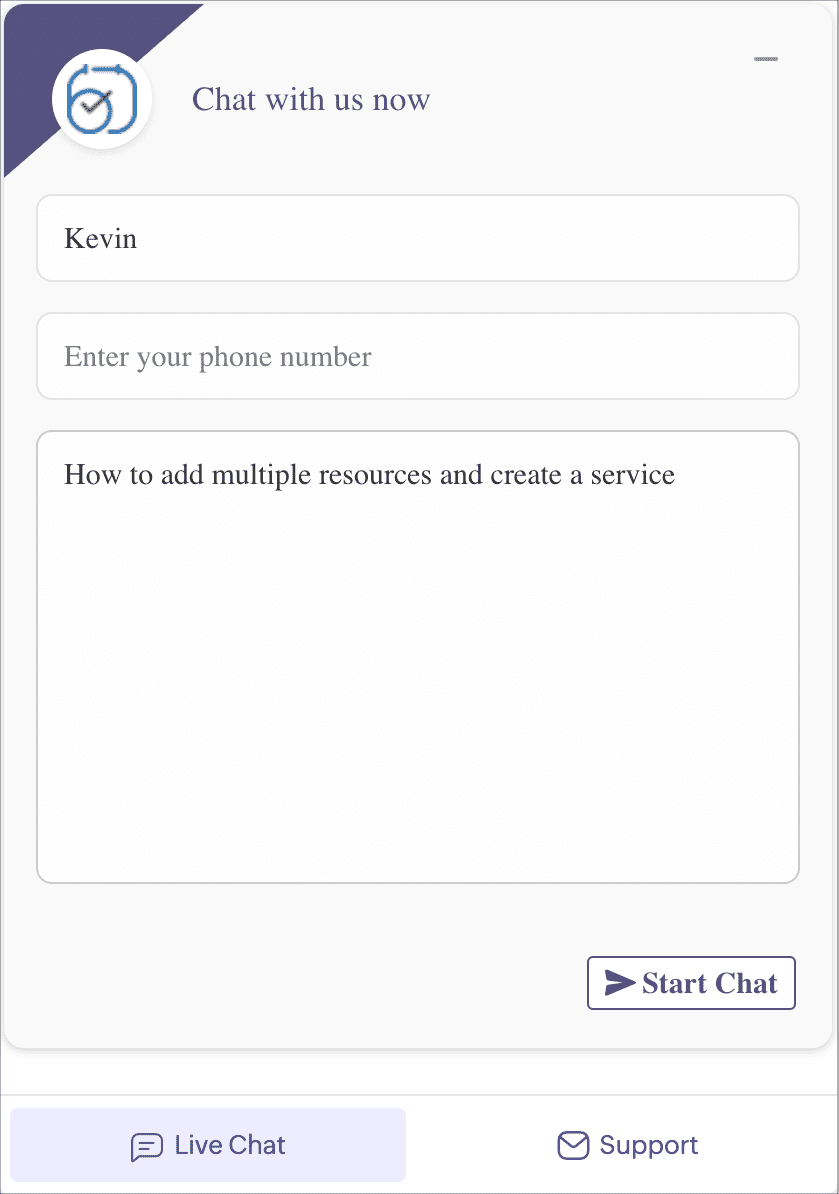
Enable edit access: Allow the support team to access your Bookings account to debug and identify the root cause of the issue.
Please note that the access provided is very secure, and the support team can only access your Bookings tool for the purpose of troubleshooting and resolving the reported issue. Rest assured that the technician will not have access to your account homepage, setup page, subscription page, any other application within your account, or your password.
Availability: The Help widget is available for all users. However, free plan users do not have access to the live chat option.
We understand that your time is valuable, and resolving issues promptly is our top priority. Head over to our Help widget today to access instant support.
Please share your feedback in the comments or write to us at support@zohobookings.com.
The Zoho Bookings Team