Tips and Tricks #58: Tips to overcome your presentation nightmares
– Ralph Waldo Emerson
It is natural to feel anxious before delivering a speech. Whether you're an expert or a novice, everyone experiences presentation jitters. But if you master the three important P's—Plan, Prepare, and Practice—you'll have an easier time overcoming these jitters to deliver a successful presentation.
Here are a few tips for conquering your presentation nerves:
1. Preparation is key:
Begin by deciding on an appropriate topic for your audience. While designing the slide deck, use visual appeal to capture your audience's attention. You won't be able to cover every important point in your slides, so prepare a script to follow the flow of your presentation. While working on the script, focus on starting and ending your speech with the same energy to keep the audience engaged throughout the presentation. Also, be prepared for possible questions from the audience. While presenting, always assume your audience knows more than you—this will motivate you to be thoroughly prepared. 
2. Content is king:
Good content, when presented well, will make your audience remember your presentation. To create high-quality content, you must identify your target audience, understand their needs, and shape your presentation accordingly. Make sure you're familiar with the topic you choose to present. If you're not, spend time researching your topic. Gather enough information to validate your content wherever necessary. If you're confident in the information you're presenting, the audience will be able to tell.
3. Practice makes perfect:
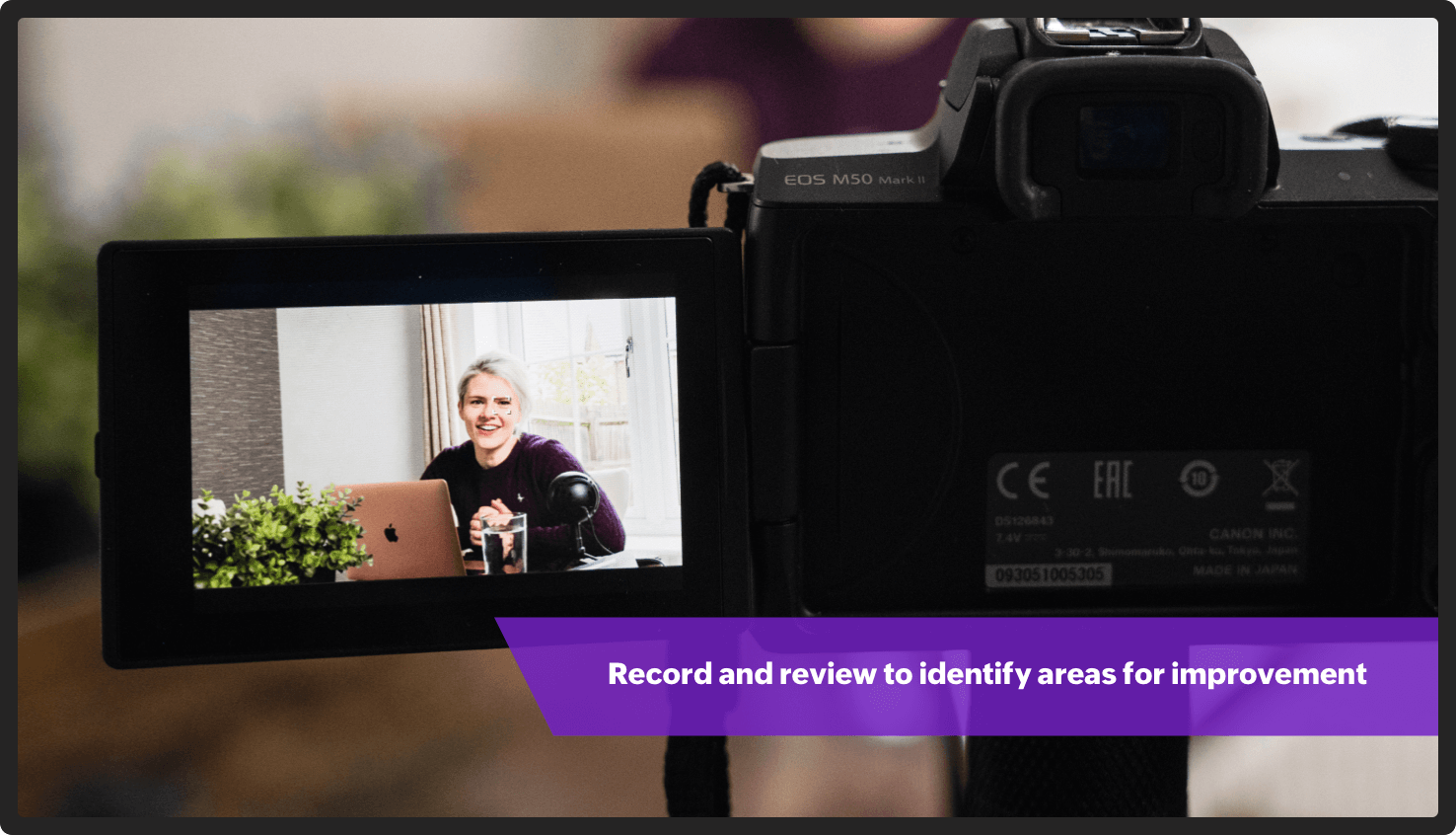
Practice every time like it is the first time. Your audience will remember how you begin and end your presentation. So deliver the first and last sentence of the presentation confidently. Carry small notes to ensure you don't skip any important points. Be your own critic—record yourself and watch the video back to identify any parts of the presentation needing improvement. You can also practice in front of the mirror. This will help you observe and correct your body language. Try practicing with different audiences to ensure you're comfortable speaking in front of any crowd.
4. Always have a Plan B:
Technical glitches are beyond our control, and might include mic dysfunction, network issues, or a laptop freeze. While it is advisable to carry a spare laptop, rehearse your presentation without the deck so you have a backup plan if something goes wrong. It's helpful to have some facts or interesting information on your topic prepared in case you need to fill time while technical issues are resolved. You can also use downtime to recap everything you have covered so far or to lead a brief activity.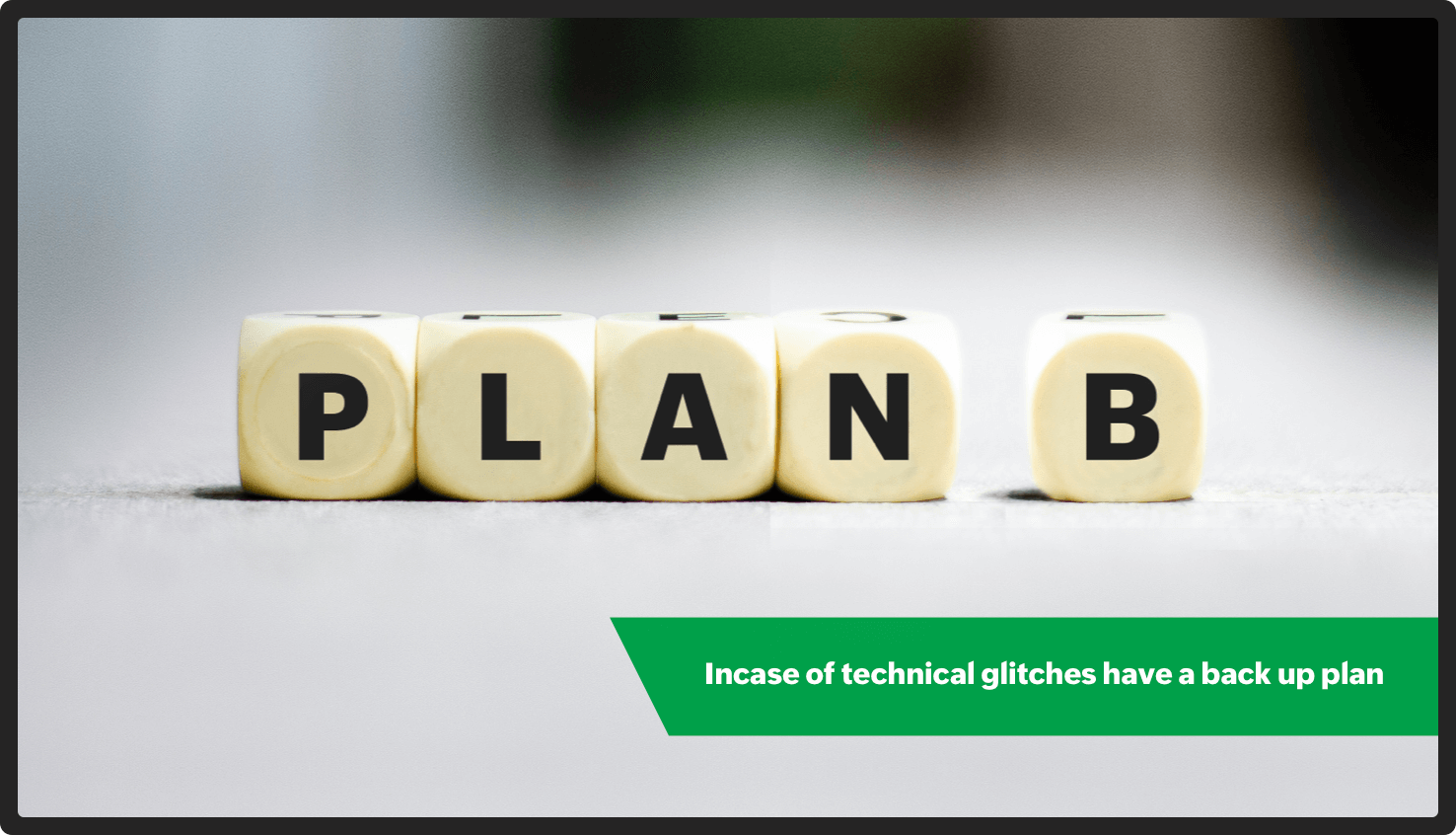
5. Get a good night's sleep:
Your brain needs sleep to function properly. A well-rested person is known to have less stress and stronger concentration, and make better decisions. Being properly rested can help increase your creativity. Good sleep also improves your memory. This will help you remember everything you've practiced.
No one is born a good presenter; it takes regular preparation and effort. We hope these tips help give you the confidence to ace your next presentation!
Topic Participants
Gowthami Boominathan
Sticky Posts
Tips and Tricks #08: Lock and unlock objects in Zoho Show
Hello everyone, Here is a tip about just one of the many interesting tools in Zoho Show. Let's say the marketing and design teams are working together on a product launch. With multiple people working on this shared presentation, and rushing to get itTip and Tricks #01: Take your text for a spin
Hello folks, Zoho Show's all-new, clear, contextual interface was a great update to an already great product, so we thought you might appreciate some help putting it to good use. Following this release, the Zoho Show Community is happy to launch TipsTips and Tricks #06: Animate text at the paragraph level on Zoho Show.
Hi guys! We're back with another Show tip! Before we jump into it, let's read through a quick scenario first. Say you have a slide with a list of bullets and paragraph levels to present to your audience. The second it's on the screen, your audienceTips and Tricks #05: Add pictures as comments within a slide.
Hello everyone, We're back with a new Show tip. In today's post, we'll look at a more interesting way to comment and collaborate on a slide in Zoho Show. No matter where your colleagues are in the world, using comments to share opinions or give feedback isTips and Tricks #07: Crop a Picture to Fit a Shape
Hello everyone, Whether you're designing an adventurous photo collage, your company's brochure, or simply a team introduction for new hires, images always play a crucial role in making your presentation look interesting and interactive. To help spruce
Recent Topics
Function #25: Automatically generate purchase orders from a sales order
We kicked off the "Function Fridays" series with the goal of helping you automate your everyday accounting tasks. As we delve into today's post, I'm delighted to announce that we're here to present the 25th custom function in this series. While it ishiding a topic from all but one segment (or list)
My organization sends out a number of newsletters using Zoho Campaigns. One of those newsletters is for volunteers. In order to become a volunteer, a person has to first go through our volunteer orientation (training). After that, they can receive newslettersHow do I set up this automation correctly?
When contacts enter my Subscribers list, I want it to reference a custom field to see if it is empty. Then I want it to do two things: If empty: Assign a tag based on a different custom field. If that custom field is empty, assign a different tag. IfFunction #62: Display associated Quote on Invoice details screen
Hello everyone! Today, we are sharing a Related List script that makes it easy to view and access the quote from which an invoice was created right from the invoice details screen. This Related List displays the Quote number and Amount, allowing you toDesk x CRM Integration
Howdy! We currently use SalesIQ but we are considering moving across to Desk as it seems to have more functionality that we want. One of the pulls is the ability for our customers to self serve. But, I might be getting over excited and not actually needIssue with Save & Share Link – Works for Others but Not Creator
I’ve enabled the "Save and Share" feature in Zoho Forms, and it works correctly for all users accessing the public link—except for me (the form creator). Issue Details: When I save and share the link, recipients see a “no permission” error. The form isSave the pdf report from a registration form in a Folder
Through Zoho Forms I created a registration form with quite a lot of rules to handle different variables (TEAM types, payment in installments, etc.), and the result is pretty good. The automatic PDF that is sent to the respondent upon submission is alreadyzoho forms integration to zoho work drive
Scenario: A user fills out a Zoho Form, entering details such as email, mobile number, and other required information, and uploads supporting documents like PAN, Aadhaar, etc. Upon submission, the data is available in Zoho Forms Reports. Requirement:Zoho Forms to Zoho CRM Integration failed - can I restart it?
The integration of Zoho Form to Zoho CRM has failed. Is there a way for me to restart it for the impacted entry?insert an equation, but in document, it shows an image not available.
I'm new to Zoho writer and used Zoho writer in desktop app version . When I inserted an equation, I got an image not available sign. Any help is appreciated. Thanks, CharlesZoho Desk Android app update - Swipe action customization
Hello everyone! We have brought in support for the swipe action customization in latest version(v2.9.13) of the Zoho Desk Android app update, enabling you to configure left and right swipe gestures on tickets to carry out the actions swiftly without openingArranging Ticket Templates
Is there any way to arrange our ticket templates? It doesn't look very organised when it's just arranged according to when they were created. We want the list to look more organised, by arranging/grouping them by topics, or even just by alphabeticalWhat they mean with "Portal"?
I just downloaded this app to take my personal notes on digital art studio because it seemed to me the most comfortable app to do it, I use it very often, what do they mean by “no activity on your portal”? I have about 1 year of work here and I don'tfavorites no longer listed
Hello, I can no longer navigate to my Favorites from the pulldown at the top of my grid view (see attached screenshot). I wasn't able to find it anywhere! Please help me display my Favorites. Thank you!Notecards Disappeared
Got a new phone. Downloaded and signed in Zoho Notebook. Not finding the Note cards. Just Empty Note books. Frustrating.Table Errors
Hello, I'm new to Zoho Notebook and using it on several Mac/Apple devices. My question is regarding tables: Why do they become broken, and how to fix the error without retyping all my data? (Please see the screenshot attached.)Online Calculator with Zoho Forms?
I'd like to build a custom calculator on my website. Zoho Forms seems to offer all the fields for basic calculations performed live without pressing any "Calculate" buttons. Unfortunately, there is still that "Submit" button at the bottom. There is nothingZoho Tables instead of Zoho Creator Spreadsheet reports <3
That would make my day for sure. Zoho Creator is create, but miss data entering as AirTable/Spreadsheet can. Seeing Zoho putting effort in this makes me think maybe one day we could see a similar interface for Zoho Creator spreadsheet reports. B.Notebook Stack
Hi Everyone I Hope you´re fine, I´m sorry if this idea was posted before (I made a search but I haven´t find anything related). So, Having the possibility of stacking notebooks would be an interesting way to order notebooks that correspond to the sameWriting on sketch cards is bugged when zoomed in
When zoomed in, it writes a noticeable distance above or to the side of where you're actually trying to write. The further you're zoomed in, the more noticeable it is. Zooming is also entirely absent on the desktop version.Swipe between notes on iPhone
It'd be convenient if I could move from one note to the next in a notebook simply by swiping left to right.Sales IQ chat is not working in signed android apk
I have integrated ZOHO sales IQ support chat and i have followed each step and its working fine in my development build but when i create signed APK for it. Chat does not work in it and showing awaiting for detail. I previously asked the same query butCOQL order by COUNT not working
Dear community, I am trying to get a list of deal amounts per planner working on it and sorted to get see who has the least amount of deals. For some reason, I am unable to use sort by in combination with a COUNT. My original code was: query = "selectI want to duplicate a report and name it something else
Hi, I have created a report, and now want to reproduce it and call it something else. so that I will end up with TWO separate reports with different titles. Please tell me how do I copy / reproduce a report pleaseZoho CRM: Sales Rep Professional Certification Program on Coursera
We are happy to share that we have published the Zoho Sales Representative Professional Certificate in partnership with Coursera, a leading platform for online learning and career development that offers access to courses and degrees from leading universitiesOS X Notebook quits immediately upon launch
NoteBook for OS X (Sequoia, but also under Sonoma) always quits immediately upon launch (so I cannot use the "Attach user log" option). I've restarted my MacBook but the problem persists. If it helps, attached is a diagnostic report from Library>LogCan External users upload files or images to WorkDrive?
I want to know if it is possible for someone externally through a link and PW be able to upload files and images onto WorkDrive?Multi-line fields character limits
Is there a way to set the character limit higher on multi-line fields so that we are not losing information pasted into the field? When the text is entered or pasted, there is no error to say that the text is too large. After saving and going back to view most of the text is gone. Also, when viewing the resume, the text is not wrapped in the multi line fields and can t be read without scrolling across the page.Taz bot not working — What should I do to resolve this issue?
I am experiencing issues with the Taz bot in Zoho Cliq—not receiving responses or it does not seem to work as expected. Could you please explain why the Taz bot might not be functioning and what steps I should take to resolve this issue? Thank you!OneNote Migration
I am trying to migrate two notebooks from OneNote. For five days now I have had no notification that migration has completed and the migration page show 50% complete - one notebook completed one not finished. It just stays like this. I am unable to cancelSet various time slot reminders for task and event
Hi I would like known if there is possibility to set various time reminders for a task or event like we have the possibility to do in google calendar or google task. For example I'am creating an event or task and I want to be alerted before 30min andZoho Calendar not functioning---cannot edit, add attendees, etc.
Hello, My calendar is acting strange. I'm using Chrome as my browser and pop ups are not blocked (the calendar worked fine yesterday). When creating an event, I'm not able to "edit" the event and add attendees, etc. The link is non-responsive. I cannotSpilt Axis for stacked column and line graph
Each month around this time I prepare a business review deck. One of the biggest annoyances I have with Zoho, also happens to be something that most other platforms have provided for a long time now, and that is being able to create a chart with stackedPin a note on top
Dear Zoho Notebook Team, Please highly consider adding ability to pin a note on top and arrange pinned notes. I have a lot of notes that I want to pin important ones on top and this feature is missing badly. Thank you.Windows 11 app ver 2.2.8
I have been trialing Zoho Notes syncing between my PC and iphone. No problems with iphone but the Windows 64 bit app ver 2.2.8 was very buggy and would lock up completely, needing a Control Alt Delete etc to close it down. It seemed to be connected toDeluge Script: Onboarding → Access Form
Hello everyone, Edit: Sorry, I think I put this topic in the wrong section. I’ve recently run into an issue that’s been giving me a bit of a headache for the past few weeks. Context: This is my first time using Deluge to create a script, but it’s notWindows Device Authentication
We have recently started using ManageEngine, and my boss saw a device management feature in the Zoho One directory. We thought it would either help give us more intergration into Zoho one through bringing ManageEngine services through Zoho one. Or, itHow can I change spell check language?
I cannot find the way to change spell check language. My "display language" is English, and I want to have the same one for Spell Check, but it is Russian!!! How can I change it? In one of your explanations you mentioned that I have to choose it fromMail is so slow - doesn't even work!
Mail has been getting slower and slower - and today it's not even pulling up emails in either Inbox or Unread. This is beyond frustrating since email is a big part of business. Sent a request through the useless help portal - no response. Called the uselessUser marked as SPAMMER. Mail Fetch has also been disabled for any active POP accounts.
I am the administrator for joelles.com One of our accounts has been blocked saying this: User marked as SPAMMER. Mail Fetch has also been disabled for any active POP accounts. I cannot change the disabled account in the control panel as it says that itNext Page