Bridging the gap between incident management and project delivery
As an organization, you can have structured backup plans to handle issues that arise during project execution. Despite best efforts, even efficient processes can fall into an escalation trap where a red flag travels up the tiers but no real action follows. If you're into the construction or software industries, we're sure you can relate. Let’s see how Zoho Projects and Zoho Desk can help your business hit the sweet spot between contingency planning and escalation management.
Sync up issues and tickets
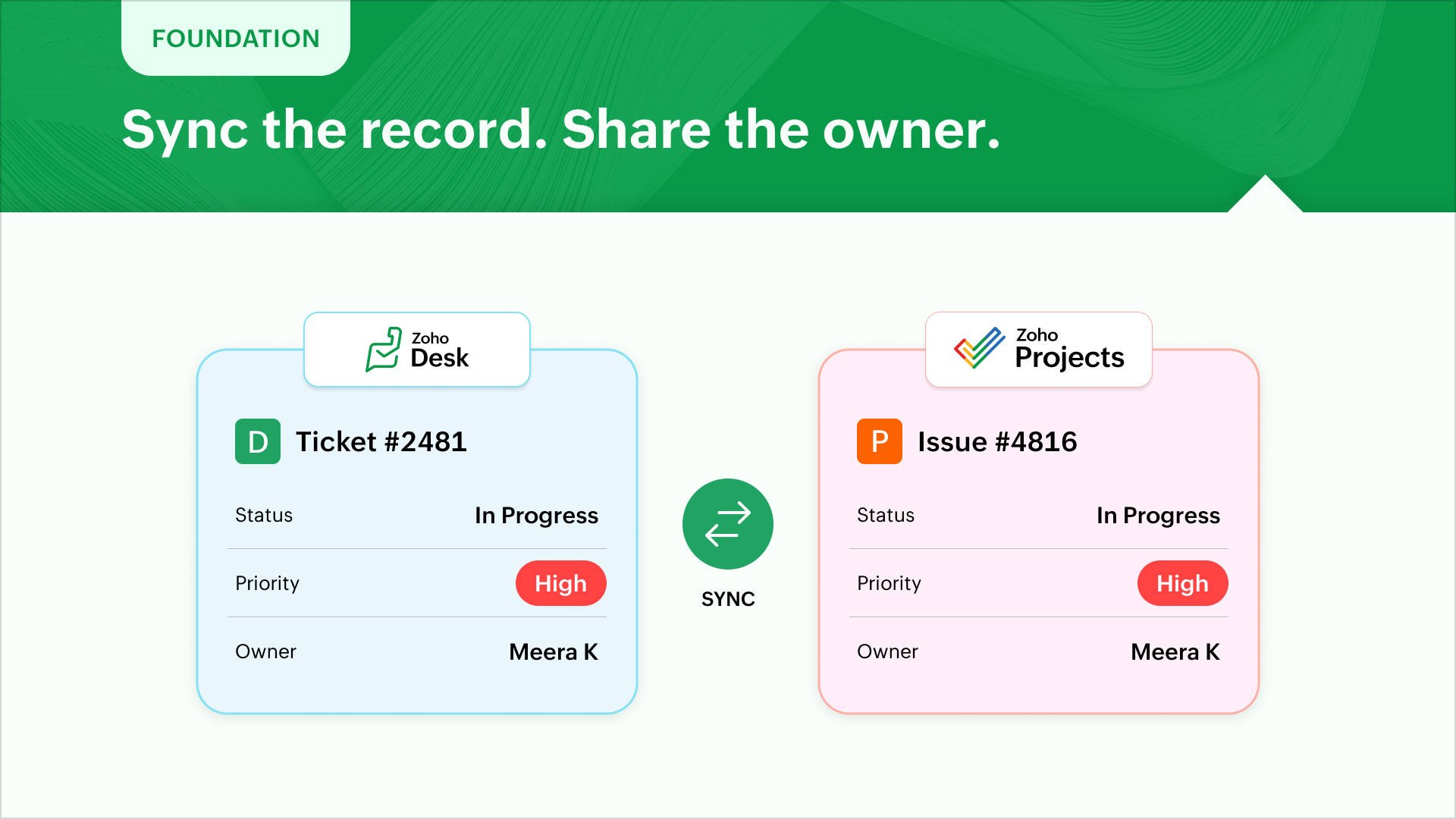
To ensure smooth handover and execution, the logical starting point will be to sync the statuses, priorities of desk tickets and project issues. The next step would be to ensure desk agents and issue owners are present on both the platforms to ensure ownership and follow through.
Include incidents while planning
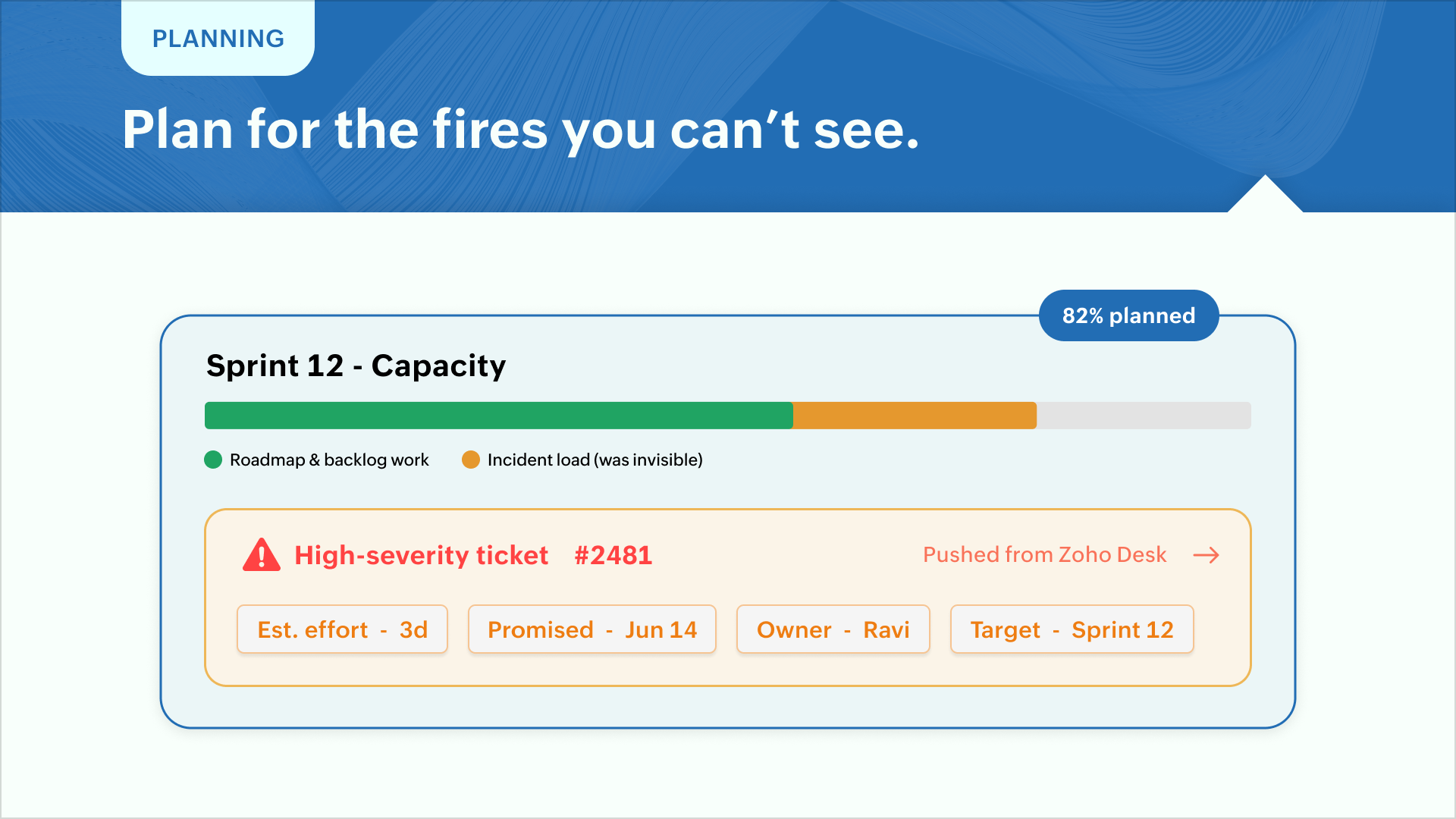
Planning a phase or sprint depends heavily on the roadmap and backlogs. But resolving high severity tickets take up significant bandwidth which don't make it to Zoho Projects. Zoho Desk can push the issue resolution with estimated effort and promised delivery times and assign them to a name owner and target phase. This helps in prioritization and capacity planning before initiating a sprint.
Don't let delays damage reputation
Ensure resolution reaches support
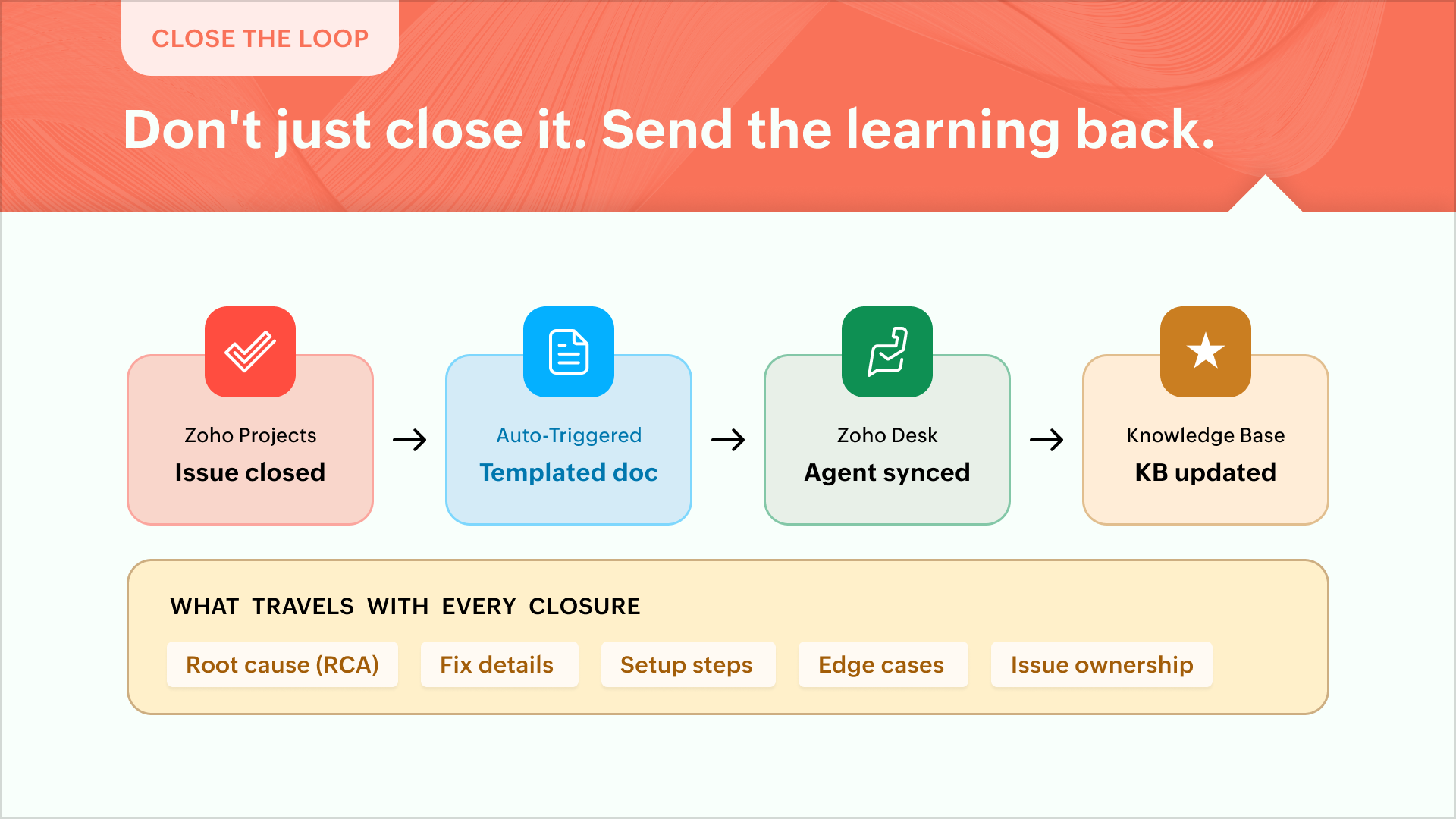
Most of the time, execution teams act on the reported incident and close the issue inside Zoho Projects. But the real impact is when the root cause (RCA), fix details, setup steps, edge cases, and issue ownership make it to Zoho Desk. Better still, the learnings or updates make it to the KB article concerned. Every issue closure can initiate a templated documentation to keep support in sync.
Present a unified view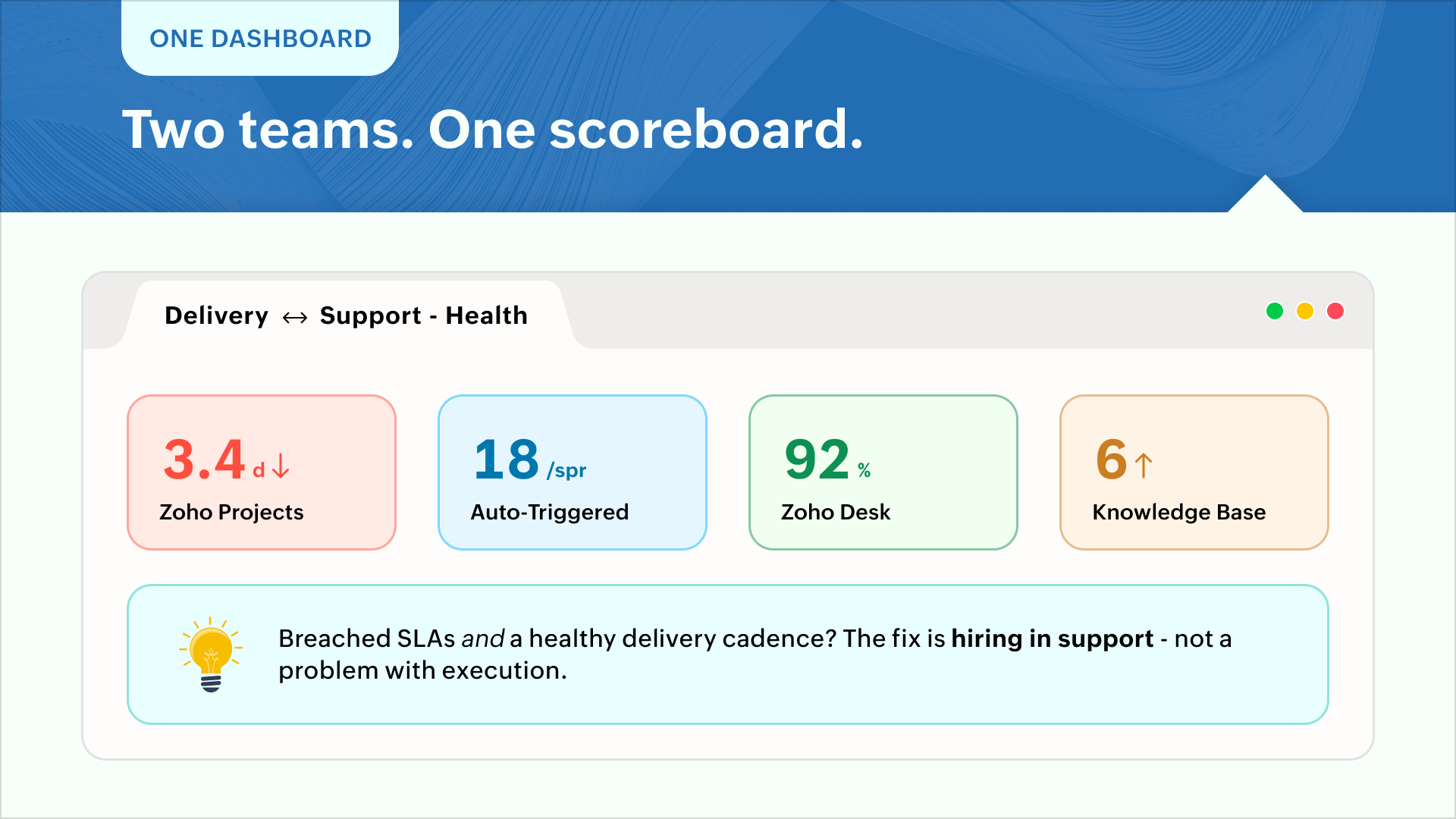
Execution teams go by volume and cadence while support teams champion customer satisfaction and SLA compliance. Say, for instance, breached SLAs and a healthy delivery cadence might call for more hiring in support while it can be a problem with execution. A unified dashboard showing metrics for "resolution times vs delivery volume" can present a realistic view for calculated decision-making.
Enhance customer experience
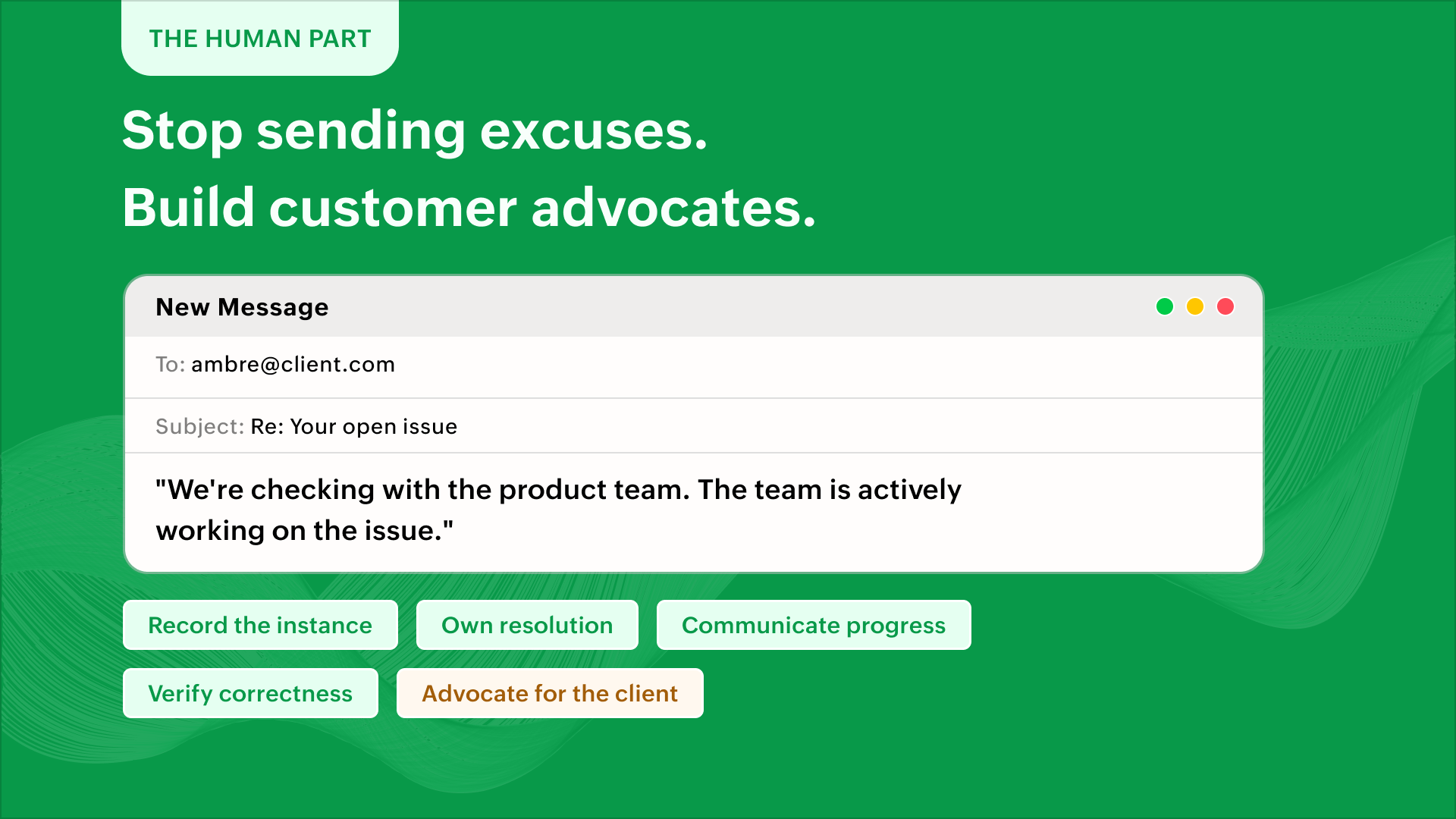
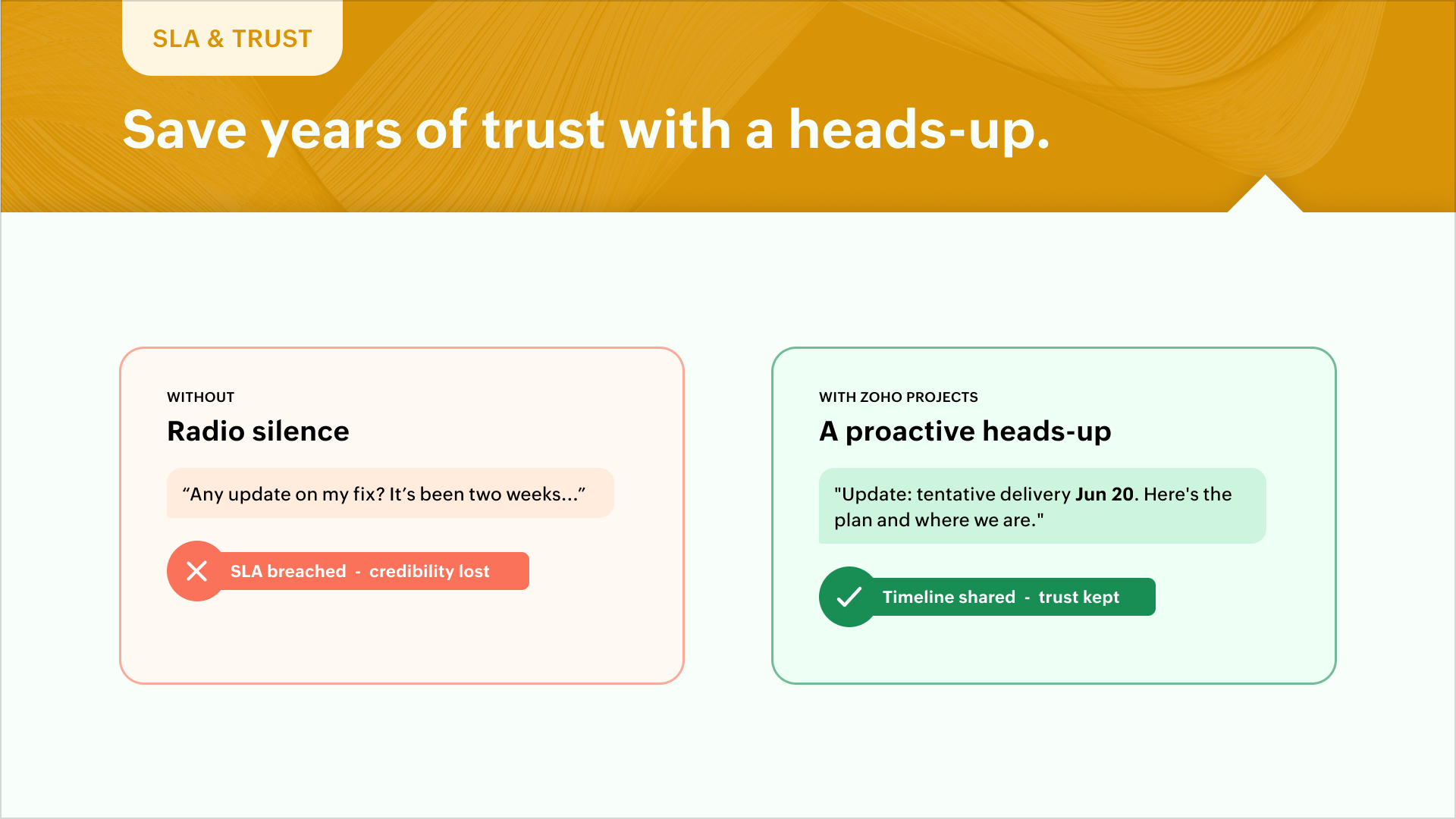
This is one line that your support representative dreads typing in emails - "We're checking with the product team. The team is actively working on the issue."
Issues happen, things break, and processes fail. But recording the instance, owning issue resolution, ensuring resolution correctness, communicating internal progress and advocating for client-success can go a long way in establishing long-lasting relationships. An empathetic support team and a poised execution team can help build advocates for a successful business.
 Pro tip: A custom module can create visibility into pending items or critical incidents that impact capacity or sprint planning. This avoids resource burnouts and helps you build credibility with your clients. A hassle-free delivery experience wins their trust or brings in additional revenue or both. You can work with a partner if you'd like to.
The Zoho Projects-Zoho Desk integration
The Zoho Projects plugin for Zoho Desk lets agents create tasks and issues directly from a ticket. Issues and tasks, in turn, display their associated tickets. Project feeds reflect ticket replies and attachments in real time.
Learn how to set up the extension and what it does here - Zoho Projects extension for Zoho Desk.
Zoho Projects and Zoho Desk can together orchestrate SLA governance, account health, risk management, planning, prioritization, and a lot of other parameters governing effective delivery. If you're looking to build solutions on these lines, feel free to reach out to us or you can work with our partner community to customize this for you. Talk to us - support@zohoprojects.com.
Best,
Zoho Projects Team