Introducing multiple hiring piplines | Zoho Recruit
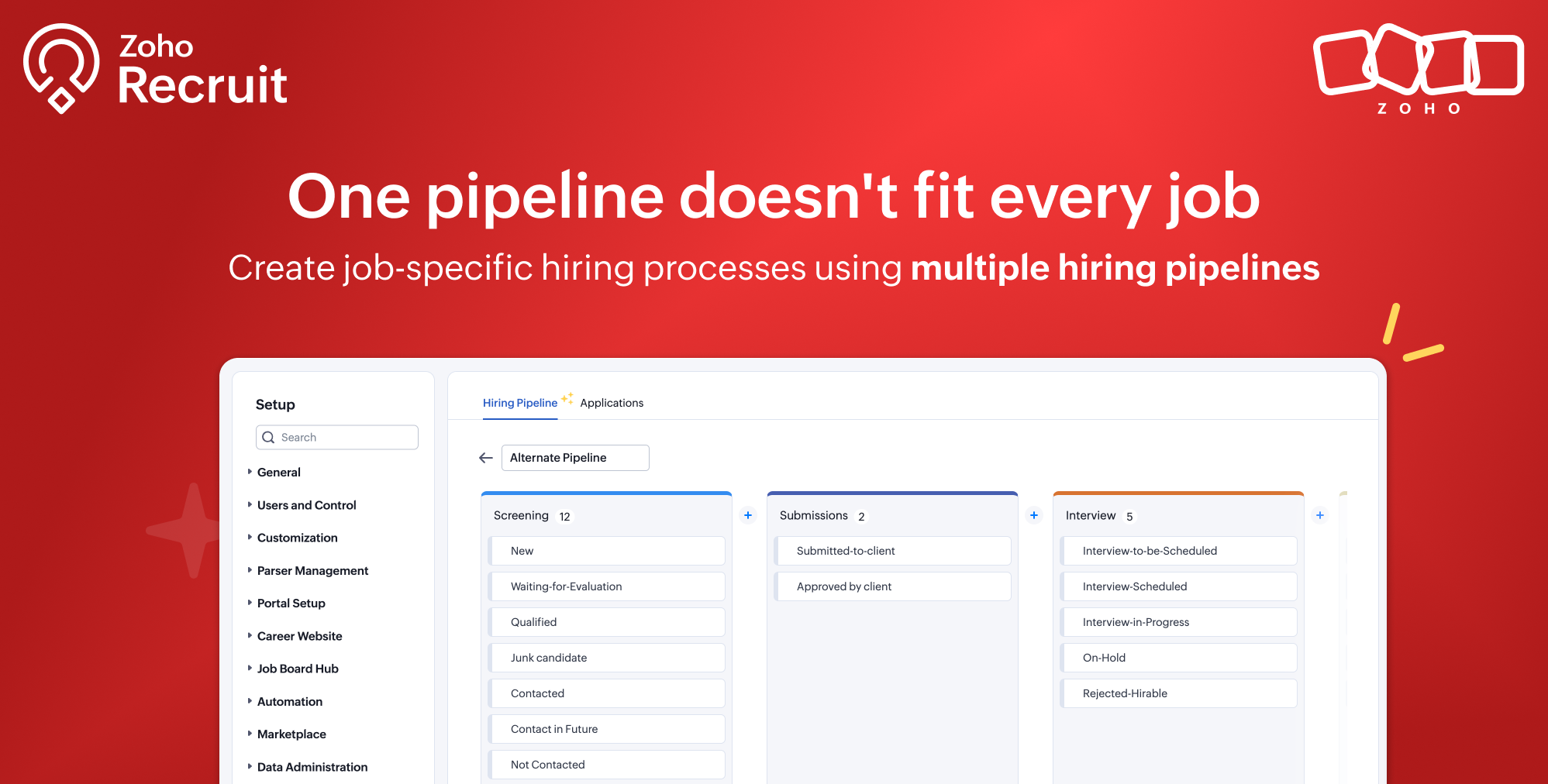
Every organization hires differently.
A software engineering role may require multiple technical interviews, a sales role might focus on practical assessments, while a healthcare position could involve license verification and compliance checks. Yet until now, every job opening in Zoho Recruit had to follow the same hiring pipeline.
This meant recruiters often had to compromise by using generic stages, manually interpreting statuses, or fitting very different hiring processes into a single workflow.
That's changing.
Introducing multiple hiring pipelines in Zoho Recruit, allowing you to create and manage dedicated hiring processes for different roles, departments, clients, industries, and more.
What's New?
You can now create multiple hiring pipelines and assign the right one to each job opening.

Whether you're hiring software developers, nurses, executives, seasonal workers, or campus recruits, every hiring process can now have its own set of stages and statuses.
Along with multiple pipelines, you can also:
- Create new pipelines from scratch or clone an existing one.
- Switch an existing job opening to another pipeline when hiring requirements change.
- Choose whether historical application data should also be updated during a pipeline switch.
Why this matters
Recruitment processes are rarely one size fits all.
A staffing agency may recruit across dozens of industries, each with different evaluation processes. Corporate HR teams often have separate workflows for engineering, sales, leadership, and campus hiring. Even within the same department, hiring for entry level and executive positions can involve completely different interview stages.
With multiple hiring pipelines, every job opening can follow the process that best suits the role instead of forcing every recruiter to work within a shared workflow.

This leads to:
- More accurate candidate tracking.
- Cleaner reporting and analytics.
- Better automation based on stage and status.
- Less manual work when managing different hiring processes.
Easily adapt as hiring changes
Hiring requirements don't always stay the same after a job is published.
If a role evolves or a different hiring process becomes more suitable, you can switch the job opening to another pipeline without creating a new job.

Zoho Recruit automatically maps existing records to the new pipeline, and you can optionally update historical application data so reports, audit history, and pipeline tracking remain consistent.
Limits by plan
Multiple hiring pipelines are available for customers using the Applications module and are supported across all paid plans in both the Staffing Agency and Corporate HR editions of Zoho Recruit.
Edition | No. of Pipelines | No. of Stages |
Standard | 5 | 15 |
Professional | 15 | 30 |
Enterprise | 25 | 50 |
 Note: The Applications module needs to be enabled in your account if you wish to create multiple hiring pipelines. If it isn't enabled, you'll have a single hiring pipeline that supports up to 10 stages.
We'd love your feedback
How are you using Multiple Hiring Pipelines? Whether you've organized your hiring by role, department, industry, client, or any other workflow, we'd love to hear how you've customized Zoho Recruit to fit your recruitment needs.
Regards,
Team Zoho Recruit