Hey form builders!
If someone opens your form, sees the wall of fields ahead, and quietly closes the tab. It may not be because the questions were hard. It could be because the experience felt like too much.
Which is why we have now introduced a new form type and we are calling it Spotlight Forms.
What are Spotlight Forms?
This form type highlights one field at a time as respondents scroll, while keeping everything on a single page.
No hidden fields. No next/previous buttons. Just a clean, focused experience that doesn't feel like a never-ending checklist.
How it works
As your respondent scrolls, each field moves into an active, highlighted state -centered and fully interactive. Everything else dims and steps back. The focus shifts automatically without any clicks.
It's a small UX shift with a big impact on whether people actually hit Submit.
How Spotlight compares to your other form types
Standard forms are the traditional forms that you are likely aware of and use more often. They follow a linear structure, where questions are presented one after the other.
Card forms are a more conversational and visually appealing approach to form design. Instead of a linear flow, questions are presented one at a time, which respondents can navigate at their own pace.
So up until now, you had two options to build a form.
- Show all questions at once
- Break the questions into pages
We thought there needs to be a middle ground between the two form types and now you have a new third form type called Spotlight forms where your respondents get the continuity and scroll-ability of a Standard form, with the focus and clarity of a Card form!
They offer a focused, distraction-free way to fill out a form. Like Standard Forms, all fields live on a single page, but only one field is in focus at a time. As respondents scroll, each field naturally moves to the center of attention while the rest fade into the background.
Let us look at the differences between all the 3 form types in Zoho Forms in a nutshell.
| Standard | Card | Spotlight |
Fields shown | All at once | One per page | One in focus |
Page structure | Single/multi | Multi-page | Single page |
Navigation | Scroll/button | Next/Prev | Scroll to focus |
How to create a spotlight form
In your form builder, Click + New Form in the top-right corner of your screen under the My Forms tab.
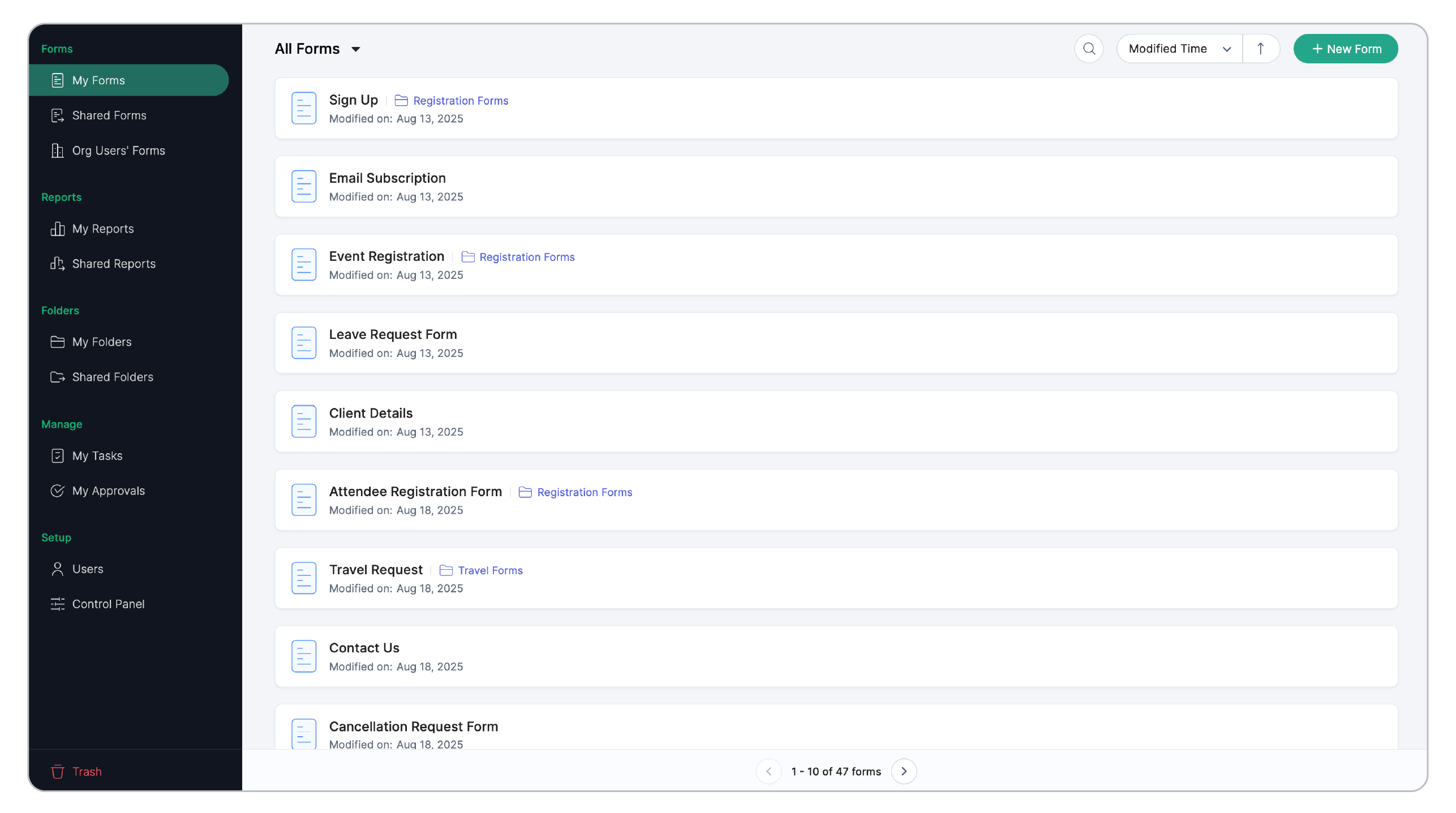
Click + Blank Form.
Select the Form Type to be Spotlight.
Give a name to your form and create.
If your audience lives in the attention economy (and whose doesn't?), Spotlight forms are worth trying.
Drop your questions below, we'd love to hear what you think.
Until next time,
Samhita
Zoho Forms


