Project Specific Feeds and Tighter Time Log Controls | Community | Zoho Projects
We've rolled out a set of updates that make it easier to stay on top of project activity and improve accuracy while tracking time.
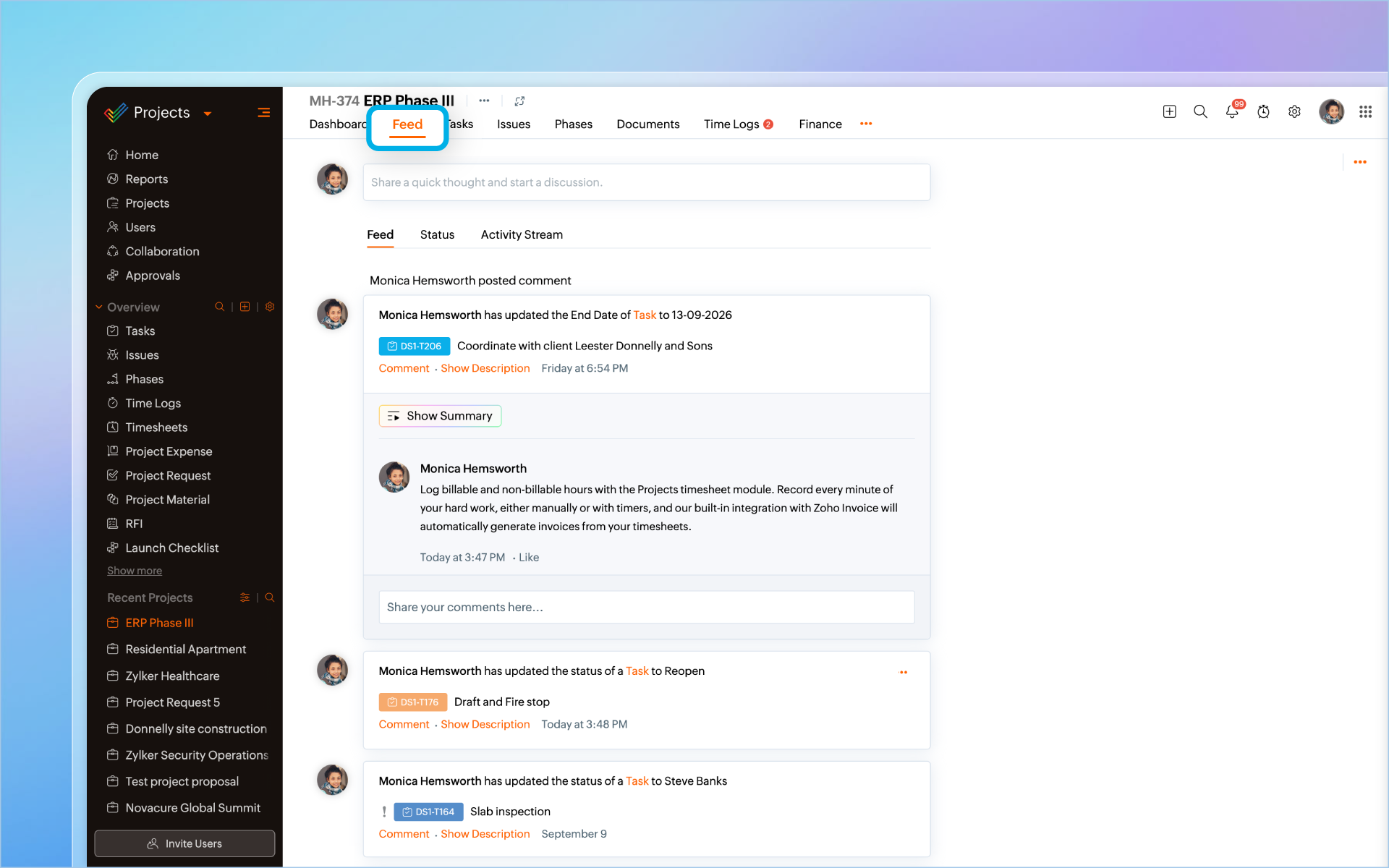
Check Feed for a Project
The Feed under Collaboration used to show updates from all your projects at once. Now you can narrow that down. Users can now access feeds from the projects directly. This will display feed related to that particular project, reducing clutter.
More Control Over Time Logs
We've added four new restrictions under Portal Configuration > Task & Timesheet > Time Log Settings. They give admins finer control over when, where, and by whom time can be logged.
Restriction Based on Task Completion
Time logs can now be capped by the task completion percentage. For example, if a task has 6 work hours allotted and is 50% complete, users can log up to 3 hours (50% of 6), not the full 6 hours. This option requires the work hours restriction enabled.
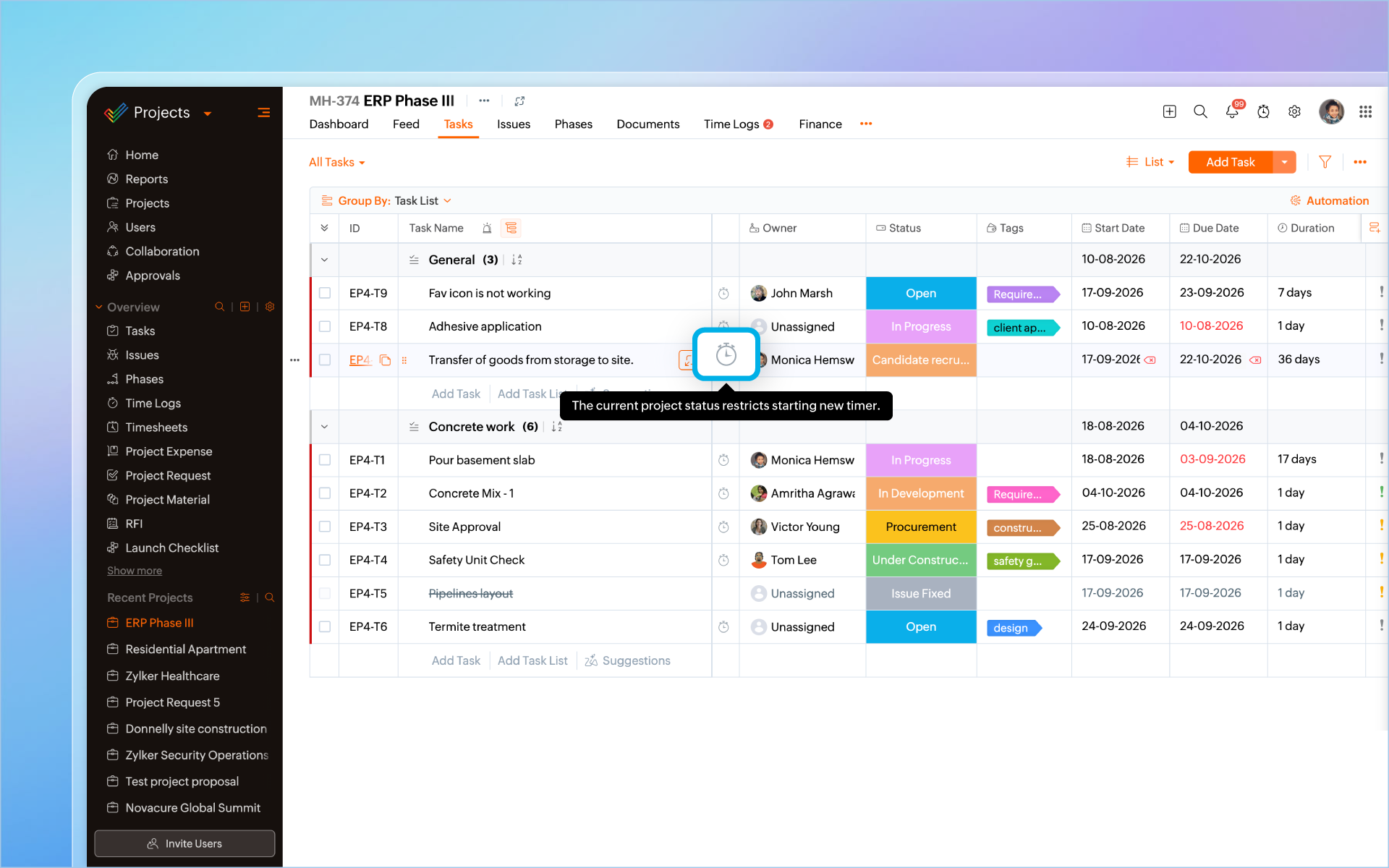
Restriction Based on Project Status
Admins can now block time logs and timers based on a project's status. Pick the statuses where logging should be restricted, and users won't be able to add time to projects in that state. For example, if a project is complete, and the time logs have already been billed to customers, adding additional time logs can create discrepancy. This can be prevented by enabling this setting.
IP Based Restriction
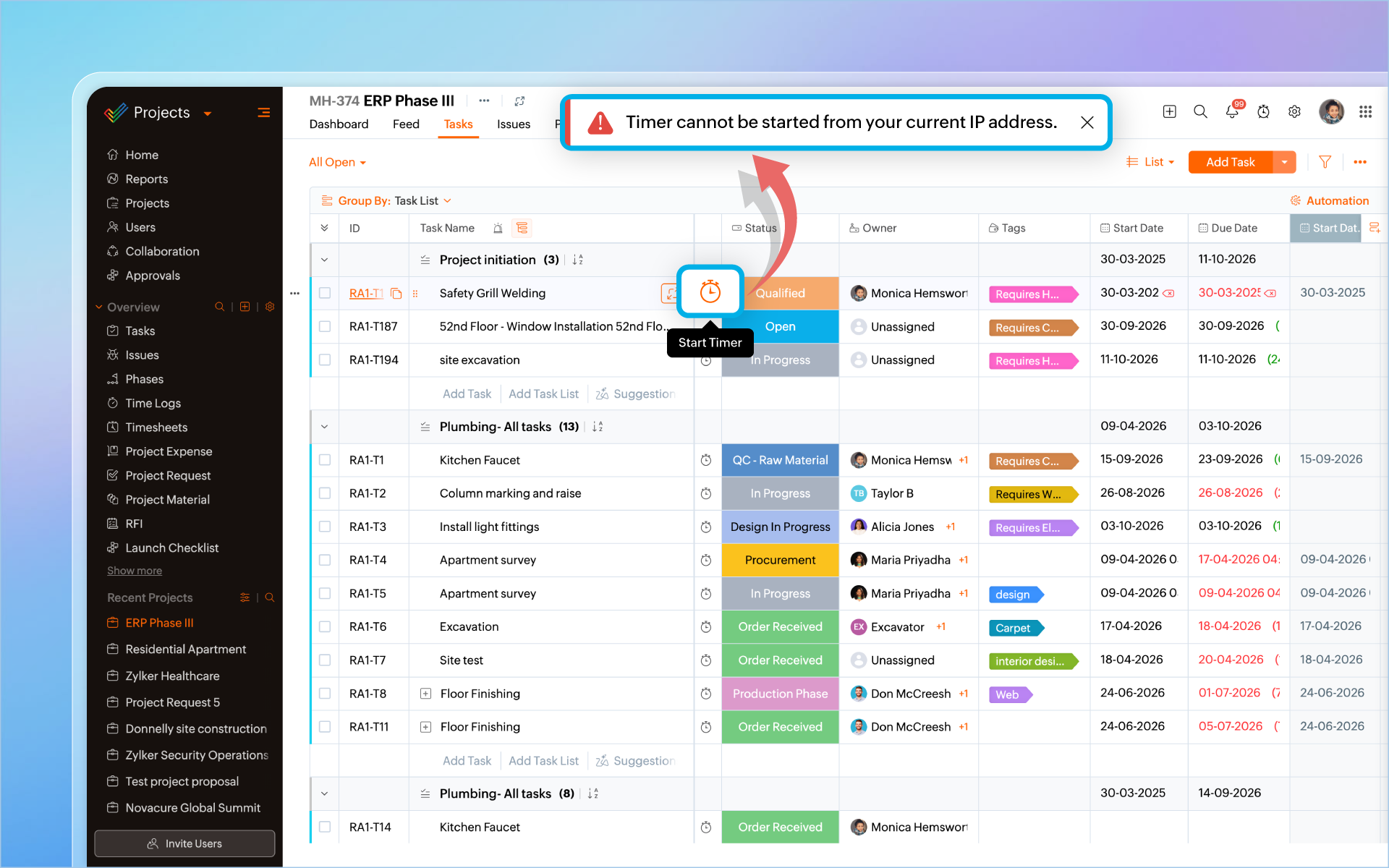
- Current IP – only the IP the user is currently on
- Specific IP – a defined set of IPs
- IP Range – a defined range of IPs
This is useful if you want time logs added only from office networks or other trusted locations.
Profile Based Timer Restriction
Admins can now pick specific profiles and block them from adding time logs or using timers altogether. This is useful for profiles whose billable hours are not tracked.
Do try out these features and let us know your thoughts below.