Three new ways to manage Instant Messaging in Zoho Desk
1. Transfer IM tickets across departments
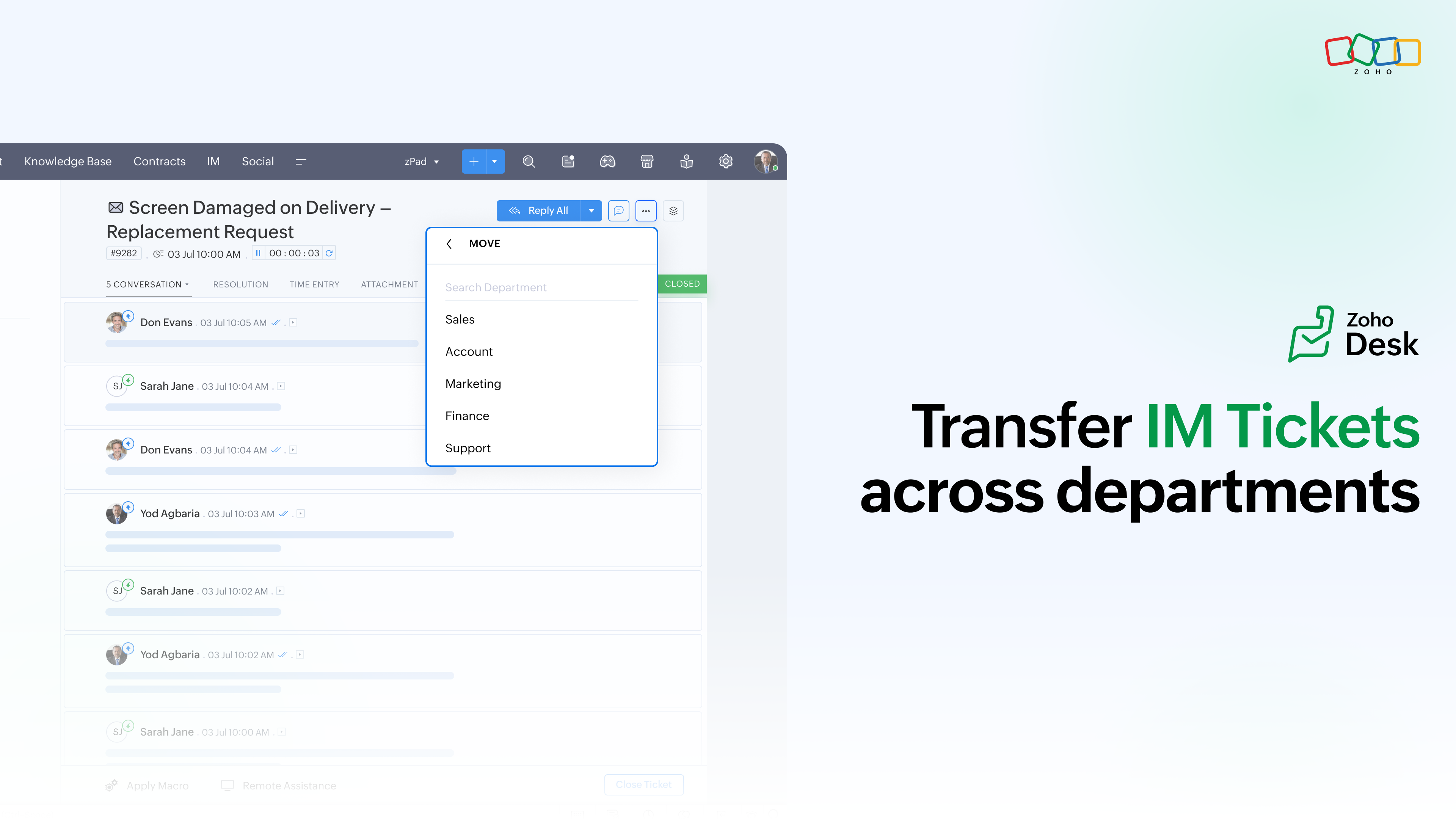
Sometimes a conversation starts with one team but needs to be handled by another. You can now transfer IM tickets across departments without losing the ticket context.
For example, a customer might contact Support about a product replacement. The ticket can be moved to the Products team for verification and then to Logistics to complete the process.
- Users with the Move Tickets permission can transfer IM tickets across departments.
- After the transfer, the ticket is treated as a new ticket in the receiving department and its status is set to Open.
- Any automations, workflows, and SLAs from the previous department will no longer apply to the ticket.
- The ticket follows the processes and SLA configuration of the receiving department.
- You can also transfer multiple IM tickets at once using Bulk Actions from the ticket list.
FAQ: How to transfer IM tickets between departments in Zoho Desk ↗
2. Bring IM tickets back to the default status
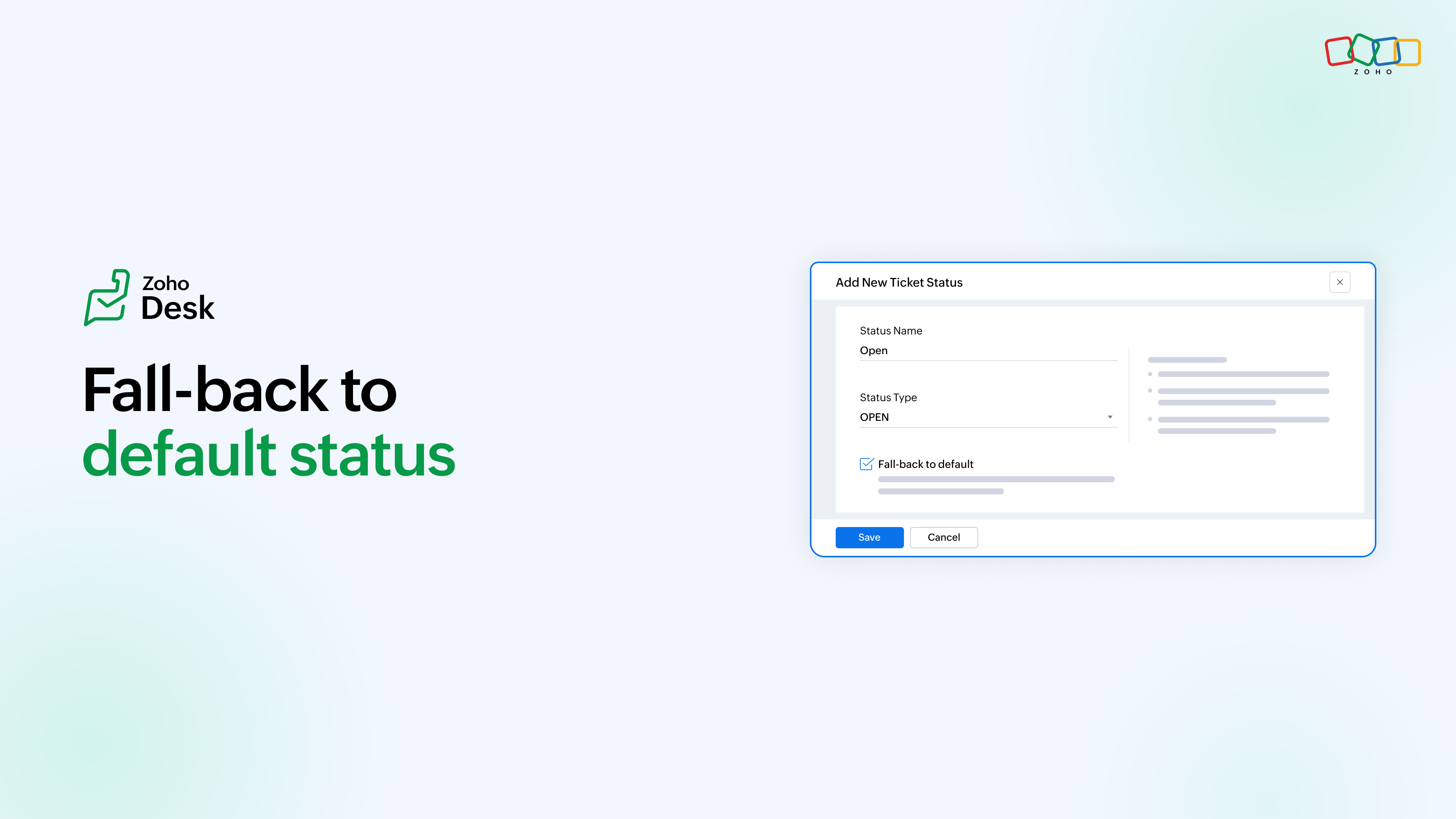
What happens when a customer replies to an IM conversation that has already been resolved or moved to an inactive state?
With Fall-back to Default, a new customer reply can automatically move the ticket back to your configured default status. This helps bring the conversation back into an active state so agents can identify the new reply and respond without the ticket remaining in its previous inactive status.
Read the full help article: What is Fall-back to Default in IM and how does it work? ↗
3. Track IM activity in Audit Log
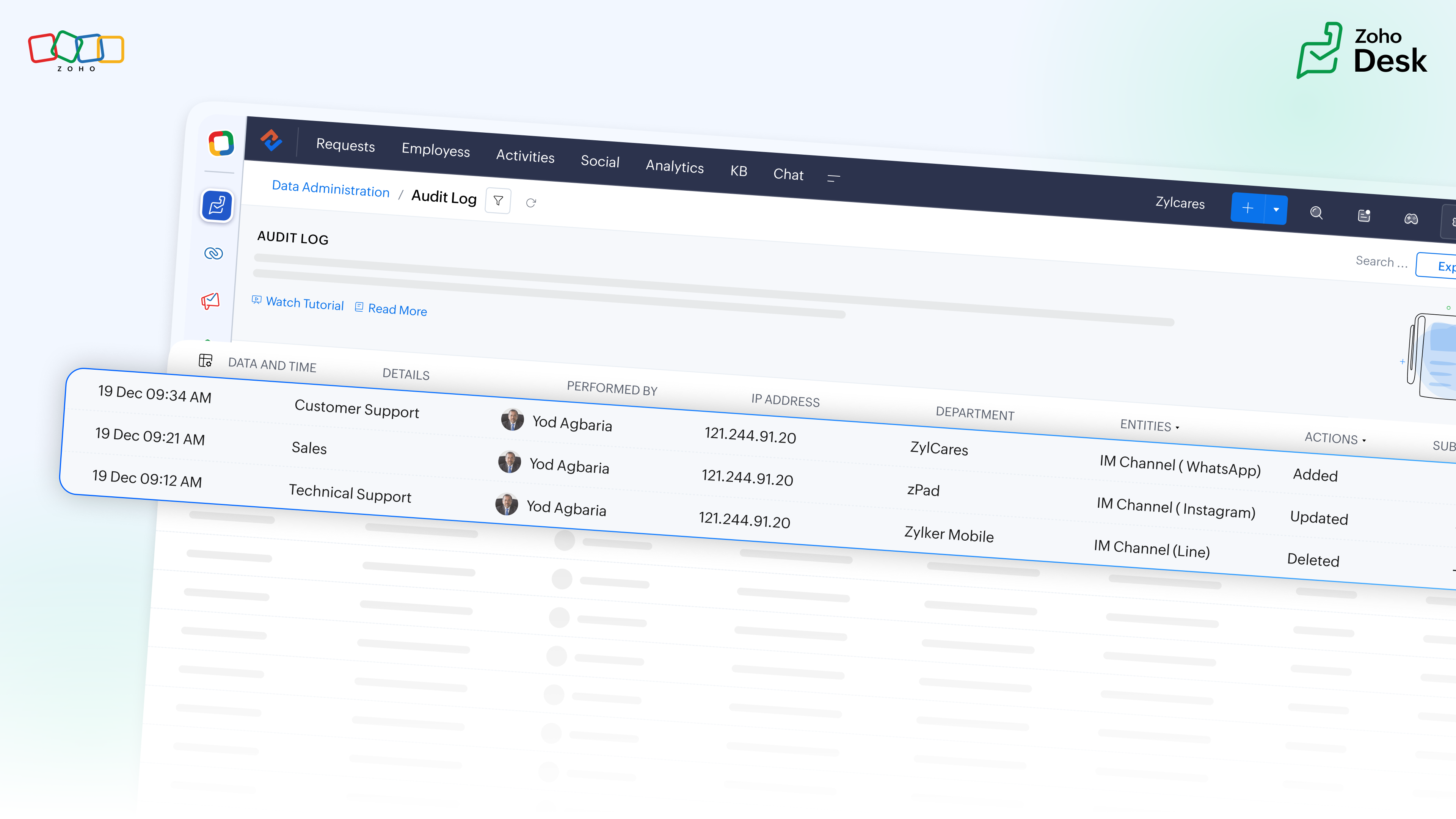
IM-related activity is now captured in Zoho Desk's Audit Log. For IM, this includes agent availability changes, such as when an agent goes Online or Offline across supported IM channels.
Admins can use the Audit Log to trace these activities and see details such as who performed an action, when it happened, and what changed. Audit records can also be filtered and exported when needed.
Read the full help article: Monitoring Audit Logs ↗