How do I resolve the errors that I get during Microsoft 365/MS Outlook integration with Bigin?
During MS Outlook or Microsoft 365 integration via IMAP-OAUTH protocols, if you encounter the following errors, please follow the respective steps to resolve them,
Error: Unable to get SMTP email
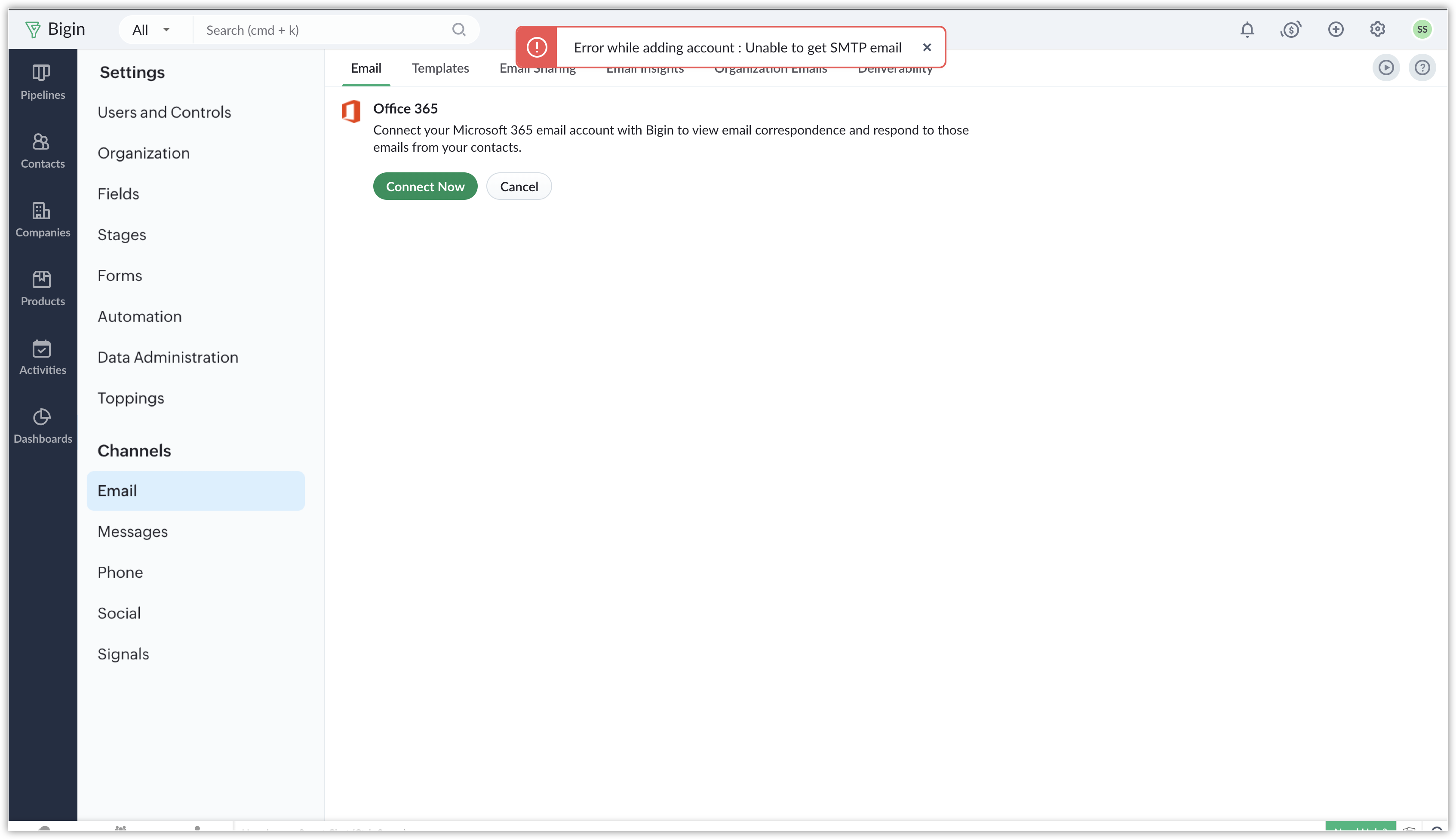
- Log in to Microsoft 365 admin center and go to Users > Active Users.
- Select the user whose email ID is used to integrate with Bigin, click Mail in the side pane that pops out.
- Click Manage Email Apps in the Email apps section.
- Select Authenticated SMTP setting if it is not already selected.
If the option is already selected, unselect and select again. - Click Save Changes.
For more information about this error, click here.
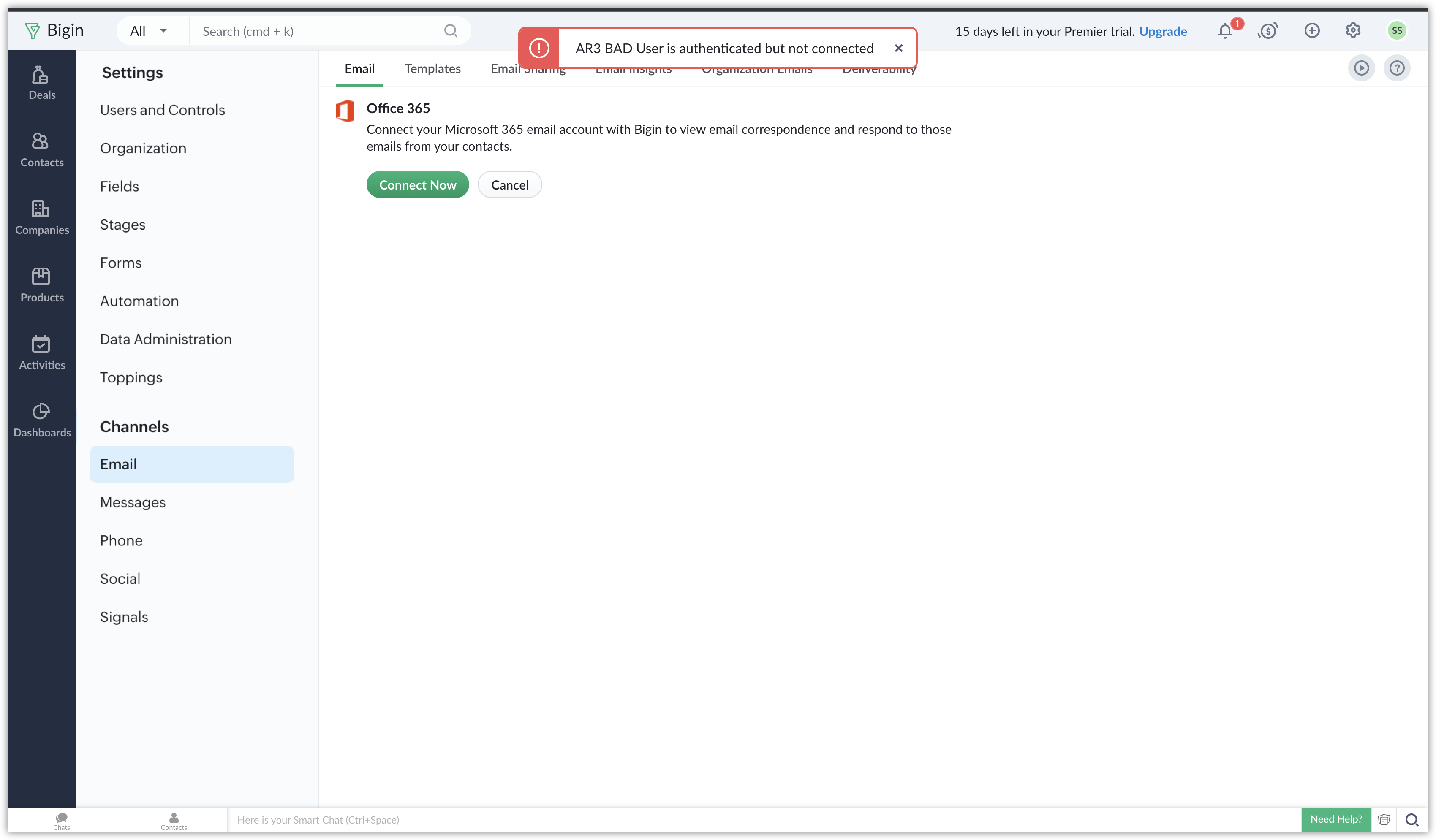
Error: User is authenticated but not connected
To resolve this error, please contact the MS's support center. For information about this error, click here.
To learn more about setting up the email integration with Bigin, kindly click here.