Notifications
Manage Notifications
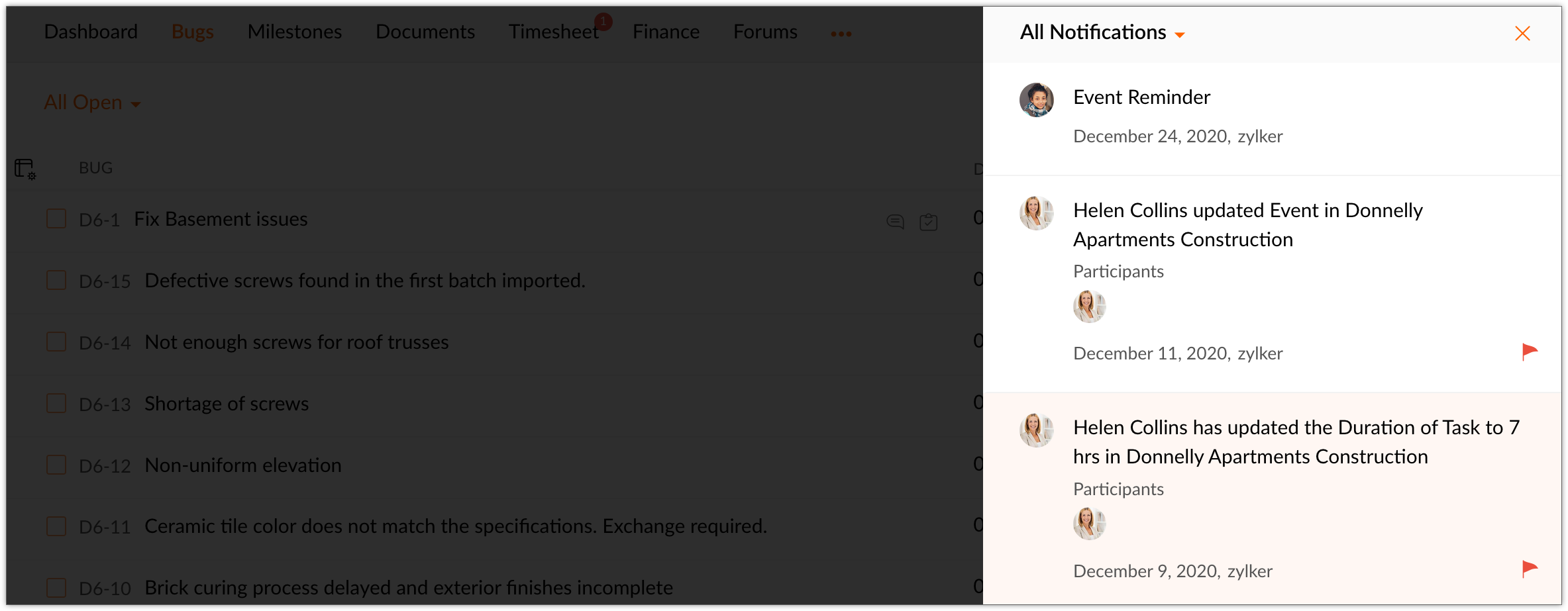
Stay up to date in the project with the help of notifications. Click  in the top band and view the latest updates in the project. You can also navigate to a specific work item from the notification panel itself. Click Mark all as read to mark all notifications as read..
Flag Notifications
Hover over a notification and click the flag icon.
View Flagged and @ Mentioned Notifications
User can view notifications they have flagged or are mentioned in. Select the appropriate notification type to view them.