Gitlab Integration
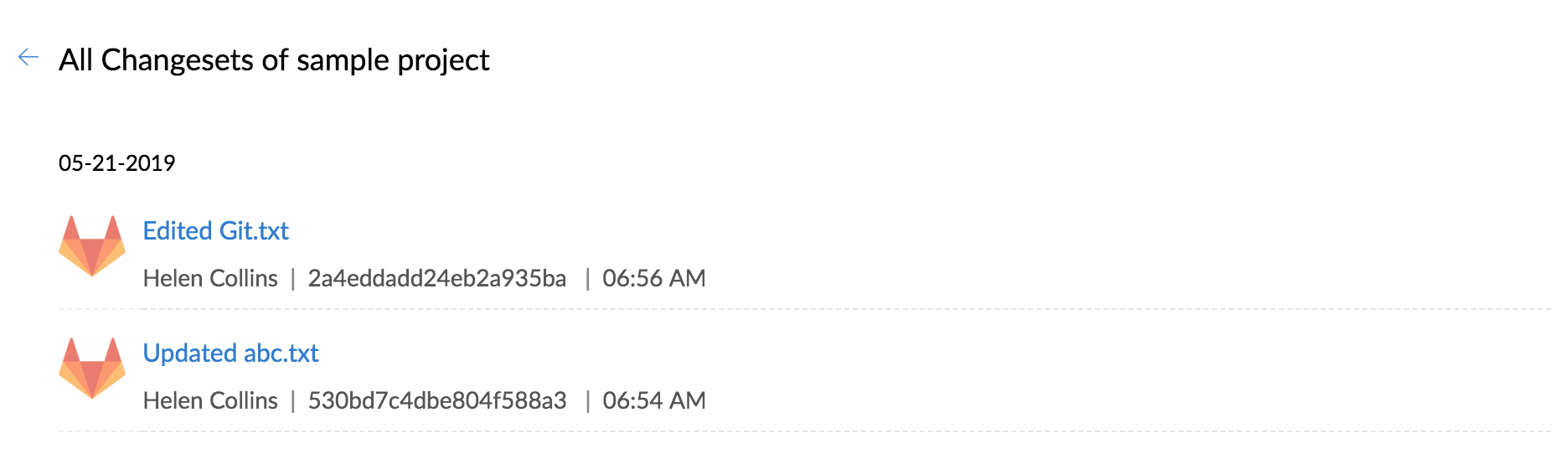
Gitlab integration allows you to host your repositories, see source commits and make code changes right from within Zoho BugTracker. So, now you can view all the changes made in your Gitlab repository in Zoho BugTracker.
Copy Service Hooks
You must copy the Project ID and Token value in Zoho BugTracker to map the specific project with Github.
- Navigate to
> Marketplace > Developer Space > Service Hooks.
- Select a project and copy the URL for Gitlab integration.
Set Webhook in Gitlab
- Login to Gitlab.
- Select the desired project.
- Click Settings and click Integrations from the left panel.
- Paste the webhook URL and click Add Webhook.
Edit Source Commits in Gitlab
- Login to Gitlab.
- Navigate to the desired project.
- Select the source file to edit.
- Click Edit to modify the source file.
- Modify details and click Commit Changes.

View Changesets
- Navigate to your project.
- Click Issues in the top band.
- Click
in the top right corner and then click Changesets.