Add permission for portal users
 This help page is for users in Creator 6. If you are in the older version (Creator 5), click here. Know your Creator version.
To add a permission:
- Click Solutions under the Develop section.
- Click on the edit button on the required application.
- Click on the Settings button on the top of the page.

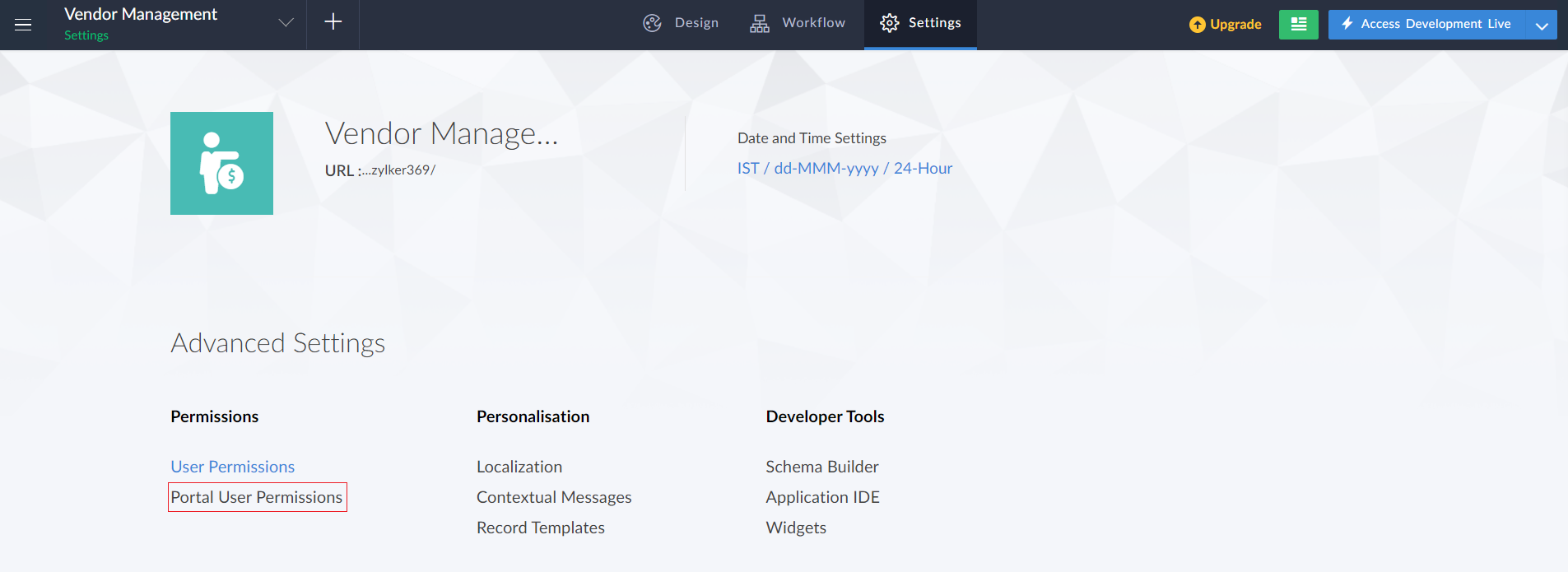
- In Settings page click on the Portal User Permissions option under Advanced settings section.
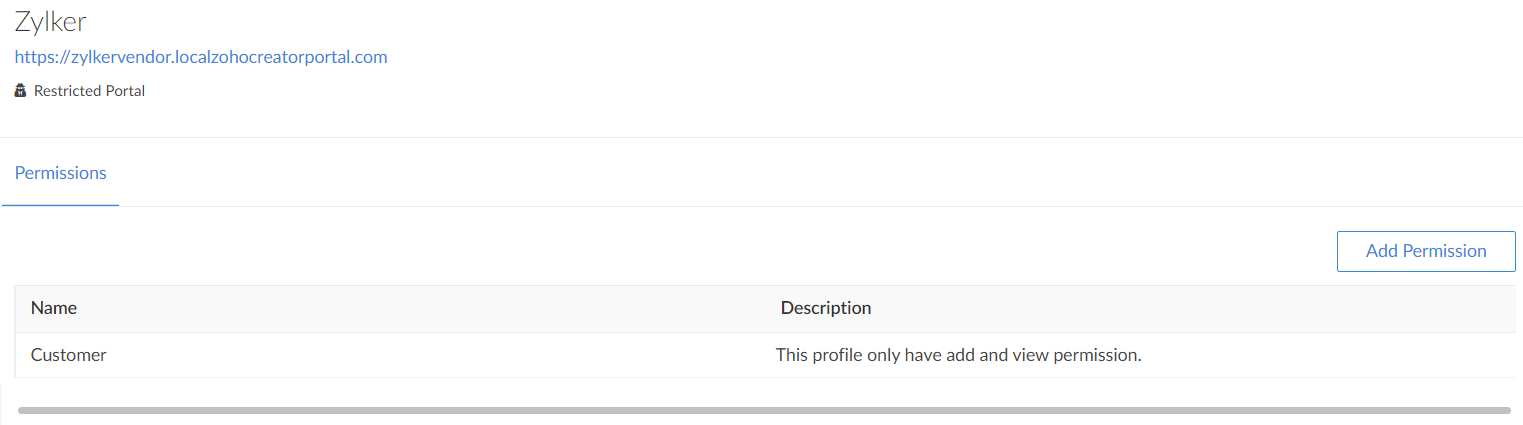
- The Portal user permissions page will be displayed. Click the Add Permission button in the top right corner of the page.
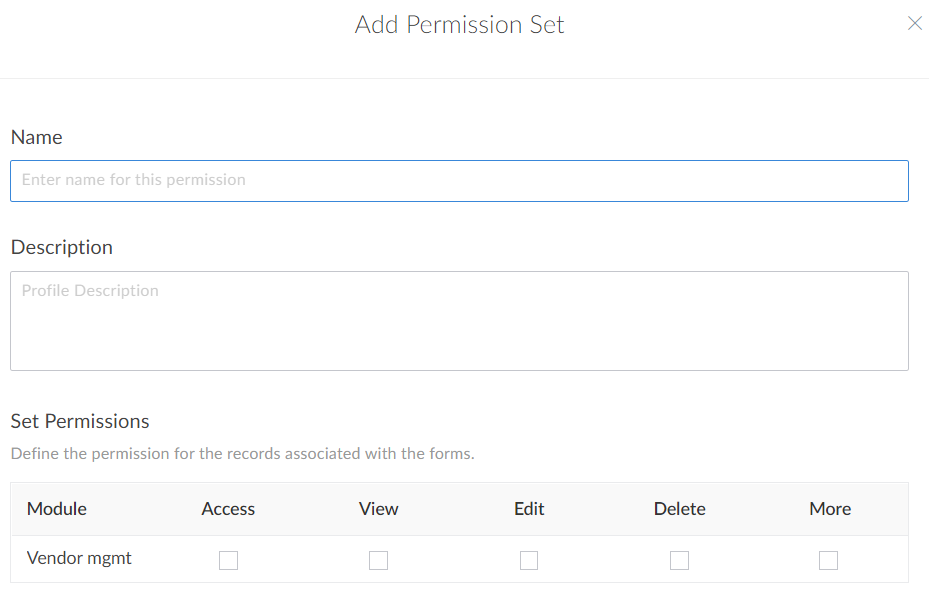
- The Custom permission tab will appear. Enter the name and set permissions for the permission set.
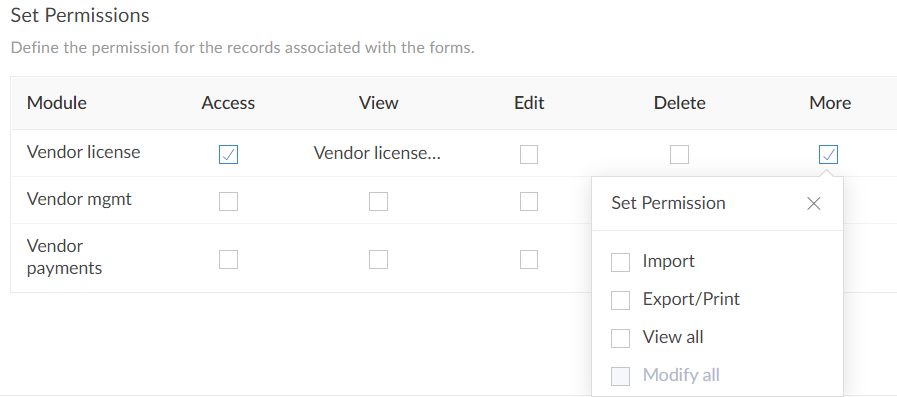
- To configure more settings, click on More. A dropdown list will appear. Select the required permissions. Then click Add.
- The new permission will be added to the list of the permissions.
Related Topics