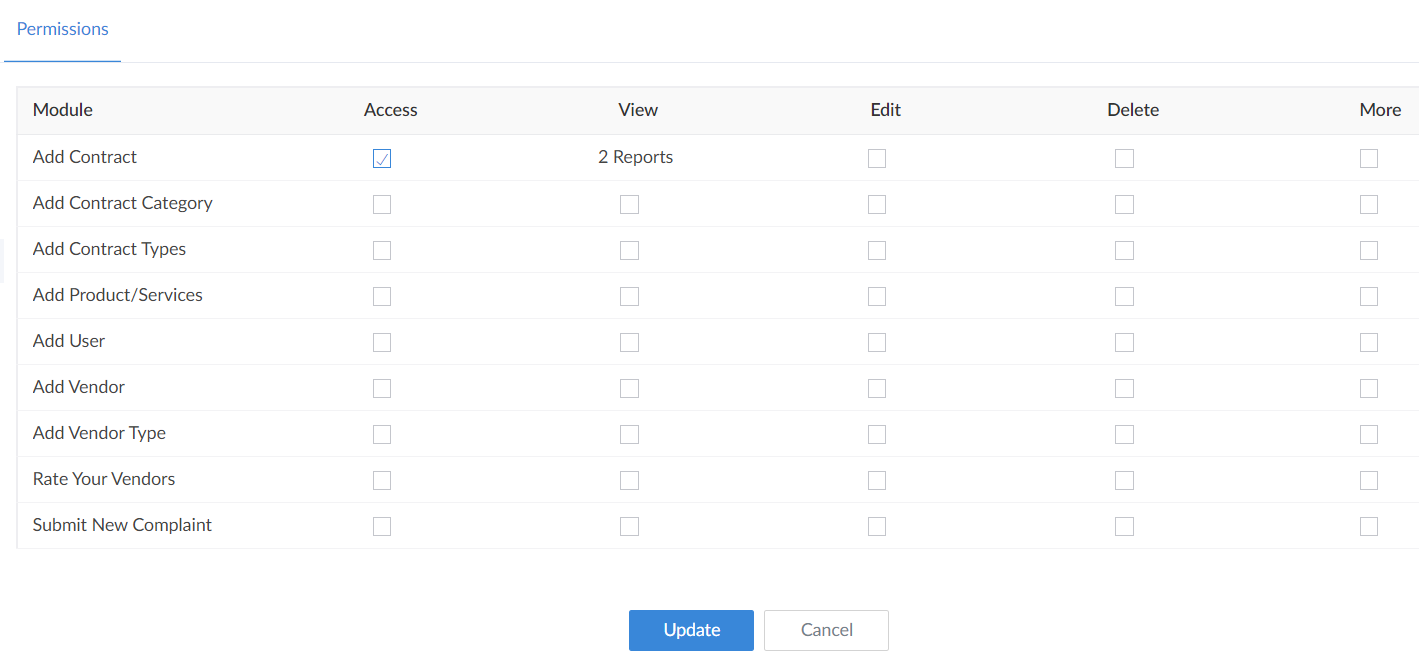
Edit permissions in portal
 This help page is for users in Creator 6. If you are in the older version (Creator 5), click here. Know your Creator version.
To edit permissions:
- Click on Portal user permissions option under the Permissions section in the Settings page.
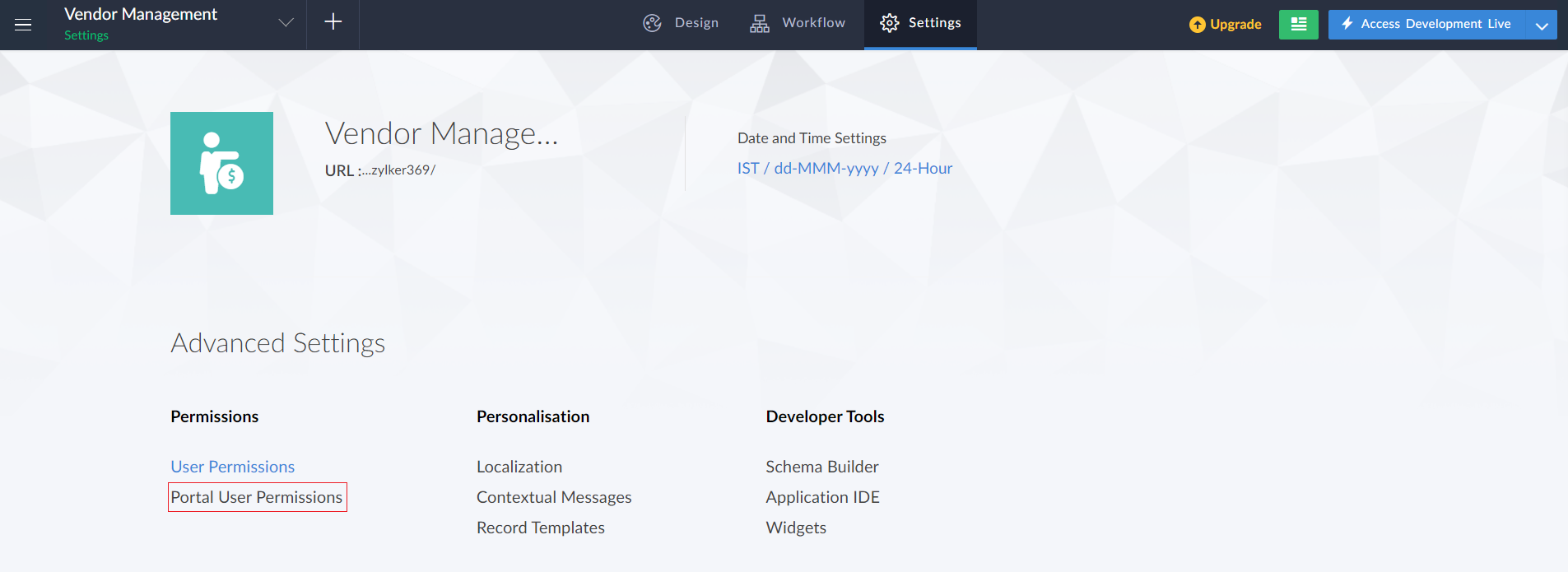
- The Portal user permissions page will appear containing the list of permissions.
- Hover the mouse over the permission set to be edited and click on the permission.

- In the Edit permission tab that appears, make the required changes for the permission set. Then click Update.