Create Application from Scratch
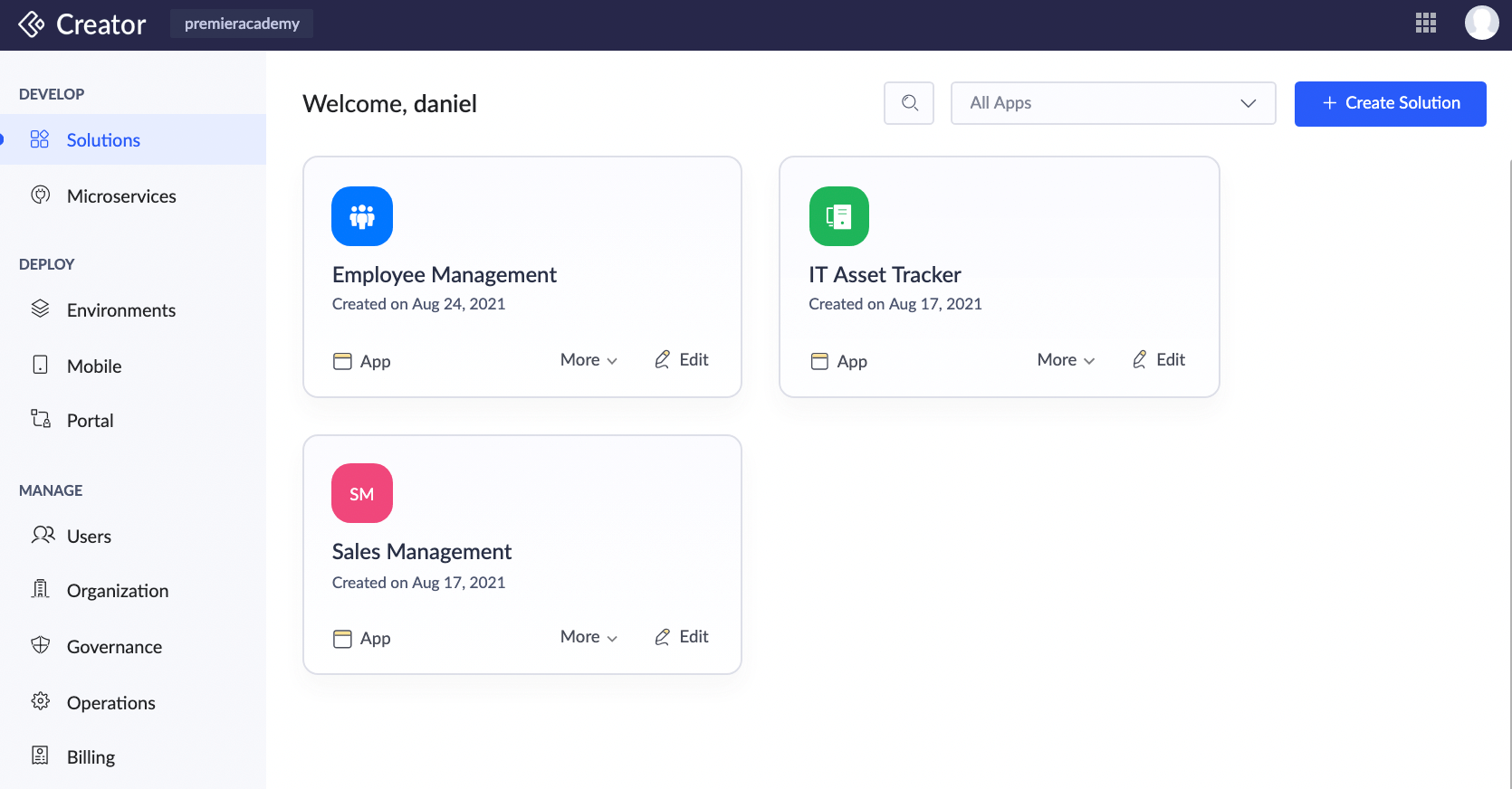
- Go to the homepage of Zoho Creator. Navigate to Solutions module. Click the Create Solution button in the top right corner.
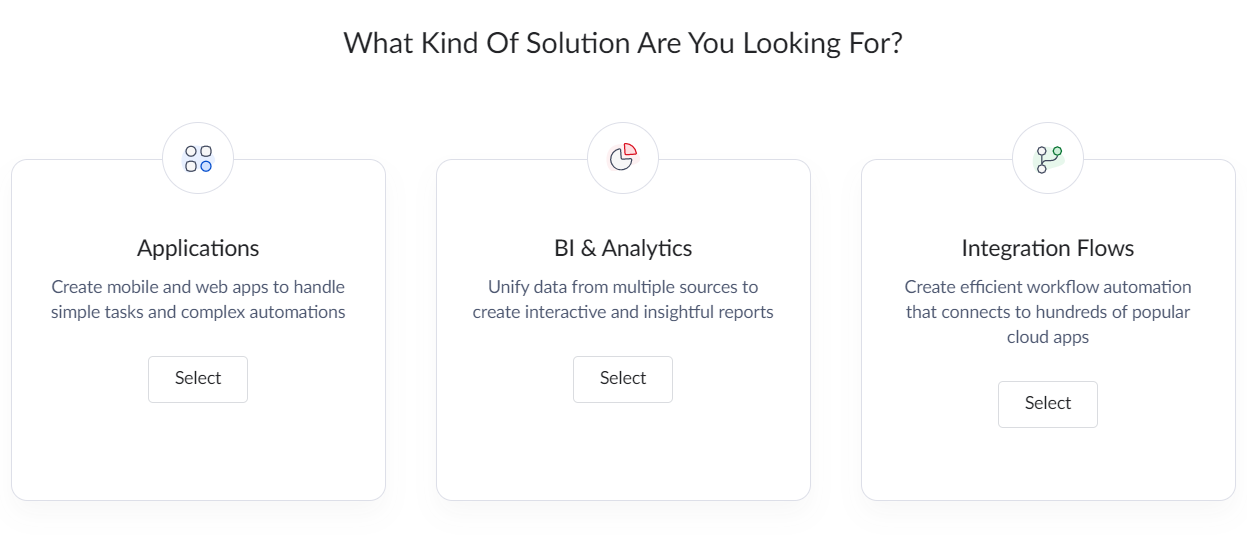
- Three kinds of solutions will be displayed - Applications, BI & Analytics, and Integration flows. Click Select button in Applications.
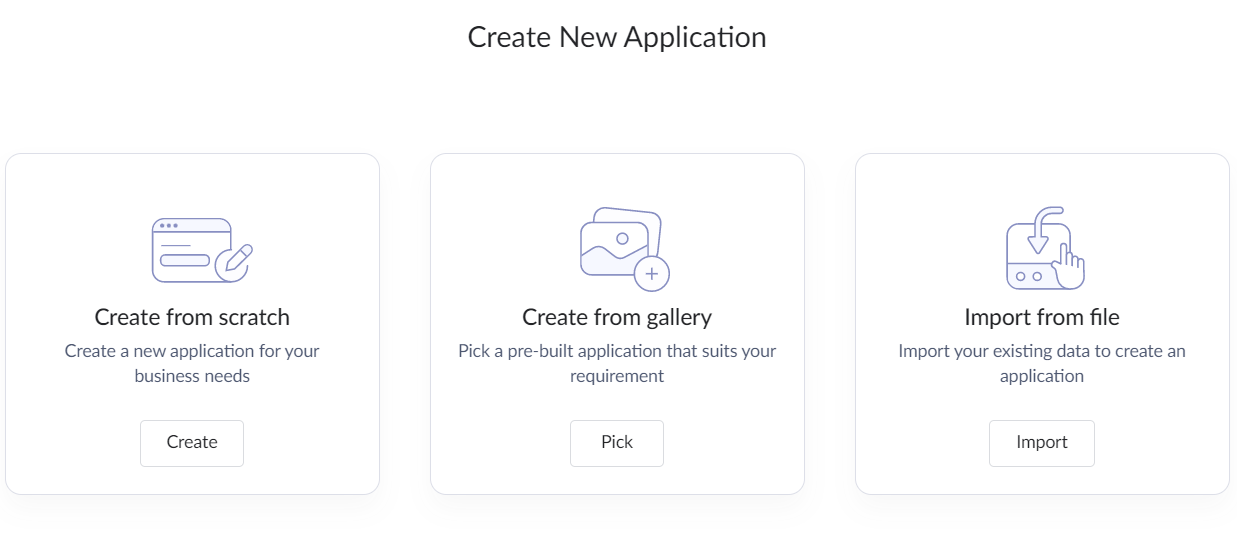
- The different ways to create application will be shown: Create from scratch, Create from Gallery, and Import from file. Click the Create button under Create from scratch to create an app from scratch.
- Name your application and click Create Application.
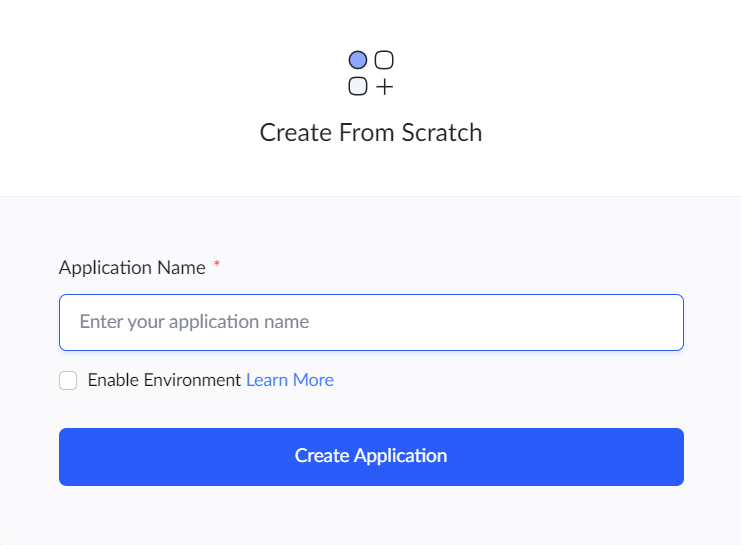
- Select the Enable Environment checkbox to set up your application in environments. Manage your application lifecycle efficiently by developing, testing, and deploying to live users within dedicated environments.
Zoho Creator will create the application and open the design window to make required changes in the application.