Set Toolbar Options for Rich Text Field | Zoho Creator Help
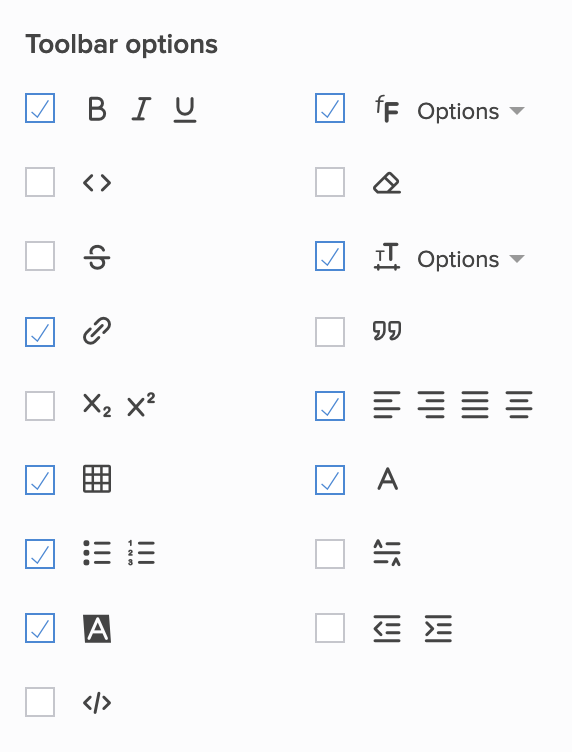
Set toolbar options
Set toolbar options for rich text field
Open the form builder.
Select the required rich text field.
Navigate to the
Field Properties > Toolbar options
section on the right.
Check the required checkboxes:
Related Topics:
Understand fields
Understand rich text field