Change label placement for phone
Change field label placement in forms for phone

Refer to
this
page to learn about field label placement in forms for phone.
-
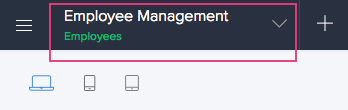
Open the component pane as shown below, then select the required form. Its Design page will appear.
-
Click the Phone icon in the top-left:
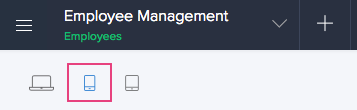
- Select the required layout under Form Customization - Phone on the right.