View Logs

This help page is for users in Creator 6. If you are in the older version (Creator 5), click here. Know your Creator version.
To view logs:

Note: For form workflows, you can only view the failure logs. This means that the respective success logs will not be captured.
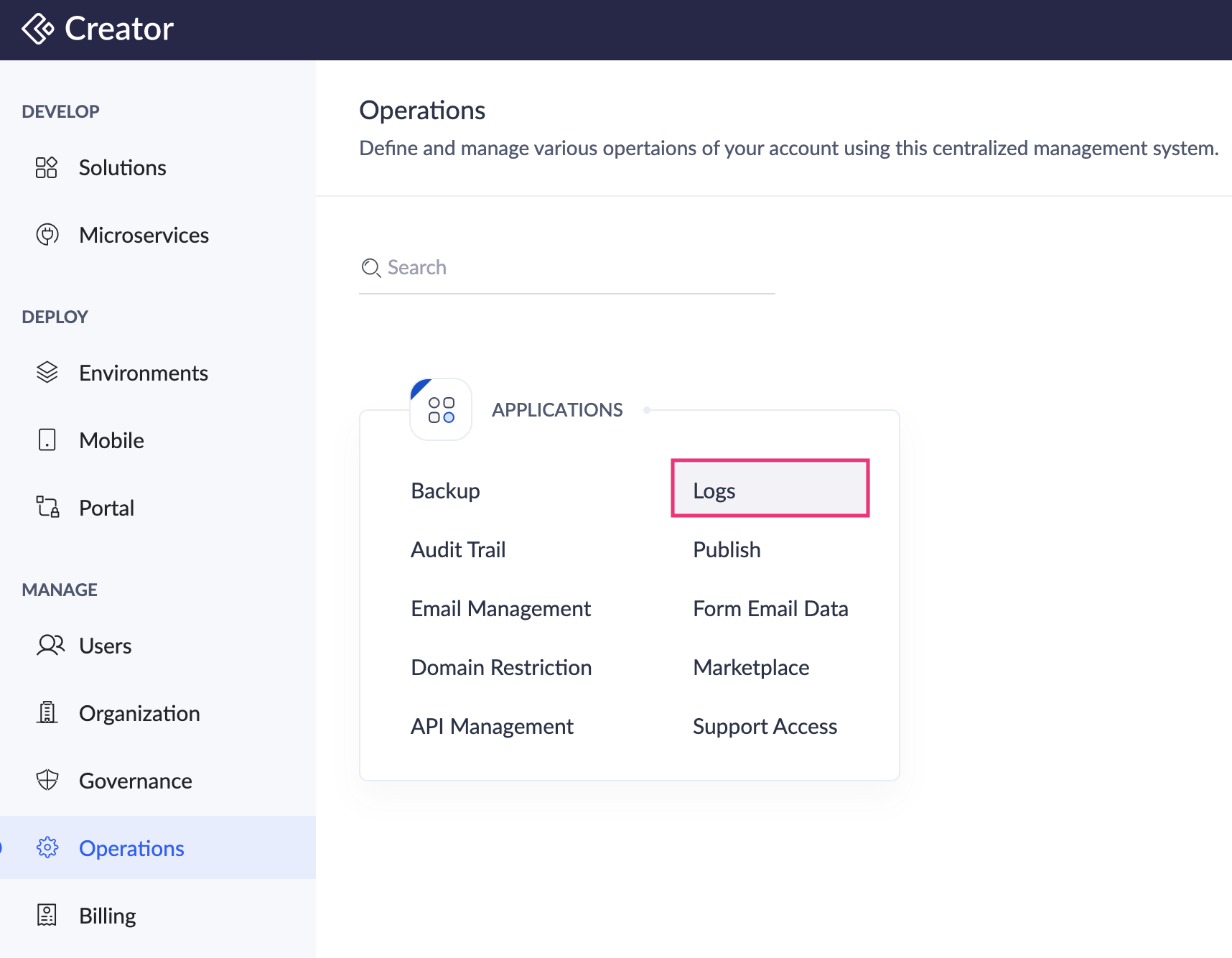
- Navigate to Operations on the left pane and select Logs under Applications.
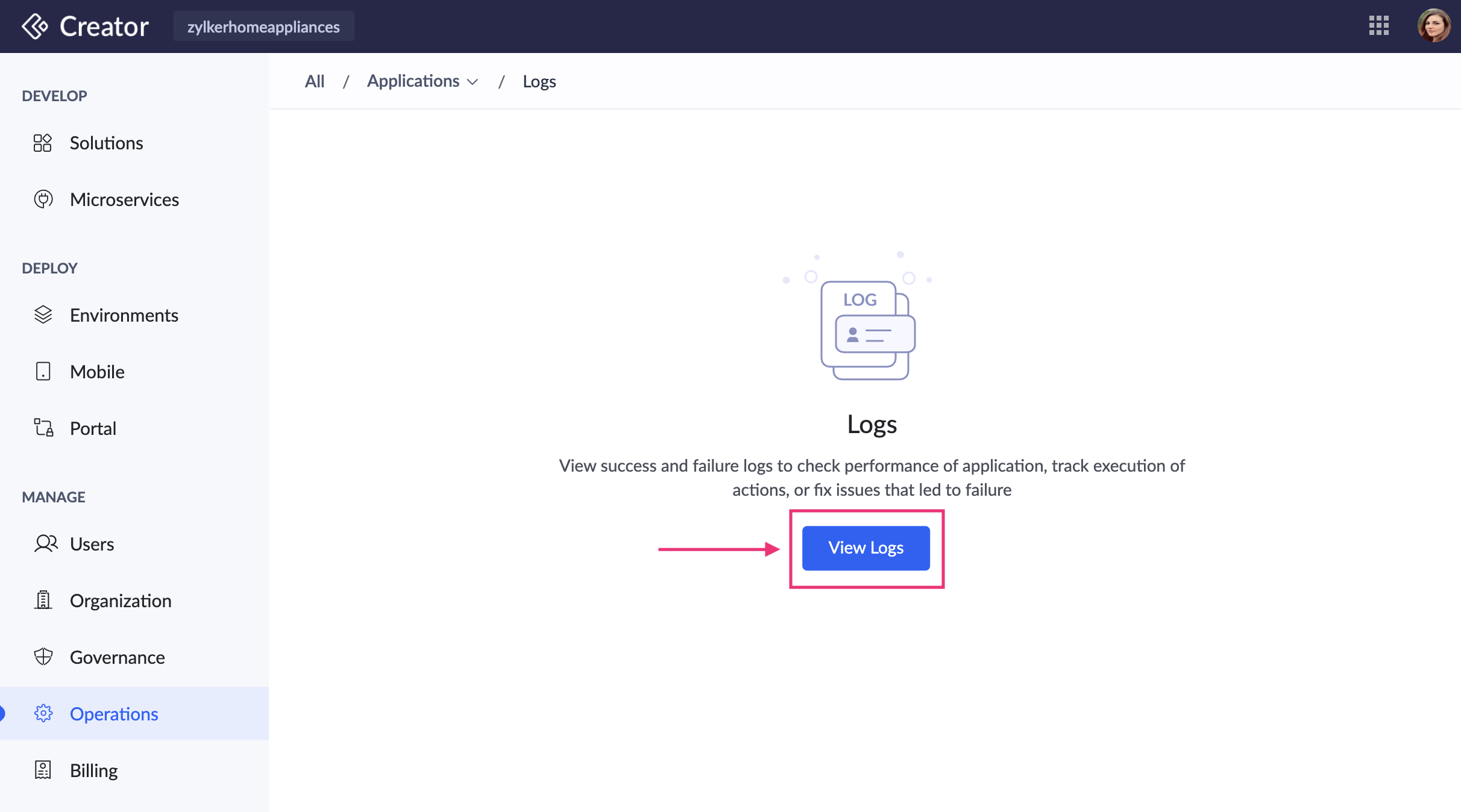
- Click the View Logs button in the center of your page. A popup will appear.
-
Select the application for which you want to view the logs and click View.
- All the actions executed in the application are logged here.
-
Click on the row of a failure log to view the error details related to it.
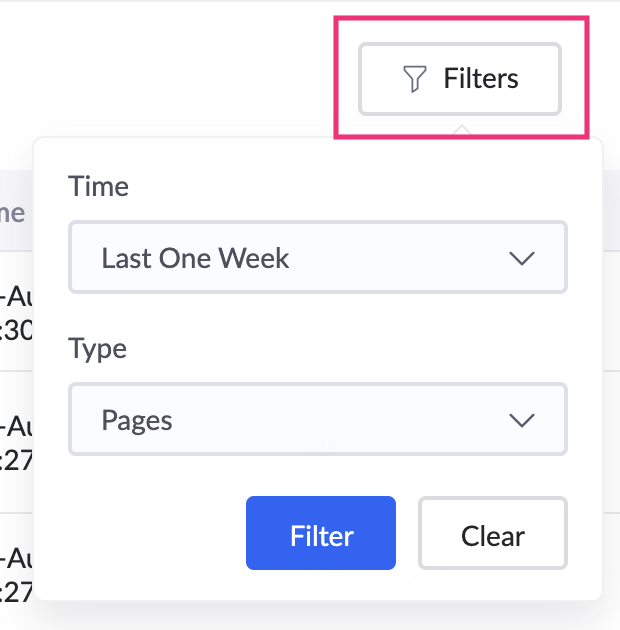
- You can filter the logs based on Time/Period and Type.
- Click the Change View button at the top-right corner to switch between applications.