Importing and exporting users
To import users:
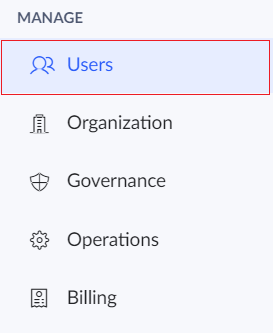
- Click the Users option under the Manage section in the left pane.
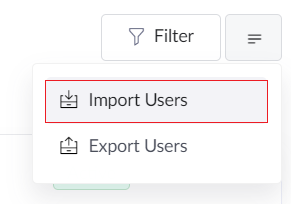
- Click the More button.

- Choose the Import Users option from the drop-down.
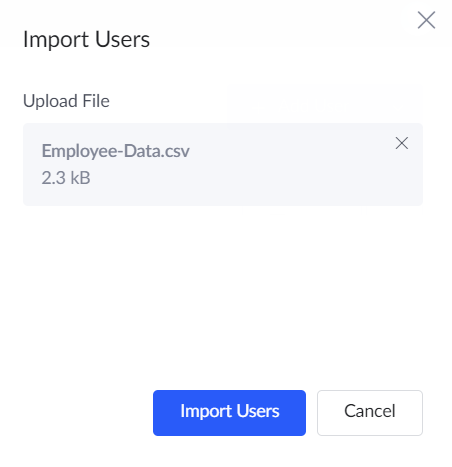
- The import users pane will appear. Here, you can also bulk import users from a file provided the file belong to the following formats : .csv, .tsv, .xls, and .xlsx. The file must include a mandatory header row in the below order: Name, Email. If the header text or order differs, the file might be rejected.
- Drag and drop the specific file or click Browse and choose the file.
- After choosing the file, click Import Users.
- The users will be imported and displayed in the users page.
Related Topics