Embedding forms on a Wix website
If you are using Wix to build your website, you can embed your Zoho Forms form as follows:
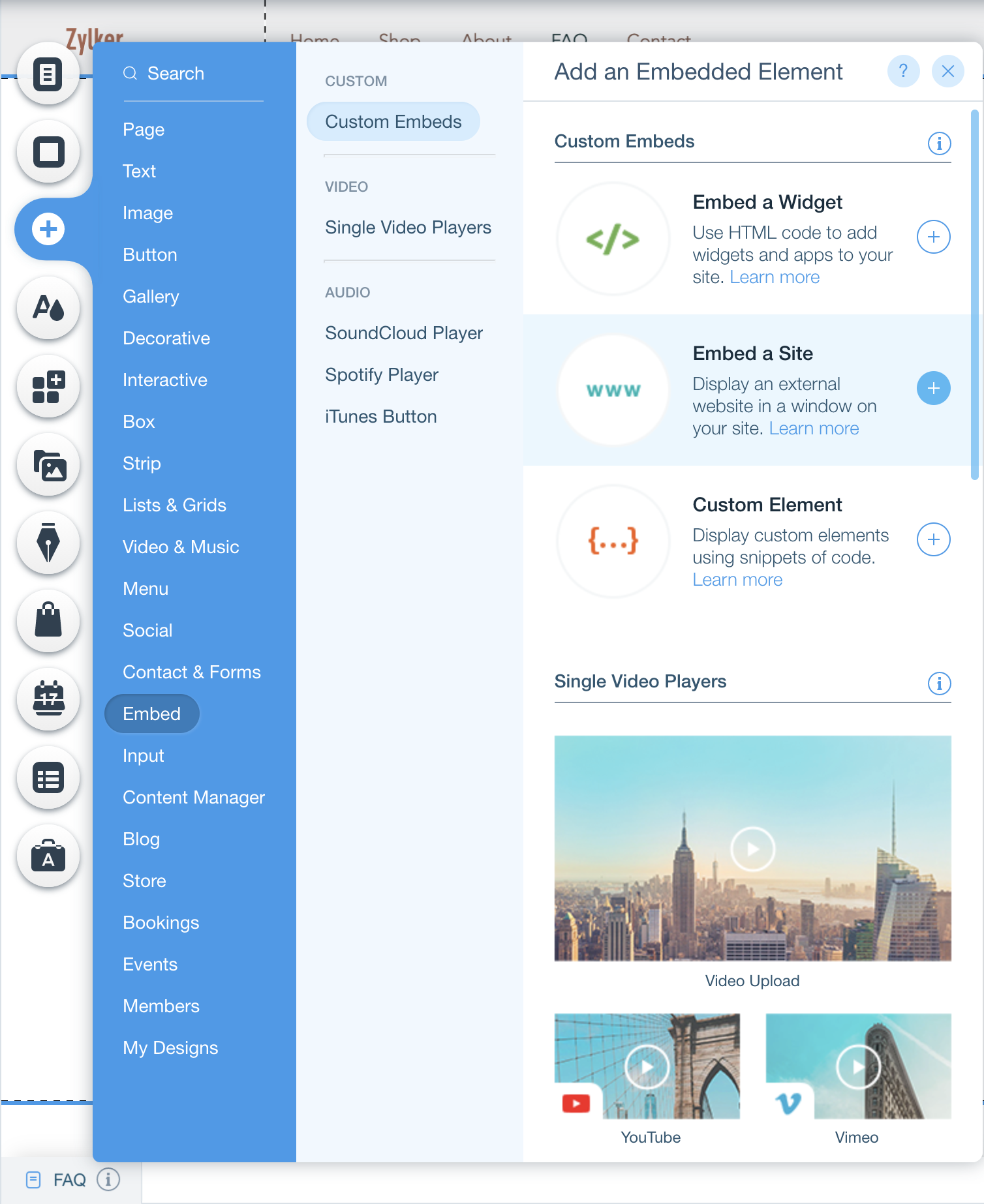
- In your Wix website builder, click the Add (+) icon and select Embed a Site under Embed.
- Click Enter Website Address, then paste your forms Permalink URL in the Website Address field.
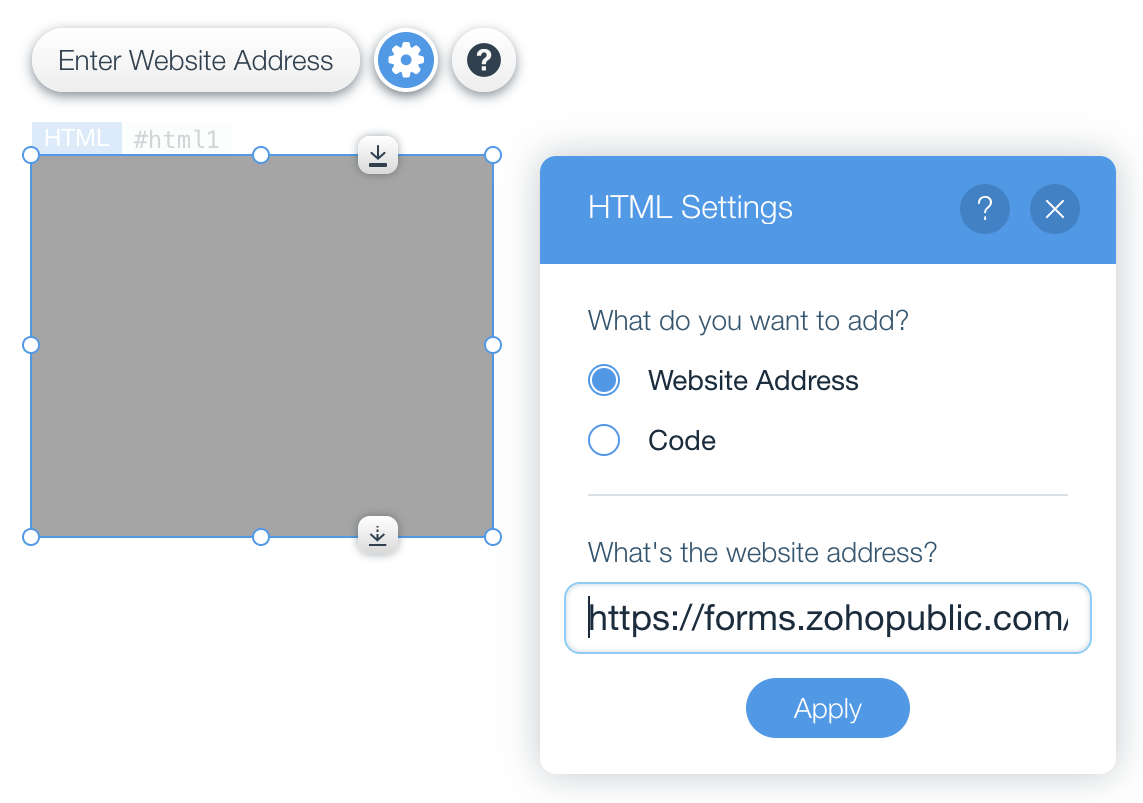
- Click Apply. Your form will appear in the element.
- You can adjust the size and height of the element in Wix to fit your form accordingly.

Note:
- JavaScript embed codes will not work in Wix.
- You must only use the Permalink URL to embed your form. UTM Tracking, GCLID tracking
will not work as intended if you have used the shortened URL of your form to embed.