What is the solution for a use-case where a parent group requires more than five sub-groups?
While configuring
Advanced Field Rules, you can add up to 5 groups within each parent group and each sub-group of a rule. Most of the use-cases can still be satisfied even with this limitation of 5 groups within a group.
Let's take an example of a
Course Registration Form
where the user is required to choose the
Term
of course and the
Course to register. Depending on whether the course is available, the user will either be prompted to accept the terms and conditions or informed that the course is not available as shown.
For this use-case, if you require more than 5 groups to be added within a group to achieve your use-case, you will be restricted from adding more than 5 groups as shown.
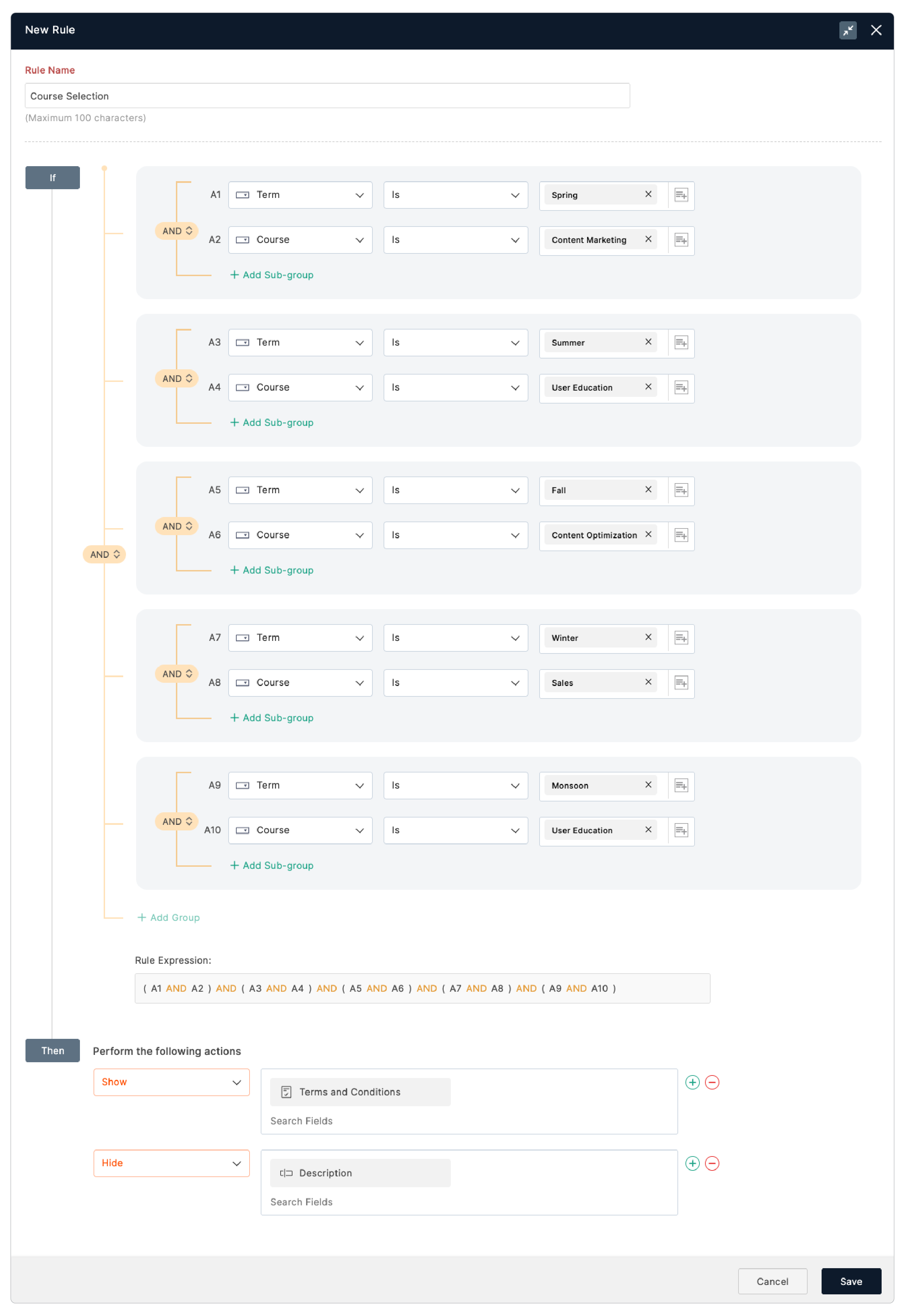
If you have a similar use-case, follow the steps below to suit your logic.
-
In your form builder, navigate to
Rules
>
Field Rules
>
Configure Now.
-
Click
Switch to Advanced Rules.
-
In the
If
condition, you will have the groups created. Click
+ Add Sub-group
under the condition.
-
After adding the Sub-group, delete the condition placed above the newly added sub-group as shown.
-
Click the + icon as shown to add your conditions.
-
Include the required conditions in the Sub-group of the Parent group with
AND/OR
connectors as required.
-
Similarly configure the required conditions in the groups (5 groups in one parent group).
- Then, create another parent group and include the necessary conditions.
-
Set the AND/OR Connector between both parent groups to suit your logic.
For the use-case of the above Course Registration Form, the rule configuration can be as shown below:
If you have issues or require ideas to satisfy your use-case with Rules, please write us an email to
support@zohoforms.com.