How and where to view storage space?
When it comes to calculating storage space in Zoho Forms, there are a few things you should keep in mind. The majority of your storage space is consumed by the signatures, images, and files uploaded to your forms.
To view your entire Zoho Forms organization's storage usage,
along with plan details, navigate to the Account Usage section and click View Usage. Refer to this link for more information.
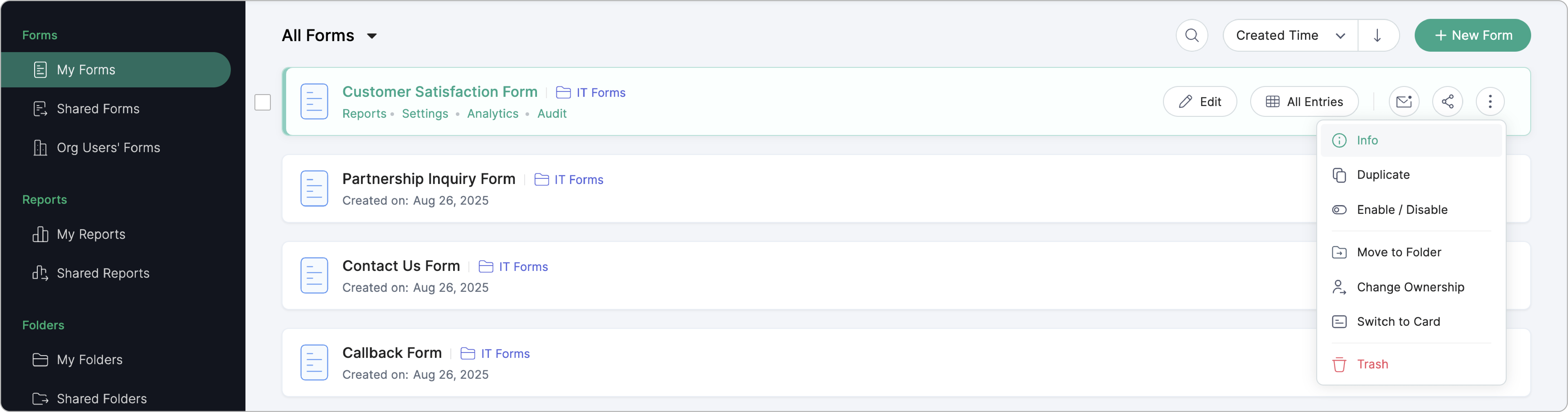
To view the storage information about a particular form, such as the total number of submissions and total amount of storage space consumed by the form, visit the 'Info' section. Refer to this link for step-by-step instructions.
What if you're the Super Admin and need to view the storage space taken up by forms created by other users within your organization? That's when the Export File Storage Info option comes into play. Using this option, you can export your organization's file storage information as a CSV file. You'll see the following information for all forms created in your organization: form owner's email address, form title, and storage used by each form in MB.