Generating Campaign URL
Campaign URL Tracking helps you track form responses when you share your form's permalink with your respondents on different media. Using the Campaign URL Builder, you can add tracking parameters to your form's permalink URL before sharing it with your respondents. That way, you can take note of which marketing campaigns are most successful.
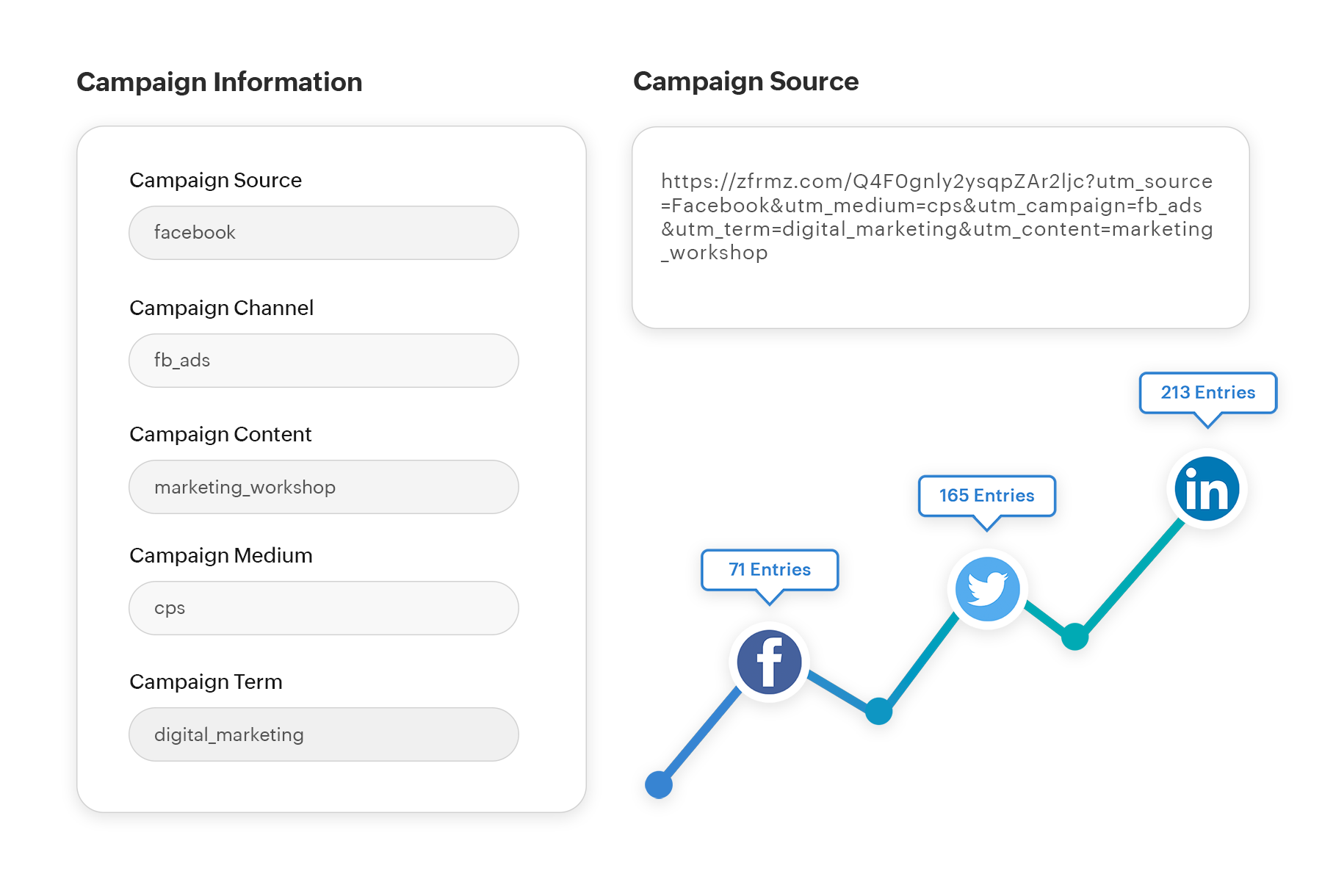
To add UTM parameters to your form's permalink,
- Define UTM parameters.
- Click Generate Campaign URL under Campaign URL and enter your campaign details in the Campaign URL Builder.
- Copy the campaign URL and share it with your audience.
- To view your campaign details, click All Entries and view under Campaign details. Alternatively, you can create a report and enable the UTM tracking fields under Show/Hide fields.