How many Assets can I add to a single Work Order or Service Appointment in Zoho FSM?
The number of assets per work order depends on the number of Service line items added to it.
Since assets are associated through service line items, you can link one asset per service line item. This means you can add multiple assets to a Work Order, as long as they are linked to the selected Contact/Company.
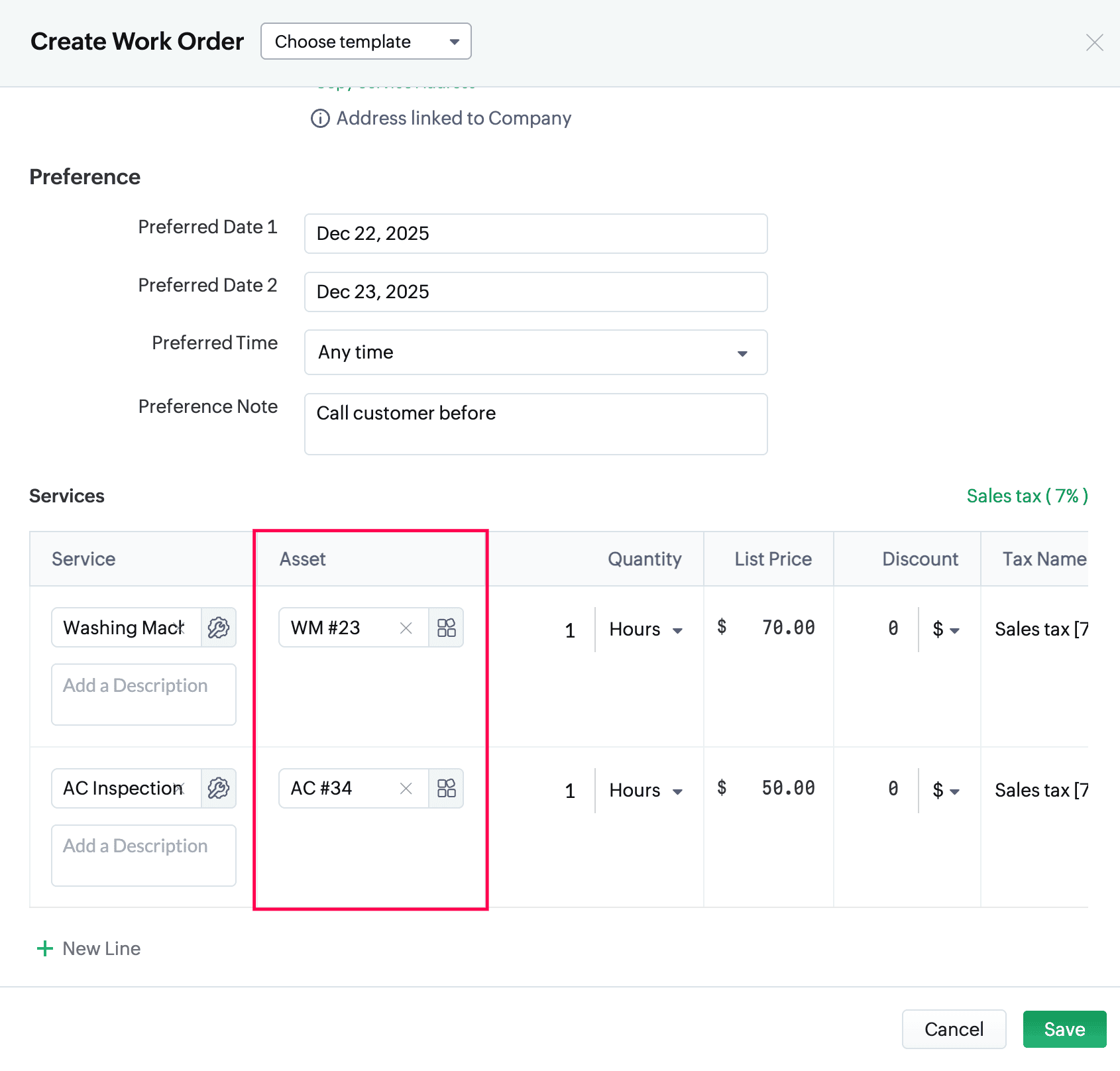
When a Service Appointment is created from that Work Order, the asset associated for each service line item will appear in the Service field.
You can add assets to service line items only if the Asset on Service Line Items Items setting is enabled.