Zoho Payroll Error Handling and Resolution Manual - Part two
This article is Part 2 of a two-part series designed to help users identify and resolve common errors in Zoho Payroll.
If you haven’t read Part 1 yet, which covers the first 12 frequently encountered errors, we recommend starting there:
Zoho Payroll Error Handling and Resolution Manual – Part 1
In this second part, we continue with additional error scenarios (13–25), including:
- Integration sync issues with Zoho People
- Date-based conflicts
- Validation errors for employment details
- PAN/email duplication
- CTC misconfigurations and more
Common Zoho Payroll Errors and Resolutions:
13. Date of joining falls on the completed Pay period. Date of joining must be on or after a certain date.
Cause: This error occurs when you try to add an employee with a Date of Joining (DOJ) in a month for which the payroll has already been completed.
Resolution:
- Ensure that payroll for the respective month is not completed before adding the employee.
- If already processed, revert the pay run or use a DOJ in a subsequent pay period.
14. This employee has been synced from Zoho People. To initiate the exit for them, please mark them as exited in Zoho People.
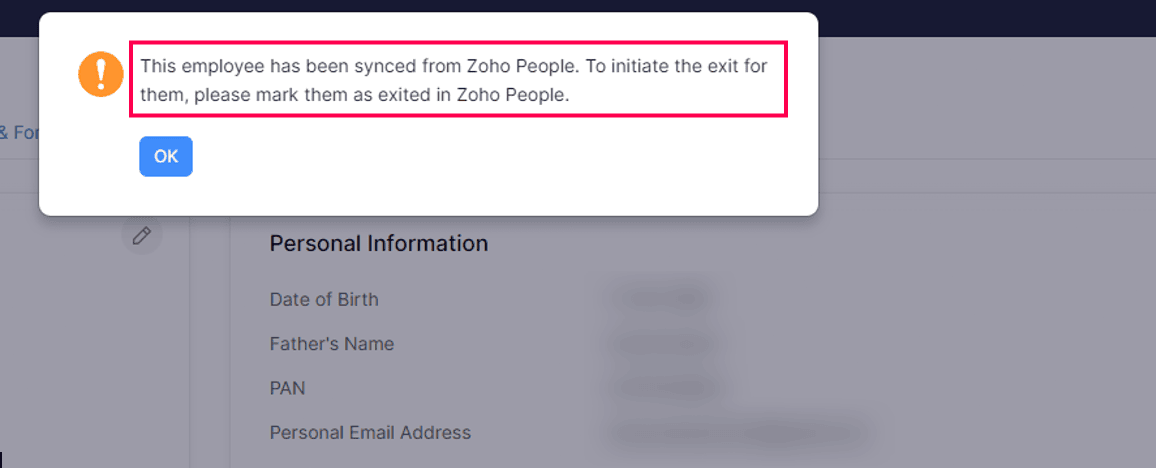
Cause: Employee termination is attempted directly in Zoho Payroll while the employee is synced from Zoho People.
Resolution:
Follow the below steps:
Follow the below steps:
- Update Employee Exit Details in Zoho People
- Update Date of Exit (DOE) and Employee Status
- Ensure DOE is not in a payroll-processed month
- Perform Instant Sync
- Navigate to:
Settings → Zoho Apps → People → Instant Sync - Resolve any sync errors
- Process Termination in Zoho Payroll
- Go to Home → To-Do section
- Complete termination before running the regular pay run
Note: If payroll is already processed for that month, terminate the employee with a DOE in the current month as a workaround.
15. Employment Type: Value in the field does not match with the data type supported by us.
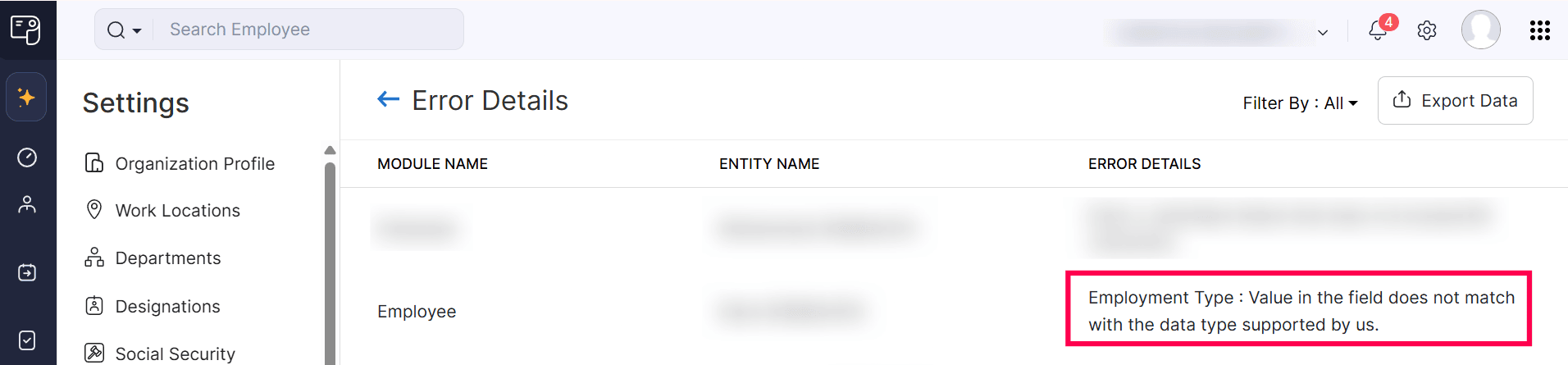
Cause: The Employment Type value in Zoho People does not match the predefined values supported in Zoho Payroll.
Resolution:
- Ensure values are case-sensitive and exact
- Avoid custom values or extra spaces
- Assign a default value and retry sync if needed
16. The Gratuity amount should show on pro-rata basis on monthly basis with Payroll sheet and need to create one column where employee’s accrual gratuity should show on monthly basis.
Limitation: Zoho Payroll does not natively support monthly gratuity accrual display.
Workaround:
- Create a Benefit component under Salary Components
- Manually calculate monthly gratuity
- Add it as Employer Contribution in employee profile
This ensures the amount reflects monthly and syncs to Zoho Books.
17. Enter a valid Routing Number/SWIFT Code.
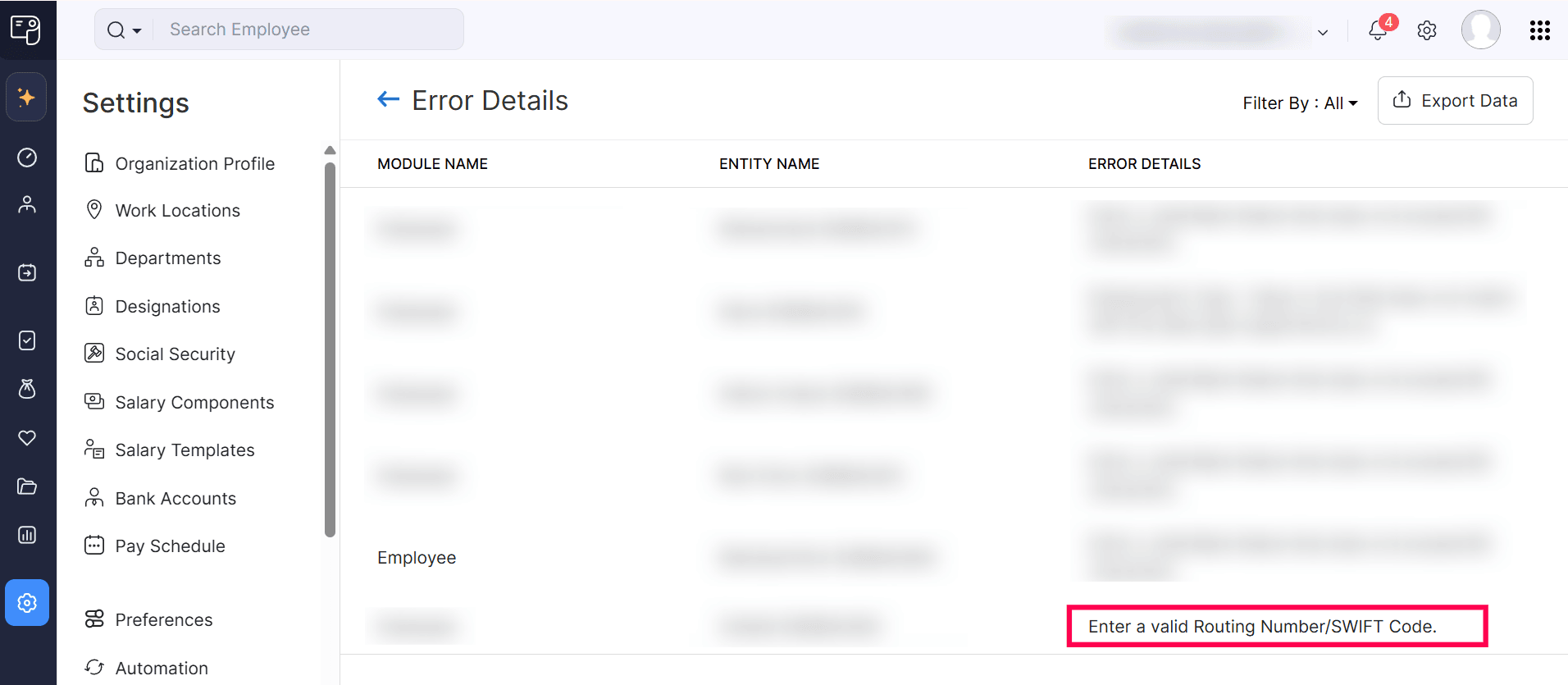
Cause: Invalid format or incorrect validation rules for routing number.
Resolution:
- Check custom field validations under:
Settings → Preferences → Employee - Ensure routing number follows valid format
18. There is an Employee who got promoted with a salary increase from 10th June 2025. How do I update the same in Zoho People and Zoho Payroll so her salary is calculated accurately? Because in Payroll, it asks directly for Month of Salary revision and not date.
Cause: Zoho Payroll currently supports only month-based salary revision.
Resolution:
- Enable Date-based Salary Revision (Early Access)
- Share Org ID with support team for backend enablement
19. Employee has already been enrolled with xyxyxyxx@zzz.com.
Cause: Email already exists in another Zoho service like Zoho Expense.
Resolution:
- Remove the email from Zoho Expense
- Add the employee in Zoho Payroll
- Perform sync to reflect across services
20. Invalid Salary Rate has been provided [error on importing Salary Revision].
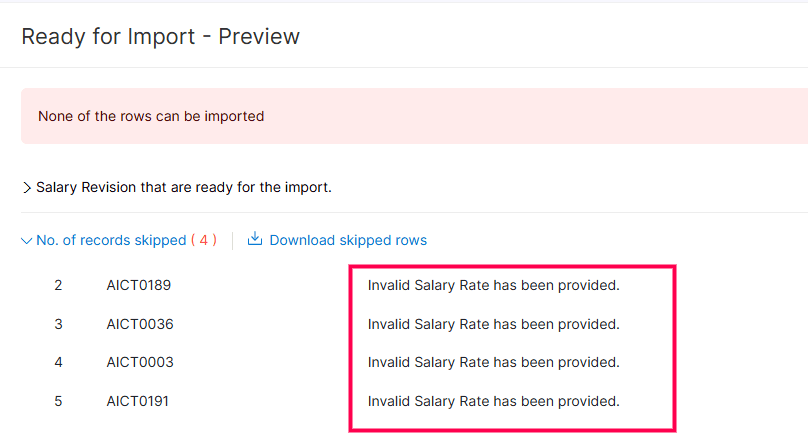
Cause: Mismatch in salary revision type (Number vs Percentage).
Resolution:
- Ensure salary revision is based on Number
- Modify import file accordingly
21. You need to update your work locations if they are in free zones - Shown in Pending Tasks under Regular Payroll.

Cause: Payroll requires Free Zone classification for applicable locations.
Resolution:
- Navigate to:
Settings → Work Locations - Select location → Enable “Mark as Free Zone”
22. This employee's email address is no longer available in the Zoho accounts. Hence, they cannot access their portal. Revoke the portal access and update the active email address.

Cause: The email linked to the employee is inactive or deleted.
Resolution:
- Revoke portal access in Zoho Payroll
- Update employee email
- Proceed with exit process if applicable
23. The PAN already exists. Ensure the PAN provided for each employee is unique.

Cause: Same PAN used for multiple employee profiles.
Resolution:
- Remove PAN from exited/inactive employee profile
- Ensure PAN uniqueness across records
24. The system calculated Fixed Allowance cannot be less than zero. Check and enter valid salary details.
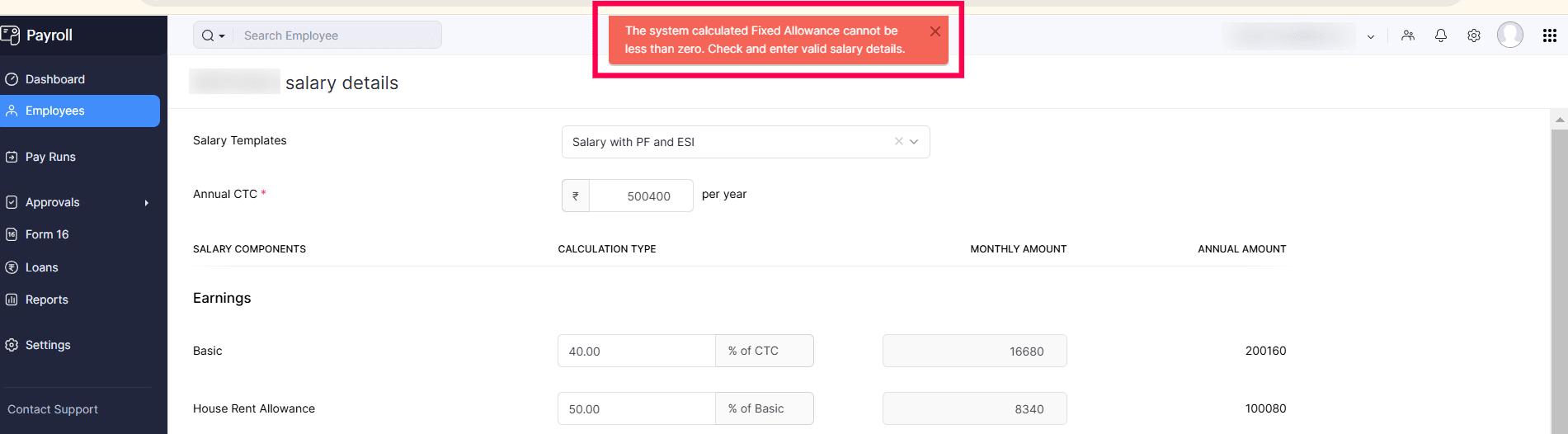
Cause: Employer contributions (EPF/ESI) exceed Fixed Allowance in CTC.
Resolution:
- Restructure salary components
- Ensure Fixed Allowance covers employer contributions
Example: If EPF contribution = ₹1800 → Fixed Allowance ≥ ₹1800
25. Email could not be updated as it is associated with another user:
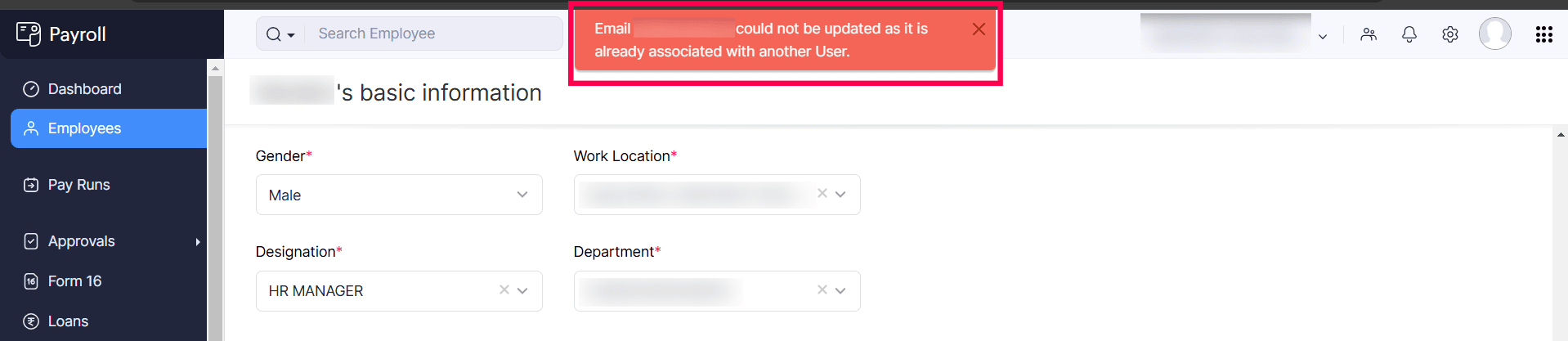
Cause: Email is linked as a User/Admin in Zoho Payroll.
Resolution:
- Remove the email from User/Admin list
- Update employee email
- Re-add as User/Admin if required
Conclusion
This completes Part 2 of the Zoho Payroll Error Handling and Resolution Manual.
By following the above resolutions, you can efficiently troubleshoot most payroll-related errors and ensure smooth processing across Zoho Payroll and its integrations.
Custom Solution Created by Balaji | Zoho Partner Support
If you need any further clarifications, please don’t hesitate to contact - partner-support@zohocorp.com.
Additionally, we kindly ask all "Europe and UK partners" to reach out to partner-support@eu.zohocorp.com.