What is Taz bot in Zoho Cliq?
Unlike any other default bot available in the business communication applications, Taz means "Twin" and is your personal work assistant in Cliq. It provides you the space to scribble and save important notes, share files, images and links so you can revisit them for future references. It also acts like a notification centre to keep you updated with your events and files shared from Zoho Workdrive.
Since Taz is a default bot, it cannot be uninstalled. However, you can enable or disable Taz notifications for specific actions by doing the following:
- Go to Profiles and settings and select Notifications.
- Under Taz you will find three options with toggle buttons to enable/disable notifications.
- When a new event is created or updated
You will receive notifications from Taz when a face-to-face event is created or on event updates.
- When an event invite is accepted or rejected
You will receive notifications in Taz when someone accepts or rejects your event invite.
- For event reminders
When you create an event, you will receive an event reminder 5 minutes before the event starts.
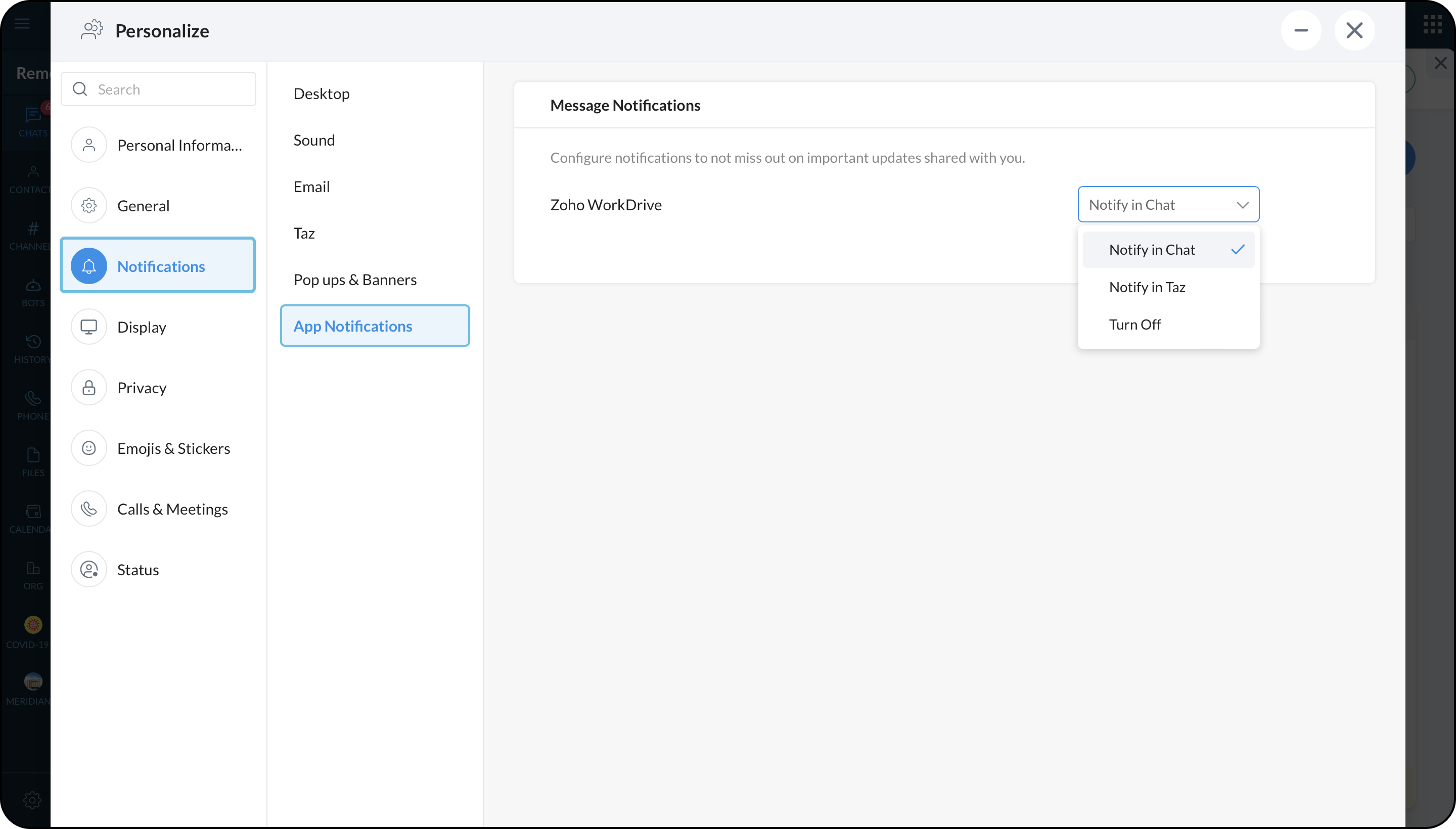
App notifications
When a user shares a file from Zoho WorkDrive, you can select if you want to turn off the notification or you want to be notified in chat or Taz bot.
Actions performed inside the Taz Bot
- You can @mention Taz and send a message from any chat window and that will be posted in the Taz bot.
- You can take down notes, share files, links and images for reference.