Navigating the Events module
Understand the Events module
The Events module in Zoho CommunitySpaces helps you plan and track community engagements in one place. This includes in-person meetups, online sessions such as Video Conference and Live Broadcast, and Town Hall sessions such as Q&A and Live Town Hall. Everything appears on the calendar so members can easily discover, track, and participate.
Browse all events
Start with All Events to view everything scheduled across the community in one place. This gives you a complete picture of what is coming up, what is ongoing, and what you may want to join.
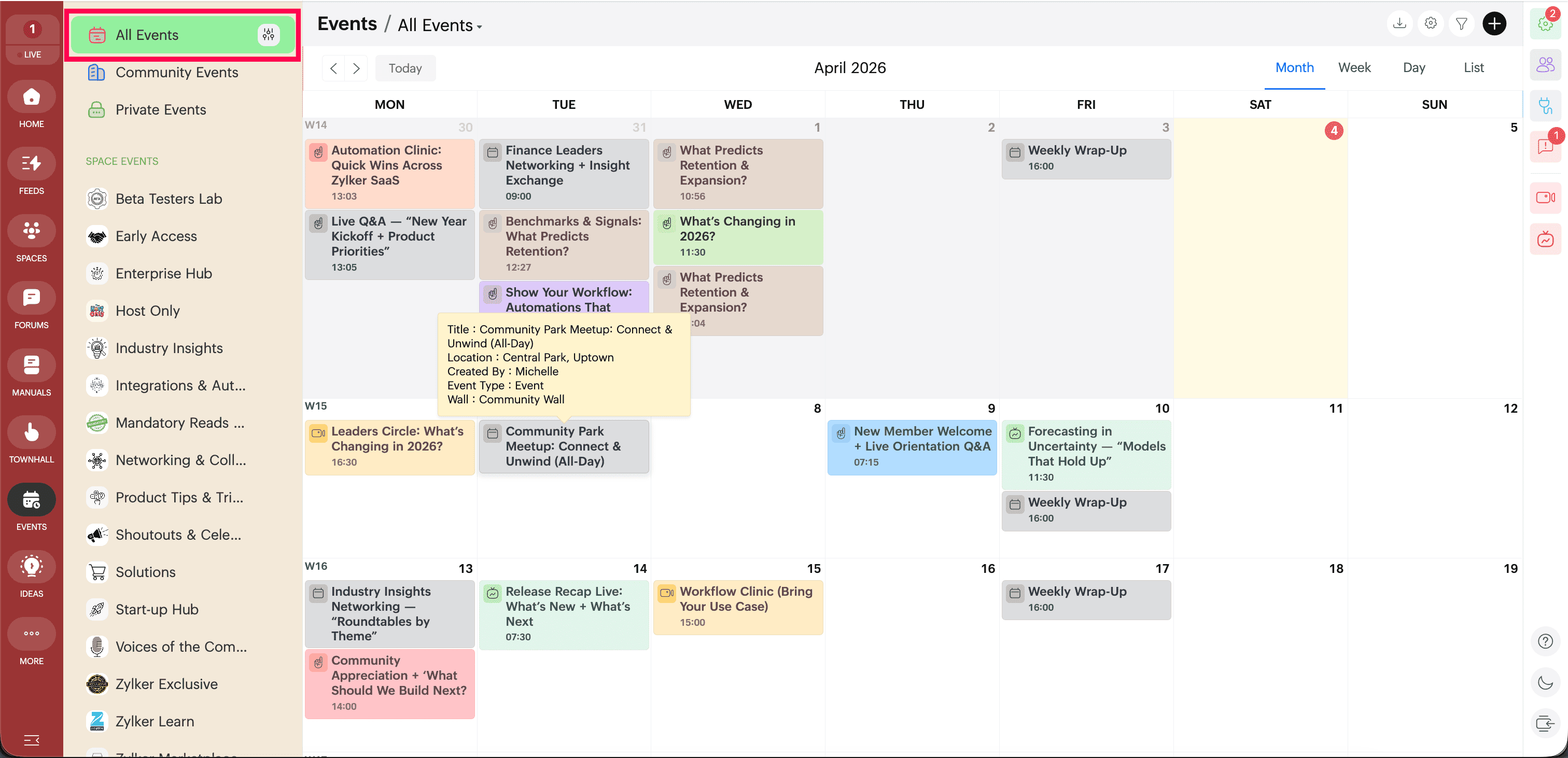
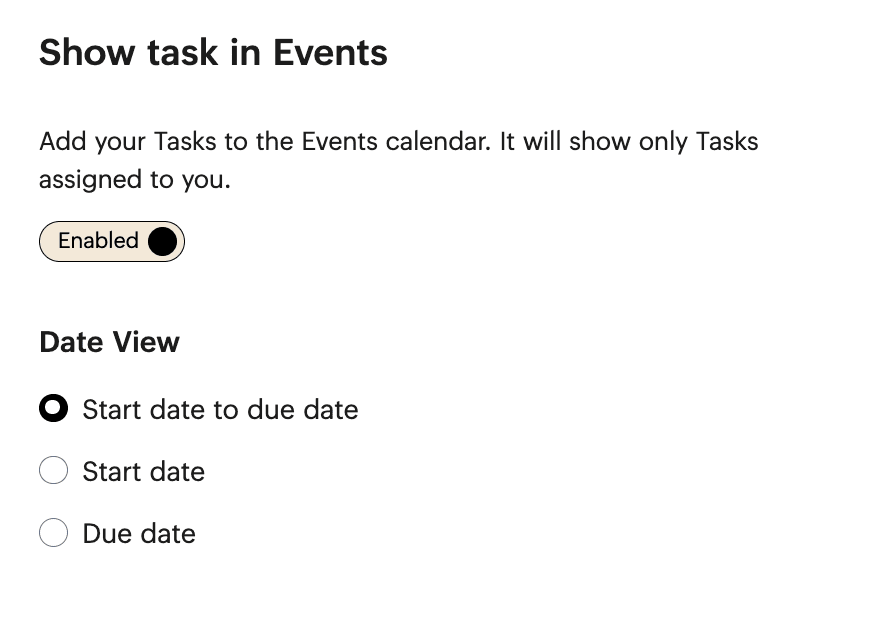
If your community uses tasks alongside events, enable Show Tasks. To display tasks on the calendar as well, choose the Date view. This helps you track schedules and work items together from a single view.
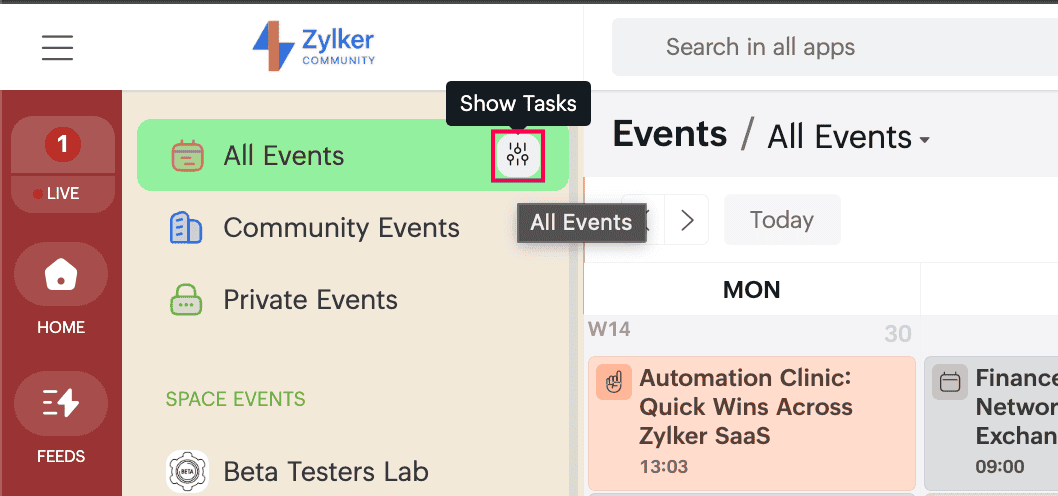
Use the All Events dropdown to switch the scope of what you are viewing. Depending on your setup, this helps you narrow the view or expand it to see everything across the community.
Use calendar filters and views
Use Filter in the top-right corner to narrow the calendar to:
- In-person events
- Town Halls
- Tasks
- Custom event types
Use the left and right arrows to move to the previous or next set of dates on the calendar.
Click Today to return to the current date instantly.
Choose the calendar view that best fits your planning style:
- Month for a broader calendar view
- Week for a more detailed weekly schedule
- Day for an hour-by-hour view
- List for a chronological event list
Browising events
Use the left navigation panel to browse events by area:
- Community Events for community-wide sessions
- Space Events for space-specific sessions
- Private Events for events relevant only to you, such as:
- Events you create for yourself
- Events you are invited to
- Events from spaces you are not a member of but are invited to
- Events where you are added as an assistant
 Next: Continue with Importing events and configuring the calendar in Zoho CommunitySpaces to bring in existing events and manage calendar preferences.