Navigating Feeds
Understanding Feeds
Feeds is the core layer of engagement in Zoho CommunitySpaces. It's where members begin conversations, ask questions, share ideas, make announcements, publish polls, create events, and interact with community activity in real time. Many engagement experiences from other modules also surface here, making Feeds the central place for day-to-day community participation.
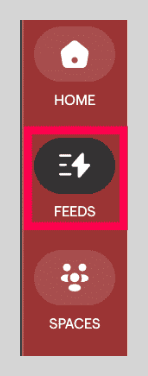
Open Feeds
Click Feeds in the left menu to begin engaging with your community.
Left navigation in Feeds
The left navigation panel inside Feeds includes these main sections:
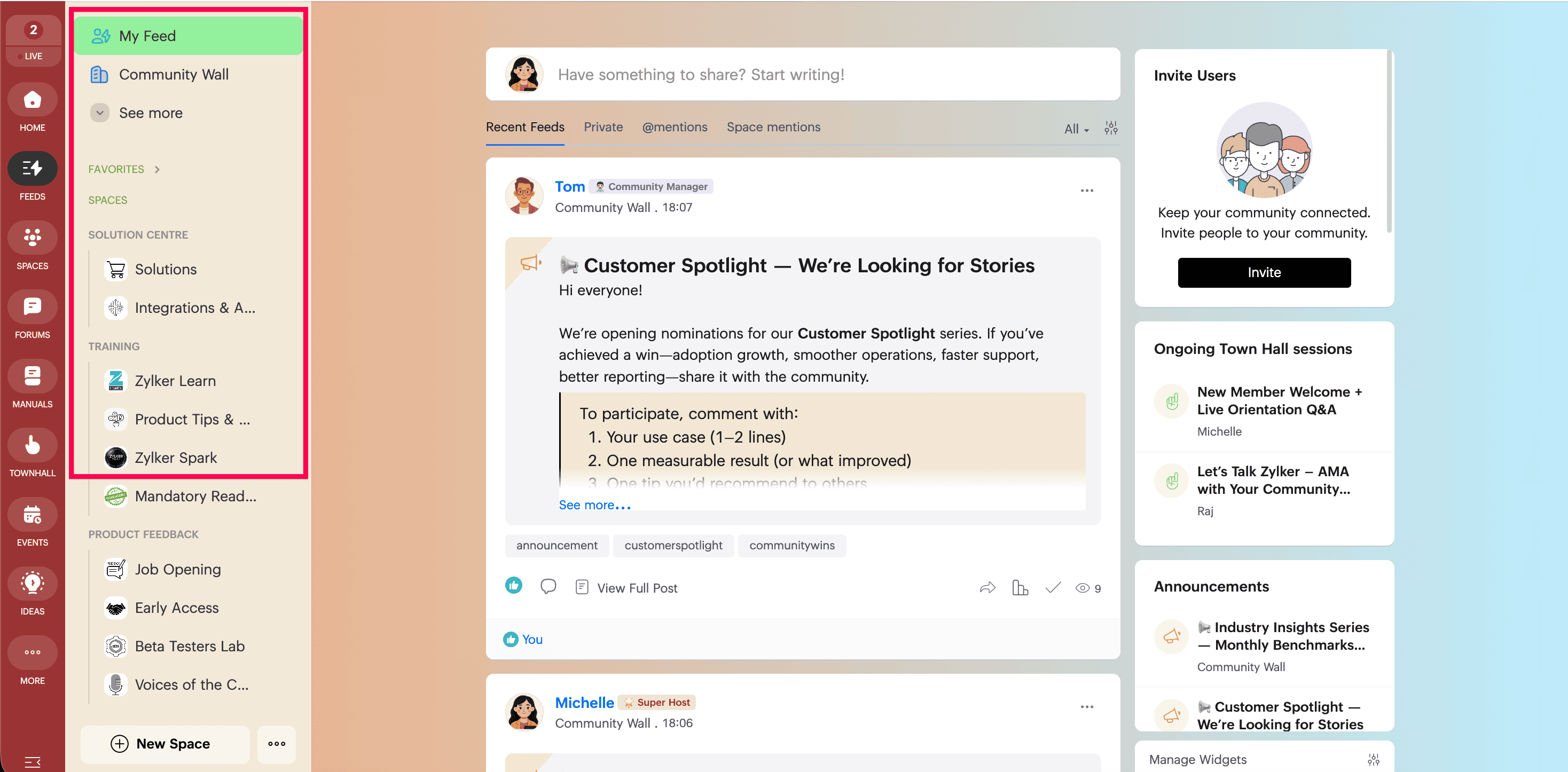
- My Feed to view all posts you are qualified to see
- Recent Feeds inside My Feed to view all posts from the last 30 days
- Private to view private messages sent by other members of the community
- @ mentions to view all posts and comments where you were mentioned
- Space mentions to review posts that mention spaces you belong to. In Space mentions, you can also use the All Spaces filter to view posts related to every space you are part of.
Widgets in My Feed
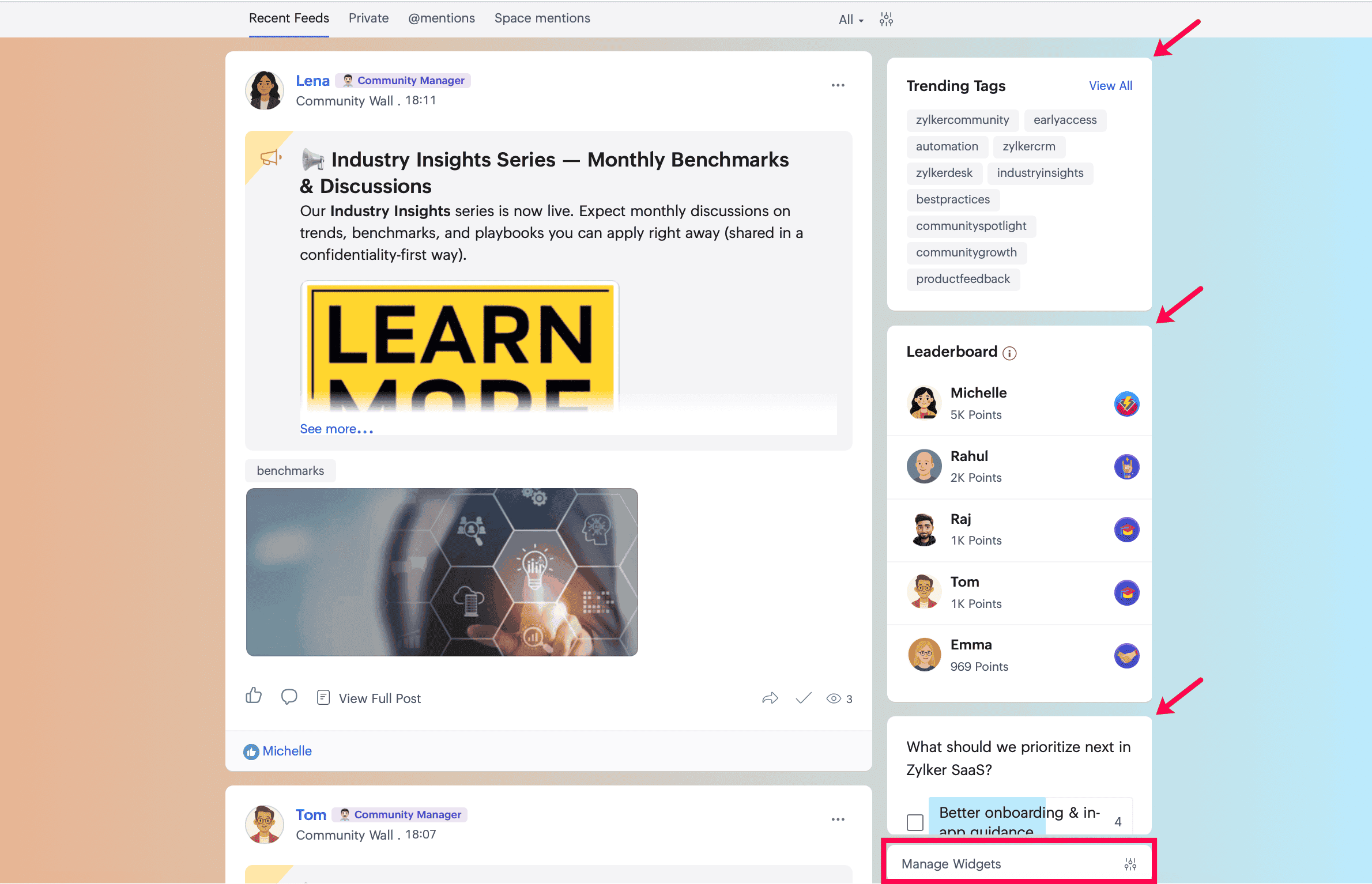
On the right side of My Feed, you will find the widgets area. It displays:
- Ongoing Town Hall sessions
- Announcements
- Upcoming Events
- Trending Tags
- Leaderboard
To configure these widgets, click Manage Widgets at the bottom of the widgets area.
Along with the system widgets, you can also create customized quick-link widgets for faster navigation to important resources.
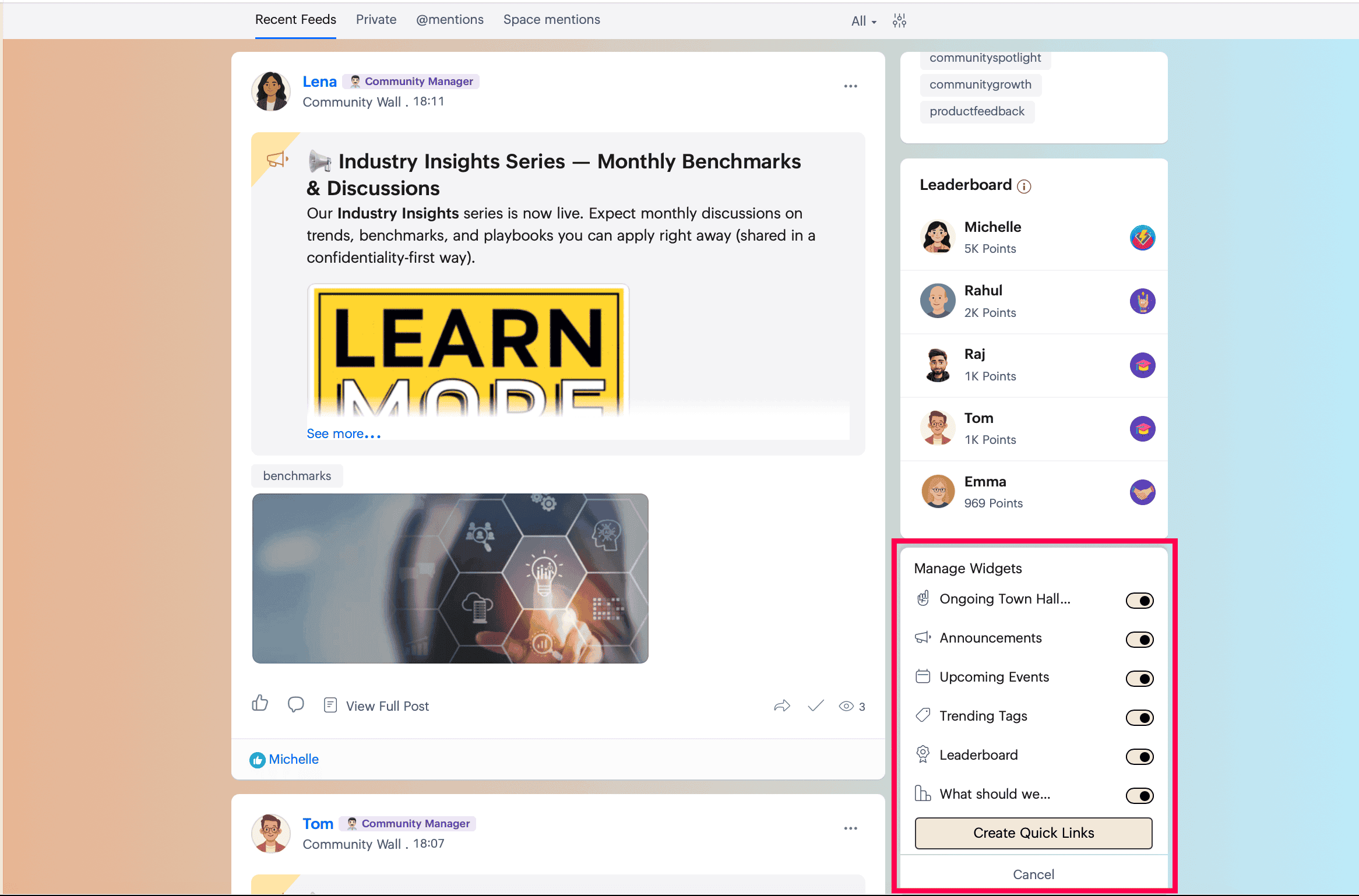
Along with the system widgets, you can also create customized quick-link widgets for faster navigation to important resources.
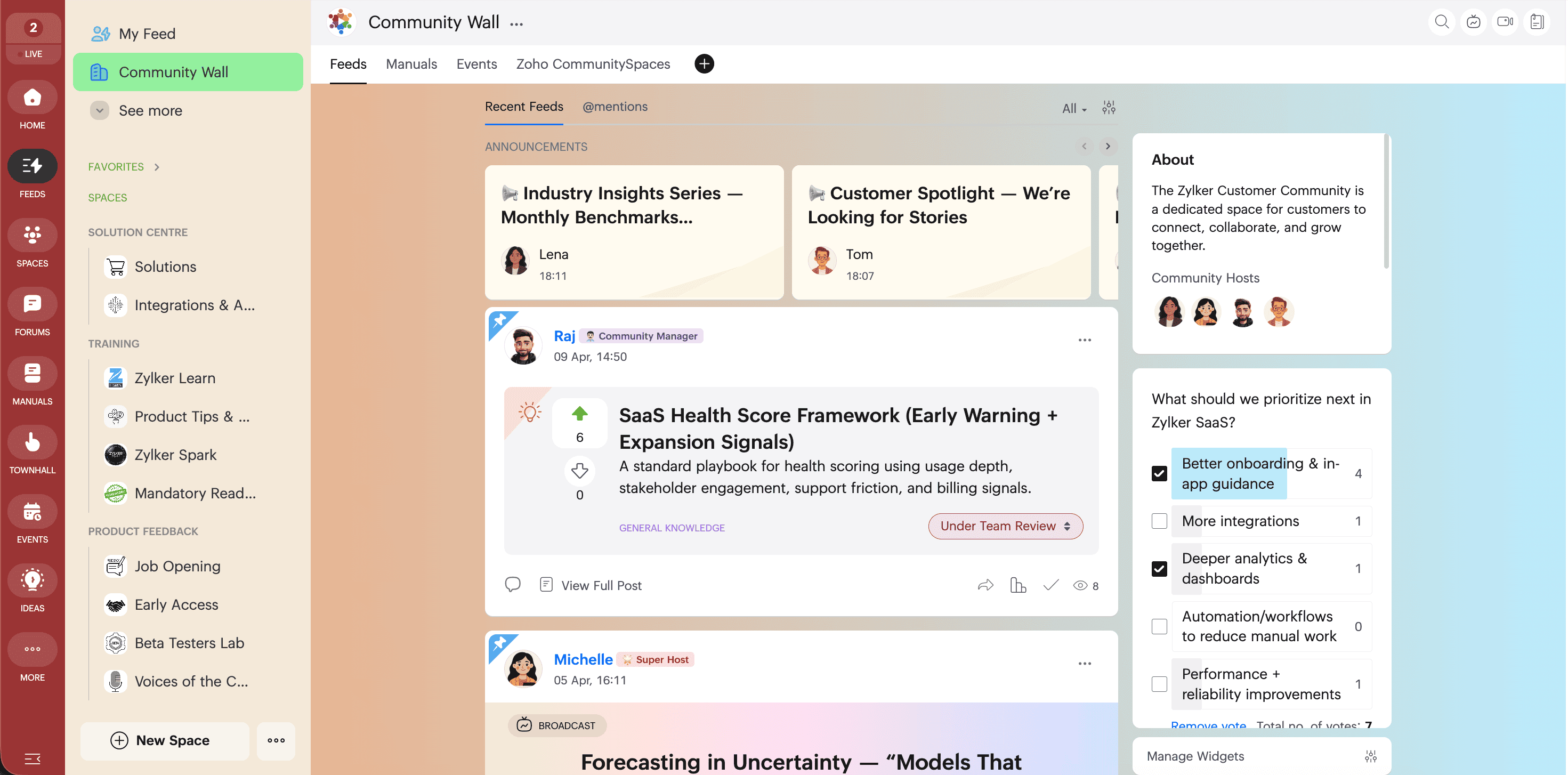
Understand the Community Wall
The Community Wall displays real-time updates on community activity and engagement. It is a dedicated area for sharing important announcements, timely updates, and key moments that matter to your community. This helps every member stay informed and connected.
 Next: Continue with Creating posts in Feeds in Zoho CommunitySpaces to learn how to create different post types and use the feed editor.