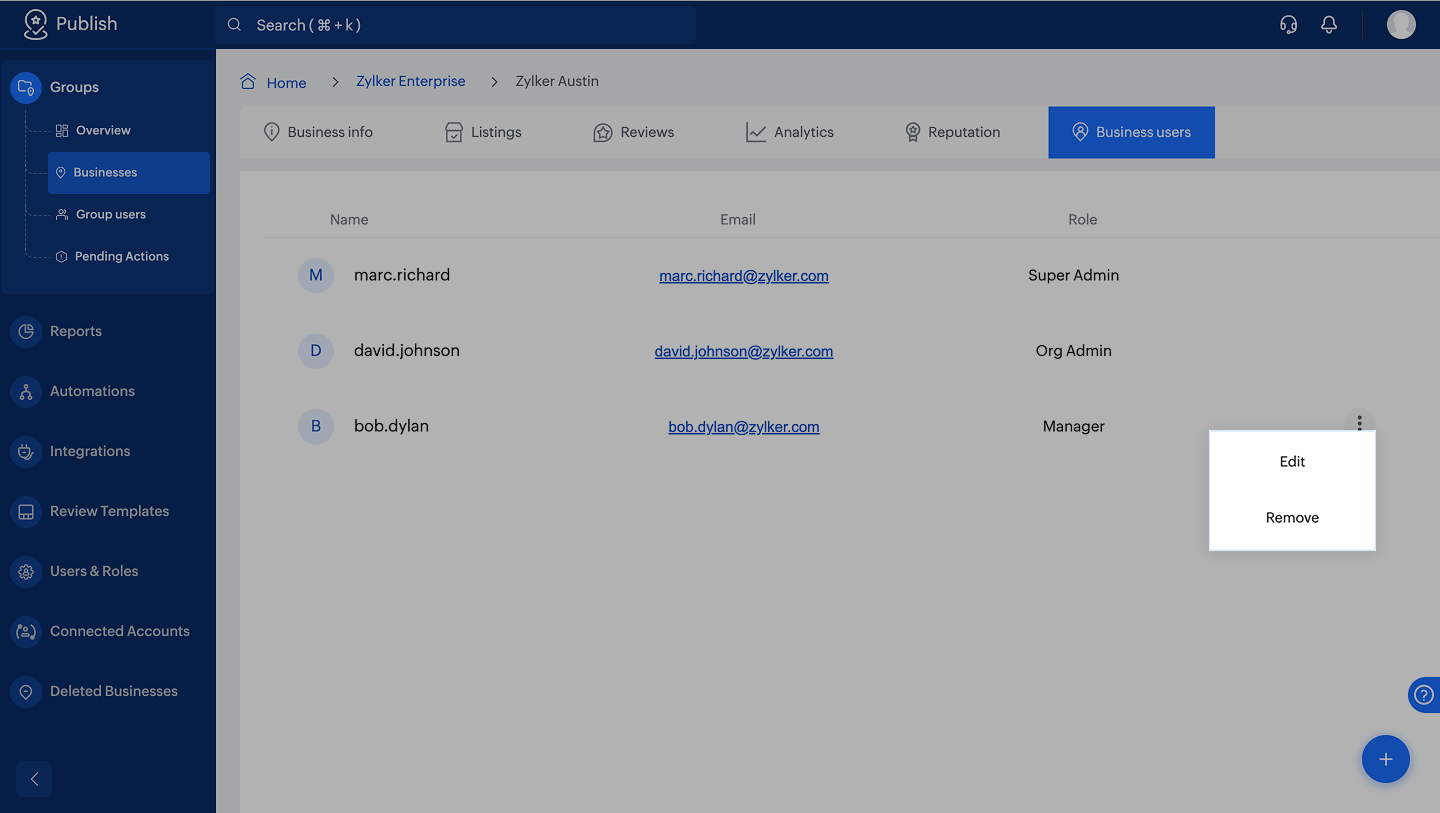
How to assign a user within a business
A user can manage multiple groups and businesses in various roles. This feature lets you add an existing Zoho Publish user within a business. The roles of the user can be anything except super admin or org admin, as these roles control all groups in Zoho Publish.
Learn more about roles on Zoho Publish.
- Navigate to Home > Business group > Business > Business users and click the
icon at the bottom-right corner.
- Click Search User. Existing Zoho Publish users will appear in a dropdown. Choose one and Select a role. Click Assign at the bottom-right corner.

Note:
To edit the role or remove a user from a business, click the  icon. If a user is in multiple businesses, removing them from one business does not remove them from others.