How to create a custom role
Existing users can create custom roles on Zoho Publish and grant powers and permissions equal to or lower than
their own roles.
- Click Users & Roles in the left menu.
- Select Roles and click the ADD ROLE + button.
- Enter the Role Name, Short Description, and turn on this
icon on the respective fields to grant group-level and business-level permissions. Click Create at the bottom-right.
Notes:
- Resolving pending actions requires access to Business Info and Listings. Granting permission to Pending Actions automatically gives full access to Business Info and Listings.
- View Business Info and View Listings are the minimum permissions needed to use Zoho Publish. By default, these two permissions will be turned on.
- This newly created role will be added to the Roles page.

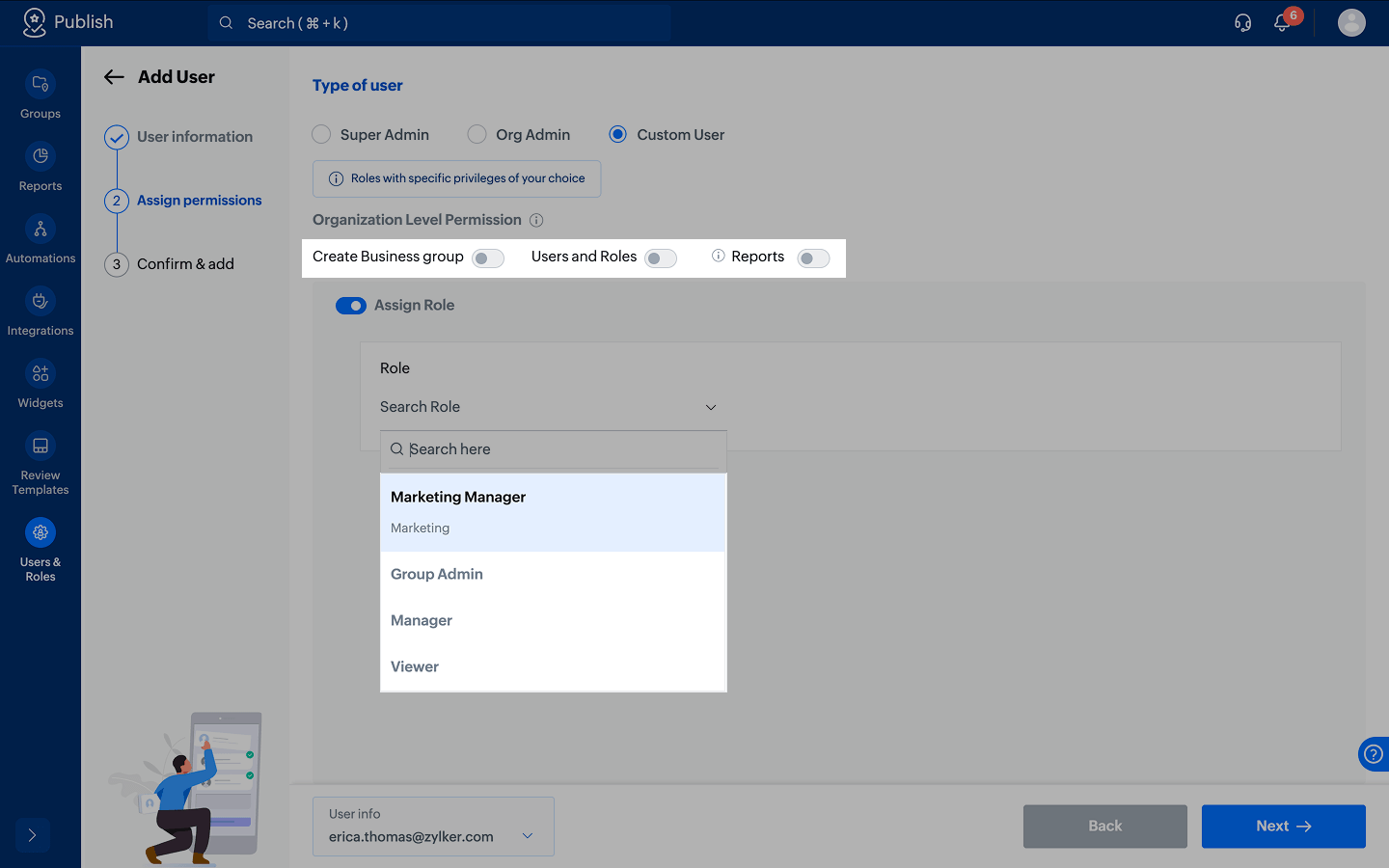
When you add and assign users in a custom role, this newly created role will be shown in a dropdown. If you are an
org admin or super admin, you can grant organization level permissions on the same page.