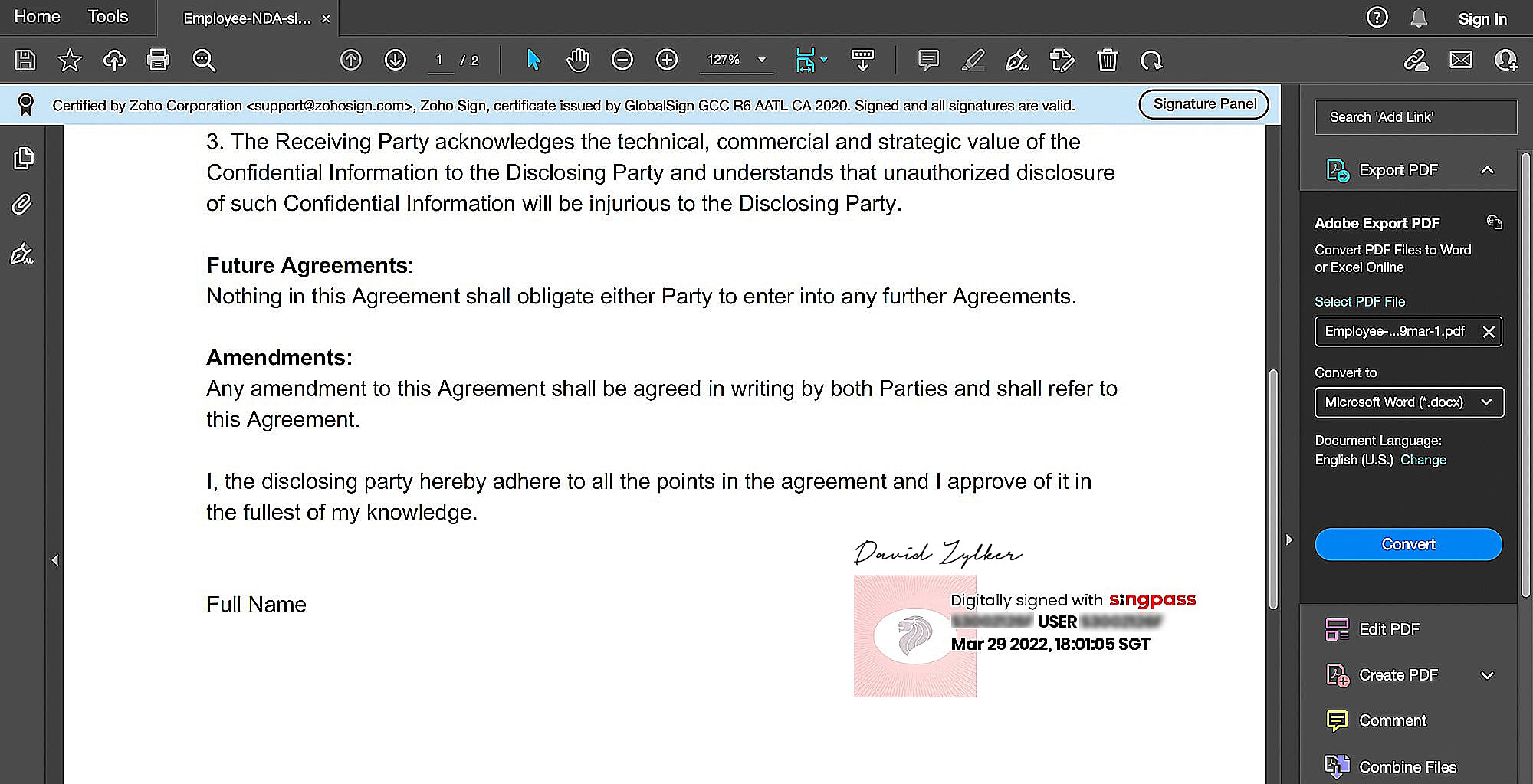
Digitally signing documents with Singpass for Singapore
Availability: All paid plans and datacenters
Singpass is the trusted digital identity for Singapore citizens and residents. Users can leverage their digital identity to digitally sign documents, contracts and other legal documents. Signing documents with Singpass allows the signers to sign any document and apply a digital signature that is unique and cryptographically linked to the signer.
Documents signed with Singpass is considered as secure electronic signatures under Singapore's Electronic Transactions Act (ETA) and the signing certificate is issued by the National Certification Authority (NCA).

Please find a sample document signed with Singpass attached at the bottom.
How to enable Singpass Integration
From the left navigation pane, click Settings > Integrations, and toggle Singpass to ON. This can only be done by the admins of the organization.
Senders can now enforce their signers to sign documents only with 'Sign with Singpass' sent from Zoho Sign. Learn how.
Signing a document with Singpass
- The signing experience remains the same until the final step, where the signer will select Singpass from the Sign via dropdown.
- Once selected, a popup asking you to scan the QR code from your Singpass mobile app will be displayed.
- Open your Singpass mobile application and click Scan.
- This will open the QR code scanner. After the code is scanned, please verify if the OTP displayed on the browser matches with the one displayed in the phone.

Note: The QR code is only valid for two minutes.
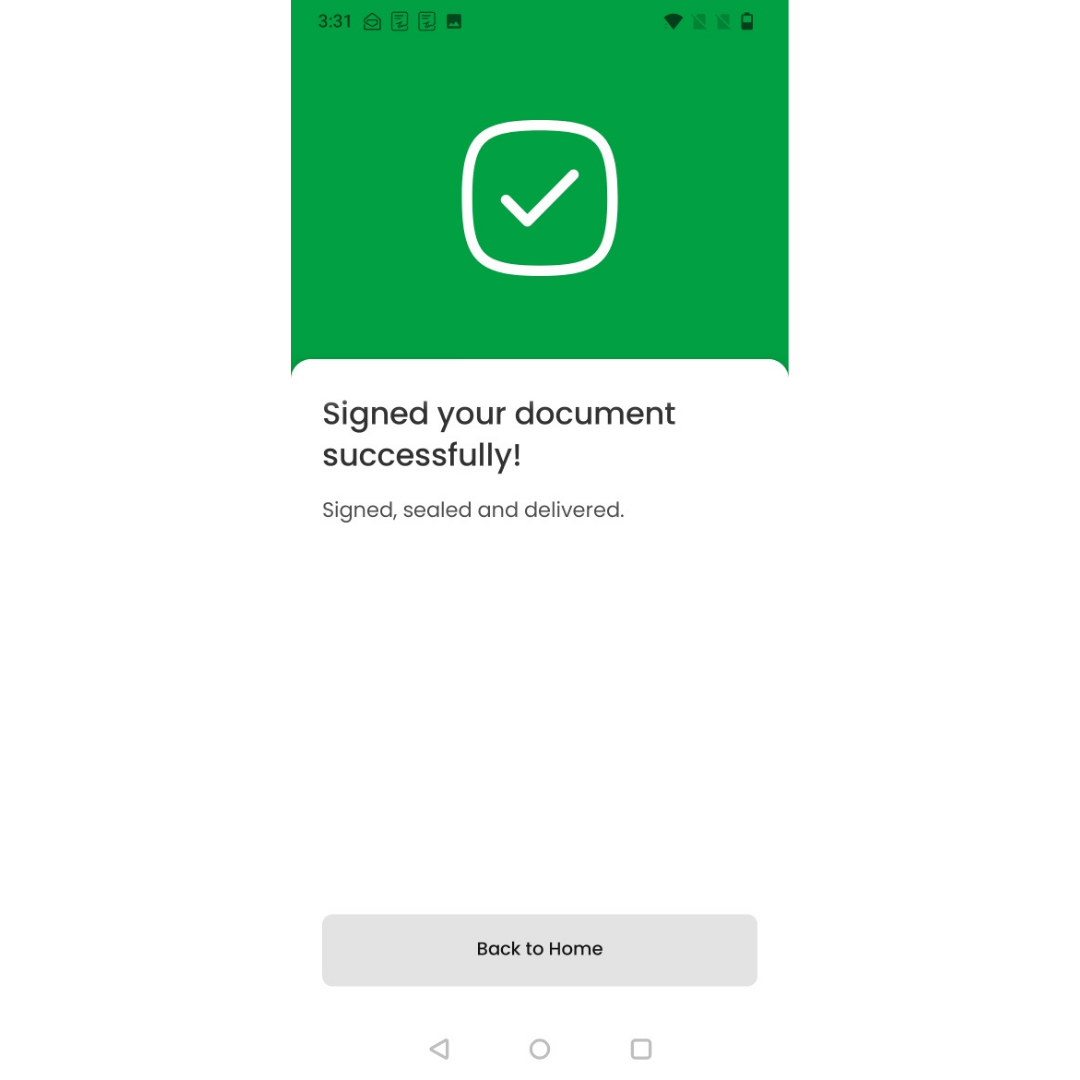
Once the process has been completed properly, the status will appear as follows:
How to check Singpass signed documents
Open the signed document and check for the visible signature. However, this can only be checked if the document has a signature field. Do also refer to the Singpass FAQ for additional information on digital signing.