Round Robin vs Direct Assignment in Zoho Desk: Key Differences
Direct Assignment vs Round Robin: Choosing the right routing method in Zoho Desk
 This post is part of the "Desk Automation Series," Chapter 1. Through this series, we will help you choose the right automation type in Zoho Desk by comparing commonly confused automations through real scenarios and business processes, so you can clearly see what to use, when, and why.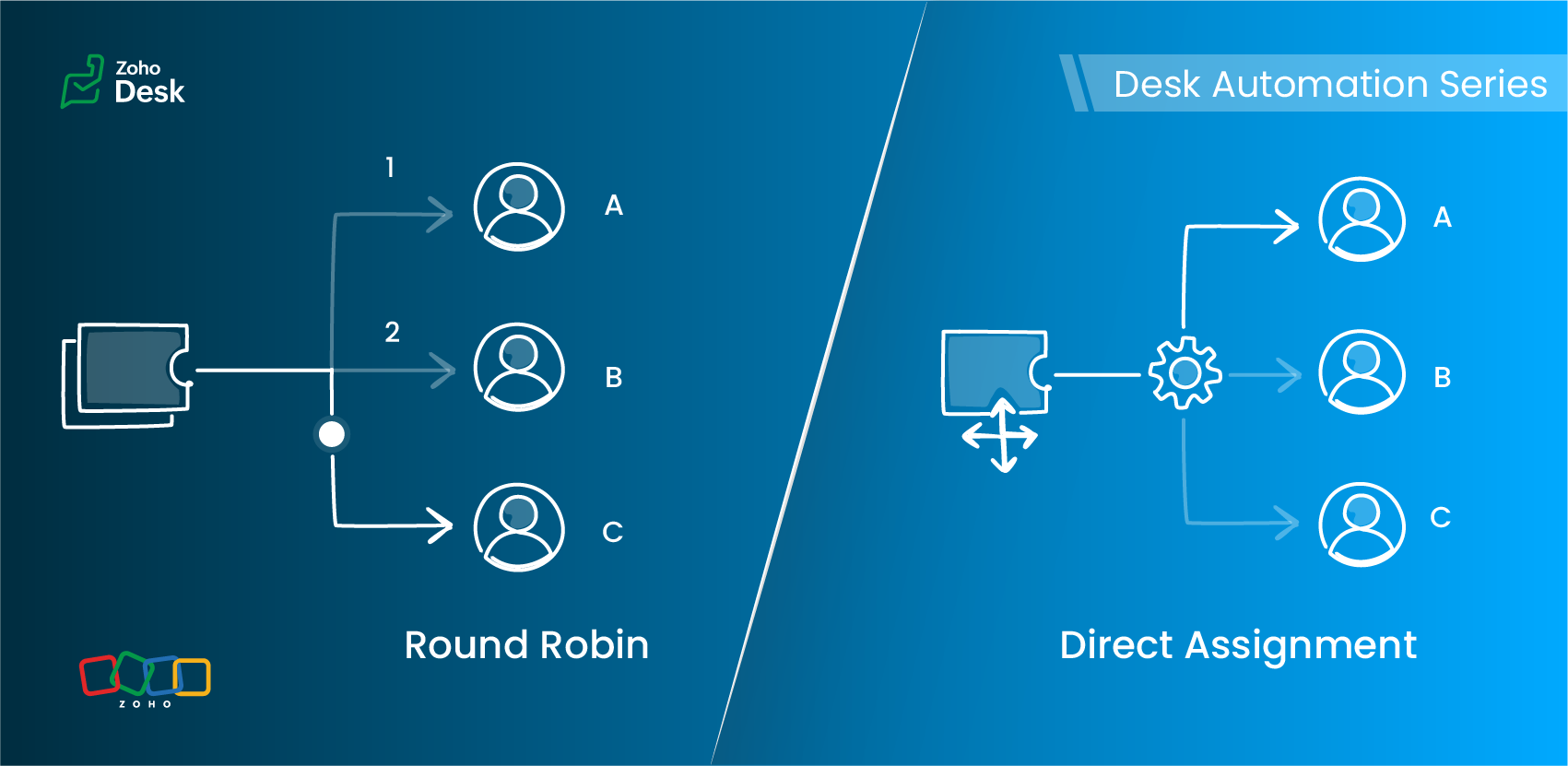
- Should this ticket always go to a specific owner?
- Or should it be automatically distributed across a team of agents in a specified pattern?
Understanding Assignment Rules
Zoho Desk offers two primary routing options under Assignment Rules:
- Direct Assignment
- Round Robin Assignment
Each serves a different need, depending on the structure of your support team and the type of tickets you handle.
Direct Assignment
When to use Direct Assignment
- A particular ticket type is always handled by the same person or team
- Ownership should remain consistent
- You want predictable, rule-based routing
- The responsibility for a category of tickets never changes
- Required to be re-assigned to a different agent
Direct Assignment keeps routing clear and ensures that the right team always receives what they are trained to handle.
Round Robin Assignment
Round Robin supports multiple distribution patterns
Round Robin type | How it works | Best for |
Load-based assignment | Tickets are routed to the agent with the least number of tickets in their queue until the configured capacity is reached. | Balancing agent queues efficiently to ensure faster response times. |
Skill-based assignment | Tickets are assigned to the agent whose skills match the most according to the criteria defined for the ticket. | Handling tickets that require specific language support, product knowledge, or domain expertise. |
Sequential-based assignment | Tickets are distributed among agents in a fixed sequence, following the alphabetical order of agent names. | Ensuring a predictable rotation and evenly distributing tickets among agents. |
Round Robin preferences
Key differences at a glance
Feature | Direct Assignment | Round Robin |
Primary purpose | Route tickets to a specific team | Distribute tickets equitably across agents |
Useful when | Responsibility for a ticket type is clearly defined | Ticket volume is high and needs balanced distribution |
Supports skill-based routing | No | Yes |
Supports capacity limits | No | Yes (Agent-level and department-level thresholds) |
Assignment frequency | Always assigned to the same agent or team | Varies based on the configured Round Robin type |
Control over assignment order | No | Yes (Sequence-based rotation) |
Handles workload balancing | No | Yes (Load-based assignment) |
Supports backlog management | No | Yes (Backlog assignment for queued tickets) |
Includes offline agents in assignment | No | Yes (Offline agents can be included in the assignment queue) |
Optimized for high ticket volume | Limited | Yes (Immediate assignment and backlog handling support continuous distribution) |
Choosing the right assignment method
Requirement | Direct Assignment | Round Robin |
A specific agent must always handle certain issues | ✓ | — |
Balanced distribution of tickets | — | ✓ |
Skill-specific routing | — | ✓ (Skill-based) |
Avoiding agent overload | — | ✓ (Load-based) |
Predictable rotation | — | ✓ (Sequential-based) |
Flexible assignment based on agent availability | — | ✓ |
A practical scenario
1. Billing and subscription changes
Use: Direct Assignment
2. Account suspension reviews
3. General how-to queries
Load-based assignment routes tickets to the least-loaded agent up to their set capacity, ensuring faster response times through efficient workload distribution.
4. High traffic during feature launches
Load-based assignment routes tickets to the agent with the fewest active tickets until the configured capacity is reached, helping distribute high volumes to prevent agent overload and support faster response times.
5. Advanced technical or API-related tickets
6. Product feedback review queue
7. Multilingual customer support
Use: Skill-based assignment
More everyday support examples
Scenario | Best-suited assignment method | Why |
Warranty claims in an electronics company | Direct Assignment | Tickets are routed to the team responsible for warranty operations. |
Appointment requests in a multi-specialty clinic | Direct Assignment for specialist bookings; Sequence-based assignment for general checkups | Specialist requests can be routed to a specific team, while general requests can be distributed among agents. |
System outage tickets in an IT helpdesk | Load-based assignment | Tickets are assigned to the agent with the fewest tickets in their queue, helping distribute workload and support faster first responses. |
Onboarding queries in a company | Sequential-based assignment | Tickets are distributed among agents in a fixed sequence, ensuring each agent receives tickets in turn. |
Marketing campaign inquiries in a SaaS company | Skill-based assignment | Tickets are assigned to agents whose skills match the required business expertise, such as Marketing. |
Best practices
- Use Direct Assignment for clear, consistent ownership.
- Apply Round Robin when distribution, fairness, or skills matter.
- Keep your criteria focused.
- Avoid using multiple Round Robin patterns for the same category.
- Review agent capacity and skills regularly.
- Test your rules with a sample set of tickets before enabling them.
Guidelines for quick selection
- Only routing is needed → Direct Assignment
- Balanced distribution is the goal → Load-based or Sequential-based assignment
- Specific skills required → Skill-based assignment
- Workload limits apply → Load-based assignment
- Predictable rotation needed → Sequential-based assignment
The verdict

Read more related articles: