Strengthening the capabilities of CommandCenter in Zoho CRM Plus
When you look at the prospect-to-customer journey in most businesses 10 to 15 years ago, it was relatively straightforward. Many of us remember walking into a store, sharing our requirements with a sales associate, reviewing a few options, and making a purchase. The process was simple, linear, and easy to navigate.
Fast forward to today, and the customer journey looks completely different. Customers come across an ad on social media, visit the website, compare products, read reviews, join webinars, get a personalized demo with a sales agent, and a lot more—all before making a purchase. There's no clear cheat code available that guarantees or predicts the exact journey that a buyer is going to take.
For businesses, understanding how customers actually progress through these touchpoints remains a challenge and leads to numerous questions, such as: Which path most often leads to meaningful outcomes? Where do prospects slow down or drop off? What signals indicate they're ready for the next step? Without visibility into these patterns, delivering consistent experiences becomes difficult, and personalization often turns into guesswork.
 CommandCenter was built for this purpose: to understand the paths customers naturally take and intentionally guide them forward with timely, relevant engagements. This creates an experience that feels connected, contextual, and personal at every stage of the buyer's journey.
We've strengthened CommandCenter's capabilities further in Zoho CRM Plus by combining signals (triggers) from various modules—like CRM, Desk, SalesIQ, Backstage, Webinar, and Survey—with a revamped user interface. You can also create custom signals to simplify the process of connecting with touchpoints from your own or third-party apps.
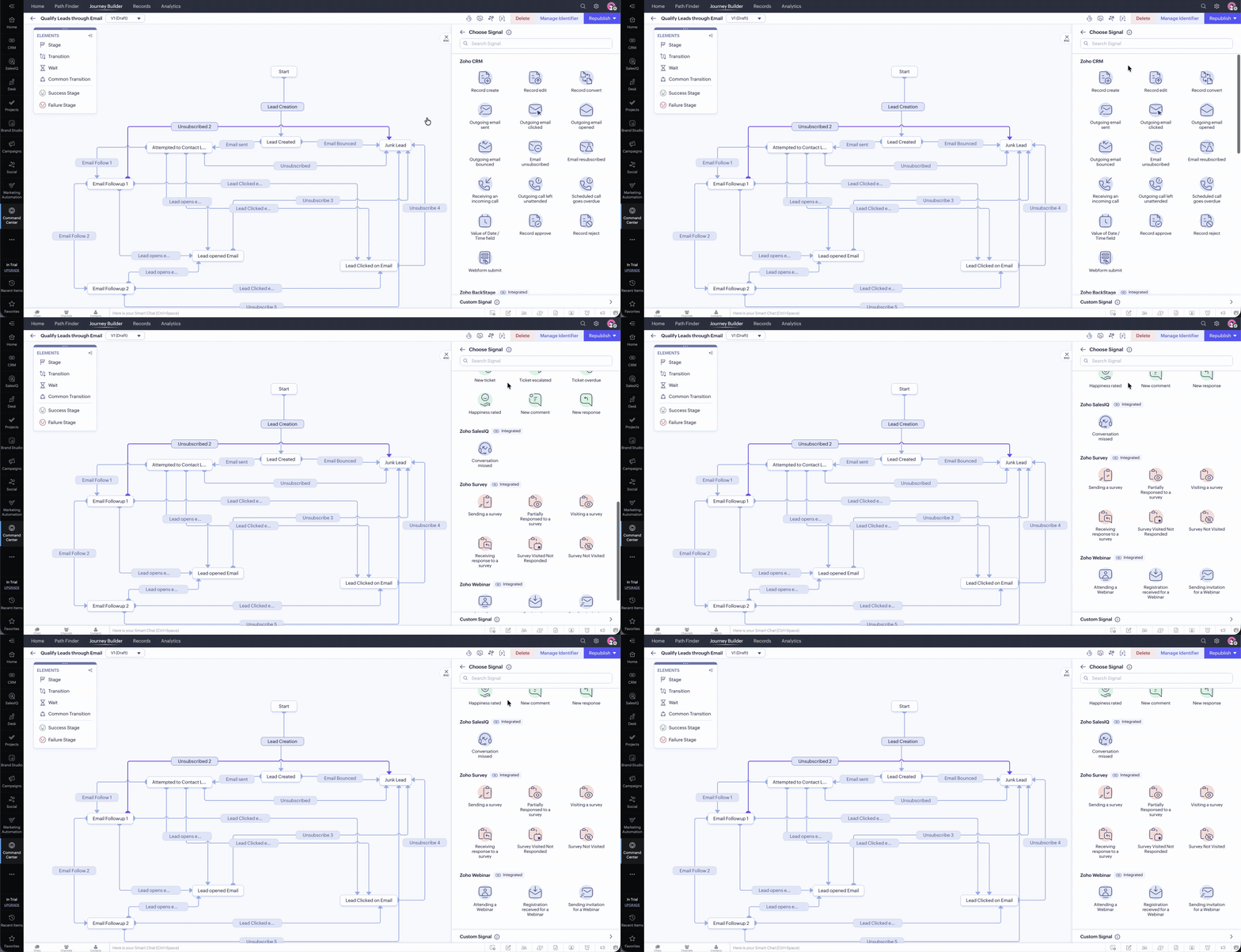
You can access CommandCenter from the modules listed on the left panel.
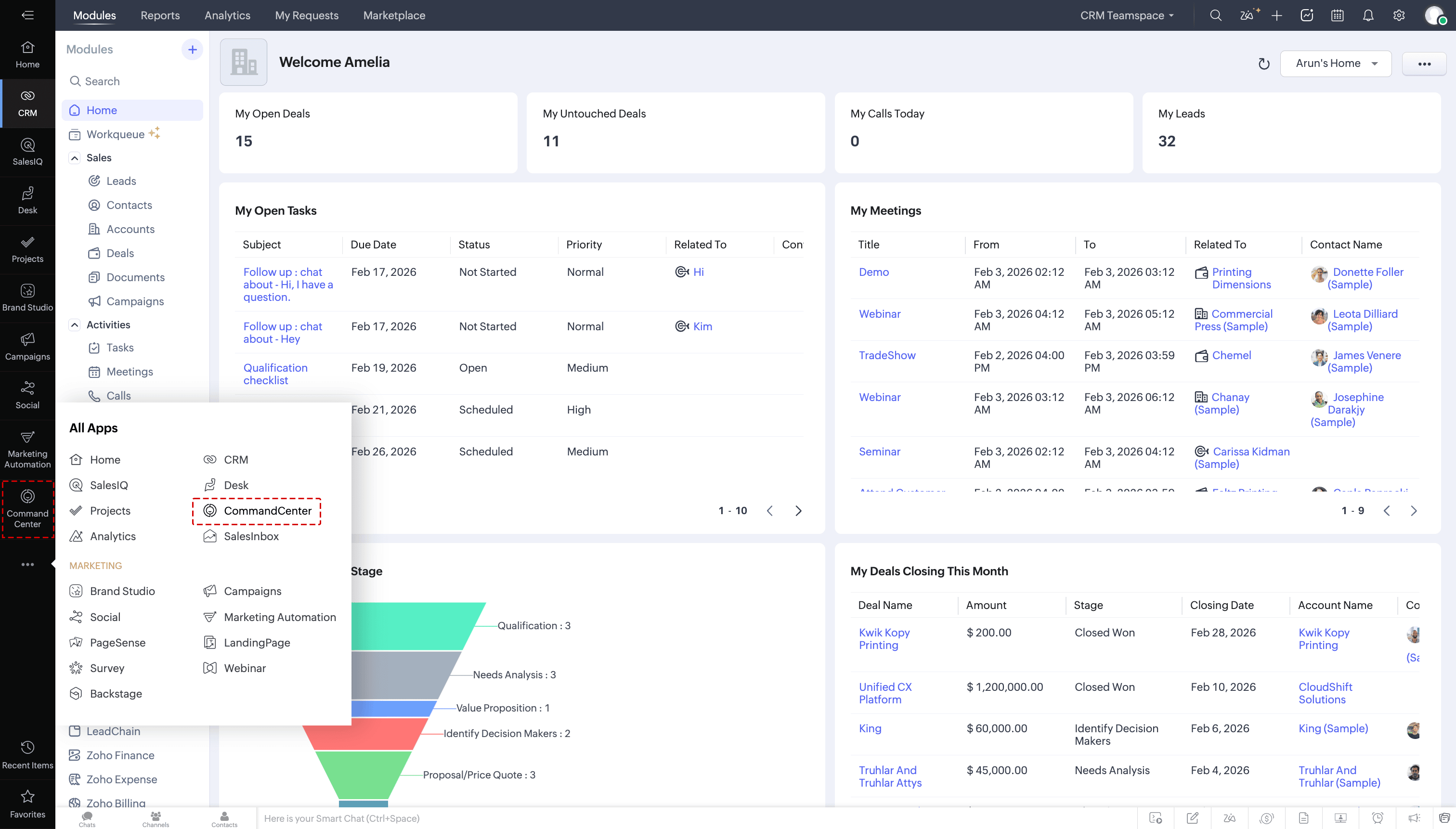
Navigating your way around CommandCenter in Zoho CRM Plus
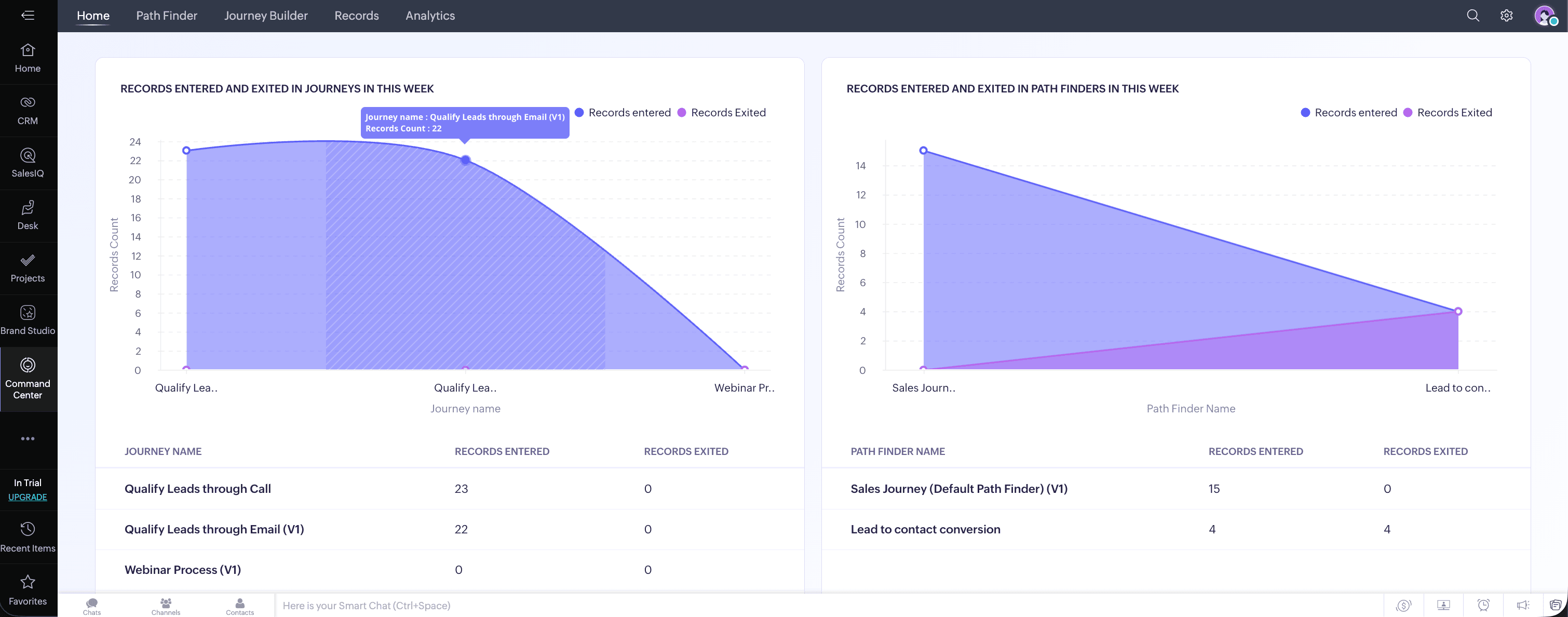
CommandCenter has the following modules:
Home: Displays key CommandCenter metrics, like records entering and exiting journeys, Path Finders, unique paths entered, and so on.
Path Finder: Lets you create and manage different Path Finders in CommandCenter. You can also view in-depth analyses of each of those with the help of Path, Sankey, and Journey reports.
Journey Builder: Lets you create and manage all the journeys that you want to orchestrate in your business process, with in-depth reports.
Records: Displays a list of all the records that are part of CommandCenter. You can drill down to see the complete history of what's happening in a record, such as its previous stage(s), current stage, when the record entered that stage, and so on.

Analytics: Lets you create custom dashboards and visualize the data present in CommandCenter so you can make informed decisions and further customize your business process.
Migrating from CommandCenter 1.0 to 2.0
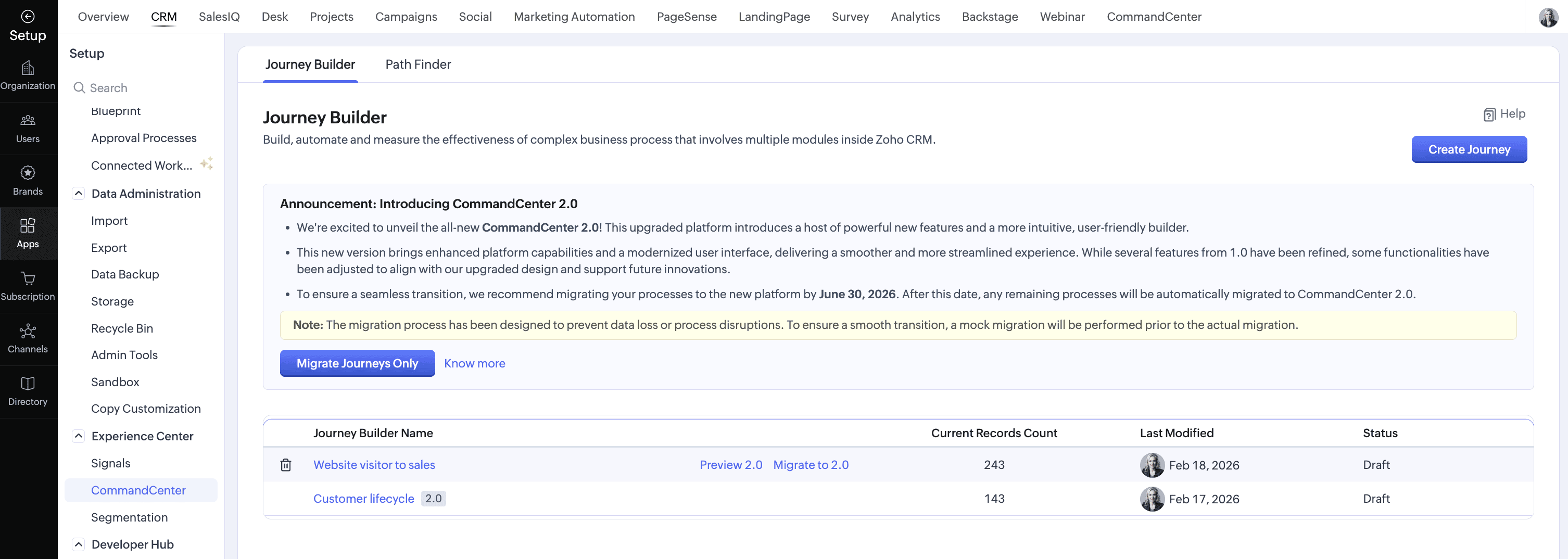
Users who have configured Path Finders and Journeys in CommandCenter 1.0 in CRM can migrate them to 2.0, where they'll be available in CRM Plus's CommandCenter module and accessible from the Experience Center module in CRM. Learn more: Migration guide
We're releasing CommandCenter in CRM Plus in phases and will be live across all DCs within a week.
To learn more about CommandCenter in Zoho CRM Plus, refer to this help document.
We hope you found this information useful. Try it out and share your feedback in the comments.