Recap - Desk Story Series
Recap - Desk Story Series


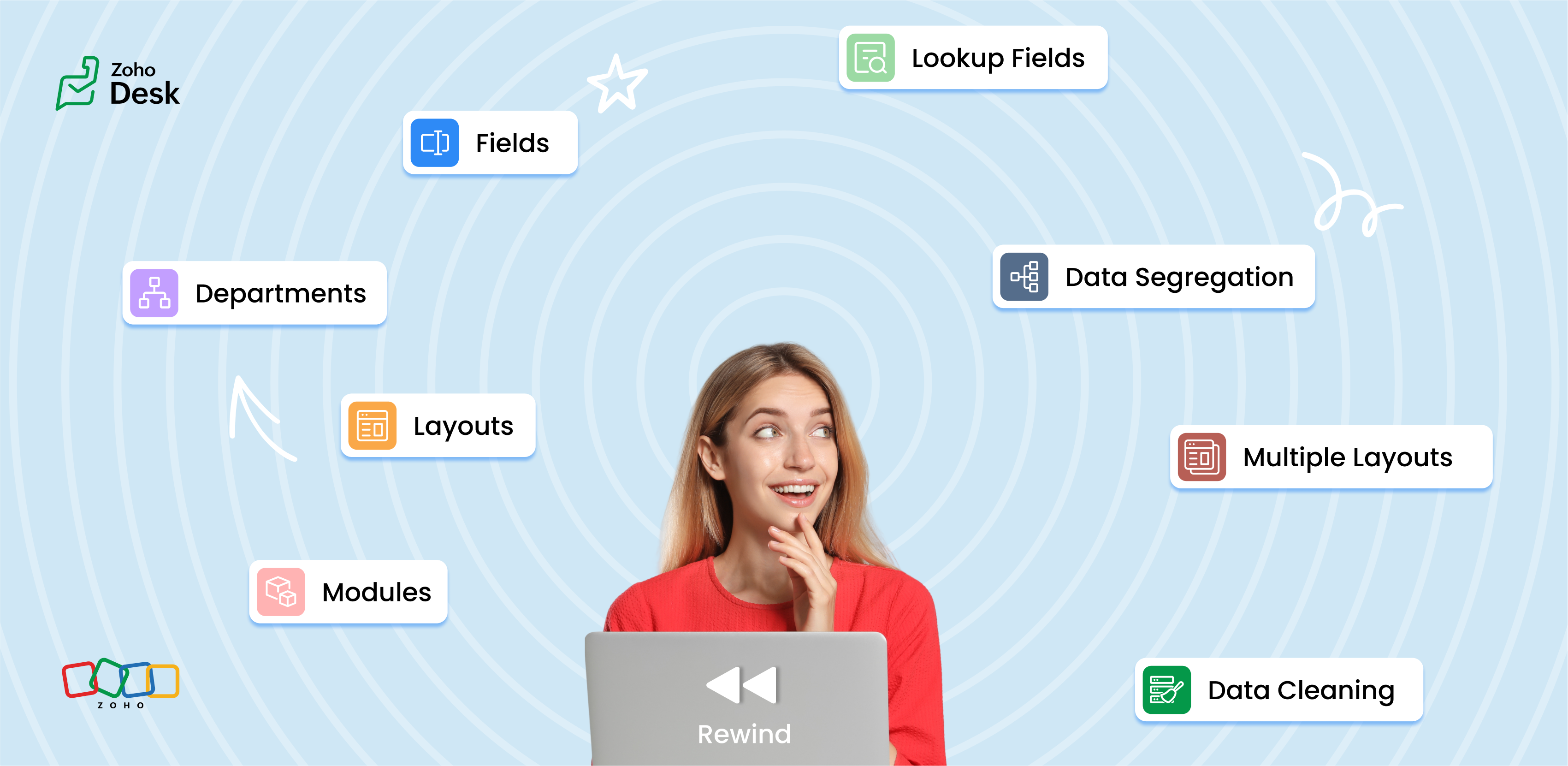
In our exploration of the Wheels of Ticketing Series, we kicked things off by diving into a fundamental element of Desk Ticketing: the fields. These fields serve as the building blocks that gather essential information about tickets, customers, organisations, products, and other relevant details.


Next, we examined how these fields are organized within layouts. A layout is crucial for businesses as it defines how they present their services to customers and collects the information for each record. With multiple layouts in a help desk setup, we can better cater to the varied needs of our customers, thereby boosting both the efficiency and effectiveness of our support processes.


Another key aspect we touched on is data segregation. By categorizing data into logical groups, we can significantly reduce ticket backlogs and improve response times, ultimately enhancing the overall customer experience.


Modules are powerful organizational tools that facilitate efficient help desk operations. Modules allow businesses to align the user interface with their help desk processes and provide a tailored experience for support agents and customers.


We also discussed lookup fields, which act as primary connectors to different modules. These powerful tools allow us to display and use information from other modules directly within our current module, making it easy to access and work with related data without any hassle.


Each department operates with its own set of agents, customizable mailboxes, live chat support, community forums, web forms, and social media channels. This independence enables each division to effectively address its customers' unique queries. Furthermore, by customizing automation processes, service agreements, and business hours for each department, we enhance adaptability and responsiveness.


Finally, we wrapped up the series by highlighting a crucial element of maintaining a solid ticketing system: data cleaning. This process is essential for ensuring that our data remains accurate, consistent, and complete. By removing duplicates, correcting errors, and filling in any gaps, we not only improve the quality of our interactions but also streamline our operations across the board.


Overall, these insights from the series highlight the significant benefits of a well-structured ticketing system in enhancing customer support and operational efficiency.

What's coming up next?

"Behind the scenes of a successful ticketing system - BTS Series"

Welcome to the intriguing world of ticketing wheels, where the magic unfolds behind the scenes! Think of it as having a backstage pass to explore the individual concepts and features that make these wheels truly spin!


In our Ticketing Wheels series, you'll find the essential support that keeps everything rolling smoothly, ensuring weight is evenly distributed across the wheel. But there’s so much more! I’ll dive into the various features and functionalities designed to handle the load effectively, along with the innovative automation actions that bring our ticketing wheels to life. It’s not merely about aesthetics; it’s all about blending function with flair!


Buckle up, folks! I'm gearing up to keep you entertained with my featurecast story series over the following weeks. Picture it as an engaging reading series, but rather than melodramatic twists and turns, experience coffee spills! That’s the POA as of today.😊


Please stay tuned for the Behind the Scenes series.


Cheers,


Kavya Rao

The Zoho Desk Team


        • Recent Topics

        • Deprecation of the Zoho OAuth connector

          Hello everyone, At Zoho, we continuously evaluate our integrations to ensure they meet the highest standards of security, reliability, and compliance. As part of these ongoing efforts, we've made the decision to deprecate the Zoho OAuth default connector
        • Auto tagging

          Some of the articles I enter into Notebook get there when I enter them in Raindrop.io and IFTTT copies the articles in Notebook. When this happens the notes are tagged but instead of useful one word tags with topic the tag pertains to the specific article
        • Work Order wont mark as Completed

          I have a couple of work orders that won't mark as completed even when I've marked the Service Appointments as completed fully.
        • Kaizen #210 - Answering your Questions | Event Management System using ZDK CLI

          Hello Everyone, Welcome back to yet another post in the Kaizen Series! As you already may know, for the Kaizen #200 milestone, we asked for your feedback and many of you suggested topics for us to discuss. We have been writing on these topics over the
        • How do I save audio files to my PC that I record into Zoho Notebook from my phone?

          I was thinking of using Zoho Notebook as a way to store composition ideas, as well as for other things if it can handle this. For this to be useful for me though, I need to be able to have an easy way to download those audio files to my PC, either individually
        • Introducing Radio Buttons and Numeric Range Sliders in Zoho CRM

          Release update: Currently out for CN, JP, AU and CA DCs (Free and standard editions). For other DCs, this will be released by mid-March. Hello everyone, We are pleased to share with you that Zoho CRM's Layout Editor now includes two new field formats—
        • How to filter subform report based upon main form report in dashboard

          Hi Team, I am creating a dashboard in Zoho Analytics. I want to have a main form report and below I want to show subform report of main form. If I filter the main form with date then I want to show subform records based upon main form. how can I achieve
        • Search mails in shared mailbox

          Hi everyone, is there a way to search mails in shared mailbox's? Search in streams or mail doesn't return anything from mails in shared mailboxes. Thanks! Rafal
        • Zoho CRM for Everyone's NextGen UI Gets an Upgrade

          Hello Everyone We've made improvements to Zoho CRM for Everyone's Nextgen UI. These changes are the result of valuable feedback from you where we’ve focused on improving usability, providing wider screen space, and making navigation smoother so everything
        • Kaizen #186 : Client Script Support for Subforms

          Hello everyone! Welcome back to another exciting Kaizen post on Client Script! In this edition, we’re taking a closer look at Client Script Support for Subforms with the help of the following scenario. " Zylker, a manufacturing company, uses the "Orders"
        • Change eMail Template for Event-Invitations

          Hello ZOHO-CRM Team How I can change the eMail Template for Event-Invitations? I work with the German Version of the Free Version. I know how I can modify eMail alerts or Signature Templates, but where I can other eMails modify you send out? Thank you for your answer. Regards, Juerg
        • Changes to the send mail Deluge task in Zoho CRM

          Hello everyone, At Zoho, we continuously enhance our security measures to ensure a safer experience for all users. As part of our ongoing security enhancements, we're making an important update on using the send mail Deluge task in Zoho CRM. What's changing?
        • Fail to send Email by deluge

          Hi, today I gonna update some email include details in deluge, while this msg pops up and restrict me to save but my rules has run for one year. can you tell me how to use one of our admin account or super admin account to send the email? I tried to update
        • Writing SQL Queries - After Comma Auto Suggesting Column

          When writing SQL Queries, does anyone else get super annoyed that after you type a comma and try to return to a new line it is automatically suggest a new column, so hitting return just inputs this suggested column instead of going to a new line? Anyone
        • Introducing Multiple Sandbox Types and Support for Module's Data Population

          Register here for the upcoming Focus Group webinar on Multiple Sandbox | Help documentation to learn more about the new enhancements Hello everyone,  Sandbox in CRM is a testing environment for users to create and test new configurations like workflow
        • Is It Possible to Convert a Custom Module to a Quote?

          I recently created a custom module in our CRM environment for RFQs so that our sales team can submit quote requests directly in Zoho rather than by email/phone. This allows for a cleaner overall process, minimizing potential errors and potentially encouraging
        • Convert invoice from zoho to xml with all details

          How to convert an Invoice to XML format with all details
        • Importing into the 'file upload' field

          Can you import attachments into the file upload field. I would expect it to work the same way as attachments do, But can't seem to get it to work.
        • Sync your Products Module for better context.

          In customer support, context is everything. The integration between Zoho Desk and Zoho CRM helps your sales and support teams function as one, delivering better customer experiences. With the latest update to this integration, you can now sync the Product module in your Zoho CRM with your Zoho Desk portal. This feature enables products from Zoho CRM to reflect in the "product" field in Zoho Desk. This can save your support team valuable time and effort.    Some things to note when syncing the two:
        • CRM verify details pop-up

          Was there a UI change recently that involves the Verify Details pop-up when changing the Stage of a Deal to certain things? I can't for the life of me find a workflow or function, blueprint, validation rule, layout rule ect that would randomly make it
        • Does Zoho Writer have Dropdowns

          I want to add a drop down field in Zoho writer. Is this possible?
        • How can Data Enrichment be automatically triggered when a new Lead is created in Zoho CRM?

          Hi, I have a pipeline where a Lead is created automatically through the Zoho API and I've been trying to look for a way to automatically apply Data Enrichment on this created lead. 1) I did not find any way to do this through the Zoho API; it seems like
        • Transitions do not update fields until the record moves to next stage

          We have a blueprint where a couple of stages have multiple transitions. If only some of the transitions are completed, but not all, Zoho does not update any of the fields impacted by the completed transitions. Is there any way Zoho can udate the fields
        • Blueprint enhancements - Parallel and multiple transitions, and more

          Last modified on Sep 4, 2023: All Zoho CRM users can now access these enhancements. Initially, these features were available only on an early access basis and by request. However, as of August 2, 2023, they have been made available to all users in all
        • Optimum CRM setup for new B2B business

          Can some advise the most common way to setup Zoho CRM to handle sales for a B2B company? Specifically in how to handle inbound/outbound emails. I have spent hours researching online and can't seem to find an accepted approach, or even a tutorial. I have
        • using the Client script on the load of the form if service no is empty means then i want to make issue relate to is Service

          using the Client script on the load of the form if service no is empty means then i want to make issue relate to field is Service if Purchae no is empty means then i want to make issue relate to is Purchase
        • Multiple header in the quote table???

          Hello, Is it possible in Zoho CRM to add multiple headers or sections within the Quote product table, so that when the quote is printed it shows separate sections (for example “Products” and “Services”)? To clarify, I’m asking because: This does not appear
        • using the Client script I want to Hide Show the Fields

          if Related to service means some of the field like service no want to shoe and hide Amc no , purchase no how i achive this let issu = ZDK.Page.getField('Issue_Related_To').getValue(); if (issu == 'Service') { var field_obj = ZDK.Page.getField('Warranty_Cases');
        • openUrl in blueprints

          My customer wants to open a URL at the end of a blueprint transition. Seems this isn't possible right now but it would be very useful. In this thread, https://help.zoho.com/portal/en/community/topic/openurl-not-working the Zoho agent said that it's logically
        • Dropshipping Address - Does Not Show on Invoice Correctly

          When a dropshipping address is used for a customer, the correct ship-to address does not seem to show on the Invoice. It shows correctly on the Sales Order, Shipment Order, and Package, just not the Invoice. This is a problem, because the company being
        • Prepayment of a sales order

          How does everyone handle this common (at least it is common for us!) situation? We require all our orders to be fully prepaid before shipment since we manufacture made to order, custom products. Since ZOHO does not allow a sales order to be prepaid, we are forced to create an invoice at the time an order is placed to allow the customer to pay it. Our sales category is therefore skewed, since the sale was actually booked at the time an order was placed, rather then at the time it is shipped, which
        • Access to Specific Zoho Desk layout for external parties

          Hi, We have a partner who handles for us sales requests from specific markets. He is not a Zoho Desk user. But we want him to b part of a specific Zoho Desk layout to handle inquiries.  How to achieve it in the easiest way possible?
        • Deposit on a Sales Order

          Good day, 100% of my business is preorders, no inventory. I am trying to run away from QB for one of my businesses, but I require two options that I don't seem to find with Zoho Books. 1 - If there is a way to apply a deposit on a sales order, as with
        • How Does Knowledge Base Search and Article Recommendation Work?

          Hello, I would like to understand how the Knowledge Base search engine works. Specifically, does it search based on: The article title only? The full article content? Both, the article and the content? Keywords? Tags? Also, how does the system determine
        • validation rules doesn't work in Blueprint when it is validated using function?

          I have tried to create a validation rule in the deal module. it works if I try to create a deal manually or if I try to update the empty field inside a deal. but when I try to update the field via the blueprint mandatory field, it seems the validation
        • Bulk Delete Attachments

          Is there a way to bulk delete attachments on the form entries? our storage is full and deleting files one by one is pain taking process.
        • How do I sync multiple Google calendars?

          I'm brand new to Zoho and I figured out how to sync my business Google calendar but I would also like to sync my personal Google calendar. How can I do this so that, at the very least, when I have personal engagements like doctor's appointments, I can
        • Zoho CRM || Unable to Bulk Assignment of Territories for Contacts

          Dear Zoho CRM Support Team, I hope this email finds you well. We recently performed a bulk upload of Contacts into Zoho CRM using the official sample Excel template downloaded from the CRM. The upload itself was completed successfully; however, we encountered
        • Cannot get code to work with v2.mergeAndStore!

          Please can someone help me pass subform items into a repeating mail merge table row using v2.mergeAndStore? I have a mail merge template created in Writer and stored in Workdrive. This template is referenced by a custom CRM function which merges all of
        • Ability to CC on a mass email

          Ability to CC someone on a mass email.
        • Next Page