Unwrapping the best practices for the Zoho Desk mobile app: Part 1
In focus: Empowering the field and frontline customer support representatives
Imagine having to carry your computer everywhere to respond to customers, handle escalations, and update your process. This series presents you with efficient tips to handle your ticket operations at your fingertips. The Zoho Desk mobile app helps customer support representatives and managers in an organization make customer service a smooth experience.
Zoho Desk mobile app empowers your teams to manage tickets, provide resolutions, and service customers from anywhere. Let’s see how the Zoho Desk App empowered Omniserve, a field service management firm. Omniserve handles audits, field services, logistics, and customer support across regions. The Zoho Desk mobile app keeps everyone, from technicians to supervisors, synchronized and accountable. Let’s walk through a workday at Omniserve to see how mobile service plays out across different personas.
Omniserve on the move
Mornings at Omniserve feature requests from factory floors to delivery vans. Mobility, accountability, and automation matter the most for on-ground service reps, technicians, and delivery support. With the Zoho Desk mobile app, each agent carries the business in their pocket. Mobile workflows ensure every verification, inspection, and delivery query is completed, verified, and closed from where the action happens.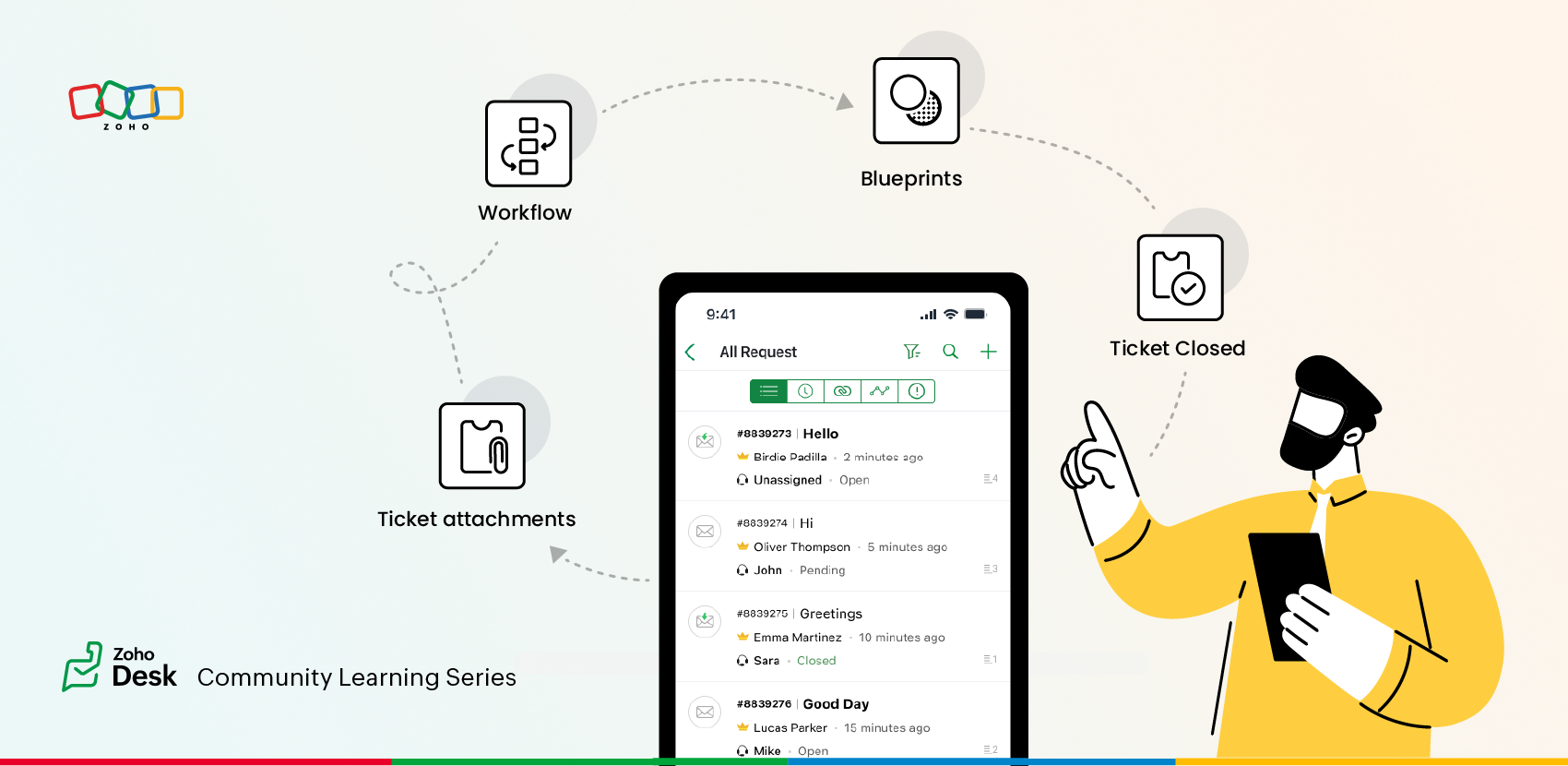
On-site repair verification
Ross, the field technician, uses the Zoho Desk mobile app to update photos of the repairs at a manufacturing unit to submit them as a repair verification ticket update.
In the Zoho Desk mobile app, you can attach photos before and after the repair, within the tickets, for better tracking. You can mandate this action by configuring mandatory attachment fields for ‘Repair Verification’ forms to ensure proof-based submissions.
In the Zoho Desk mobile app, you can attach photos before and after the repair, within the tickets, for better tracking. You can mandate this action by configuring mandatory attachment fields for ‘Repair Verification’ forms to ensure proof-based submissions.
Blueprint setting the process
In the audits section, Melissa, the Quality Supervisor, conducts factory audits with multiple checkpoints, including safety, cleanliness, and equipment functionality. The Blueprint feature enables multi-step business processes with mandatory transitions in the mobile app. Configure SLAs at each state to ensure each checkpoint is completed within timelines. Blueprint can be executed on the Zoho Desk mobile app, too.
Agent’s status change
Daniel, an on-site field representative, replies to a ticket and then manually changes the status to "Field Work". This repetitive action led to the chance of being missed while handling multiple field services. Zoho Desk's web portal provides an option to configure Reply + Status Change in the web version. This can be enabled in the Zoho Desk mobile app to ensure compliance in one tap.
IM utility templates
As the evening rush hits, Lily from Delivery Support juggles dozens of customer pings about package delays. She has to respond swiftly but keep replies accurate and calm. The IM Module in the Zoho Desk mobile app is enriched with WhatsApp utility templates. This speeds up response time without losing tone during high-volume hours.
Tips at a glance
 Mobile workflows can help you offer efficient support to your customers as well as manage internal operations effectively with the Zoho Desk mobile app. Configure mandatory attachment fields for service verification forms to ensure proof-based submissions.Use a Blueprint to design multi-step audits with clear state transitions. Configure SLAs at each state to ensure each checkpoint is completed within timelines.Configure Reply + Status Change on the web and enable it in the Desk's mobile app to ensure compliance in one tap from your Zoho mobile app.Use the IM Module in the Zoho Desk mobile app. Speed up response time without losing tone during high-volume hours with the help of WhatsApp utility templates.
Refer to our ATE 24 discussions on Zoho Desk's mobile experience
And how could we miss wishing you well on this special occasion?
This Christmas season, we wish you a Merry Christmas filled with love, joy, hope, and goodness.
May this season bring cheer, happiness, and the true spirit of Christmas to you and your loved ones.
