New features in Zoho Vault
We’re thrilled to introduce a wave of powerful updates in Zoho Vault, designed to enhance security, streamline workflows, and improve your overall experience. Let’s dive into what’s new!
Folder creation restrictions
Limit who can create folders in your vault account, keeping your vault organized and preventing clutter. 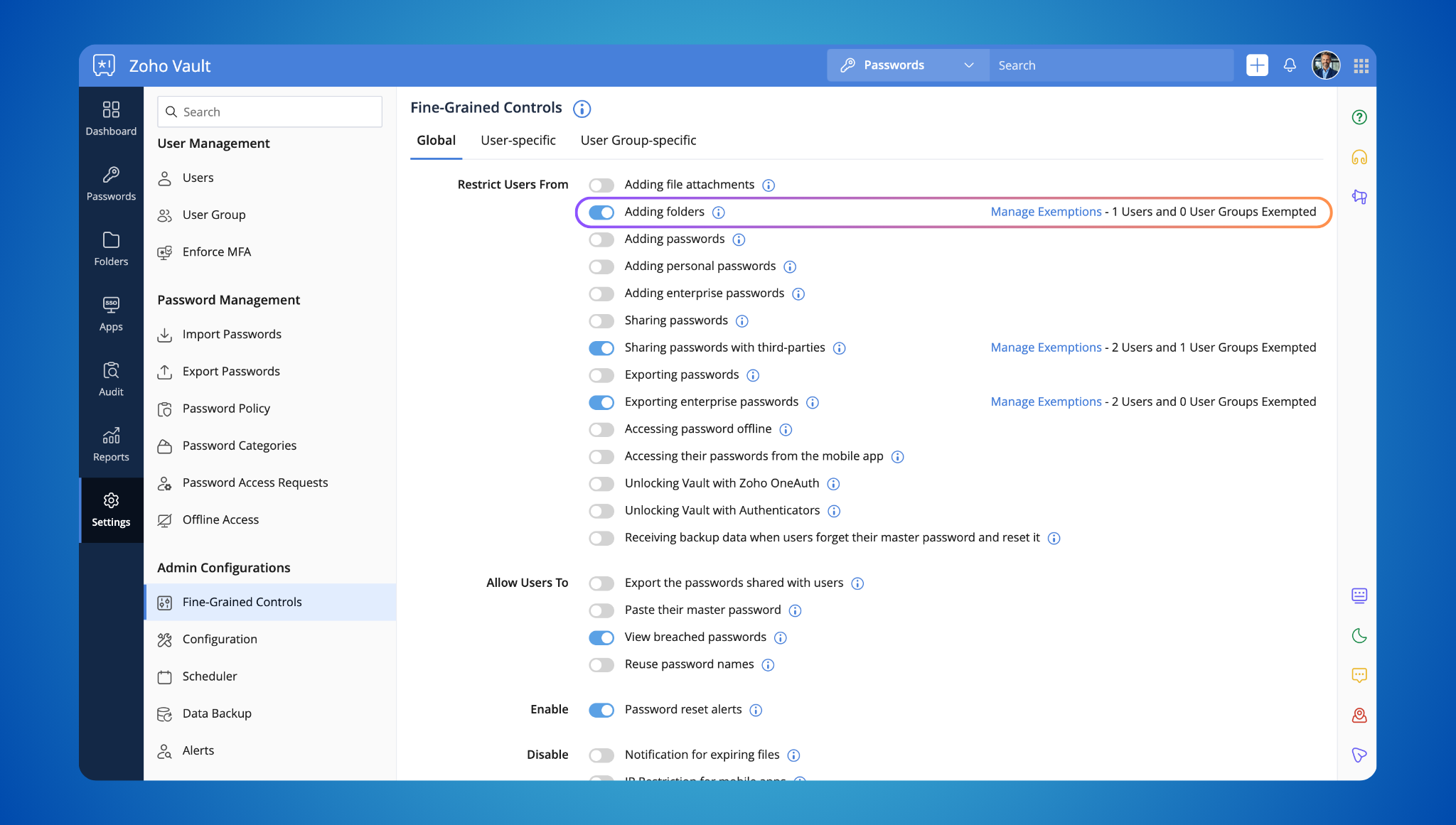
Enterprise password storage restrictions
Control how enterprise passwords are stored. Allow users to save personal passwords while designated individuals manage and share business credentials. This keeps sensitive information protected while providing flexibility. 
File attachment control
You can now disable file attachments within Zoho Vault, ensuring compliance with your organization's security policies.
Streamlined ownership transfers
Transferring password ownership is now easier. Designate a specific folder for transferred passwords, making it simple to manage credentials from departing users. 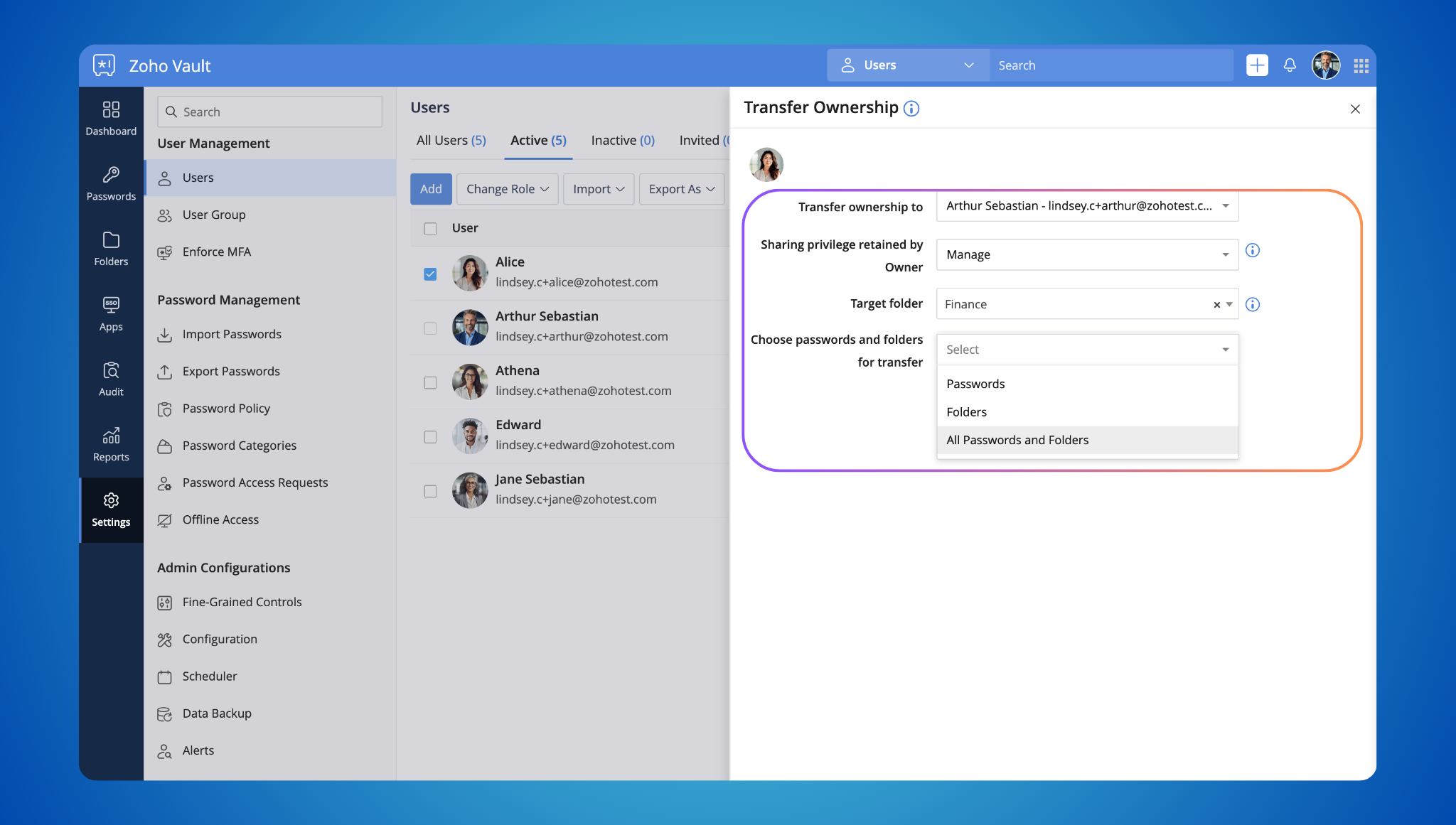
Breached password alerts
When updating a password, you'll now receive an alert if it's been found in known data breaches. This encourages you to choose stronger, more secure passwords. 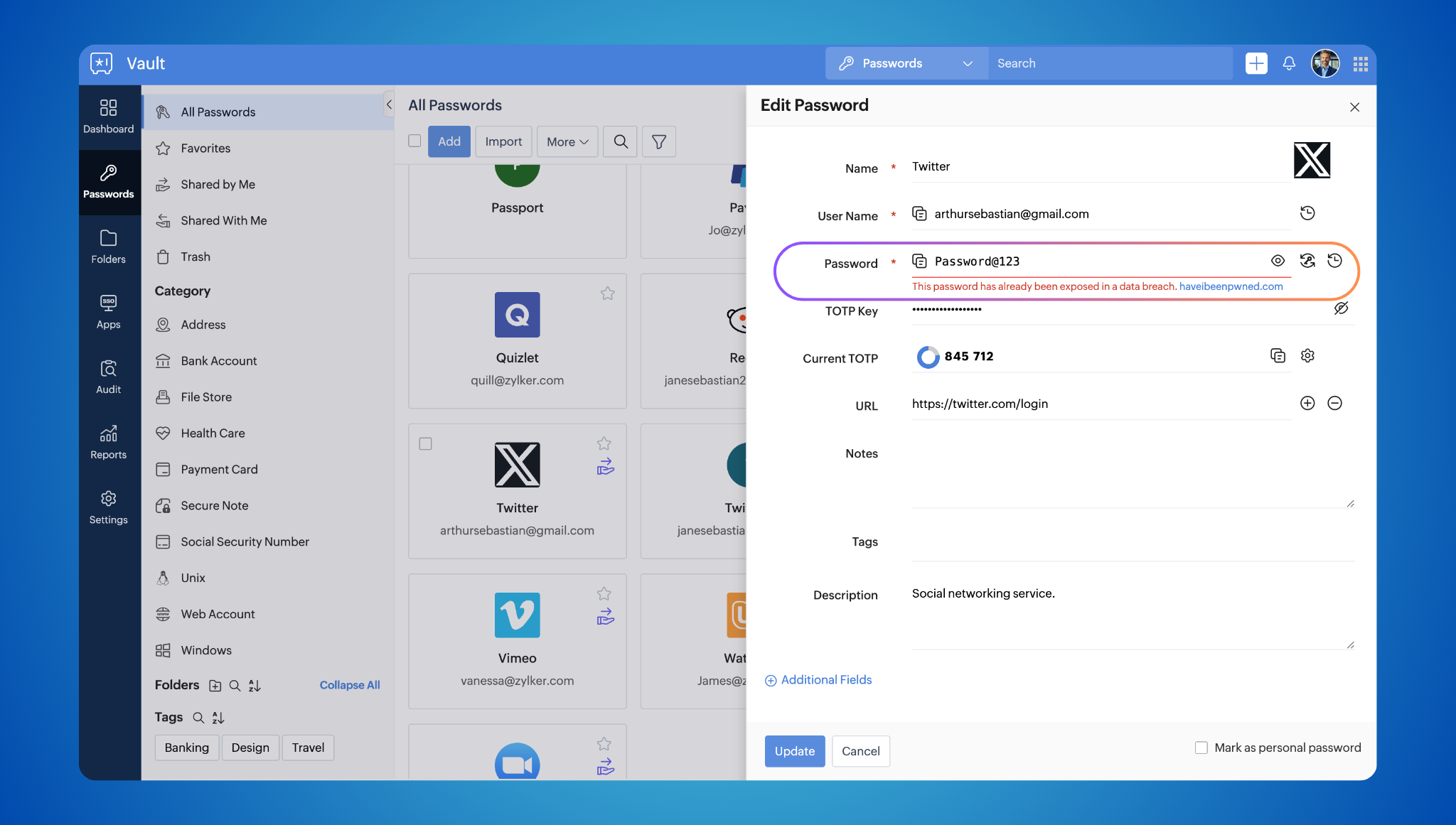
Event notifications as PDFs
Event notifications are now delivered as password-protected PDFs, adding an extra layer of security.
DataDog SIEM integration
Integrate with Datadog SIEM for comprehensive threat detection and incident response. Learn more about this integration. 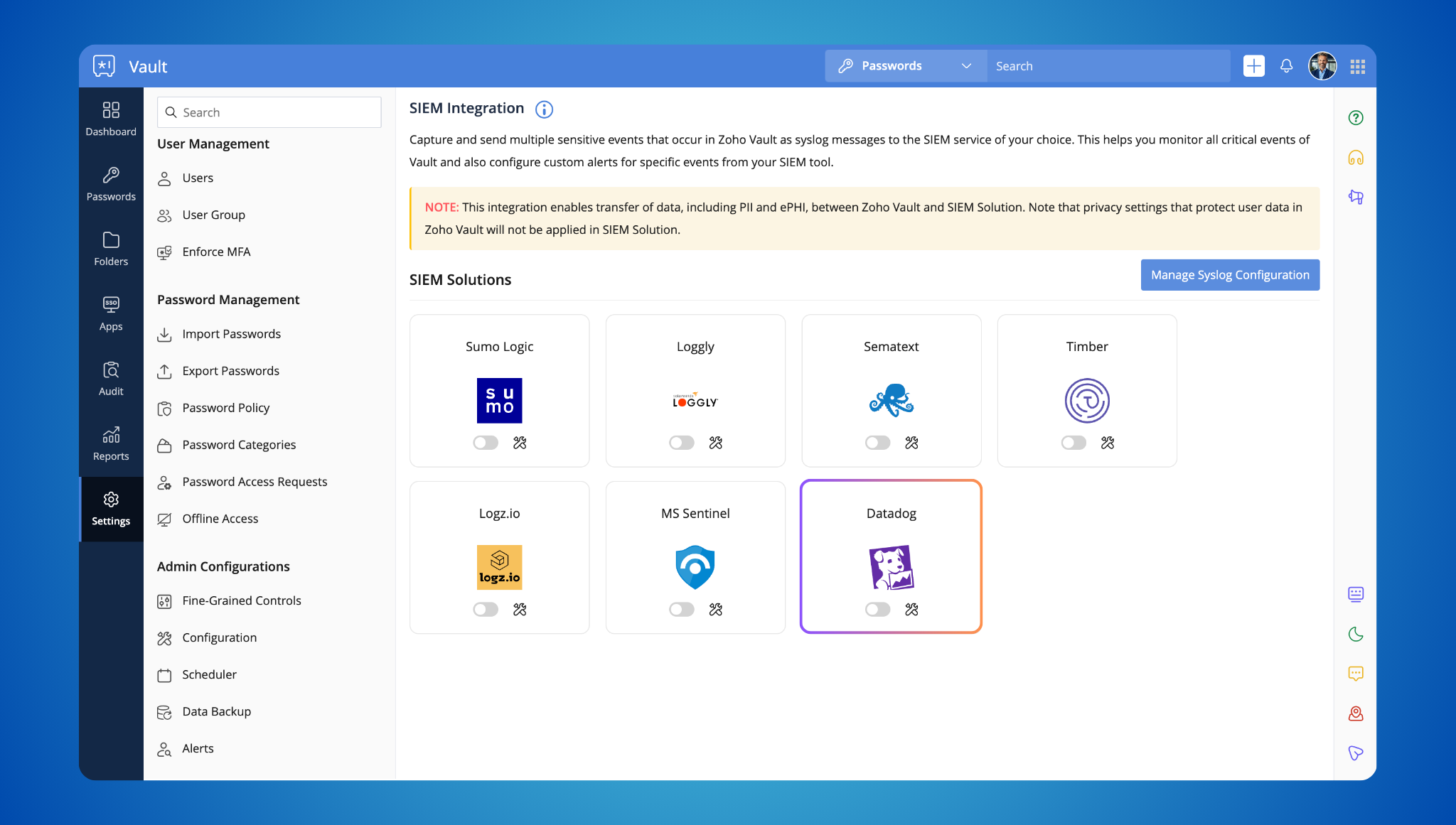
Offline folder access and backup
Access your folders offline and create regular backups for added convenience and peace of mind. 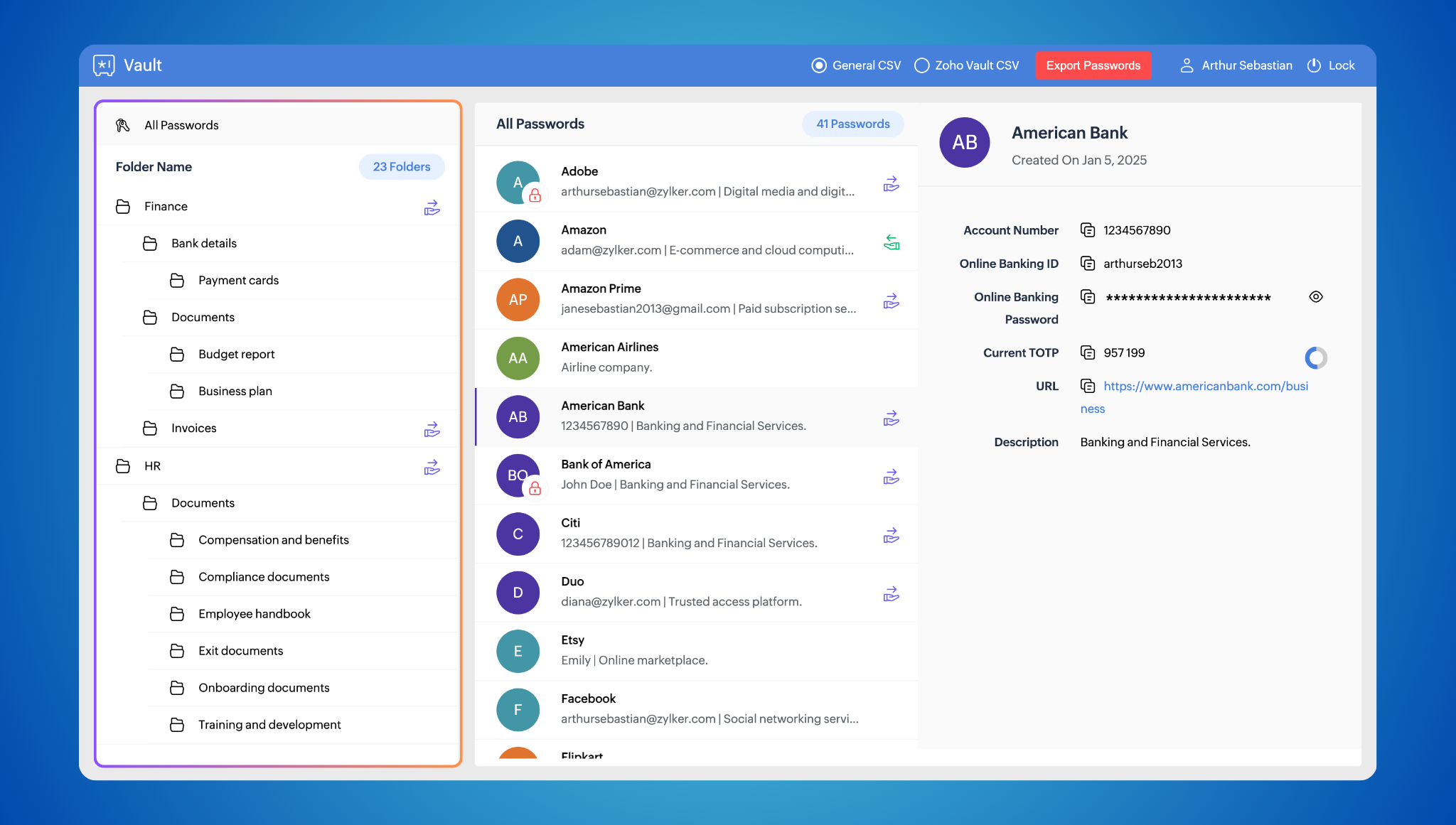
Enhanced filter
Filter your passwords by tags (e.g., "bank") for quick and easy access. 
Direct website logins
Skip extra steps! Type "zv <website_prefix>" in your browser’s address bar to log in without opening the extension. 
Passphrase generator
The Zoho Vault browser extension now includes a built-in passphrase generator, enabling users to create strong, random, and memorable passphrases easily.
Login activity reports for browser extensions and mobile apps
Track login activity across all platforms (web, extension, and mobile) for heightened security awareness. Learn more about this report.

TOTP Autofill on iOS
Autofill Time-Based One-Time Passwords directly from your keyboard on iOS devices.

Customization options for browser extension
Disable the badge count, website vault icon, and click-to-login functionality to tailor the extension to your preferences.

Multi-language support for browser extension
We've made the extension even easier to use! It now supports Deutsch, English, Français, Netherlands, Türkçe, español, italiano.
Coming soon: Passkeys!
And that's not all! We're thrilled to announce that passkeys are coming soon to Zoho Vault! Stay tuned for more updates on this exciting new technology that will further simplify and secure your login experience.
We hope you enjoy these new features! As always, we appreciate your feedback and are committed to making Zoho Vault the best password manager for you. Let us know what you think in the comments below or write to support@zohovault.com.
Subscribe to our YouTube channel for tips and tricks to maximize your Zoho Vault experience.
Stay secure!
Cheers,
Lindsey Clement