New integration: Track booking page appointments in Google Analytics 4
Hello all,
Greetings from the Zoho Bookings team!
We’re excited to introduce our new Google Analytics 4 (GA4) integration designed to help you track booking activity, understand customer behavior, and measure marketing performance, all in one place.
We’re excited to introduce our new Google Analytics 4 (GA4) integration designed to help you track booking activity, understand customer behavior, and measure marketing performance, all in one place.
What you can do with this integration
- Monitor booking page visits, event type selections, and appointment confirmations.
- Track key actions, like bookings, cancellations, reschedules, and payments.
- Measure campaign ROI with UTM parameters and Google Ads GCLID.
- Identify high-performing channels and reduce drop-offs in the booking flow.
Getting started is simple
1. Copy your GA4 measurement ID from your Google Analytics account.
2. In Zoho Bookings, go to Admin Center → Integrations → Analytics → Google Analytics.

3. Enter your measurement ID and click Connect.
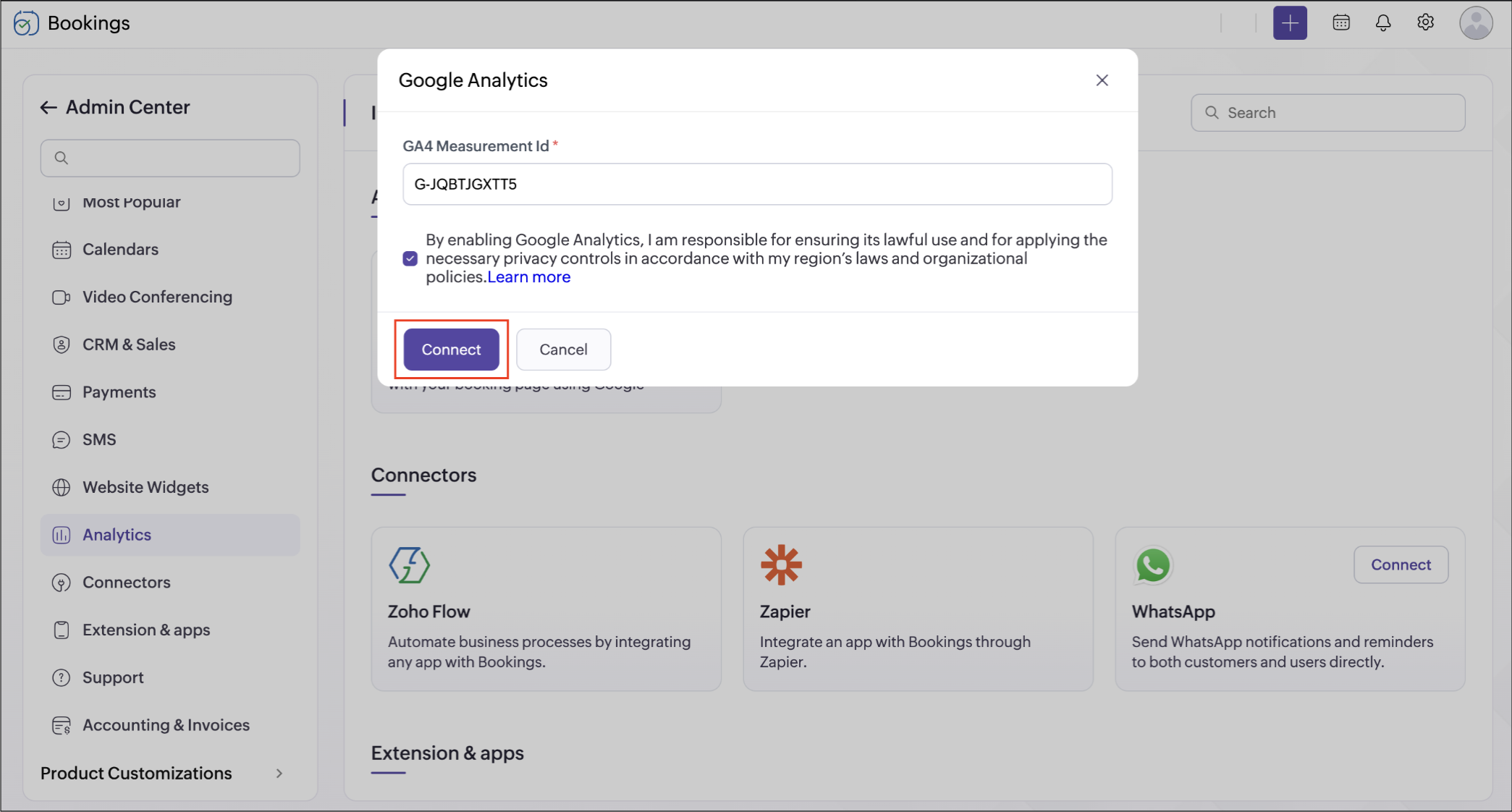
Once connected, Zoho Bookings continuously sends booking events to your Google Analytics 4 (GA4) account. GA4 then tracks user actions on your booking pages, such as visits, views, and completed bookings, helping you analyze engagement and improve conversion rates.
Example use case
When running ads across multiple channels, you can track which platforms generate the highest number of confirmed bookings and adjust your marketing spend for maximum impact.
Help documentation
Help documentation
Refer to this page to learn more: Integrate Zoho Bookings with Google Analytics
Availability: This feature can be accessed by users only on Premium plan. Setup is available to super admins and admins.
We hope this integration gives you deeper insights into your scheduling data. Share your feedback in the comments or email us at support@zohobookings.com—we’d love to hear from you!
Regards,
The Zoho Bookings Team