Social Media Simplified with Zoho Social: Effectively manage your #Hashtags

It's post time! You've got content ready for your social media and are ready to post. You have a caption and an explanatory creative, and you've decided on the best time to post and reach your audience. What more can you do to ensure you reach and target the right audience and optimize your post's visibility? Adding relevant hashtags to your post can help you get enough traction and increase your audience engagement. You can use hashtags for various purposes:
- Build awareness around a product or a cause
- Specify the niche or industry that's being served
- Add more information/context to your post
- Make it easier for users to search and find you
Here are some points to remember as you add hashtags to your posts:
- Stay updated with trends — Use hashtags relevant to your post and business, and stay up-to-date by using them according to current trends. For instance, if you're updating a picture every day on your profile, you can use #picoftheday. This'll give the audience more of an idea about your post, and they can also search for the post easily using the hashtag.
- Adapt a pattern — Hashtags are mostly created in lower-case letters or with the first letter capitalized. Try to stick to a pattern for your brand and avoid any typos or spelling errors that'll make it difficult for the audience to follow.
- Use them regularly — If you're creating brand-specific hashtags in an attempt to increase engagement, make sure that you use these regularly. People on social media assume that a hashtag showing up in search results with a higher number of posts is usually more authentic.
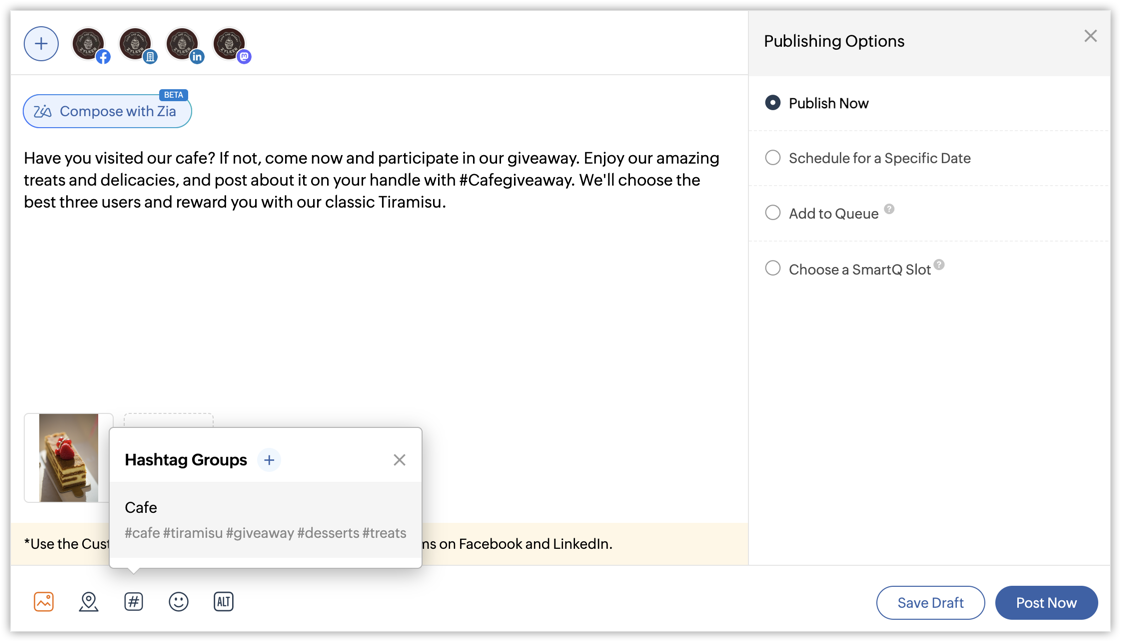
- Encourage your audience to use your hashtags — When more people start using your hashtags, the reach expands multifold. To encourage your audience to use your hashtags, give them an interesting offer or discount. For instance, if you own a cafe, you can announce a free cake for selected users who post with your brand hashtag #Cafegiveaway.
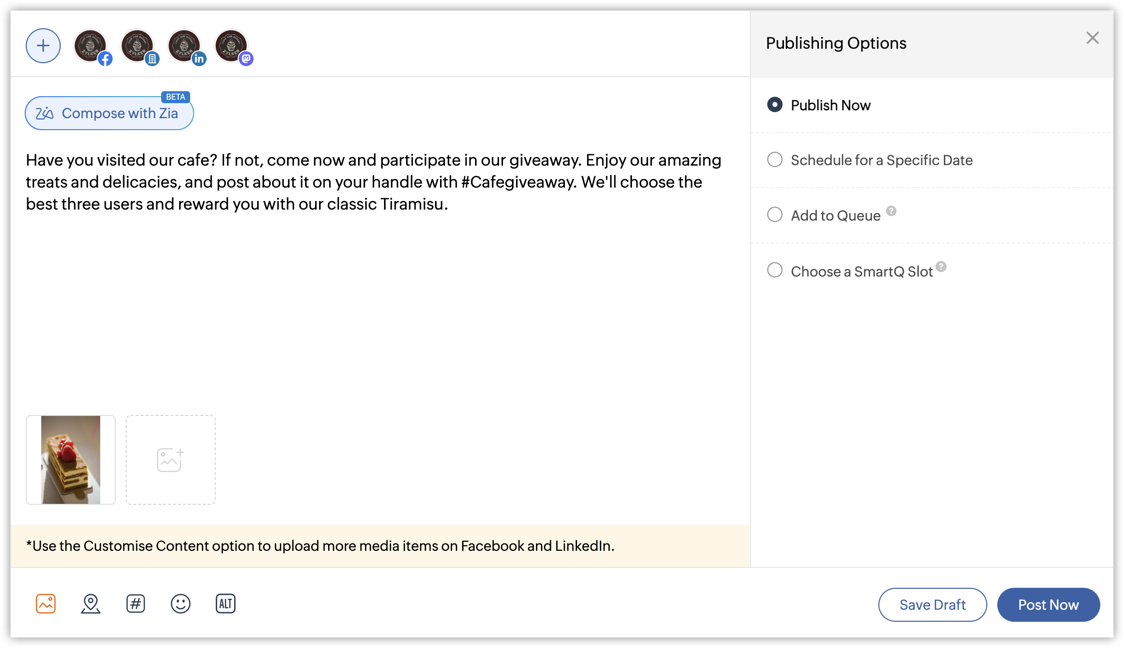
- Categorize your hashtags based on the context — Group your hashtags into specific categories and use them accordingly for different posts. You can group them according to the network or the topic of the post that's being discussed.
To do all of this and boost your brand engagement through Zoho Social, you can use Hashtag Groups. This lets you group the hashtags into specific categories right from the compose window or from the Publishing Settings. You can do away with the hassle of adding multiple hashtags in a single post and instead add a hashtag group with just a single click. You can add up to 30 hashtags in a single group and create 10 such hashtag groups to use across channels. You can use these hashtag groups to talk about your marketing campaigns, encourage community building by connecting individuals, and also encouraging more users to know and talk about your brand.